Local MySQL Development with FlyEnv
MySQL is an open source relational database, and for years it has been the default choice behind WordPress, Laravel and countless other web stacks. FlyEnv turns MySQL into a managed local service you control from one window: install multiple versions, run mysqld with an editable my-<version>.cnf, watch the error and slow logs, and reach your data through phpMyAdmin or the built-in Manage drawer. When one server is not enough, the Group feature runs several MySQL instances side by side, each with its own version, port and data directory.
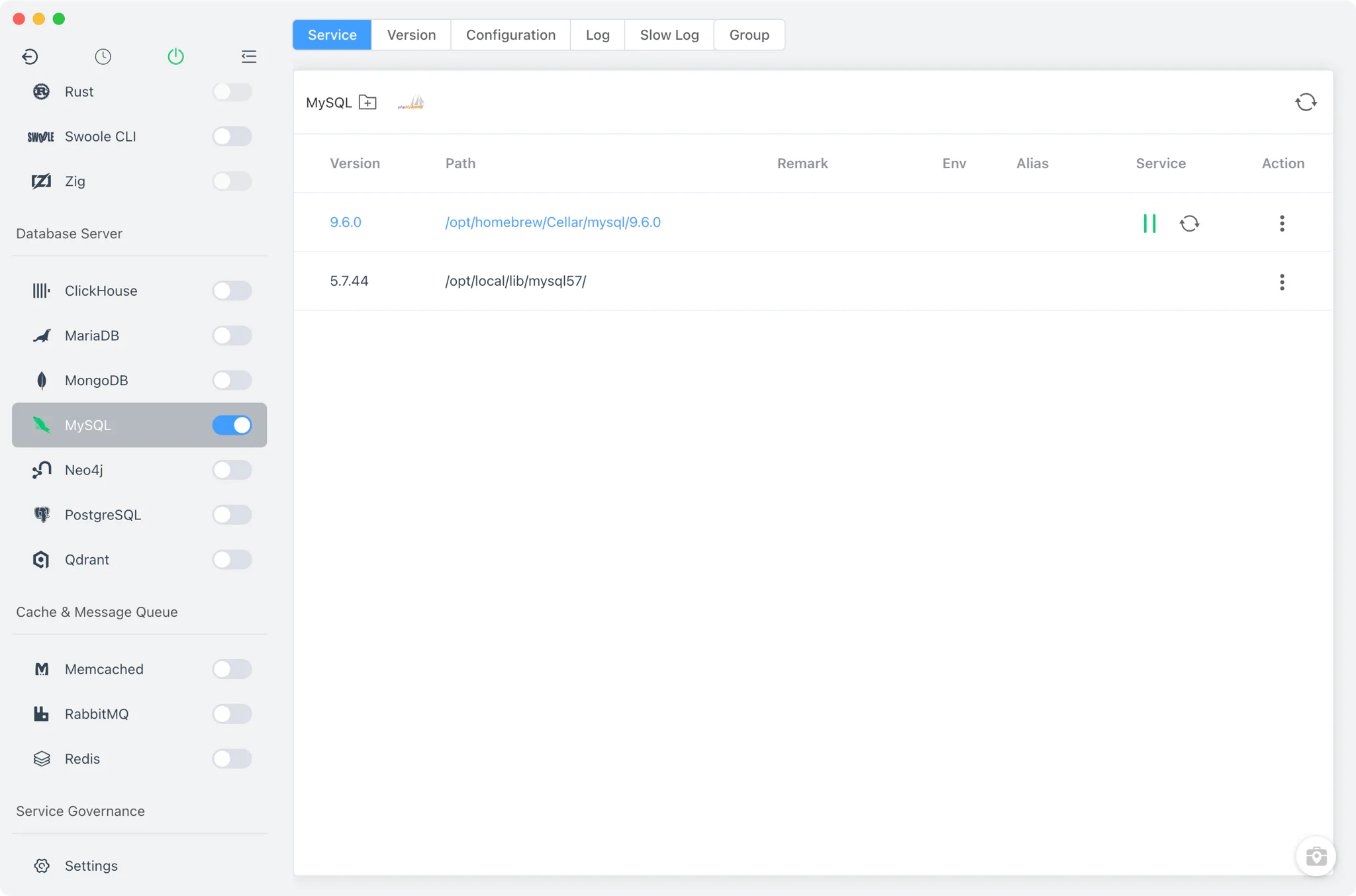
MySQL version management
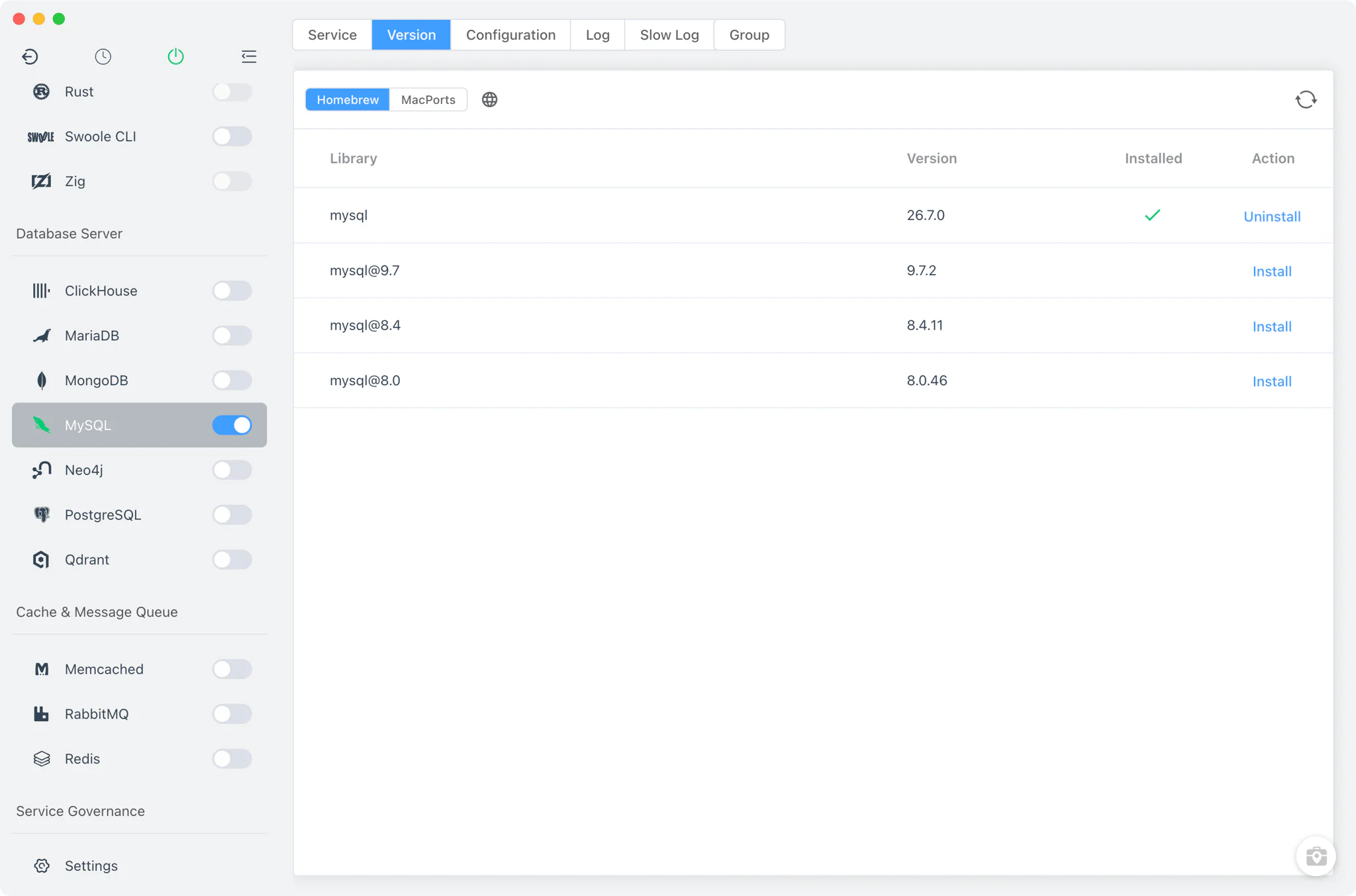
Install and keep multiple MySQL versions side by side from MySQL → Version Manager, and pick which one the service runs.
- Install sources per platform: Homebrew (
mysql,[email protected]) and MacPorts (mysqlN-server) on macOS, Homebrew on Linux, and a static online list of ready-made packages on Windows. - Custom versions: add any directory containing your own MySQL installation; FlyEnv scans it and lists those builds next to the managed versions.
- One current service version: the Service tab runs a single selected version as the main MySQL service, while additional concurrent instances are handled by the Group feature described below.
Service and configuration
FlyEnv runs the real mysqld binary in the foreground — not mysqld_safe — launched with --defaults-file=my-<version>.cnf --port=.... The port defaults to 3306 and comes from the configuration file. On Windows the service is stopped cleanly through mysqladmin.exe ... shutdown.
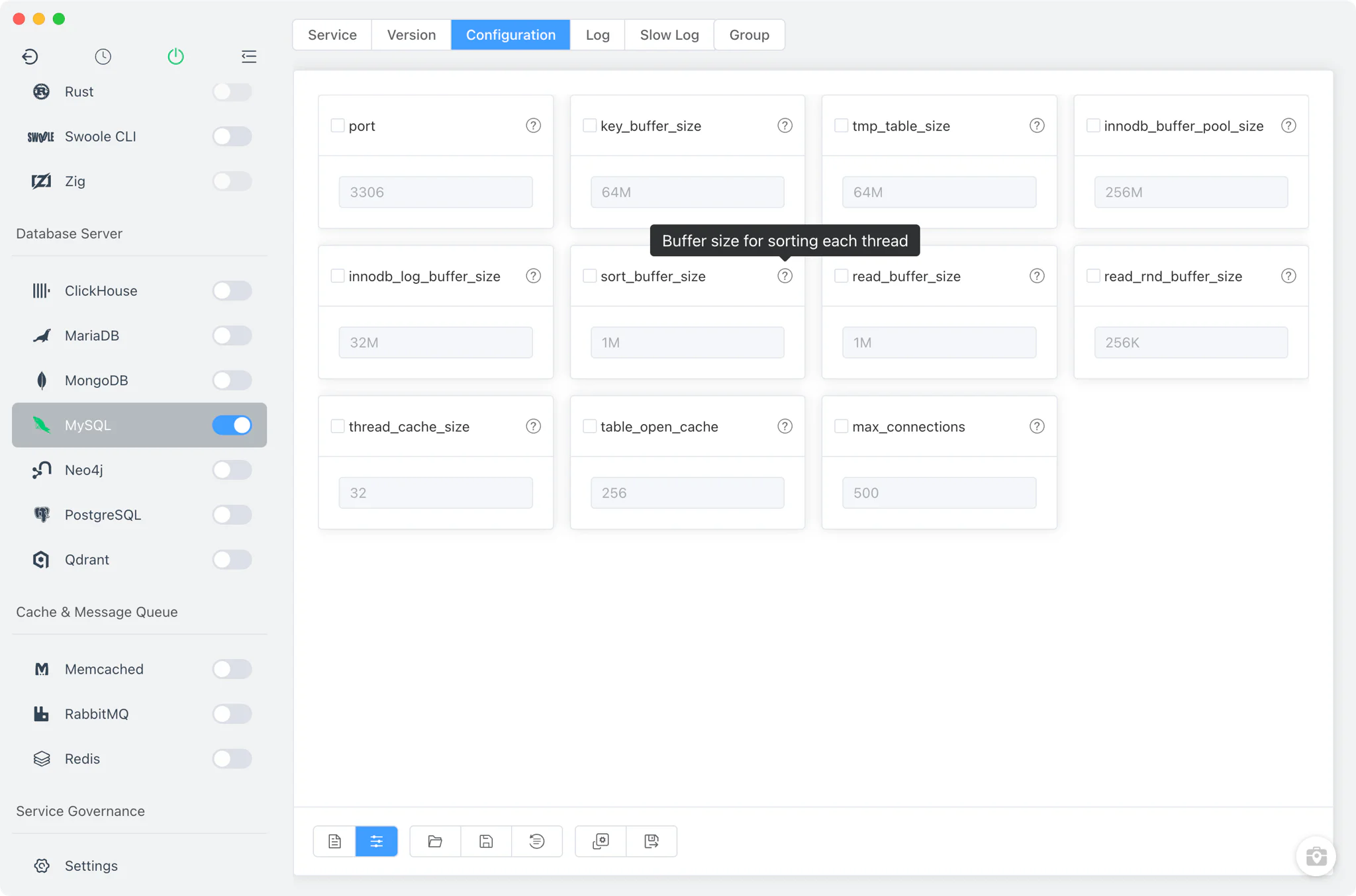
Each version gets its own my-<major.minor>.cnf under FlyEnv's MySQL directory, editable from the Config File tab:
- Common settings form: adjust frequently changed options — port,
key_buffer_size,innodb_buffer_pool_sizeand more — from a visual form instead of editing the file by hand. - Raw editor: switch to the full source view for anything the form does not cover.
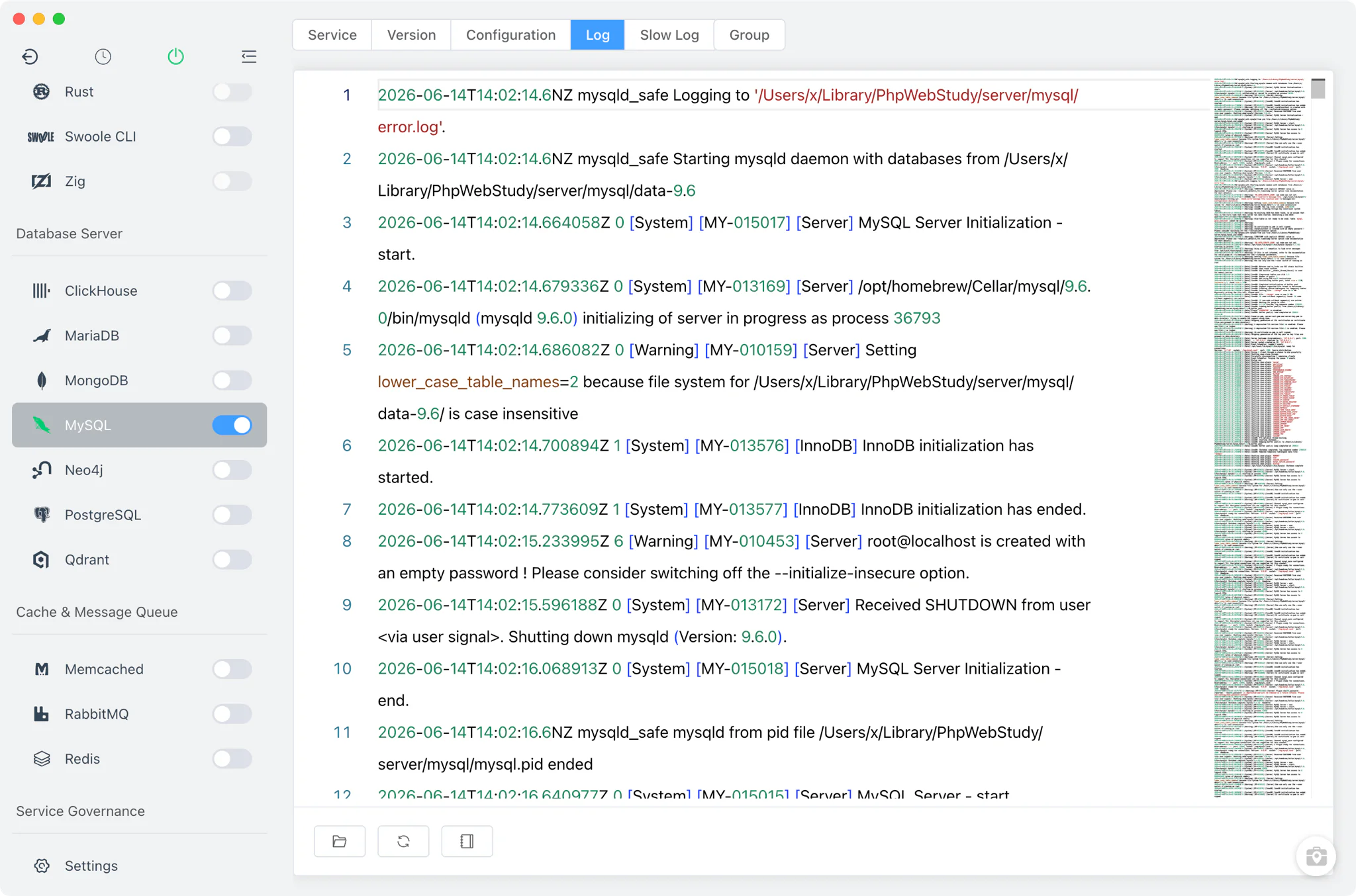
Logs
The Log and Slow Log tabs open the server's error.log and slow.log directly inside FlyEnv. The error log is the first stop when a version fails to start, and the slow log shows which queries exceed the long-query threshold once slow query logging is enabled in the configuration — useful when profiling a local application against realistic data.
phpMyAdmin
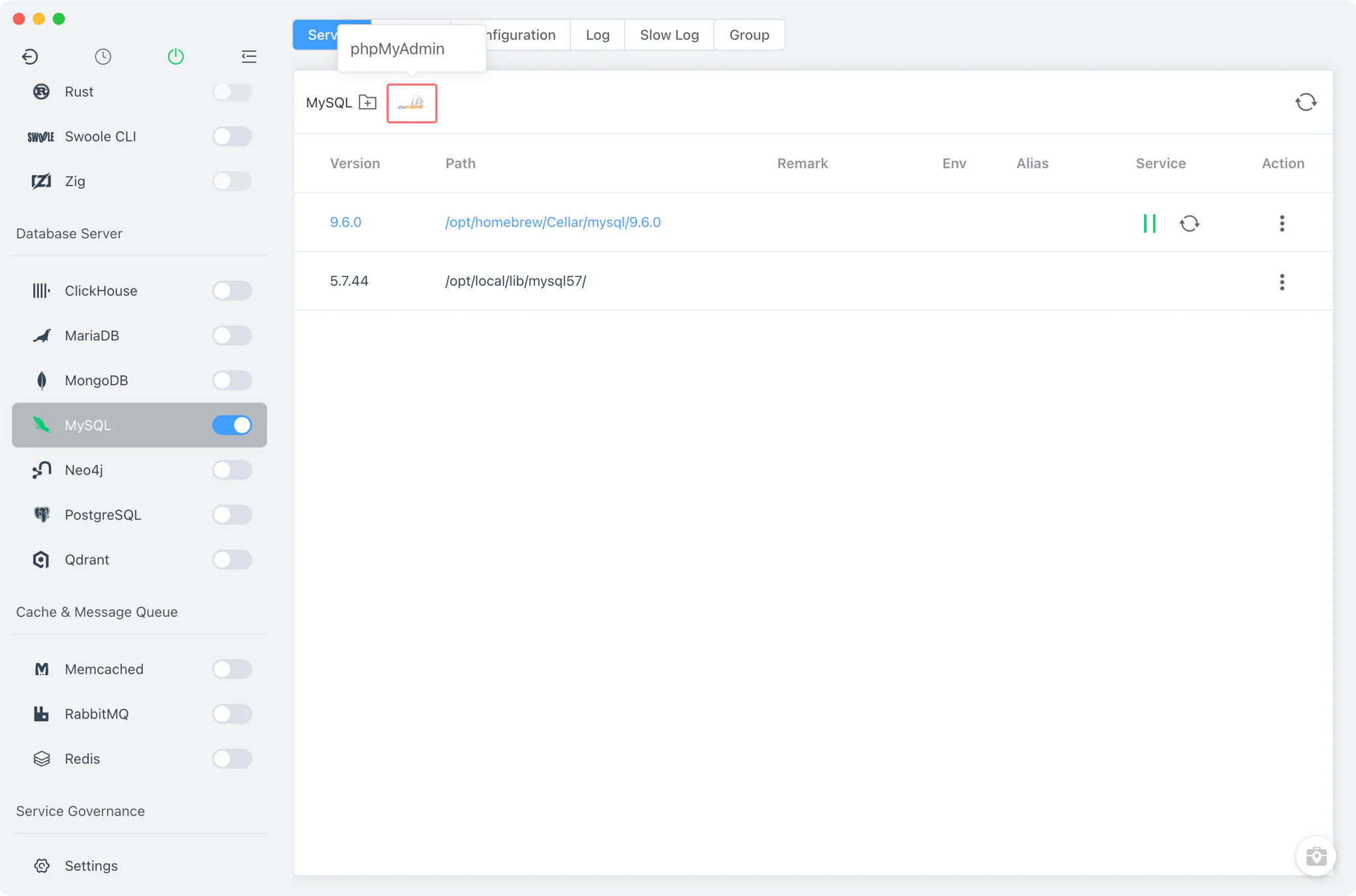
The phpMyAdmin button in the Service toolbar sets up a full phpMyAdmin site in one step: FlyEnv downloads phpMyAdmin, creates a local site phpmyadmin.test served by your web server and PHP version, and opens it in the browser. It works against the running MySQL service, so you get a familiar web UI for browsing tables and running queries without installing anything manually.
Database management
For day-to-day work there is no need to leave the app: the per-version Manage drawer talks to the running server directly.
- Add database: create a new database from the database list.
- Root password: change the root password for the instance — the default root password on fresh installs is
root. The database user and password guide covers this in more detail. - Backups: dump any database with
mysqldumpinto a backup directory you choose, straight from the drawer.
Multiple instances with Groups
The Group tab runs several MySQL instances concurrently alongside the main service. Each instance combines a chosen MySQL version with its own port and its own data directory, and keeps per-instance configuration and logs — so a project pinned to MySQL 5.7 can run next to one on MySQL 8.x without touching each other's data. The group power switch in the sidebar header — also available in the system tray — starts or stops the main service and all Group instances together.
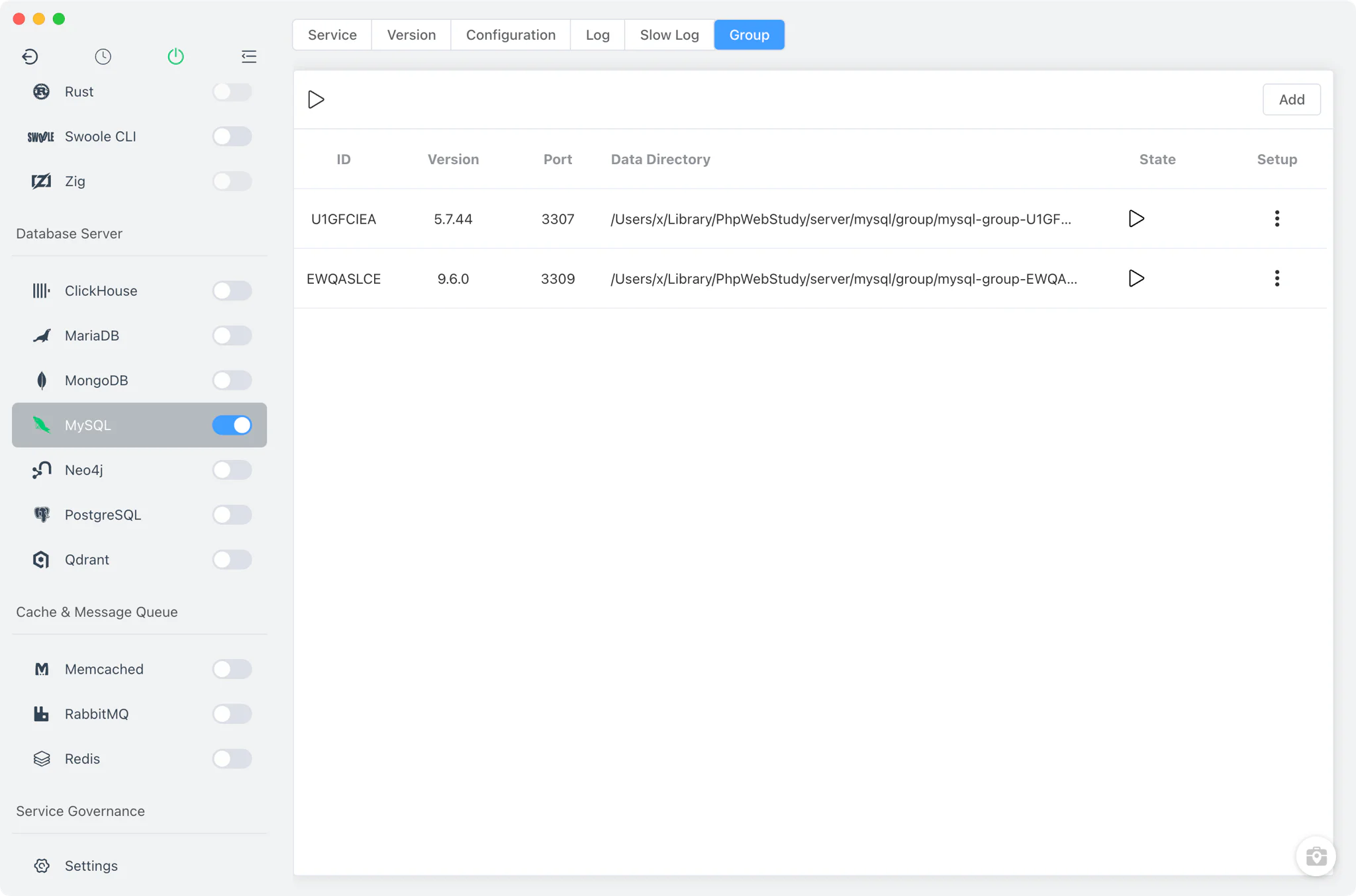
Groups are handy when matching production setups locally — for example when a Laravel project expects a specific MySQL major version.
Related guides, solutions and demos
Continue with a practical guide, solution, demo, or community perspective.
Compatibility Notes
FlyEnv manages the local MySQL runtime, its configuration files and its data directories; it does not guarantee that every MySQL version is available on every operating system or install source. The versions offered in Version Manager depend on your platform (Homebrew and MacPorts on macOS, Homebrew on Linux, static packages on Windows) and on what those sources publish. If your stack uses MariaDB as a drop-in MySQL replacement, the MariaDB module offers the same one-window workflow. Treat the in-app version list and the Download page as the source of truth for what can be installed on your machine.