FrankenPHP in FlyEnv
FrankenPHP is a modern PHP application server built on top of Caddy: it embeds a full PHP runtime and serves PHP applications directly, without a separate PHP-FPM process. FlyEnv manages it as a dedicated module: install multiple FrankenPHP versions, start and stop them as services, edit the Caddyfile, and read logs without leaving the app. Your sites get their own port and automatic HTTPS out of the box, with no PHP-FPM to configure.
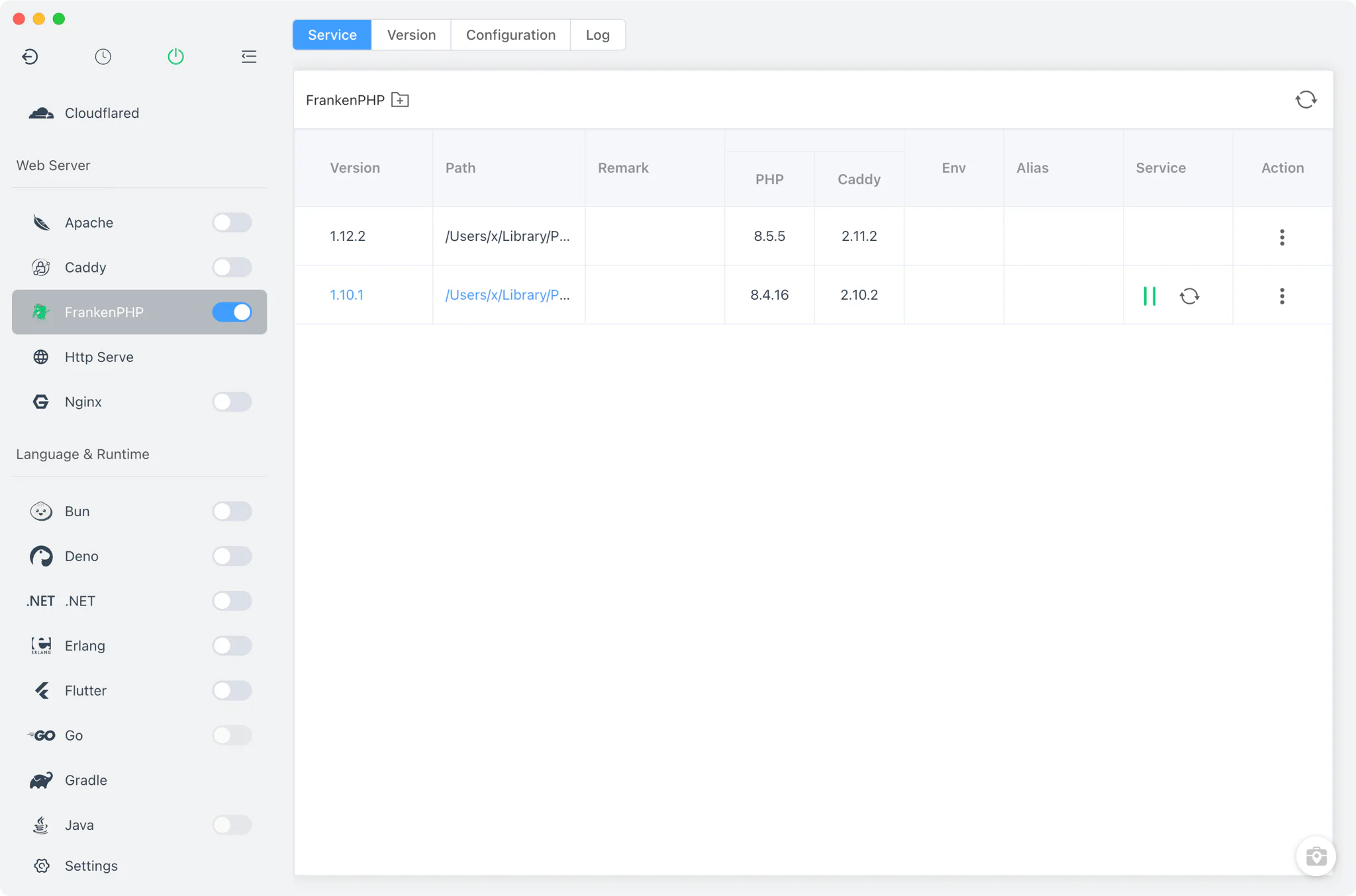
FrankenPHP version management
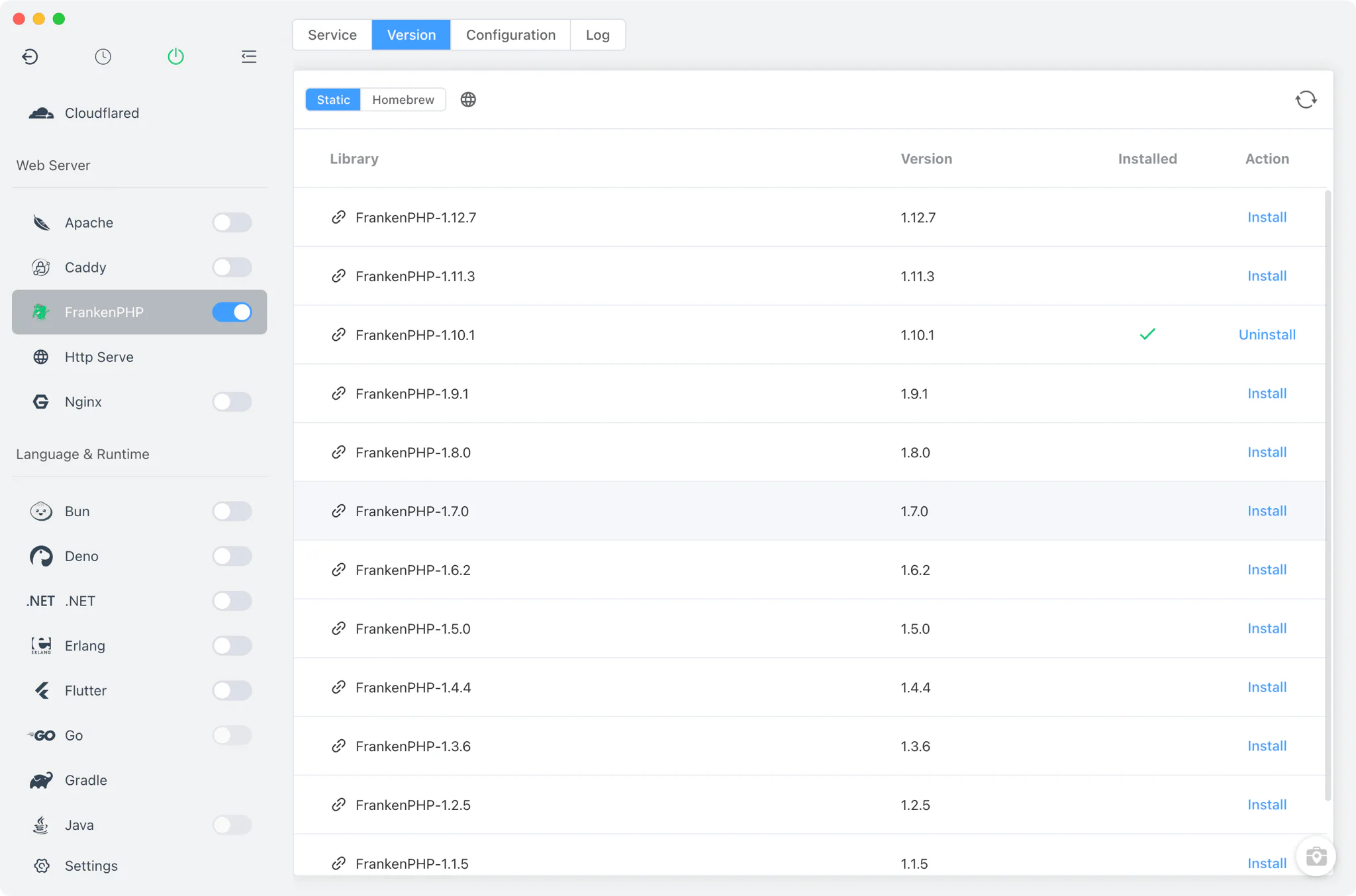
Install and keep multiple FrankenPHP versions side by side from the Version Manager tab.
- Install sources: Static builds on macOS, Linux and Windows, plus Homebrew on macOS and Linux — FlyEnv automatically taps
dunglas/frankenphpso the formula is available. MacPorts and SDKMAN are not used for FrankenPHP. - Static installs on macOS and Linux: FlyEnv downloads the single FrankenPHP binary, copies it into place, marks it executable and clears the macOS quarantine attribute so it can run.
- Static installs on Windows: FrankenPHP ships as an archive that bundles a full PHP runtime. During installation FlyEnv automatically generates a
php.inifrom a template, enabling only the extensions that are actually present in the bundledext/directory. - PHP and Caddy version columns: the version table parses
frankenphp --versionand shows both the embedded PHP version and the Caddy version for every installed build, so you always know exactly which runtime each FrankenPHP version carries. - Per-version actions: open the version's directory in the file manager, and on Windows also edit the bundled
php.inithrough the same configuration dialog used by the PHP module.
Service management
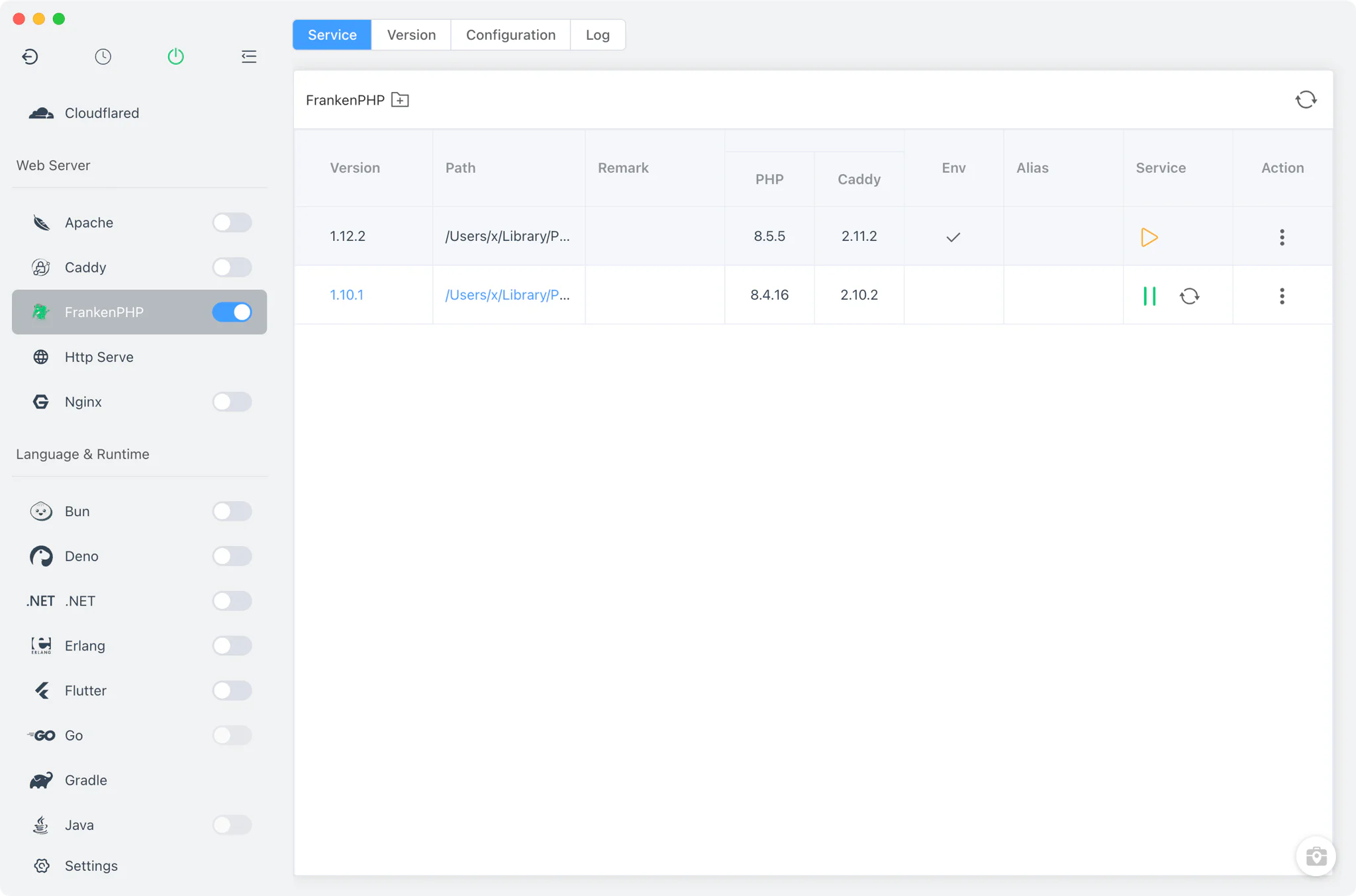
The Service tab lists every installed FrankenPHP version with start, stop and restart controls, alongside the PHP and Caddy version information described above.
- FlyEnv launches a version with
frankenphp run --config <baseDir>/frankenphp/Caddyfile --pidfile …, so the process is tracked by pidfile and can be stopped cleanly. - On Linux the service is started through FlyEnv's root helper when elevated privileges are needed.
- FrankenPHP serves PHP sites directly through its embedded Caddy engine — there is no PHP-FPM process to install, configure or keep running.
Configuration
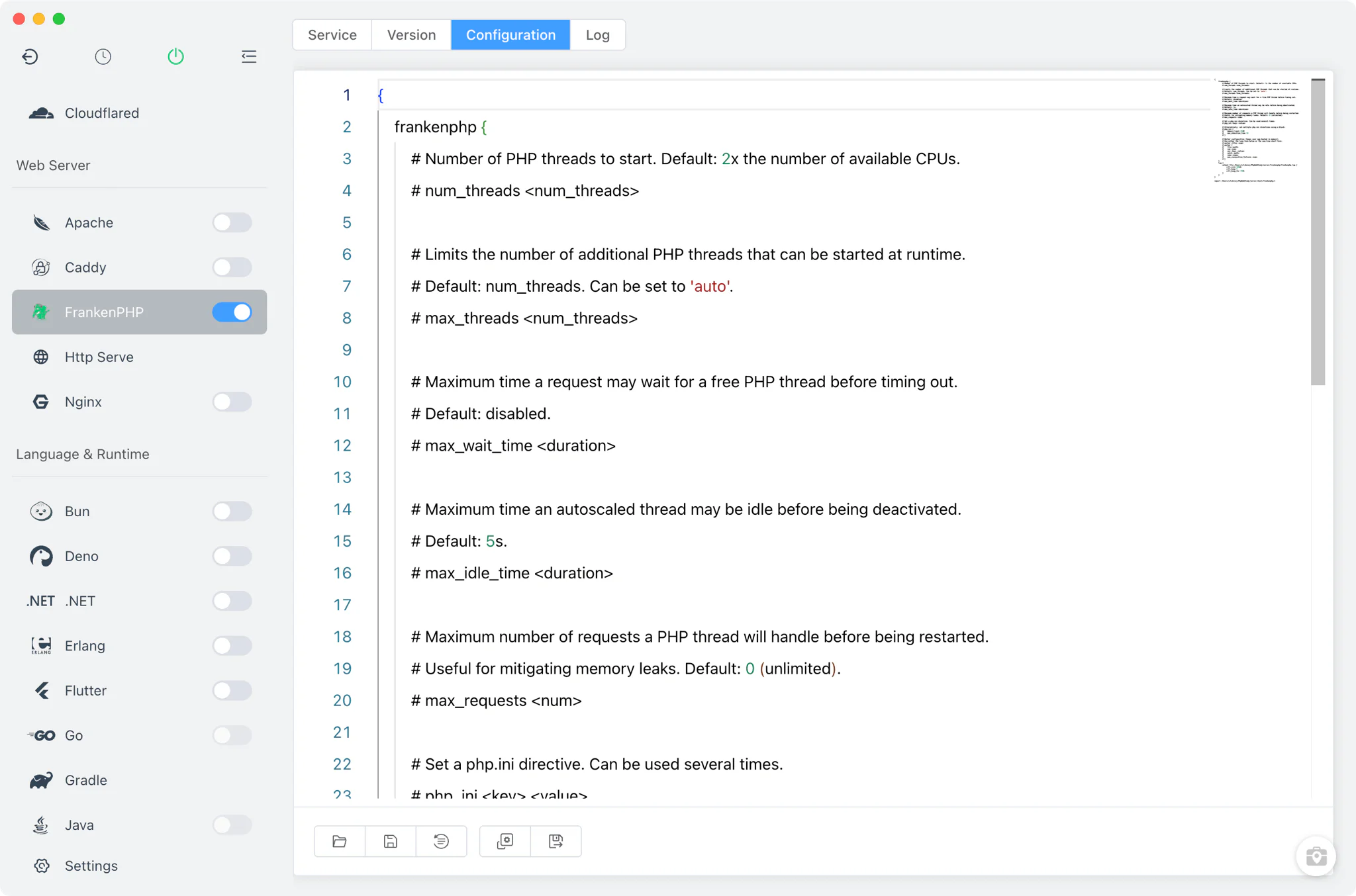
The Config File tab edits the global Caddyfile that FrankenPHP runs with.
- Raw editor: the Caddyfile is edited as plain text — FlyEnv does not wrap it in a form.
- Template-based: the file is generated from a template (available in English and Chinese) and imports every site vhost from
vhost/frankenphp/*, so site configuration stays separate from the global settings. - Windows
php.ini: because Windows FrankenPHP builds bundle their own PHP runtime, the version'sphp.inican be opened and adjusted from the version's action menu using the PHP module's config dialog.
Site integration
PHP-type sites created in Host automatically get a FrankenPHP vhost using the php_server directive, so they run as real FrankenPHP applications rather than plain static file serving — the Laravel solution shows a complete framework stack running on this kind of setup.
- Per-site ports: each site gets its own dedicated FrankenPHP port (
port.frankenphp), so FrankenPHP can serve the same site in parallel with Nginx, Apache or Caddy. Sites created before this behavior existed fall back to the shared Caddy port. - Automatic HTTPS: vhosts include
tls internal, giving every site a locally trusted certificate without extra setup; site domains and certificates are covered in Local Sites, Custom Domains & HTTPS. - Per-site reverse proxy: a site can instead reverse proxy to another local service through its FrankenPHP vhost.
- Self-healing vhosts: when a FrankenPHP version starts, FlyEnv regenerates any missing site vhosts before launching the process.
For a broader look at when to pick FrankenPHP over PHP-FPM, RoadRunner or Swoole, see the PHP deployment guide.
Logs
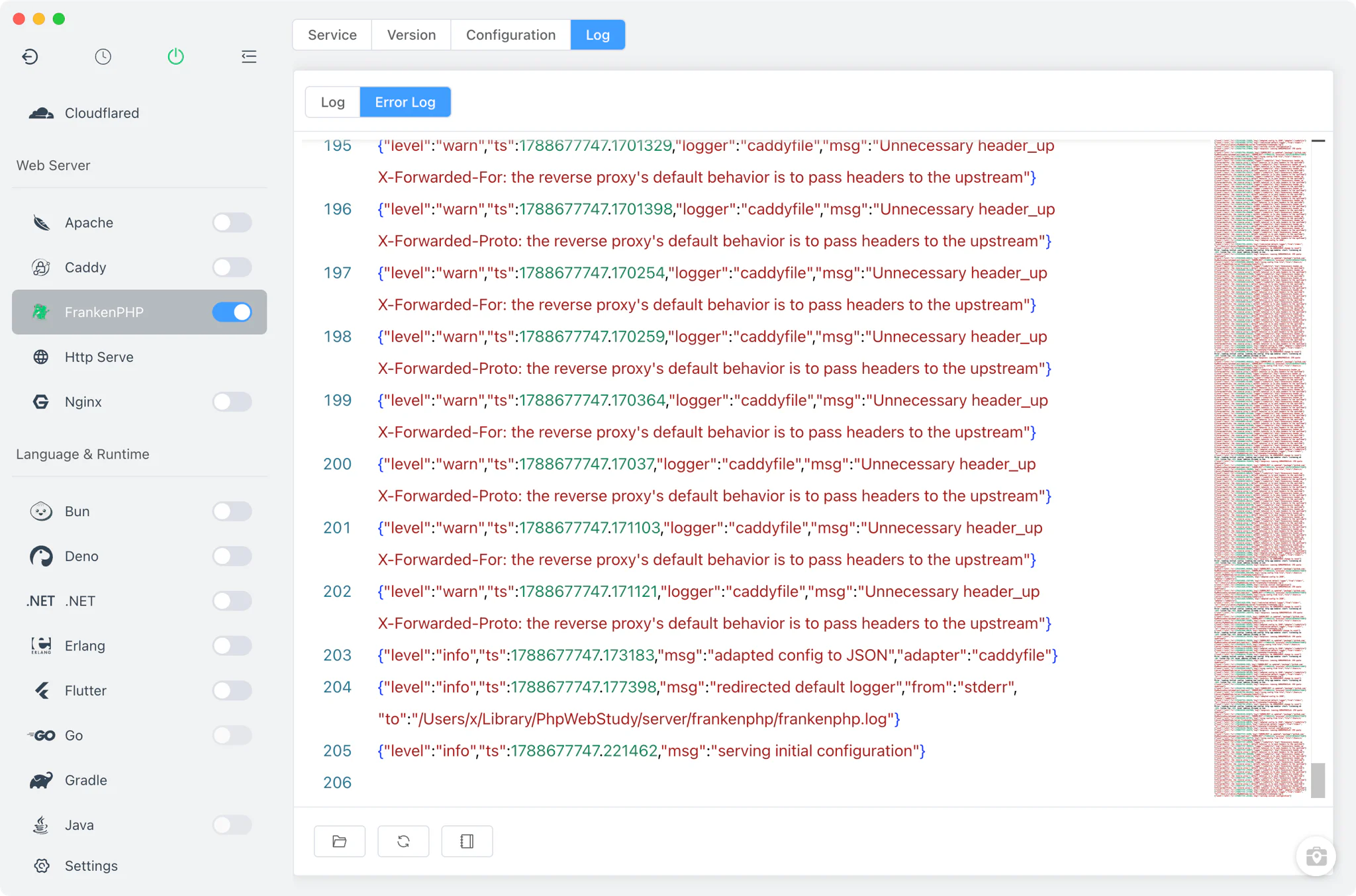
The Log tab tails frankenphp.log and also enumerates every frankenphp-*.log file in the FrankenPHP base directory, so version-specific and site-specific log files are all readable in one place.
Related guides, solutions and demos
Continue with a practical guide, solution, demo, or community perspective.
Compatibility Notes
FlyEnv manages the FrankenPHP runtime, its configuration and its site integration; it does not guarantee that every FrankenPHP release or bundled PHP extension is available on every operating system. MacPorts and SDKMAN are not install sources for this module, and FrankenPHP provides no admin panel — verification of framework and extension requirements against the installed build remains the project's responsibility. Treat the Download page and current release notes as the source for supported packages.