

Runtimes
 PHP
PHP Node.js
 Python
 Go
Go Java
Java Flutter
Open Source AI-Ready macOS, Windows, Linux
Give AI agents a real local environment for runtimes, services, sites, domains, HTTPS, and working URLs.
From one prompt to a running project on your machine.
AI WORKFLOW
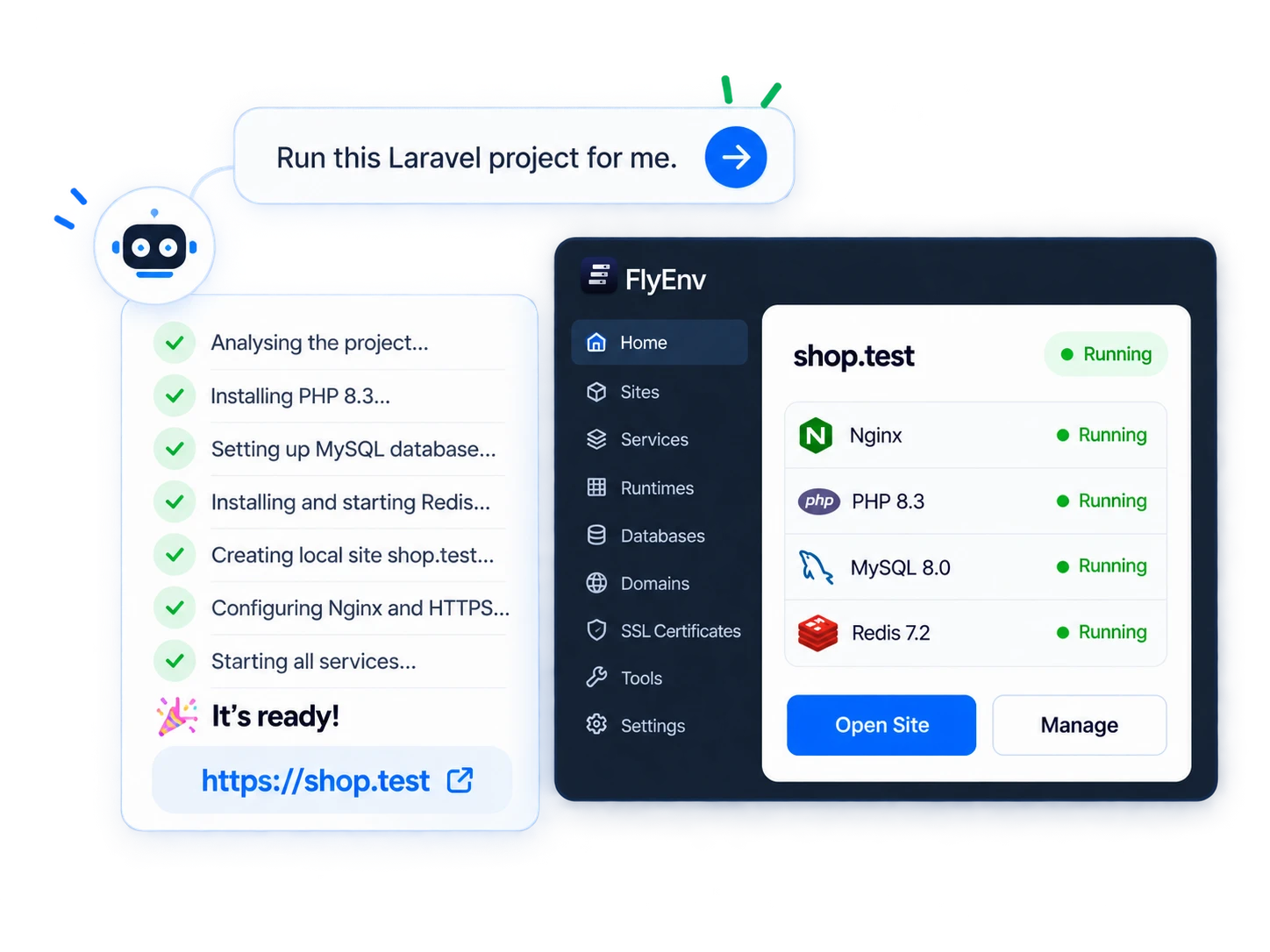
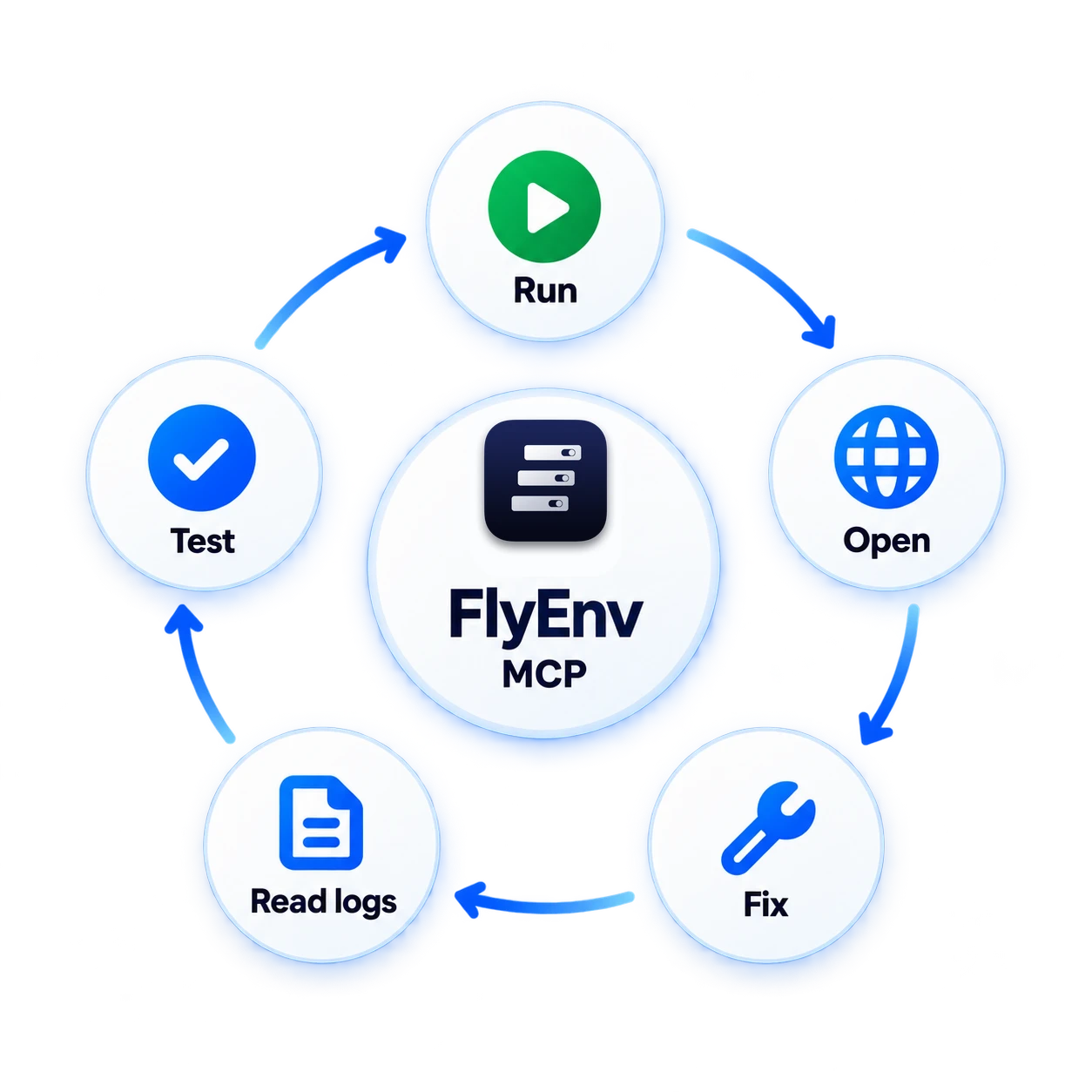
FlyEnv connects AI coding agents with a real local environment through MCP.
“Run this Laravel project for me.”
https://shop.test
Ready for development.
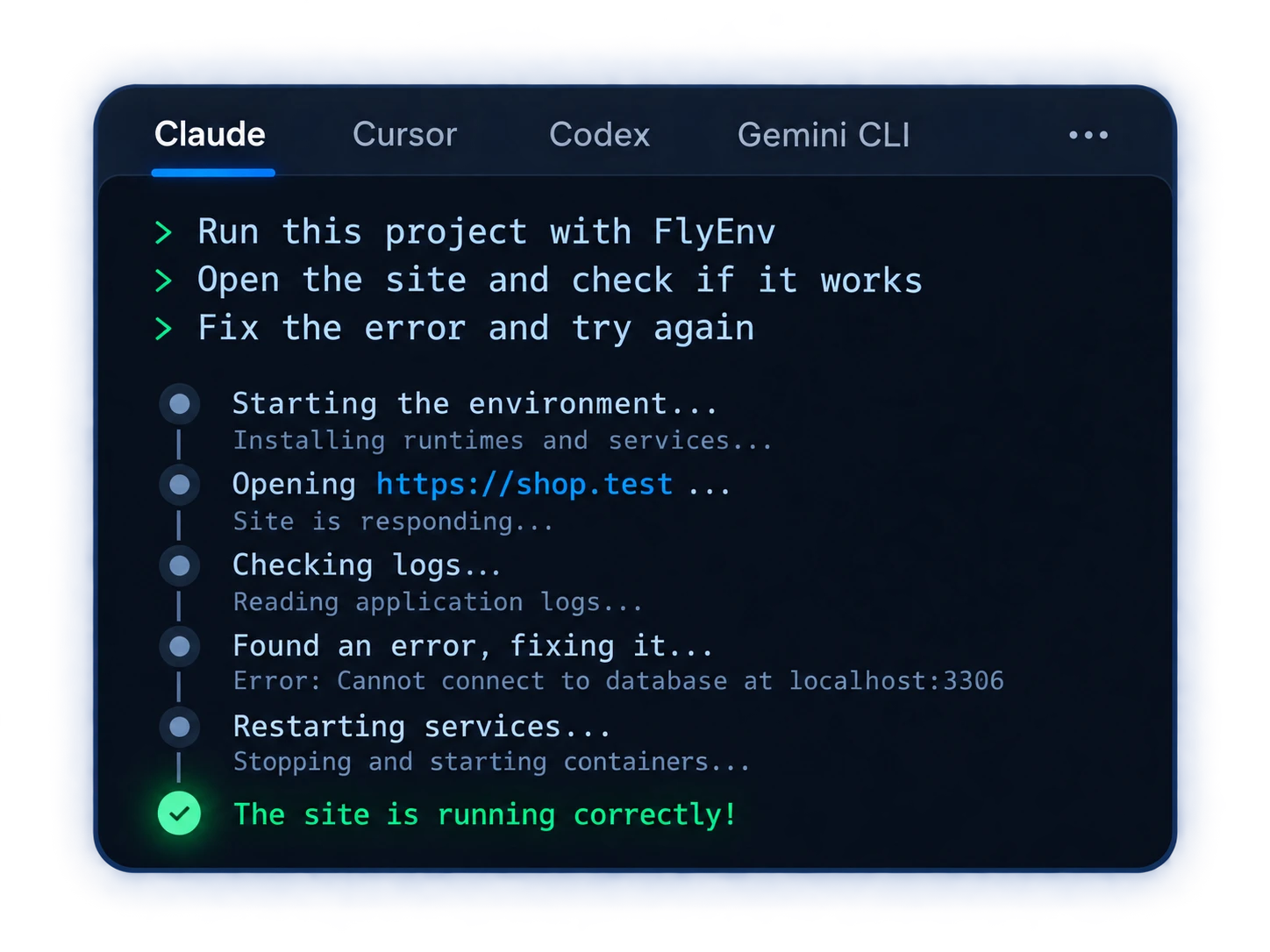
It can run, test, and fix projects locally with FlyEnv.
Runtimes, databases, web servers, and developer tools managed locally.
PHP Node.js Python Go Java Flutter MySQL
MySQL MariaDB
 PostgreSQL
 Redis
Redis MongoDB
 ClickHouse
 Nginx
Nginx Apache
 Caddy
Caddy FrankenPHP
 Tomcat
 phpMyAdmin
 pgAdmin 4
 DbGate Redis Commander
 Mailpit
 MinIO
MinIO RabbitMQ
 Elasticsearch
 Neo4j
Neo4j Qdrant
 RustFS
 Consul
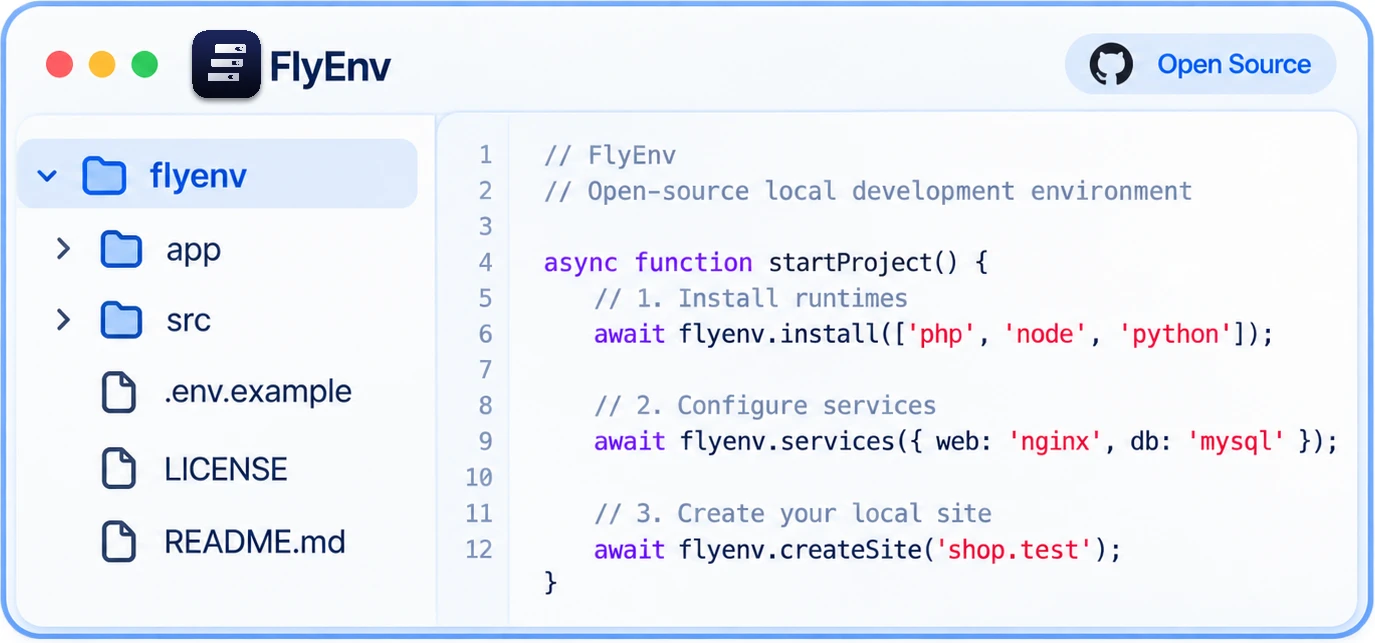
OPEN SOURCE
Inspect the code, understand the runtime layer, and keep control of the local environment your AI agent operates.




NATIVE LOCAL DEVELOPMENT
FlyEnv runs services natively, installs only what you need, and adapts runtime versions to each project.
NATIVE SERVICES
Run your local stack directly on the host OS, without a container layer.
Native processes
ON-DEMAND INSTALLATION
Only the runtimes and services your projects actually need. Unused software doesn’t take up disk space.
No unused software
PROJECT-LEVEL VERSIONS
Automatically use the right Node.js, PHP, or Python version for each project.
Automatic version switching
STARTUP GROUPS
Group the services a project needs and run them together.
One project. One startup group.
Get up and running with popular projects. FlyEnv handles the entire stack.

Modern PHP framework

A complete local WordPress stack

A high-level Python framework

Self-hosted Git service

Open source ERP
Build and run web apps
Public stories from developers using FlyEnv across local PHP, Laravel, Linux, and multi-service workflows.
Full-stack local development
A full-stack developer presents FlyEnv as one desktop workspace for runtimes, databases, and local development tools.
Replacing XAMPP and Docker
A developer on a low-RAM computer replaces XAMPP and Docker with FlyEnv for faster PHP switching and a lighter daily workflow.
Managing many local projects
After six months with FlyEnv, a PHP developer shares a practical workflow for several projects, shared services, and runtime cleanup.
SIMPLE LICENSING
FlyEnv's core local development features are free to use. A Pro License removes usage limits and unlocks the full built-in toolset.
FREE
$0
Free to use
Use FlyEnv for local development with the core environment included.
PRO LICENSE
Get the full FlyEnv experience and support continued development.
SUPPORT OPEN SOURCE
Three ways to support FlyEnv's open-source development and get a Pro License.
Download FlyEnv for macOS, Windows, or Linux and start building with AI today.
 Java
Java