OpenSearch in FlyEnv
OpenSearch is a search and analytics engine. The FlyEnv OpenSearch plugin adds version management, service controls, configuration editing and logs, with a local development mode and an integrated way to launch OpenSearch Dashboards.
Install OpenSearch from Settings → Plugin Market, then open the module from the sidebar. Its tabs are Service, Version Manager, Config File and Log.
Version management
Use Version Manager to install and keep OpenSearch versions side by side, then choose which version to run from Service.
- macOS: install through Homebrew; the static package tab is hidden because OpenSearch does not publish official macOS distributions.
- Linux and Windows: use the available static distributions. Versions and architectures depend on the packages published upstream.
- Custom installations: the module can scan configured directories for existing OpenSearch installations.
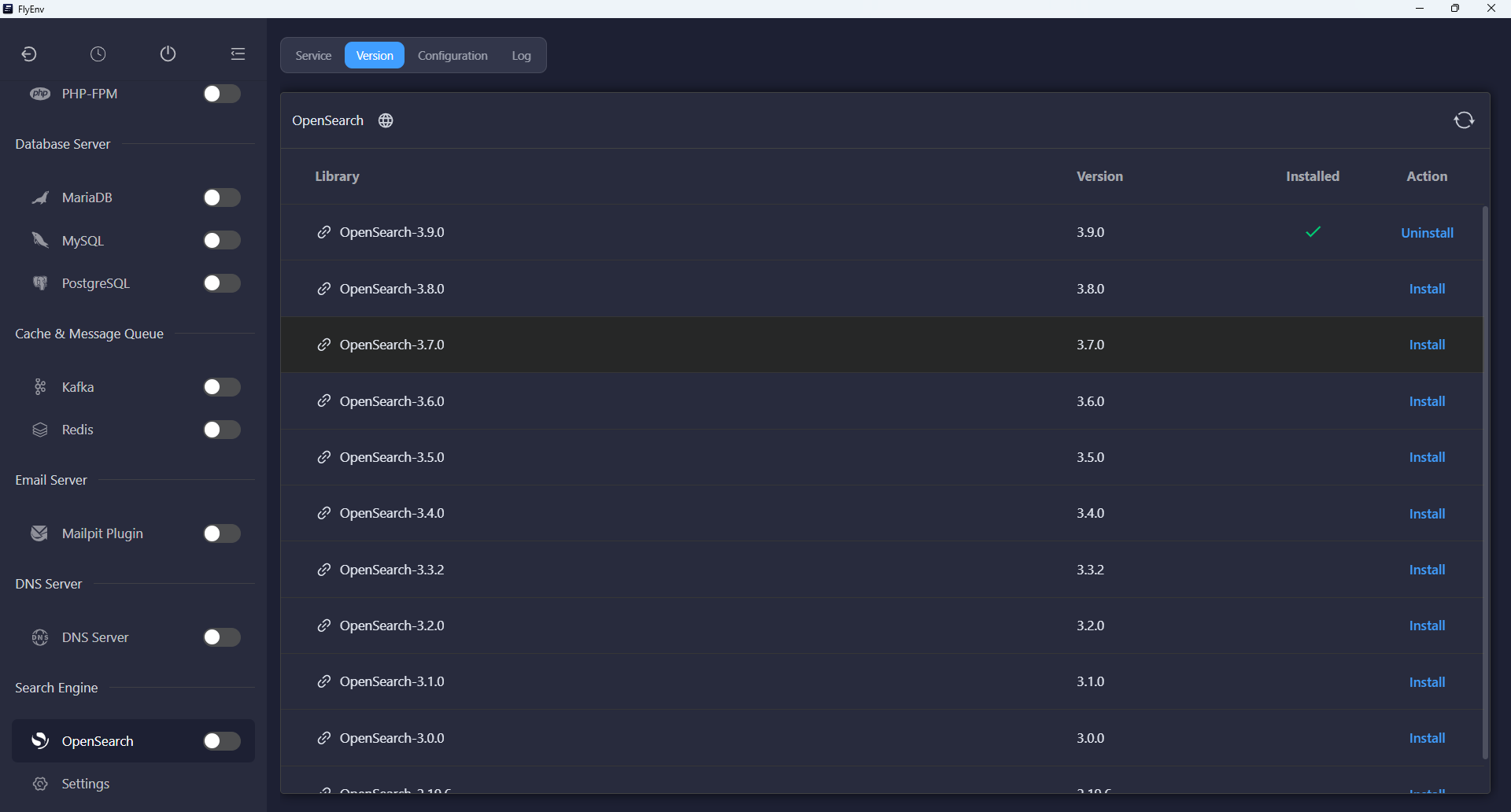
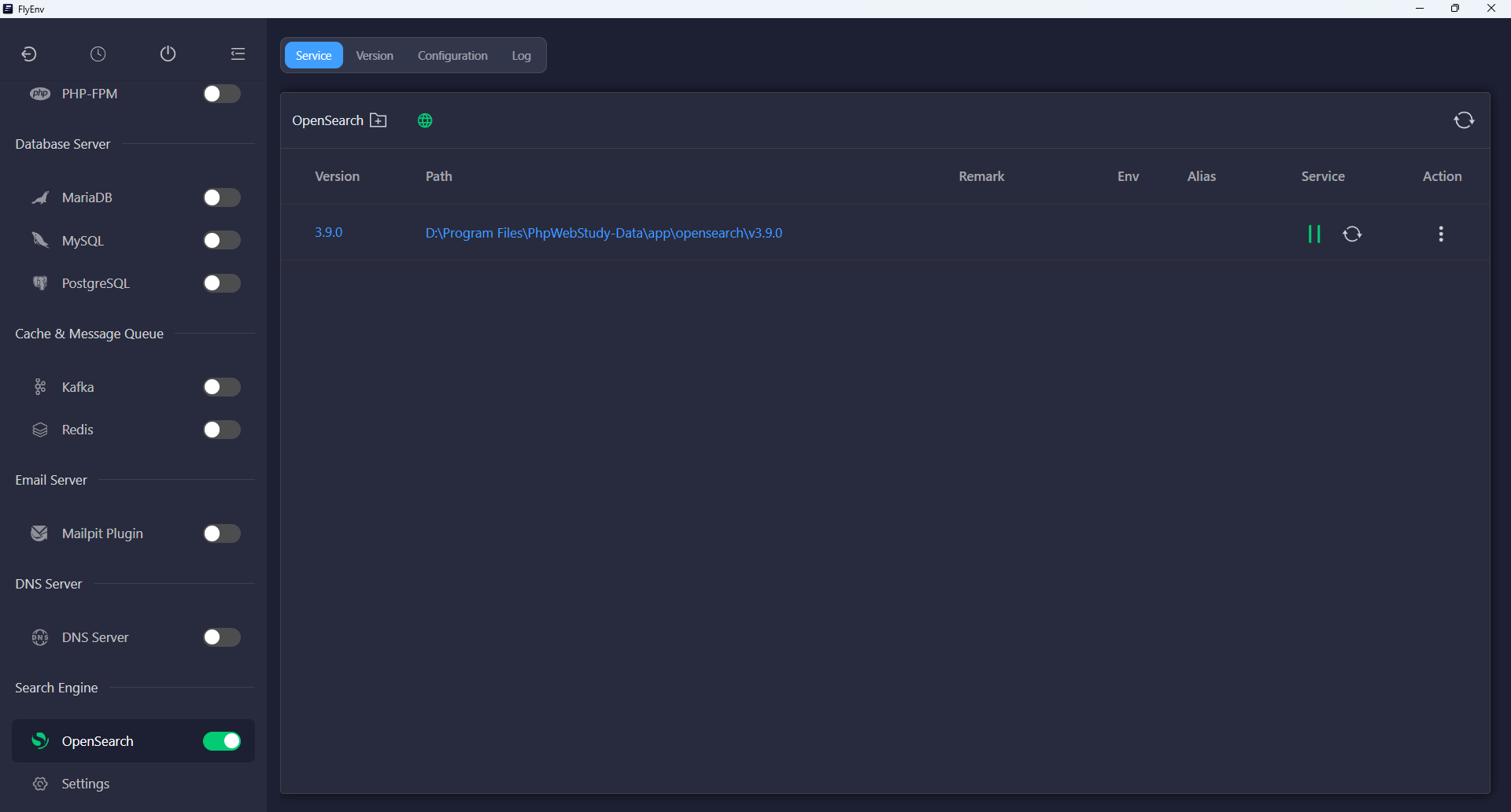
Start, stop and restart the chosen version through FlyEnv's standard service controls. The sidebar switch and tray entry also provide access to its service state.
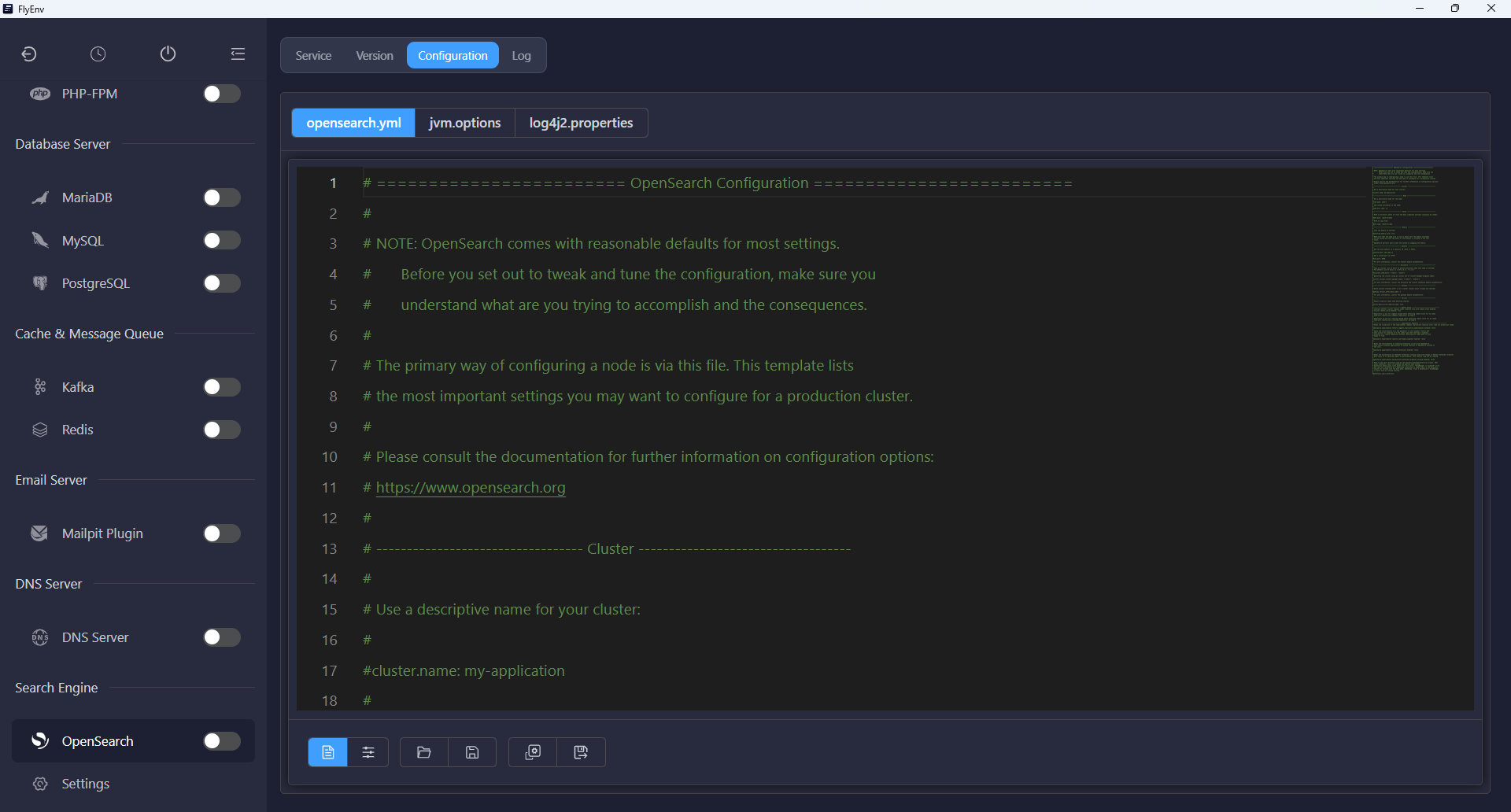
Configuration inside FlyEnv
The Config File tab opens three files for the selected installation:
opensearch.yml: node, cluster, network and security settings.jvm.options: JVM settings, including heap configuration.log4j2.properties: logging configuration.
FlyEnv resolves the configuration location for both archive and Homebrew installations, so the editors open the files the service uses. Homebrew configuration may be shared through its own linked configuration directory. Restart OpenSearch after saving changes that require a service restart.
Local development mode
The common settings view for opensearch.yml includes a Local Development Mode switch. Enable it to disable OpenSearch's security plugin and use plain HTTP without authentication; a node with the default HTTP port is then accessible on port 9200.
FlyEnv comments out the bundled security settings and keeps them for restoration when you turn the mode off. It offers a restart action so the change can take effect.
Use this mode only on a trusted local development network. Turning it off re-enables the security plugin; secured startup follows the requirements of the installed OpenSearch release, including its initial admin password where required.
Open matching Dashboards
With a valid OpenSearch version running in local development mode, click Open Dashboards in the Service tab. FlyEnv verifies the running backend, installs a matching Dashboards version when needed, starts it and opens the interface in your browser.
On Linux and Windows, the companion comes from upstream Dashboards packages. On macOS, the plugin resolves a matching Homebrew version and needs Node.js to prepare Dashboards. If that matching version is unavailable, it reports the problem rather than launching a mismatched companion.
Dashboards binds locally, using port 5601 or an available alternative. Its lifecycle follows the OpenSearch service: stopping the backend also stops its managed Dashboards companion.
The current integration supports local development mode over HTTP. Authenticated or TLS-secured OpenSearch clusters are not supported by this Dashboards launcher.
Logs and compatibility
The Log tab resolves the node log from its path.logs and cluster.name settings, including Homebrew layouts. Inspect it when a node fails to start or configuration changes cause errors.
The plugin is available on macOS, Windows and Linux; runtime and Dashboards availability still depend on your platform and the selected release. This module manages local services and their companion interface rather than provisioning a production cluster.
Compare FlyEnv's Elasticsearch integration, or return to the Plugin Market to explore other optional modules.