Elasticsearch in FlyEnv
Elasticsearch is a distributed search and analytics engine built on Apache Lucene, used for full-text search, log analysis and aggregations over large datasets — it is also the search engine a local Magento stack expects. If a full cluster is more than your project needs, the lighter Meilisearch, Typesense and ZincSearch modules cover the same instant-search ground. FlyEnv runs it as a managed local service on macOS, Windows and Linux: install multiple versions side by side, start and stop them from one window, and edit each version's own elasticsearch.yml, jvm.options and log4j2.properties without hunting through install directories. Logs for the running node open right inside the app.
Version management
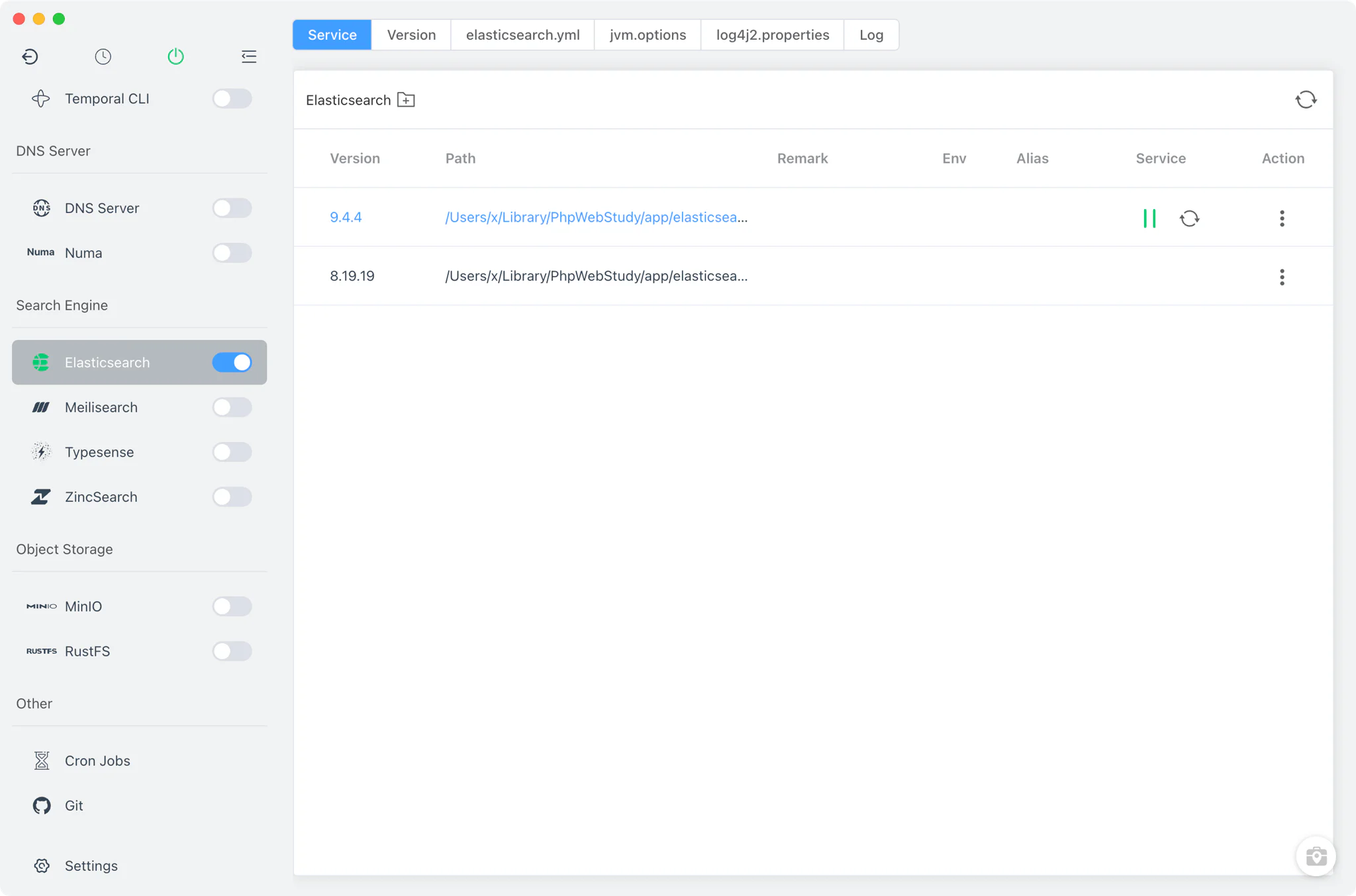
Install and keep multiple Elasticsearch versions side by side from Elasticsearch → Version Manager.
- Static packages on every platform: Elasticsearch is installed from FlyEnv's online static package list on macOS, Windows and Linux alike — there are no Homebrew or MacPorts sources for this module.
- Managed install location: each version is unpacked from its tar.gz or zip archive into FlyEnv's own
elasticsearch/v<version>/directory, keeping the app-managed builds separate from anything else on your machine. - Custom versions: point FlyEnv at any directory containing your own Elasticsearch installation; it scans for the
bin/elasticsearchbinary (elasticsearch.baton Windows) and lists those builds next to the managed ones.
Service management
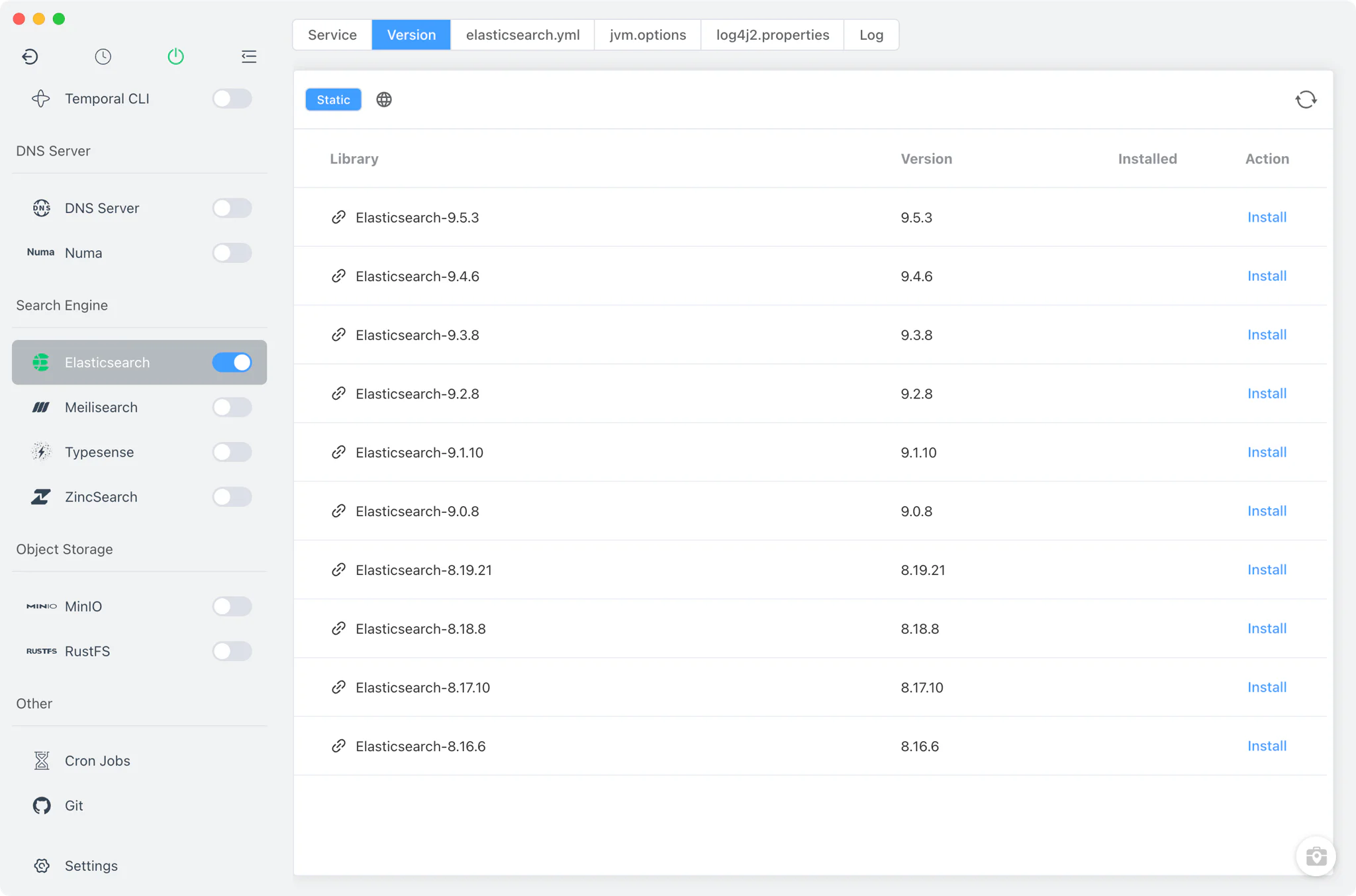
The Service tab lists every installed version with per-version start, stop and restart controls. The sidebar switch — also available from the system tray — starts or stops the current version without opening the module page.
- One version at a time: starting a version stops any other running Elasticsearch version, so a second node never fights the first for the same ports.
- Real Elasticsearch process: FlyEnv launches the version's own
bin/elasticsearchwith a pid file, settingES_HOMEandES_PATH_CONFto that version's directory so it boots with its bundled configuration. - Upstream default ports: because FlyEnv generates no config of its own, a fresh install answers on the Elasticsearch defaults — HTTP on port 9200 and transport on 9300 — until you change them.
Configuration
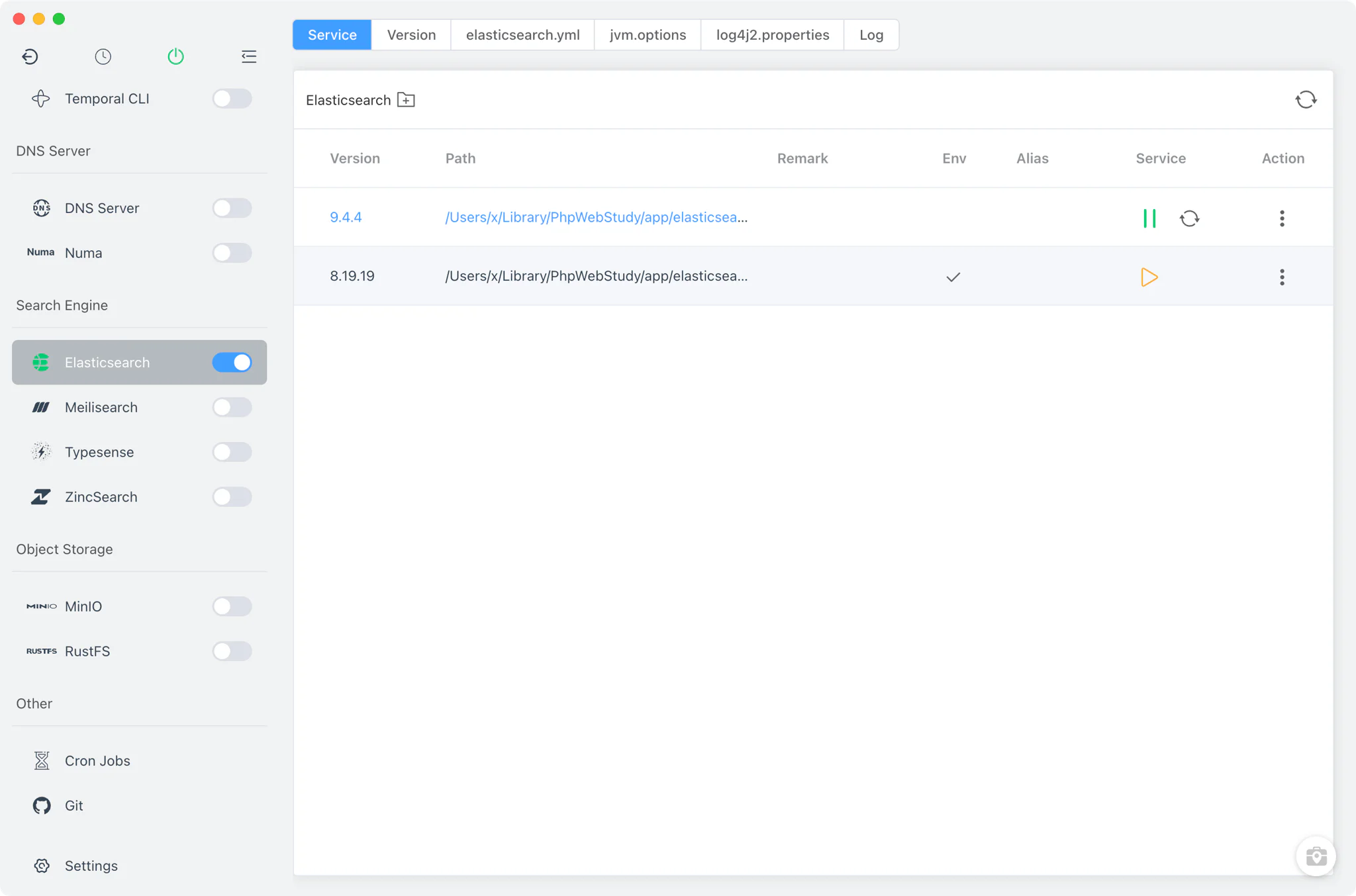
Elasticsearch keeps three dedicated editor tabs in FlyEnv — elasticsearch.yml, jvm.options and log4j2.properties — each opening the file inside the selected version's own config/ directory.
- Per-version files: edits apply to the config bundled with that specific version, so tuning one install never leaks into another.
- Full source editing: the editors work directly on the raw files, covering every Elasticsearch, JVM and logging setting rather than a limited subset.
- No regeneration surprises: FlyEnv never rewrites these files — what you save is exactly what the node reads on its next start.
Logs
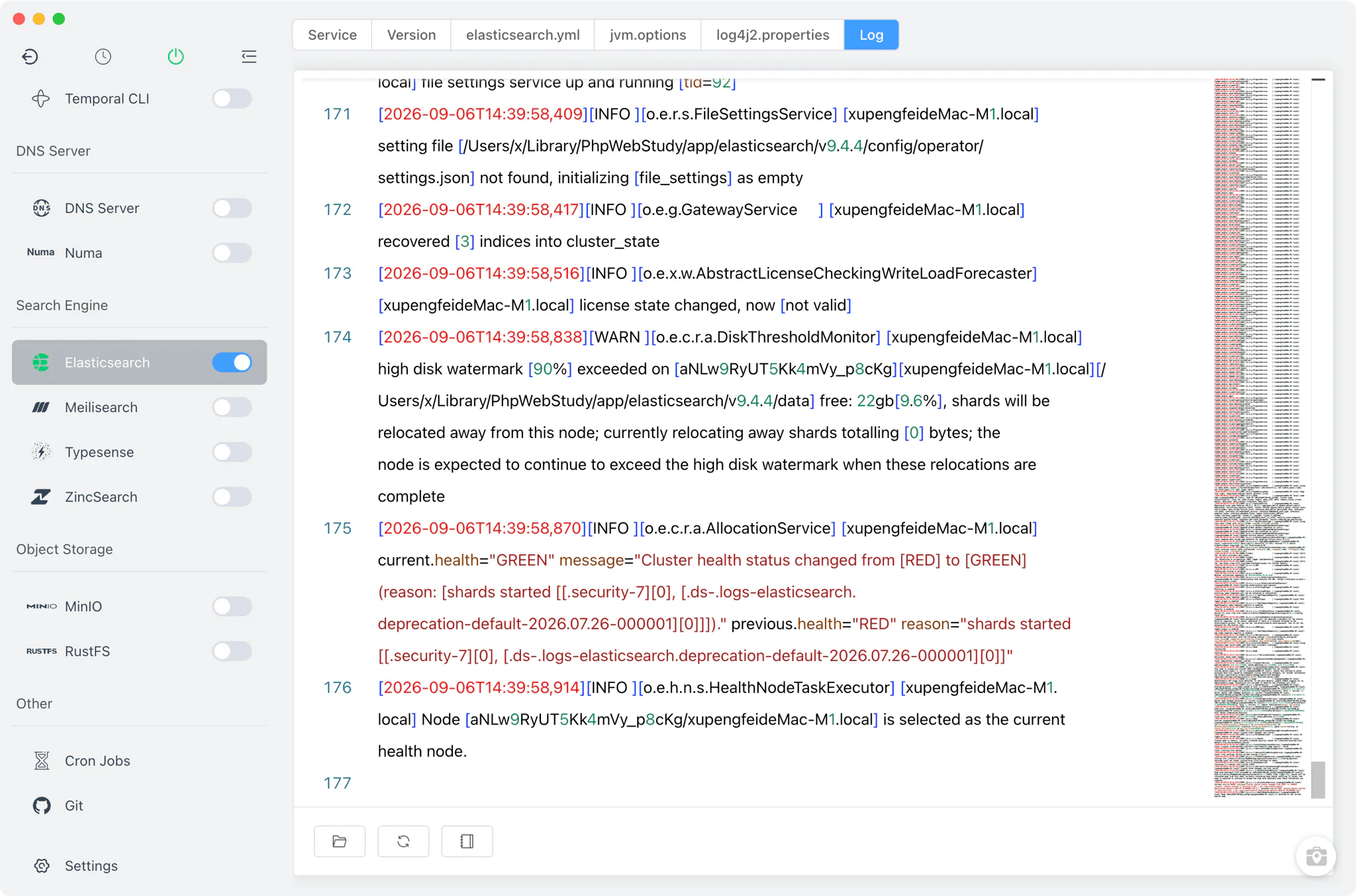
The Log tab opens the node's log output from inside FlyEnv. The primary view shows the version's own logs/elasticsearch.log, the first place to look when a node fails to start or a cluster change misbehaves. The server, deprecation and garbage-collector logs (elasticsearch_server.json, elasticsearch_deprecation.json, gc.log) written by the node are available alongside it.
Related guides, solutions and demos
Continue with a practical guide, solution, demo, or community perspective.
Compatibility Notes
FlyEnv manages the local Elasticsearch runtime and the configuration files bundled with each version; it does not add an admin panel, and it does not guarantee that every Elasticsearch release is published for every operating system or CPU architecture — the Version Manager list reflects the static packages actually available for your platform. Elasticsearch is available on macOS, Windows and Linux. Get the app from the Download page, and see the module in action in the demos.