Antigravity CLI in FlyEnv
Antigravity CLI (agy) is Google's terminal-based AI coding agent, the command-line companion to the Antigravity IDE. FlyEnv gives it a proper control panel: install the agy binary through an embedded terminal, adjust its settings from a visual form, pick up previous conversations from a grouped Sessions list, and browse user and builtin Skills with a rendered Markdown preview. The module is part of FlyEnv's AI tooling set — see how FlyEnv works with AI coding tools for the bigger picture.
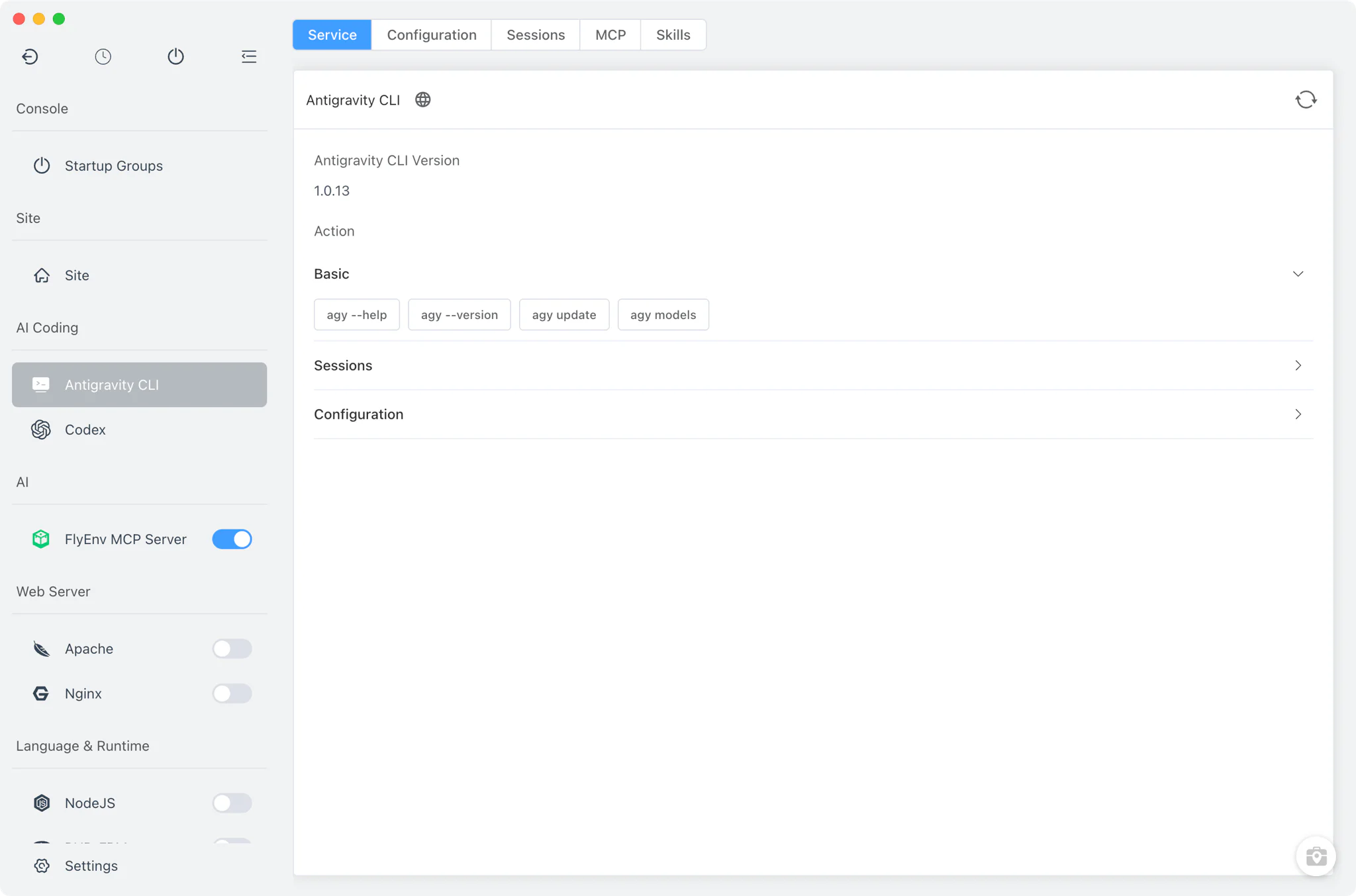
Installation
Antigravity CLI is not a background service and FlyEnv does not ship its binaries. Installation is a one-shot action on the Service card: FlyEnv opens its embedded terminal and runs the vendor's official install script — curl -fsSL https://antigravity.google/cli/install.sh | bash on macOS and Linux, or the equivalent PowerShell script on Windows — with FlyEnv's proxy environment applied so the download works behind a proxy.
- Automatic detection: FlyEnv finds an existing
agybinary on yourPATHand in the usual install locations (/usr/local/bin,/opt/homebrew/bin,~/.local/binand the npm/yarn/pnpm/bun global bins on macOS and Linux;%APPDATA%\npm, WinGet Links and~/.local/binon Windows), then shows the detected version on the Service card. - Command cheat-sheet: the Service card includes copy-to-clipboard buttons for useful
agycommands such asagy plugin list,agy plugin import,agy installandagy models.
Configuration
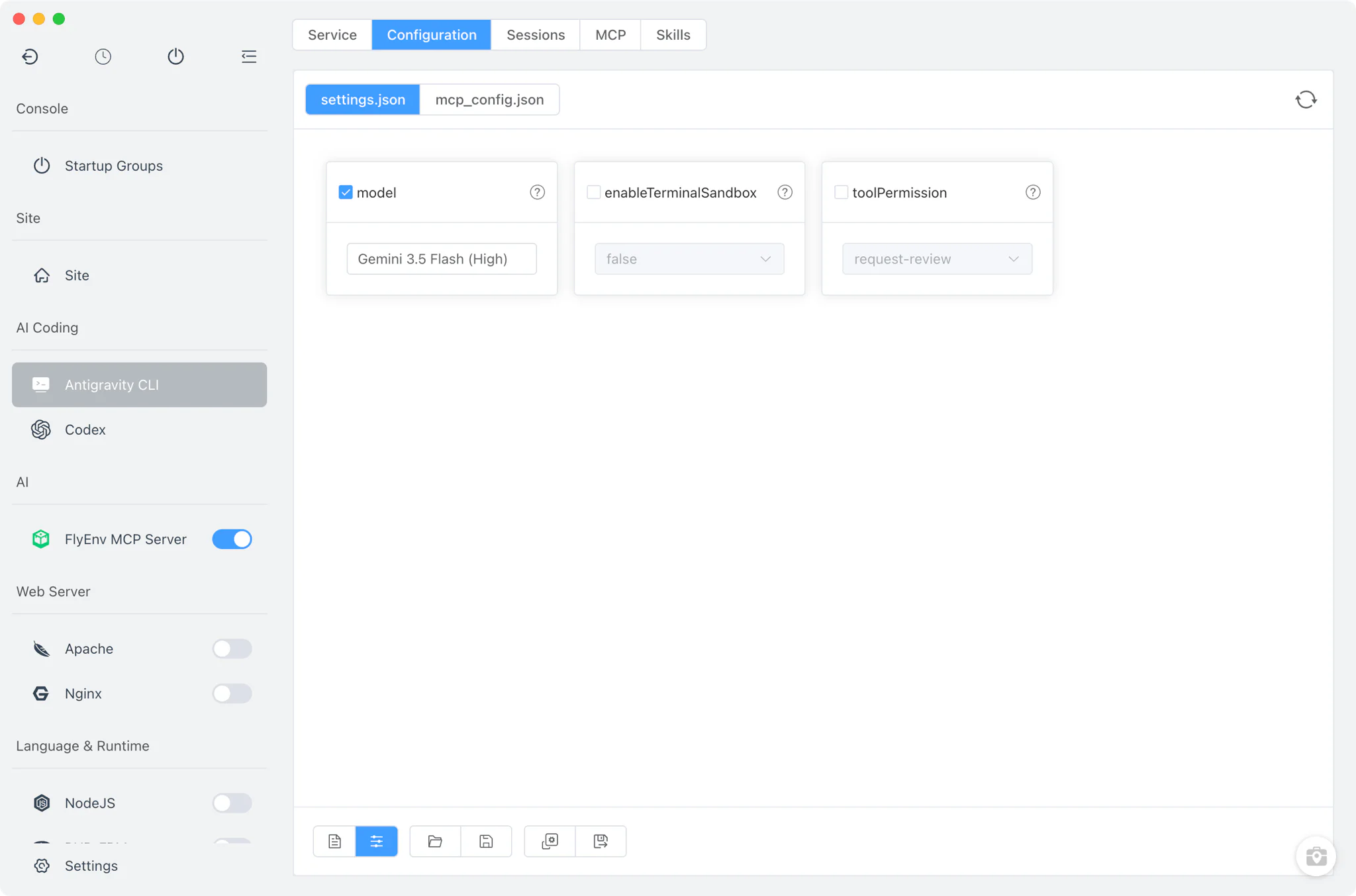
The Config File tab edits the files Antigravity CLI actually reads. The main settings file lives at ~/.gemini/antigravity-cli/settings.json, and MCP servers are kept separately in ~/.gemini/config/mcp_config.json.
- Visual form for common settings: adjust the model, the terminal sandbox toggle and the tool permission level from form fields instead of hand-editing JSON.
- Raw editor: switch to the full file view for any key the form does not expose.
- Shared Gemini config root: Antigravity CLI reads from the Gemini CLI configuration directory; if you relocate it with the
GEMINI_HOMEenvironment variable, FlyEnv follows that override.
Sessions
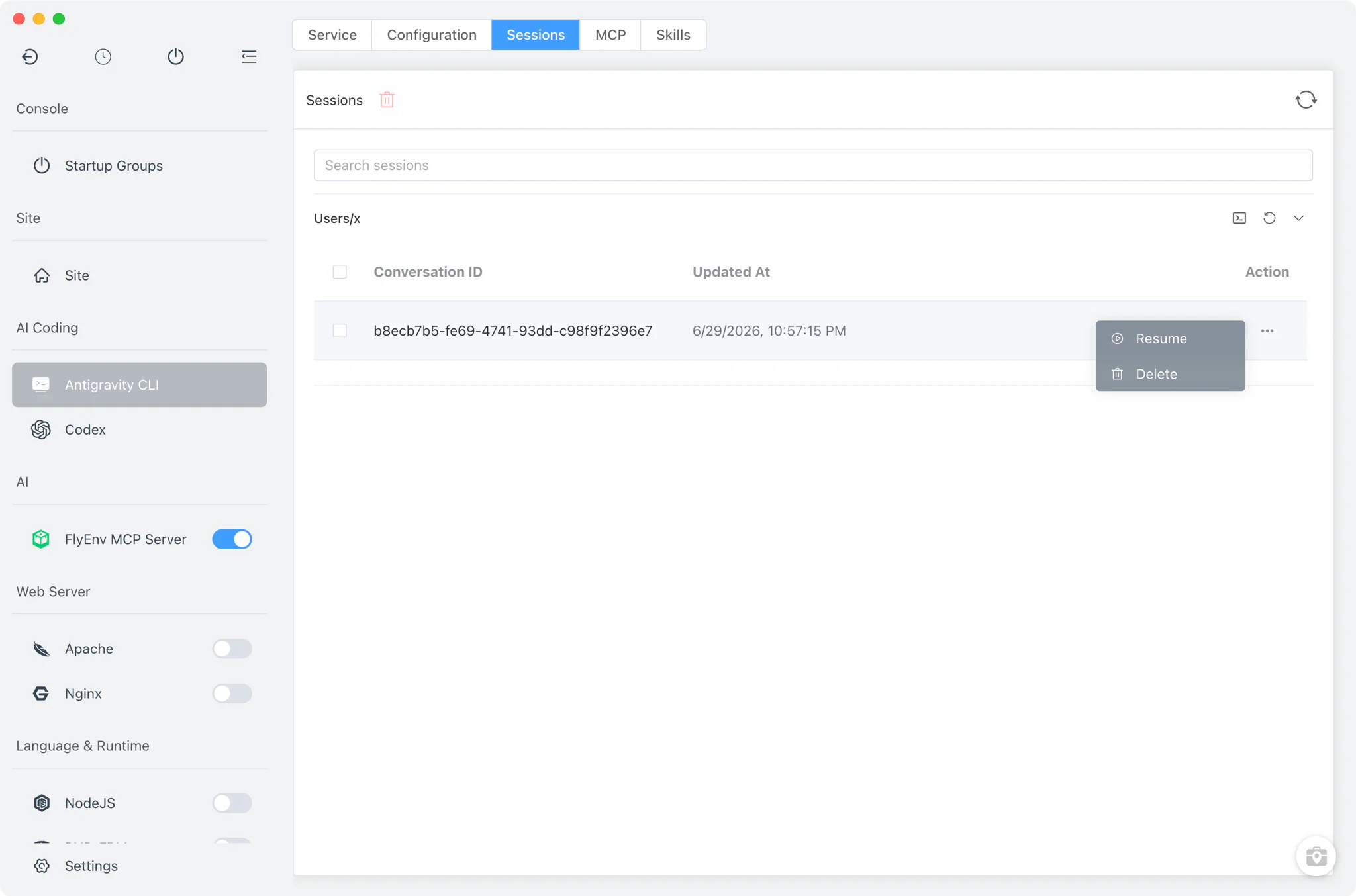
The Sessions tab lists your past conversations so you can get back into one without remembering its id.
- Grouped by working directory: conversations are organized under the folder they ran in, and each entry shows its id and last-modified time. Because Antigravity stores message payloads as protobuf, the title and first prompt are recovered on a best-effort basis.
- Resume in your own terminal: running or resuming a session opens your system terminal — not a panel inside FlyEnv — with
agy --conversation <id>(oragy --continuefor the latest one) already typed in the right directory. - Clean removal: delete outdated conversations straight from the list.
Skills
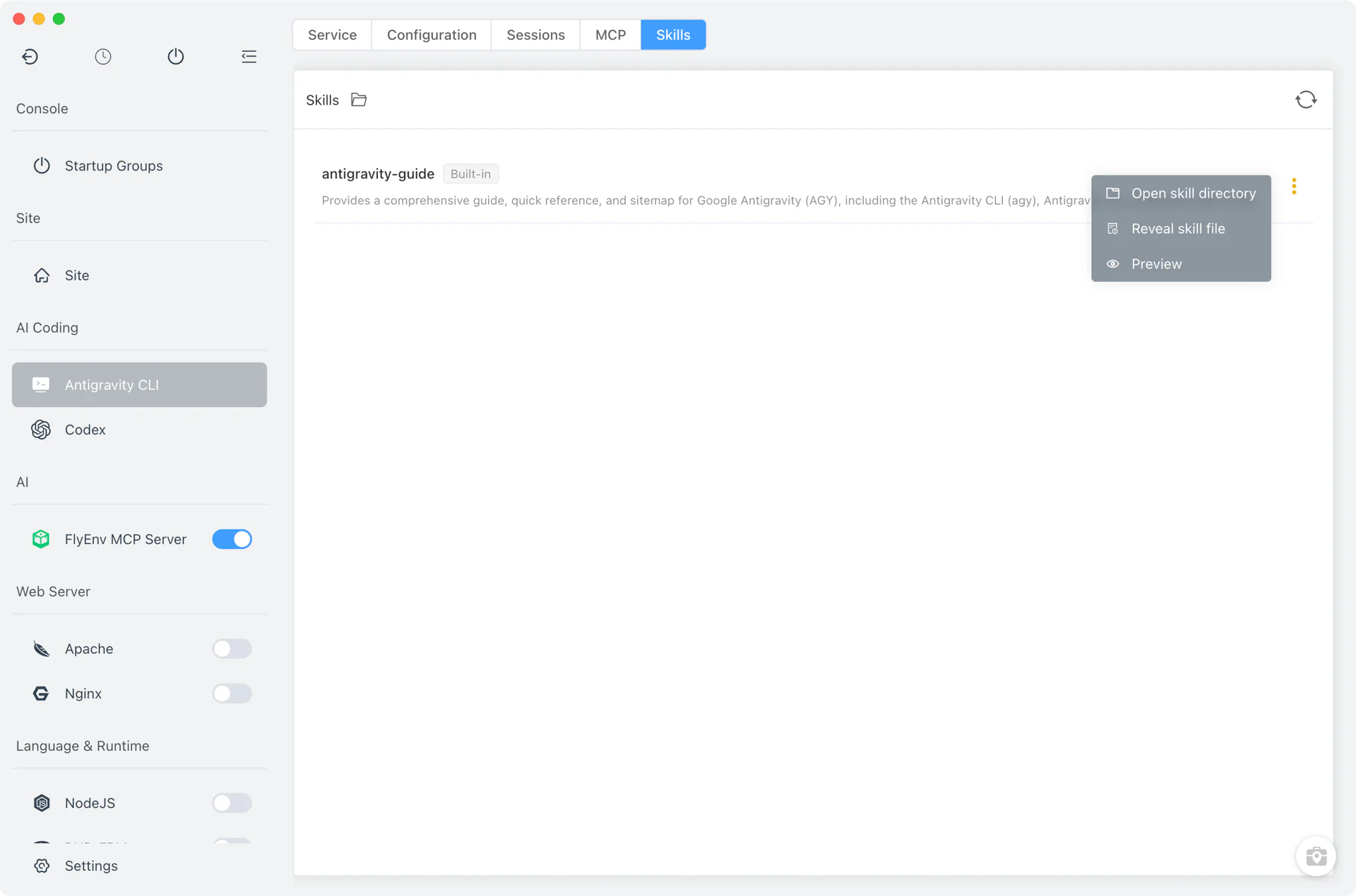
The Skills tab browses the skill folders on disk directly — unlike the GitHub Copilot CLI module, whose Skills tab queries the CLI itself, Antigravity's list is read straight from the filesystem.
- User and builtin skills: your own skills from
antigravity-cli/skillsare listed alongside the builtin ones fromantigravity-cli/builtin/skills, the latter marked with a builtin tag. - Markdown preview drawer: opening a skill renders its Markdown in a drawer with code, preview and split views, so you can read a skill's instructions formatted before deciding to use or edit it.
- Open the skills directory: one button jumps to the skills folder in your file manager when you want to add or edit files directly.
MCP servers
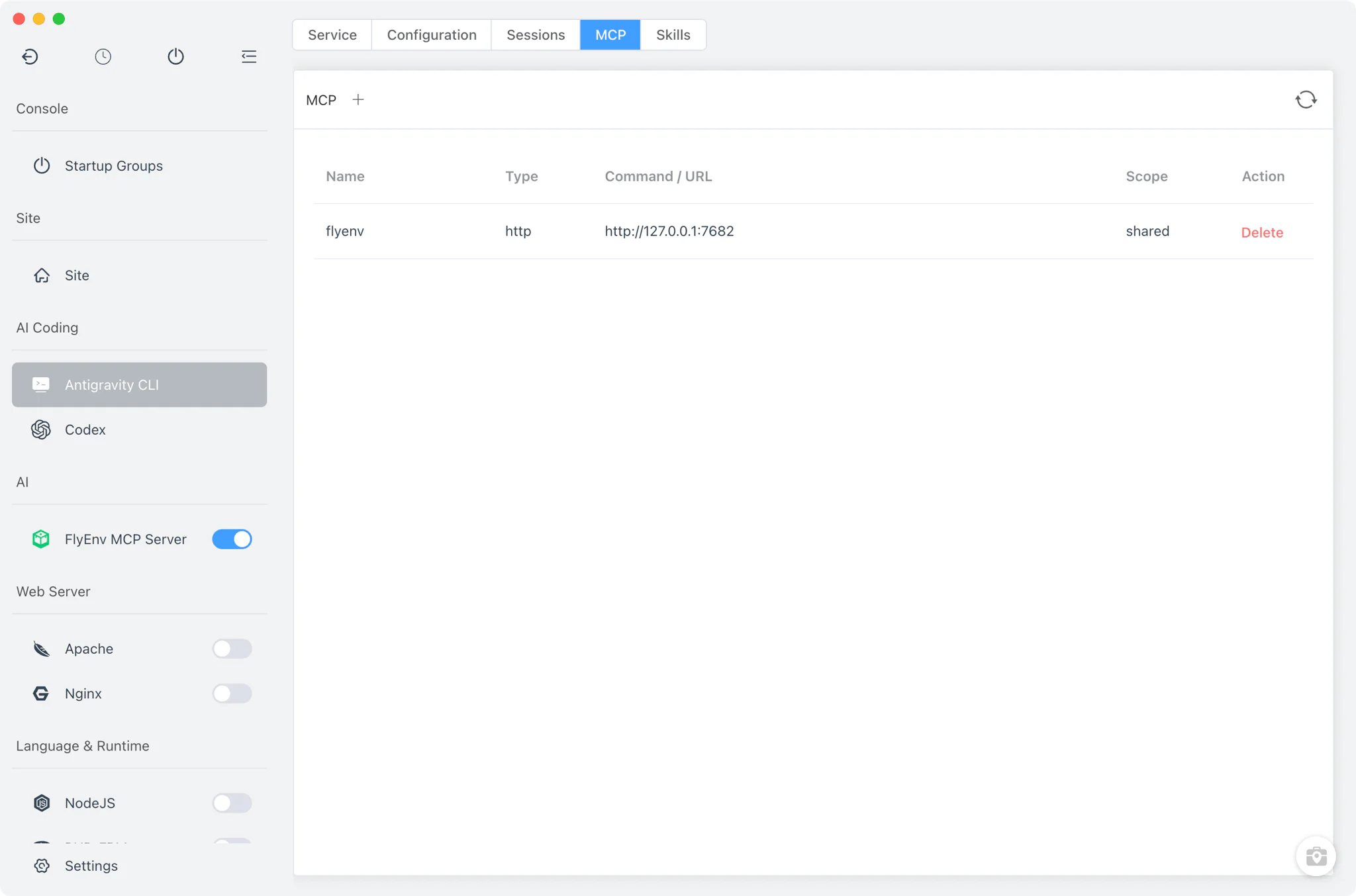
The MCP tab manages the Model Context Protocol servers that Antigravity CLI connects to, read from and written to ~/.gemini/config/mcp_config.json — the MCP and AI workspace guide explains the role MCP servers play in an AI coding workspace. List the servers currently configured, add a new one, or remove entries you no longer need — no manual JSON editing required. FlyEnv's own MCP Server can register itself into this list with one click from its Client Config tab.
Related guides, solutions and demos
Continue with a practical guide, solution, demo, or community perspective.
Compatibility Notes
Antigravity CLI in FlyEnv is a desktop companion for the agy command-line tool, available on macOS, Windows and Linux; the install script and detection paths differ per platform as described above. It is not a service: there is no start/stop lifecycle, no port and no version manager — FlyEnv manages whatever agy version the official installer or your package manager placed on the machine. Conversations always open in an external system terminal; FlyEnv lists and launches them but does not host the chat itself. Session details are limited by Antigravity's storage format (SQLite databases with protobuf payloads), so FlyEnv can reliably show the id, working directory and modification time while titles are best-effort. For the current FlyEnv build and platform packages, check the Download page. FlyEnv manages other AI coding CLIs the same way — see the Claude Code and Codex modules.