Caddy in FlyEnv
Caddy is an open source web server configured through a single Caddyfile, with automatic HTTPS built in. FlyEnv makes Caddy a managed part of your local stack: install versions from several sources, run one of them as a service with automatic configuration reload, and let FlyEnv generate the vhost for every PHP-type site you create. Each such site gets its own Caddy ports, automatic internal HTTPS and per-site reverse proxy rules, all stitched together by one managed Caddyfile.
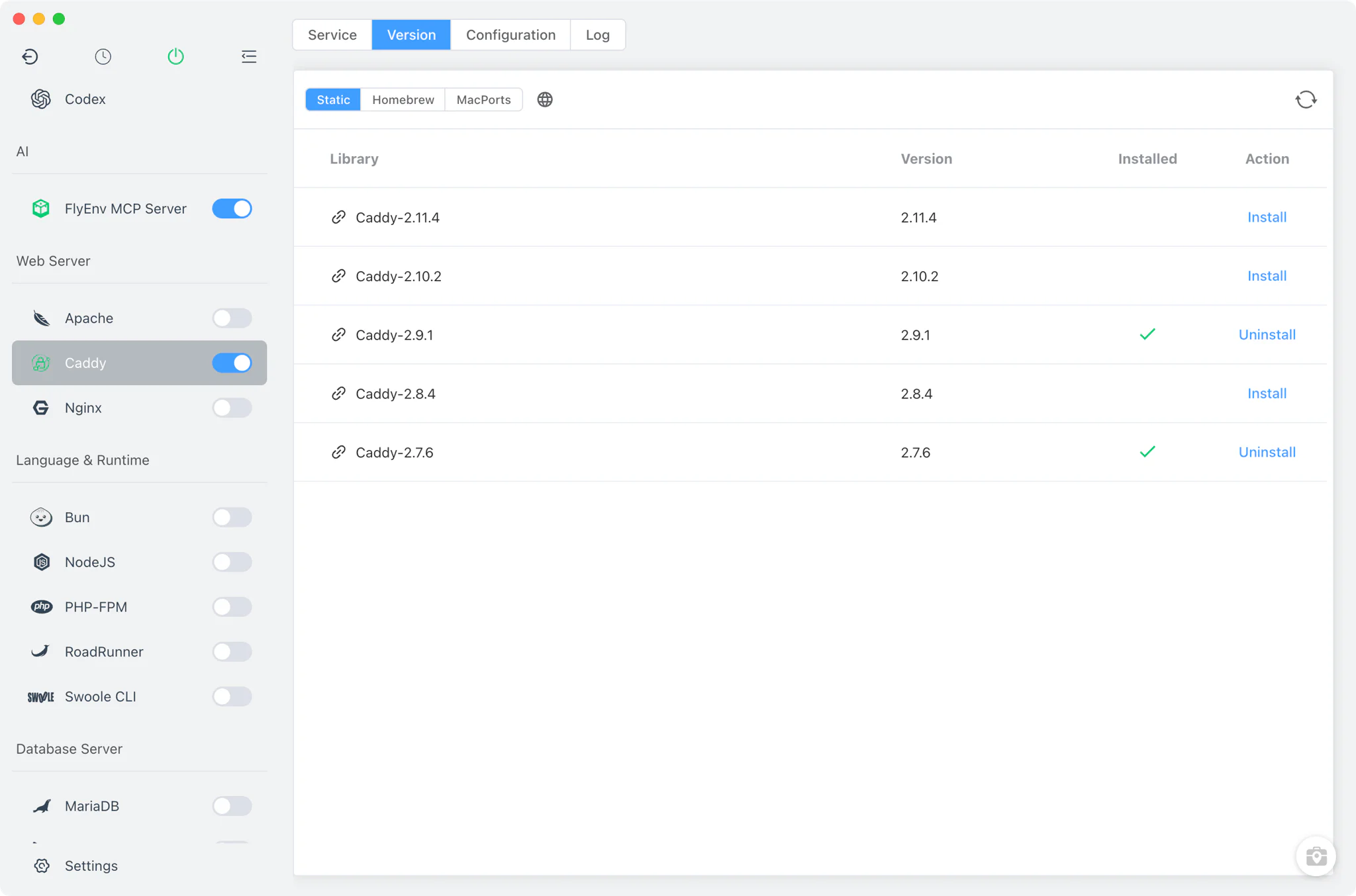
Caddy version management
Install Caddy from Caddy → Version Manager and keep the versions you need on hand.
- Multiple install sources: Static builds from FlyEnv's online version list on every platform — the Windows entries link out to GitHub releases — plus Homebrew on macOS and Linux and MacPorts on macOS.
- Custom versions: point FlyEnv at a folder containing a self-compiled or otherwise externally installed Caddy binary, and it appears in the version list next to the managed ones.
- One running version: several versions can be installed, but only one runs at a time as the Caddy service.
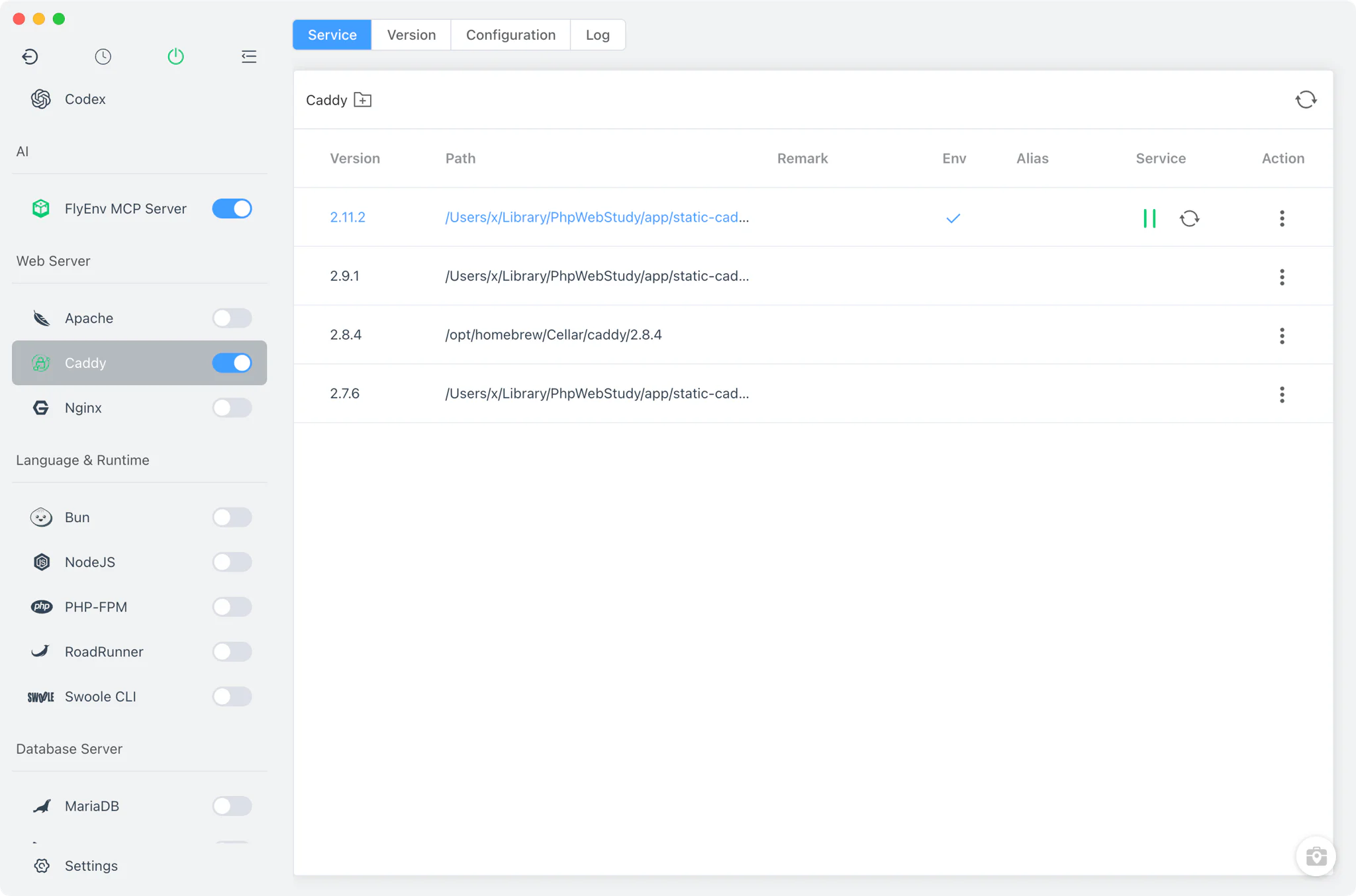
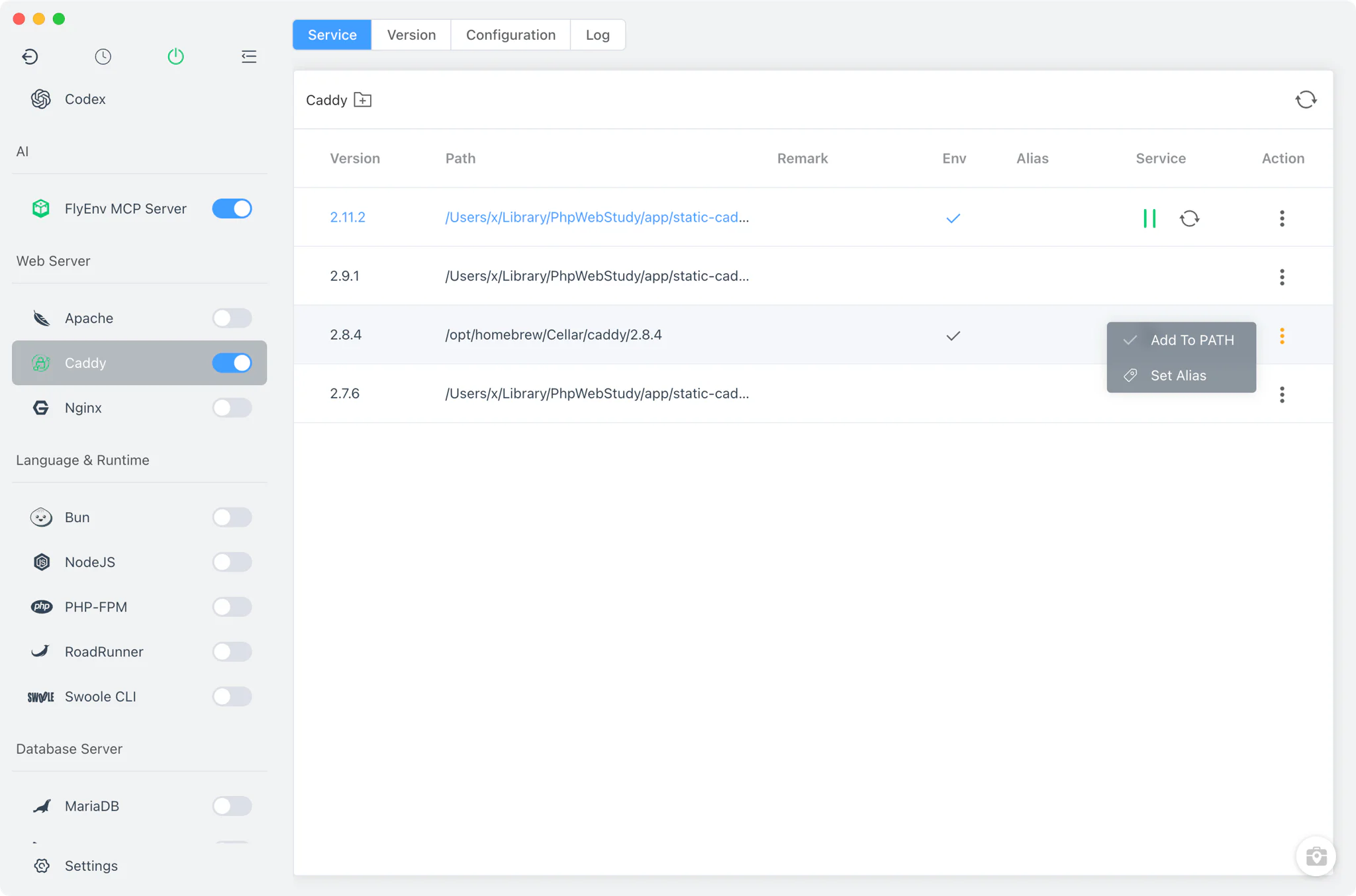
Service management
Caddy runs as a foreground process supervised by FlyEnv, launched with caddy run --config <baseDir>/caddy/Caddyfile --watch — on Linux through FlyEnv's root helper so it can bind privileged ports.
- Automatic reload: the
--watchflag makes Caddy reload itself whenever the configuration changes, so edits to the Caddyfile or a site vhost take effect without a manual restart. - Sidebar and tray control: start or stop Caddy from the module switch in the sidebar, or directly from the system tray without opening the main window.
- Vhost repair on start: when the service starts, FlyEnv rebuilds any missing vhost files for your sites, so a freshly added or restored site is served immediately.
Configuration
Caddy uses a single global Caddyfile, generated by FlyEnv from a template: it sets the ssl storage directory and log file and ends with an import vhost/caddy/* line that pulls in every site's vhost.
- Source editor: the Config File tab edits the Caddyfile directly in a full source editor; there is no visual settings form, so you keep the complete Caddyfile syntax at your disposal.
- Picked up automatically: because the service runs with
--watch, saving the file is enough for Caddy to apply the new configuration.
Site integration
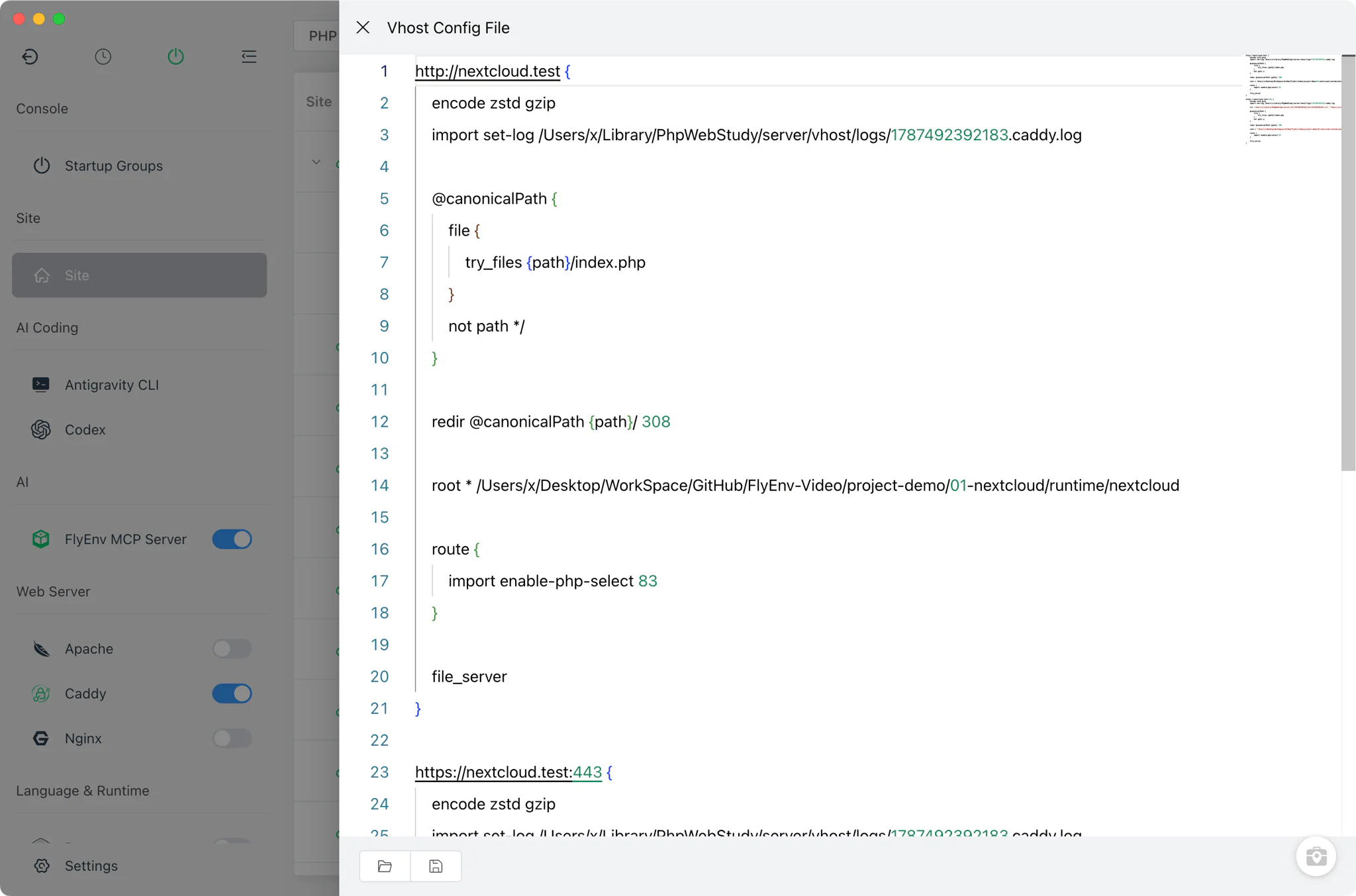
Caddy is one of the web servers that can serve the sites you create in FlyEnv's Host module. Only PHP-type sites get a generated Caddy vhost, wired to the PHP-FPM versions from the PHP module; Node, Java, Go and Python sites are reached through reverse proxy — the multi-server reverse proxy guide shows that pattern in action — and Tomcat sites live in server.xml.
- Per-site ports: every PHP-type site gets its own Caddy ports (80/443 by default), independent of the ports used by Nginx, Apache or FrankenPHP — so the same site can be served by several web servers at once.
- Automatic HTTPS: site vhosts use
tls internalso Caddy issues and trusts a local certificate automatically, or you can point the site at your own certificate files, such as ones generated by the MkCert module. Domains and HTTPS are covered in Local Sites, Custom Domains & HTTPS. - Per-site reverse proxy: add reverse proxy rules to a site to forward paths to local app servers; FlyEnv writes them into the site's Caddy vhost.
Logs
The Caddy module page includes a single Log tab showing the server-wide caddy/caddy.log. Sites also keep their own access and error logs, opened from the log viewer of each site in the Host module — handy for isolating one domain's traffic. There is no built-in admin panel; the log tab and the managed Caddyfile are the whole operational surface.
Related guides, solutions and demos
Continue with a practical guide, solution, demo, or community perspective.
Compatibility Notes
FlyEnv manages the Caddy binary, its process lifecycle and the generated configuration; it does not guarantee that every Caddy plugin or custom build variant is available on every operating system. The Caddyfile is edited raw — there is no visual form — and because the service runs with --watch, a saved change is picked up immediately, so validate edits before relying on them. Available install sources differ by platform (MacPorts is macOS-only, and on Windows the Static source is the only one). Treat the Download page and current release notes as the source for supported packages.