Local HTTPS Certificates with FlyEnv
mkcert is a small open source tool for locally trusted development certificates: it creates its own root CA, and once that CA is installed in your system trust store, every certificate it signs is accepted by your browsers without warnings. FlyEnv integrates mkcert and turns it into a point-and-click workflow: install the binary, trust its root CA once, then generate certificates for any of your local sites without touching the command line.
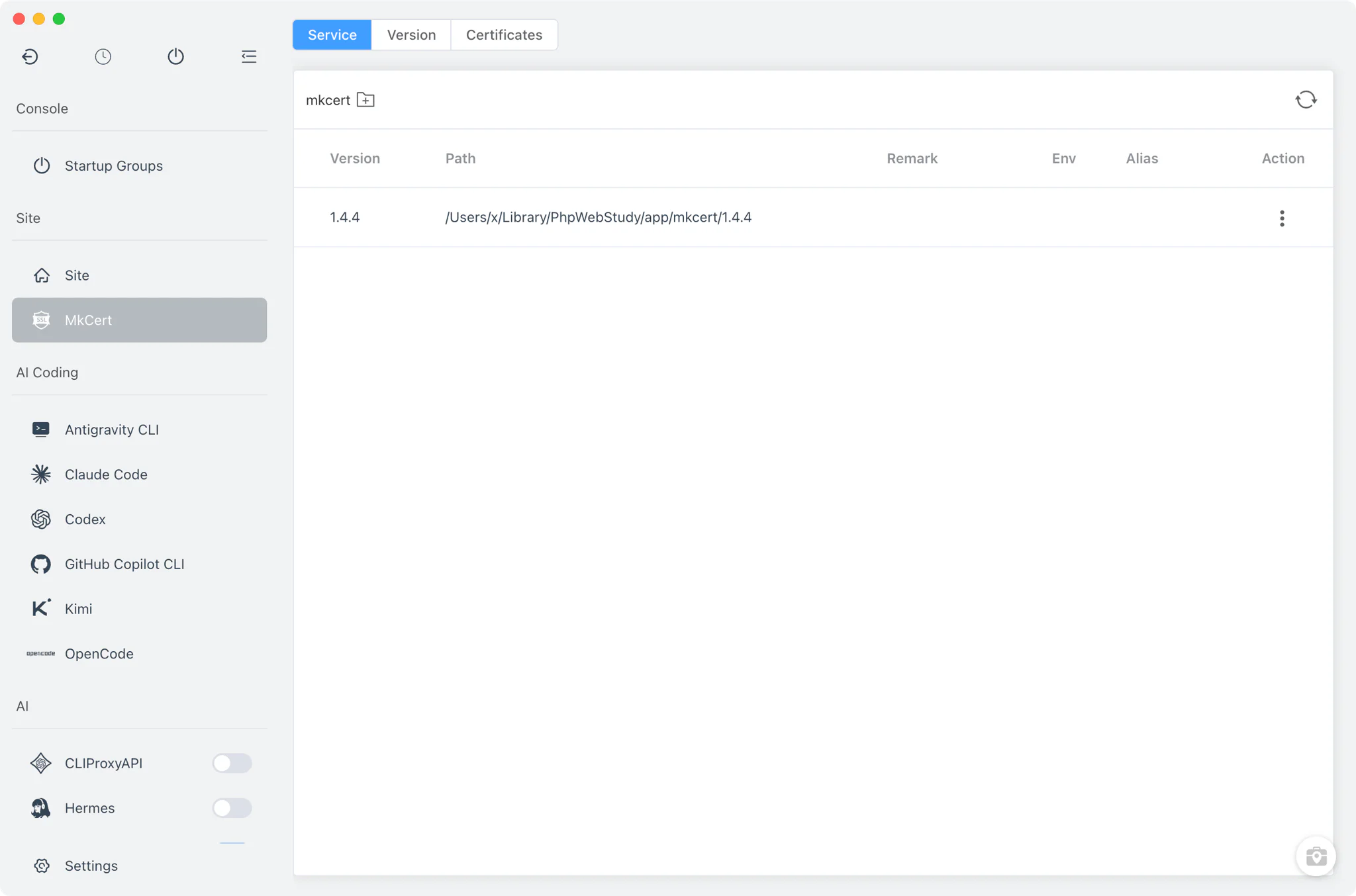
Version management
The Version Manager tab installs and keeps the mkcert binary up to date.
- Static builds: install official mkcert releases from FlyEnv's online version list, downloaded straight from the project's GitHub releases.
- Homebrew: on macOS and Linux, versions installed with
brew install mkcertare detected and listed alongside the managed builds. - Custom directories: point FlyEnv at any folder containing your own
mkcertbinary and it is scanned in too. - Ready to run: downloaded binaries are unpacked into FlyEnv's own directory, with the macOS quarantine attribute stripped and executable permissions set automatically.
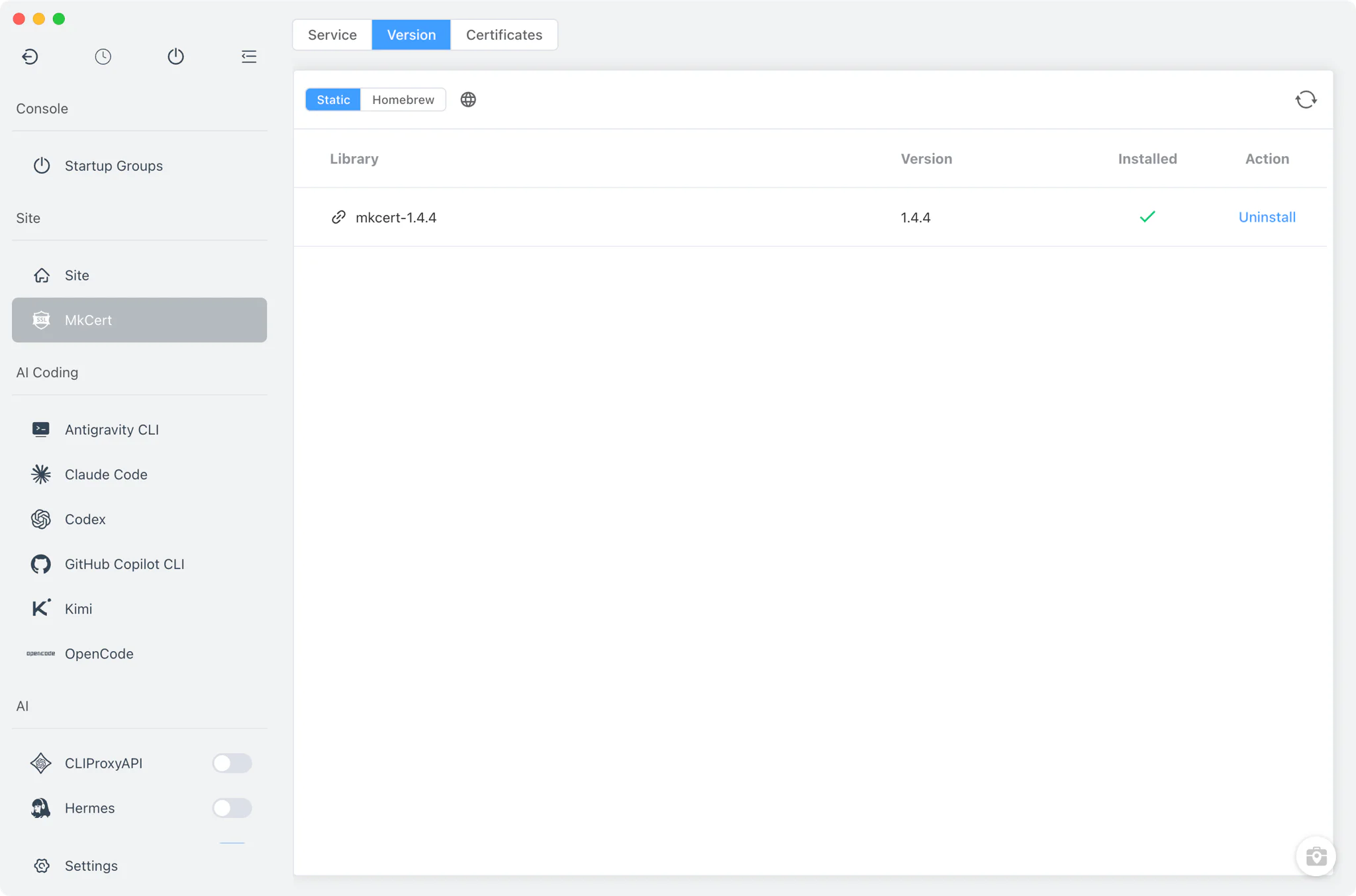
Local CA and the Certificates tab
The Certificates tab is the heart of the module. It shows the mkcert CA Root Path (read live from mkcert -CAROOT, click it to reveal the folder in your file manager) and offers an Install CA action that runs mkcert -install in FlyEnv's embedded terminal — registering the local root CA in your system trust store so every certificate it signs is trusted by your browsers.
- Binary picker: choose which installed mkcert build runs the commands; FlyEnv prefers the version on its own environment PATH.
- Transparent execution: both CA installation and certificate generation run visibly in the embedded terminal, so you see exactly what mkcert does.
Per-site certificate generation
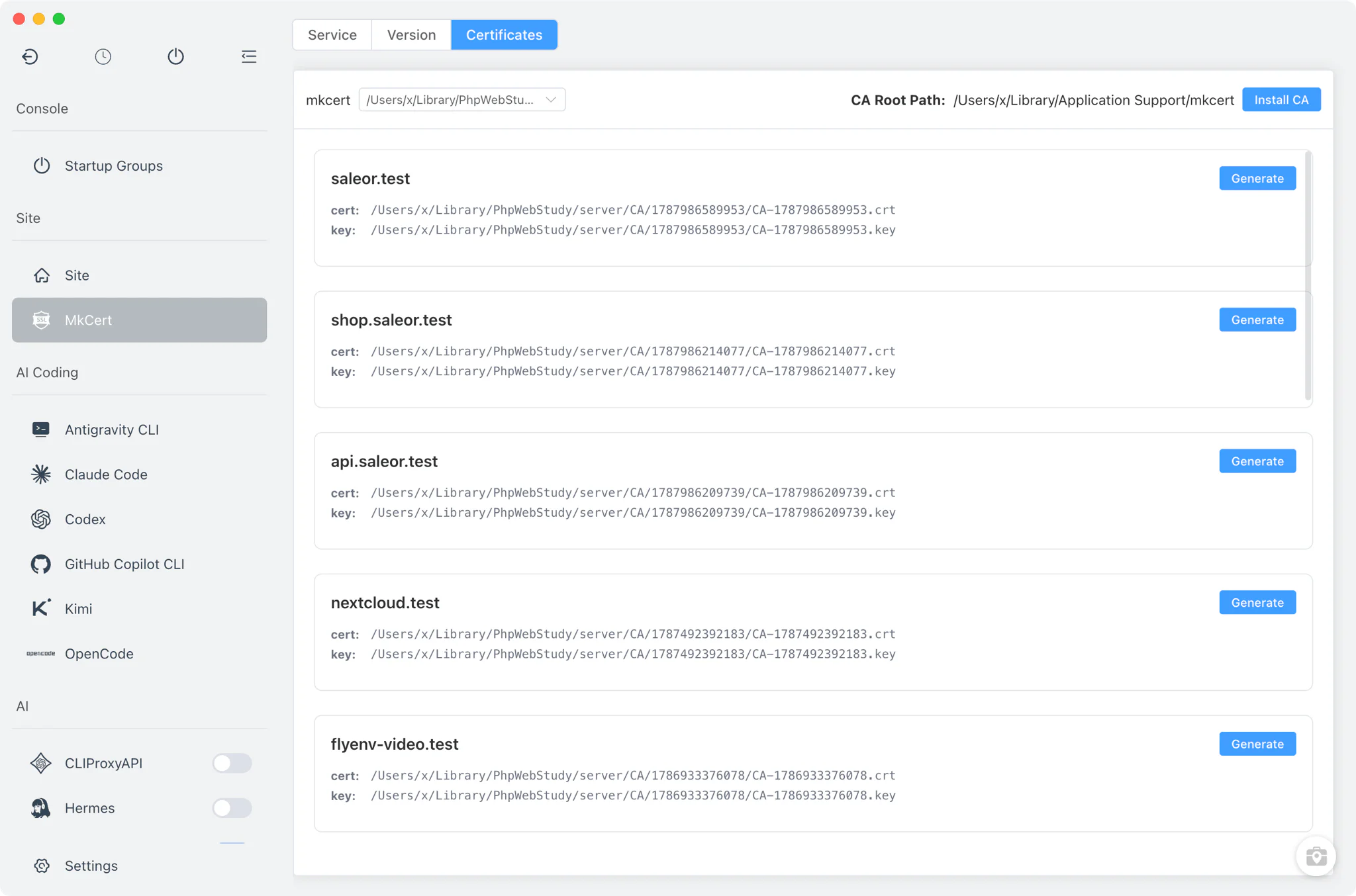
The Certificates tab lists the sites you have created in FlyEnv, each with its certificate and key paths and a Generate action.
- Domains and aliases covered: the generated certificate includes the site's domain and every alias you configured, via
mkcert -cert-file … -key-file …. - Managed storage: certificates and keys are written to FlyEnv's own
CAdirectory, one folder per site. - SSL enabled for you: if the site did not have HTTPS turned on, FlyEnv enables it with the freshly generated certificate once generation finishes — no manual wiring into your site's settings. The certificate files are referenced directly by the site's vhosts in Nginx, Apache and Caddy.
Related guides, solutions and demos
Continue with a practical guide, solution, demo, or community perspective.
Compatibility Notes
- mkcert is a one-shot command-line tool, not a background service: there is nothing to start or stop, and the module has no config file editor or log viewer by design.
- The generated certificates are locally trusted development certificates — meant for your own machine, not for production or other devices.
- Trusting the root CA (
mkcert -install) modifies your system trust store and will ask for your system password, which mkcert handles in the embedded terminal. - Install sources differ by platform: static builds everywhere, Homebrew on macOS and Linux. See the Download page for the platforms FlyEnv itself supports.