Local Java Development with FlyEnv
Java is a general-purpose, JVM-based programming language widely used for enterprise backends, Android apps and large-scale services, with Maven as one of its standard build tools. FlyEnv manages the Java side of your local stack in one app: multiple JDK versions from several install sources, a dedicated Maven version manager, terminal-level version switching, and per-project Java runtime binding. The Java module is organized into four tabs — Java Projects, Service, Version Manager and Maven.
JDK version management
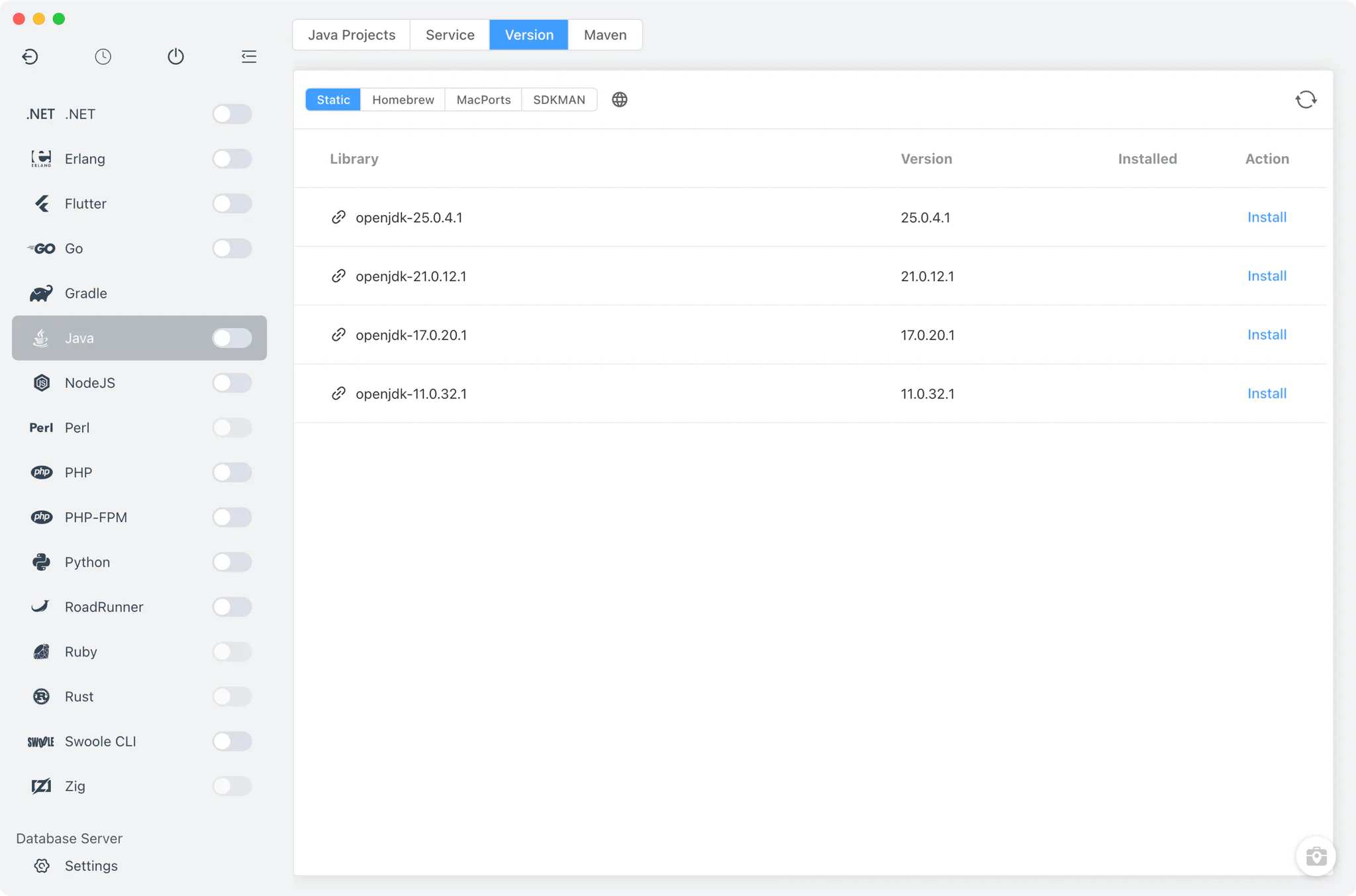
Install multiple JDKs side by side from Java → Version Manager and switch between them at any time.
- Multiple install sources: on macOS, choose between static
.tar.gzJDK builds, Homebrew (jdk/openjdkformulae), MacPorts JDK ports and SDKMAN; on Linux, static builds, Homebrew and SDKMAN are available; on Windows, JDKs install from the static online list as zip archives. The manager header links directly to the Microsoft OpenJDK download page. - Automatic discovery: on macOS, FlyEnv scans
/Library/Java/JavaVirtualMachinesand~/.sdkman/candidates/java, so JDKs you already installed through the system or through SDKMAN appear in the list without manual setup. - Custom versions: point FlyEnv at any directory that contains your own JDK build to list it next to the managed versions.
- Per-version alias and remark: give each installation a short alias and note so similar builds stay distinguishable in the list.
Maven versions
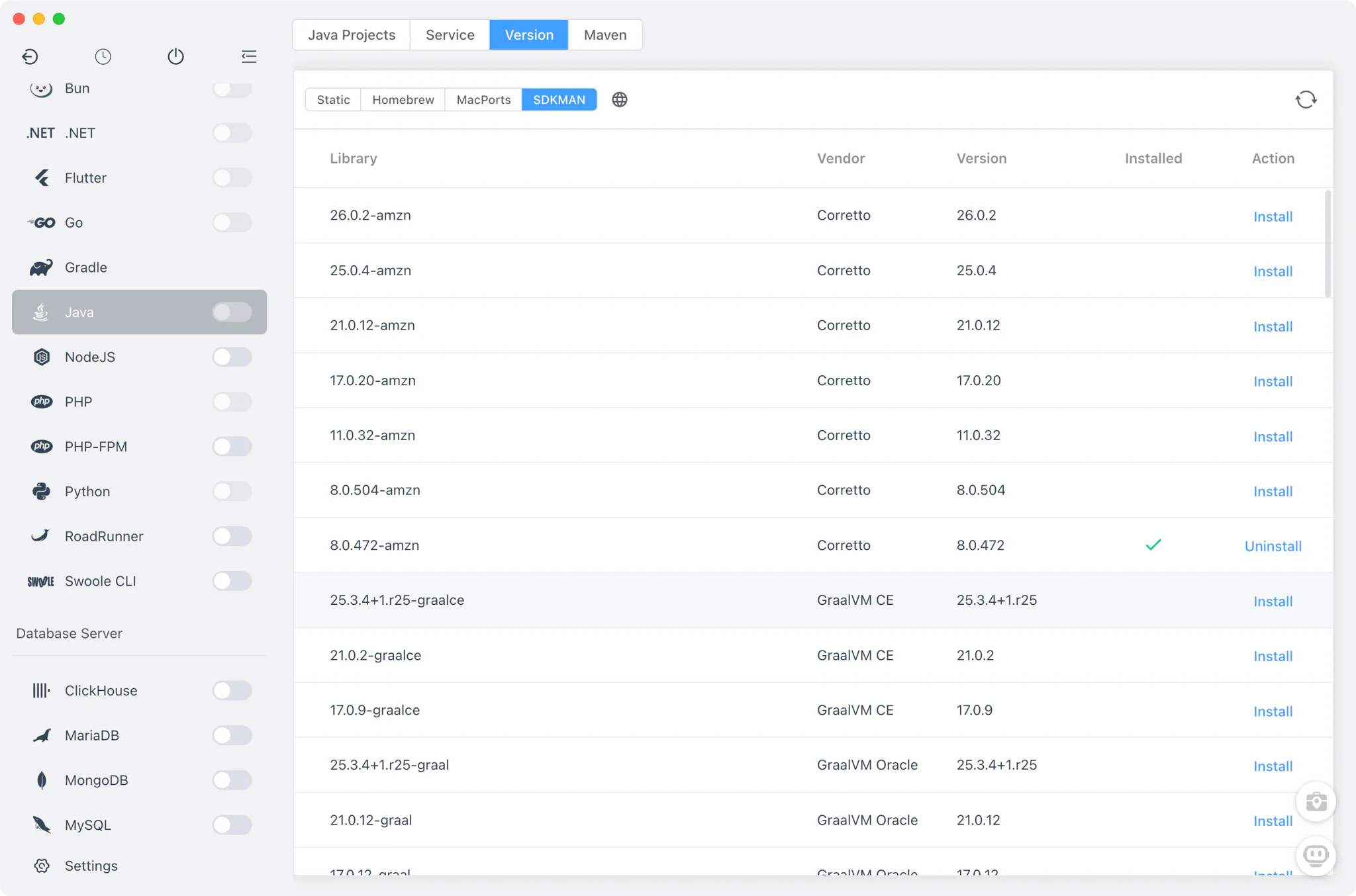
The Maven tab inside the Java module is a full version manager of its own, so your build tool is versioned alongside your JDKs.
- Install and keep multiple Maven versions side by side.
- Maven installs are available from Homebrew, MacPorts, static builds and SDKMAN, depending on your platform.
- Add your own Maven installations from custom directories.
- Teams standardized on Gradle get the same multi-source version management from the dedicated Gradle module.
Command-line version switching
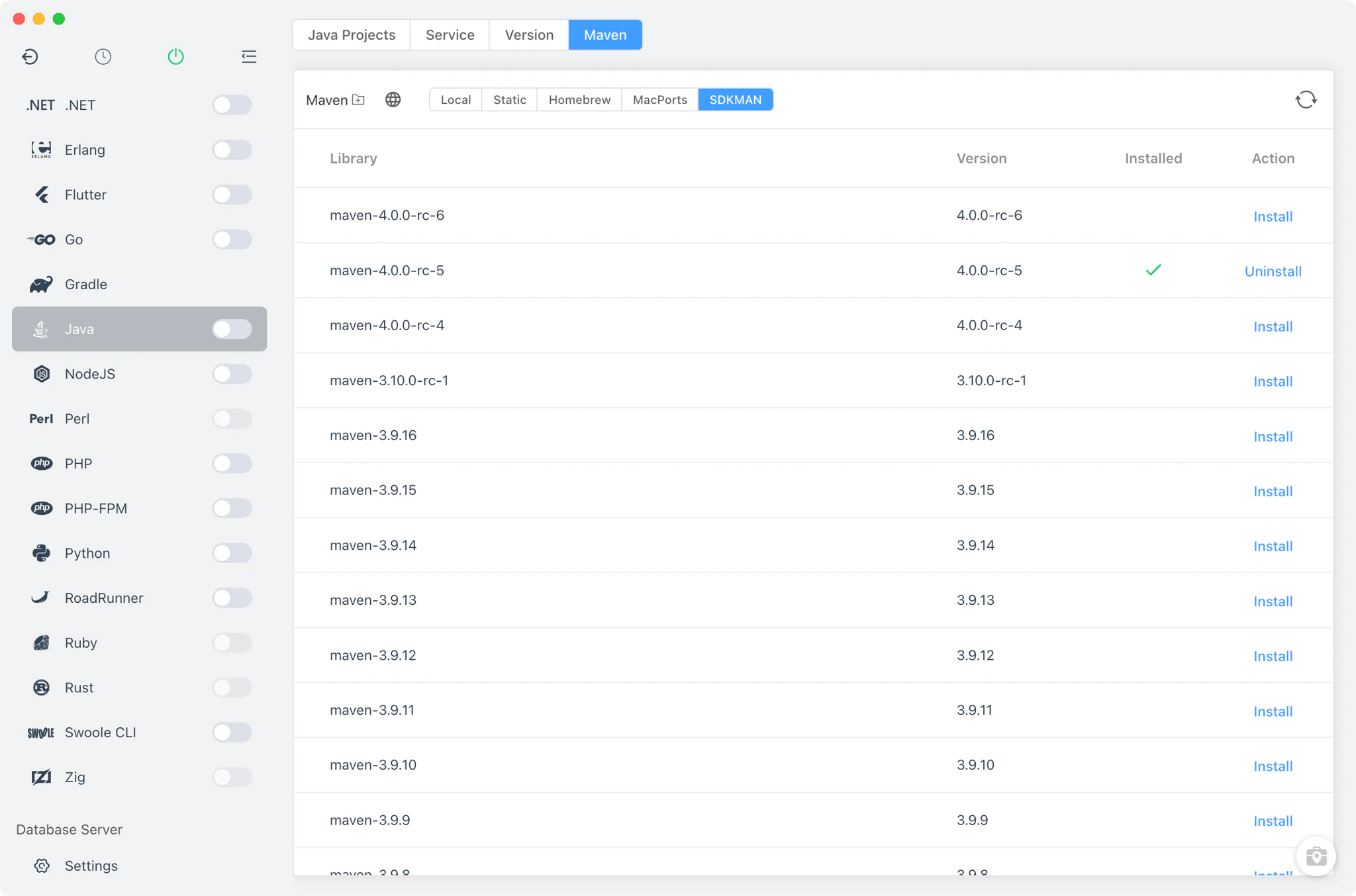
The Service tab lists every installed JDK. For Java it manages versions and your terminal environment — it is not a table of running background services, because the JDK itself runs no daemon.
- Set the terminal version: choose which JDK your
javaandjavaccommands resolve to. FlyEnv adds or removes the version's bin directory in yourPATHand marks whether the current entry was set by FlyEnv or by another tool. - Command alias and notes: set a short alias per version and attach remarks to keep similar builds distinguishable.
- Custom search dirs: extend where FlyEnv looks for existing JDK installations.
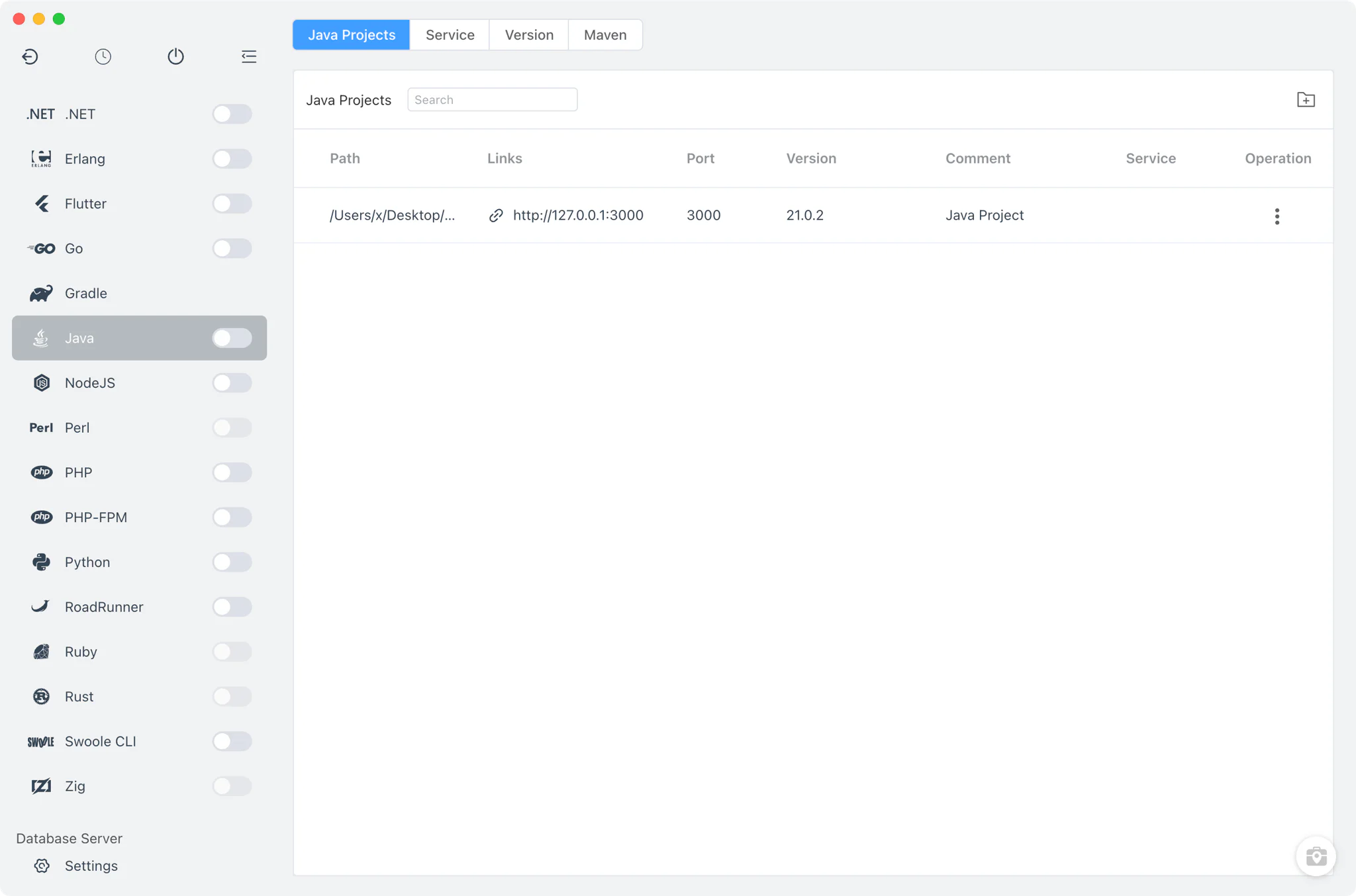
Project-level Java runtimes
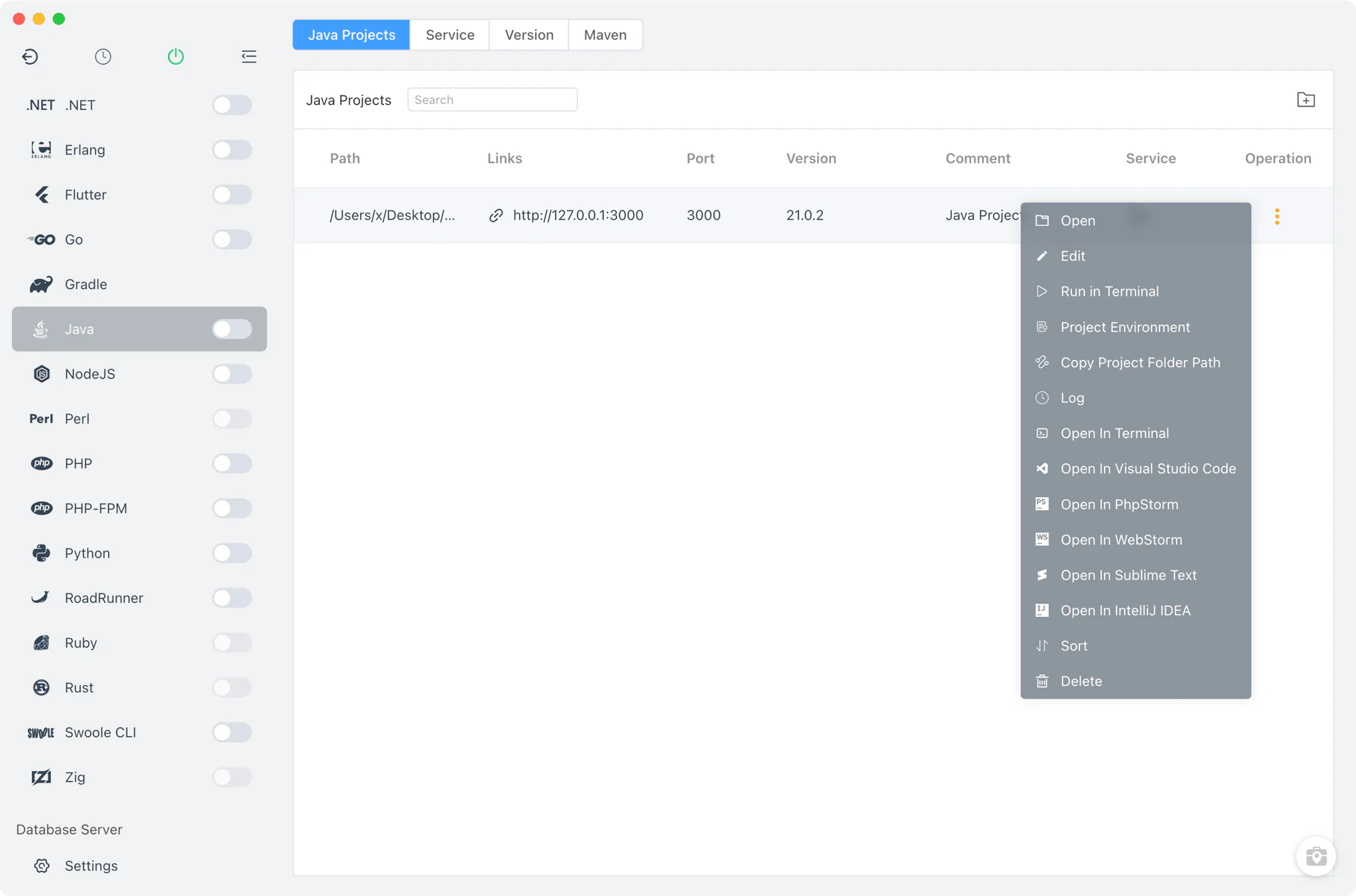
Different projects often need different JDKs. In Java → Java Projects, register each project folder and bind it to its own Java version.
- Per-project runtime: the bound JDK is stored in a
.flyenvfile inside the project directory, so terminals and editors launched from FlyEnv pick up the right Java automatically. - Run as service: start the project with a custom run command or run file directly from FlyEnv, with a configurable project port, optional sudo, a run-in-terminal option, and environment variables provided inline or from an env file.
- Project config and logs: register your own config files and log files per project and view them with the built-in viewers.
- Open in IDE: jump from a project row straight into IntelliJ IDEA with the project environment loaded.
The Java development environment guide walks through a full setup, and the Spring Boot solution shows how a project-level JDK fits into a complete framework stack. For servlet-container deployments, the Tomcat module runs WAR-style applications against the JDKs managed here, and the Metabase solution is an example of a ready-made Java application stack.
Related guides, solutions and demos
Continue with a practical guide, solution, demo, or community perspective.
Compatibility Notes
FlyEnv manages local JDK and Maven versions and the environment configuration around them; it does not guarantee that every JDK distribution, Maven version or third-party tool is available on every operating system. Available install sources differ between macOS, Linux and Windows, and SDKMAN-managed JDKs depend on your own SDKMAN installation. Verify your project's requirements against the installed JDK, and treat the Download page and current release notes as the source for supported packages.