Local PostgreSQL Development with FlyEnv
PostgreSQL is an open source relational database known for strict SQL standards support and a rich extension ecosystem. It is a common choice for applications that need complex queries, strong transactions or extensions such as pgvector. FlyEnv runs PostgreSQL as a managed local service you control from one window: install multiple versions, let FlyEnv initialize the data directory with initdb on first start, edit postgresql.conf in place, and watch pg.log without leaving the app. A built-in pgAdmin 4 launcher gives you a full web console in one click, and the Extension drawer installs pgvector for vector-search workloads.
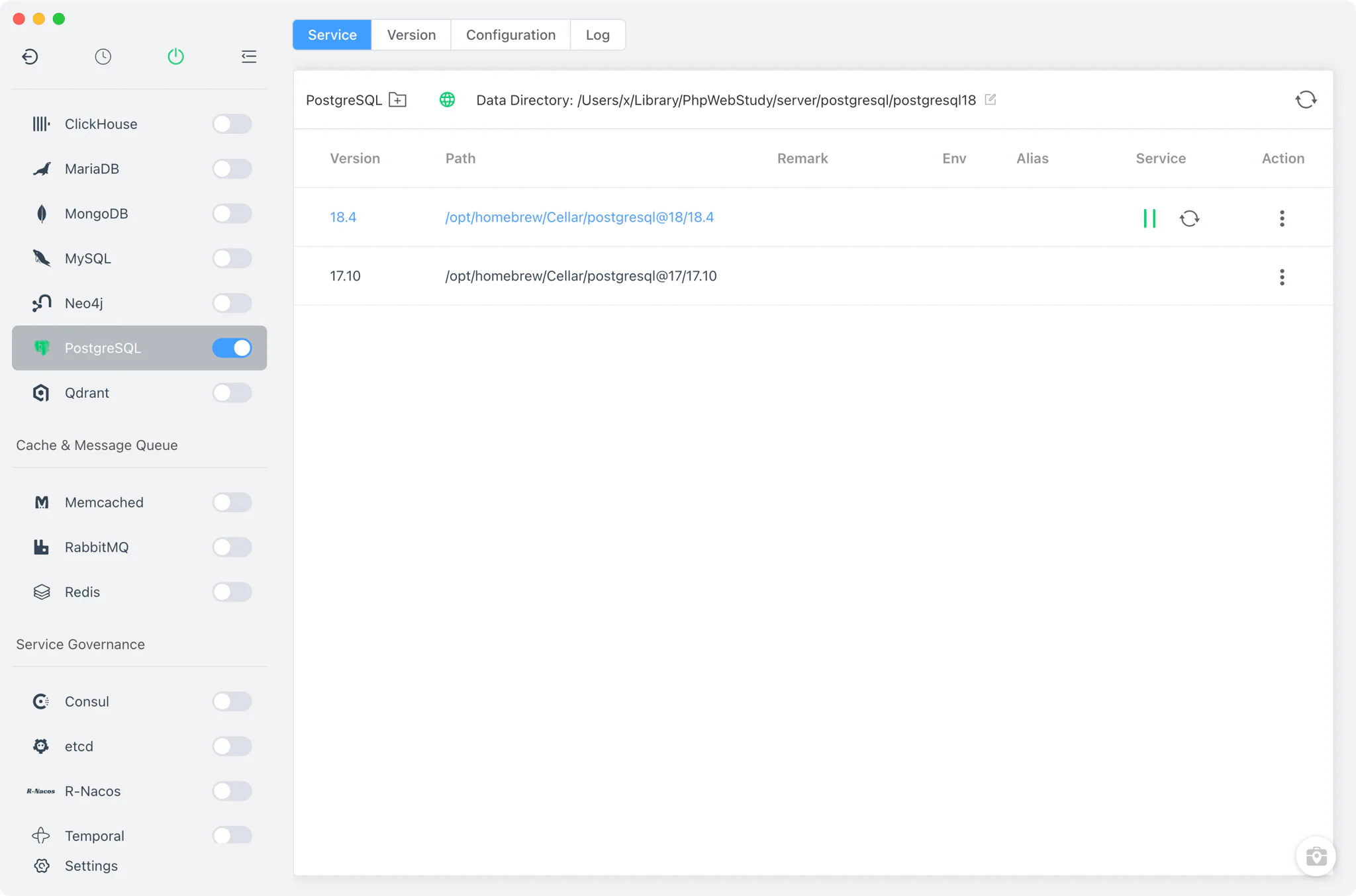
Version management
Install and keep multiple PostgreSQL versions side by side from PostgreSQL → Version Manager.
- Install sources per platform: Homebrew (
postgresql@x) and MacPorts (postgresqlN-server) on macOS, Homebrew on Linux, and a static online list of ready-made packages on Windows. - Custom versions: add any directory containing your own PostgreSQL installation; FlyEnv scans it and lists those builds next to the managed versions.
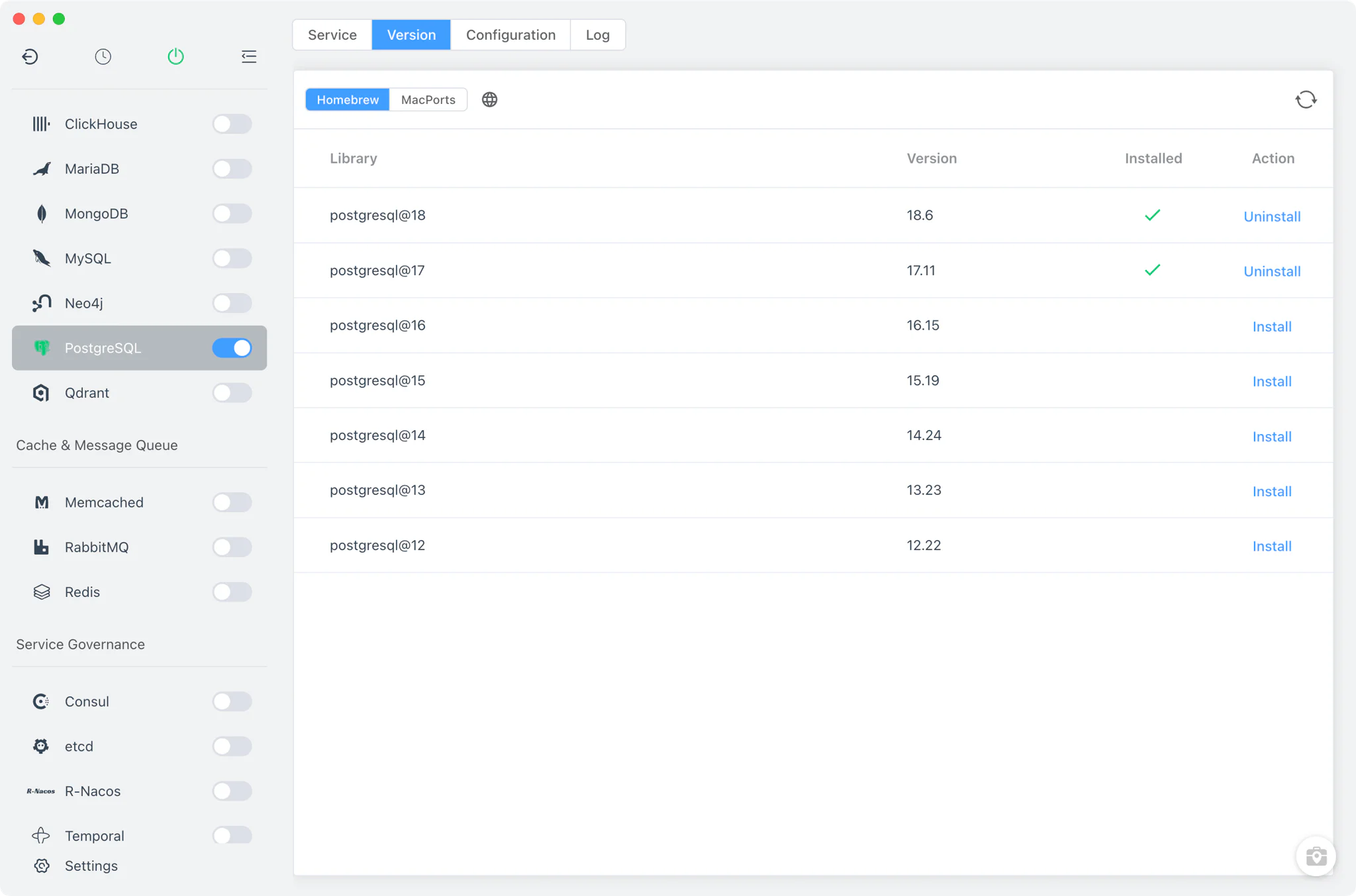
Service and data directory
The Service tab runs the selected version as your local PostgreSQL server. On macOS and Linux, FlyEnv launches the real postgres -D <data directory> binary in the foreground; on Windows it starts the server with pg_ctl -D ... -l pg.log start. The port is read from postgresql.conf and defaults to 5432.
Each version gets its own data directory — postgresql<major> under FlyEnv's PostgreSQL directory by default — and the path is editable per version right in the Service toolbar. When the data directory is empty on first start, FlyEnv automatically runs initdb -U root, so the cluster is created for you with superuser root, UTF-8 encoding and your system locale. initdb is invoked with -U root and no password option, so the out-of-the-box superuser is root with no password; the database user and password guide covers the default credentials across FlyEnv's database modules.
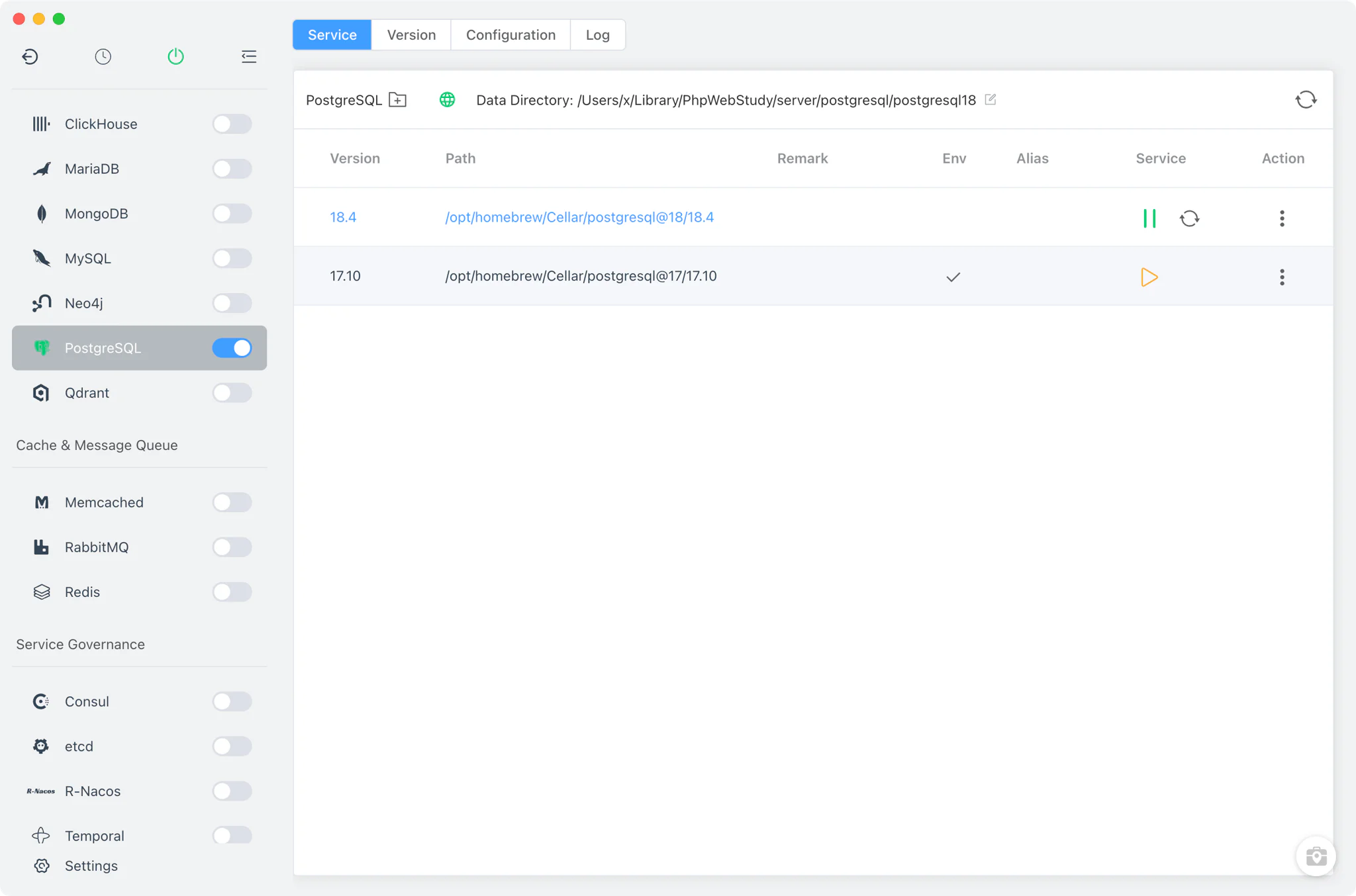
Point your application at 127.0.0.1:5432 — the Django and Strapi solutions show complete local stacks wired to PostgreSQL this way.
Configuration
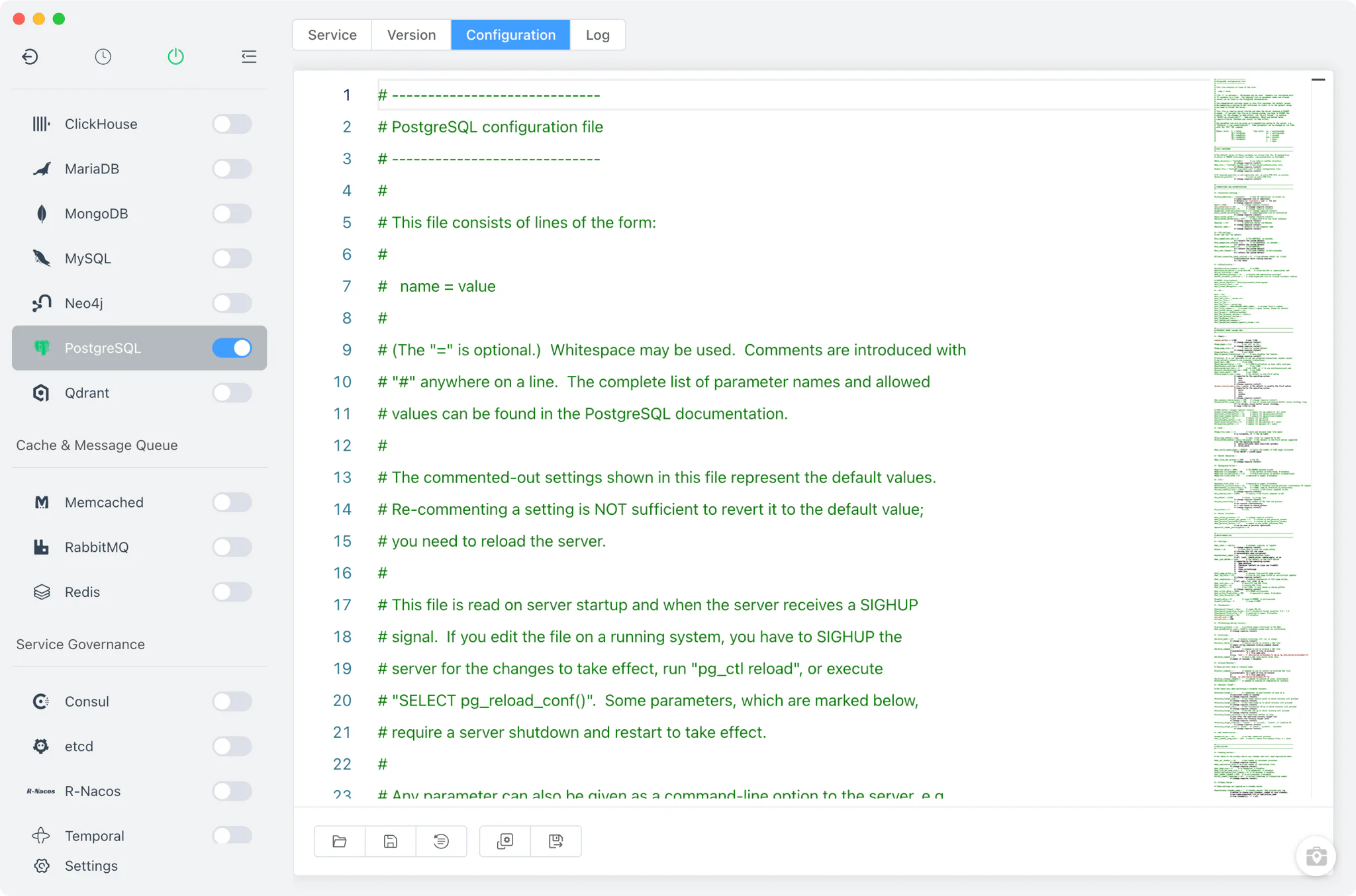
The Config File tab opens the version's postgresql.conf, which lives inside its data directory. FlyEnv edits it with a full raw editor — there is no visual form here — and keeps a postgresql.conf.default copy next to it so you can restore the original configuration at any time. Port changes, listen addresses and tuning parameters all go through this file.
Logs
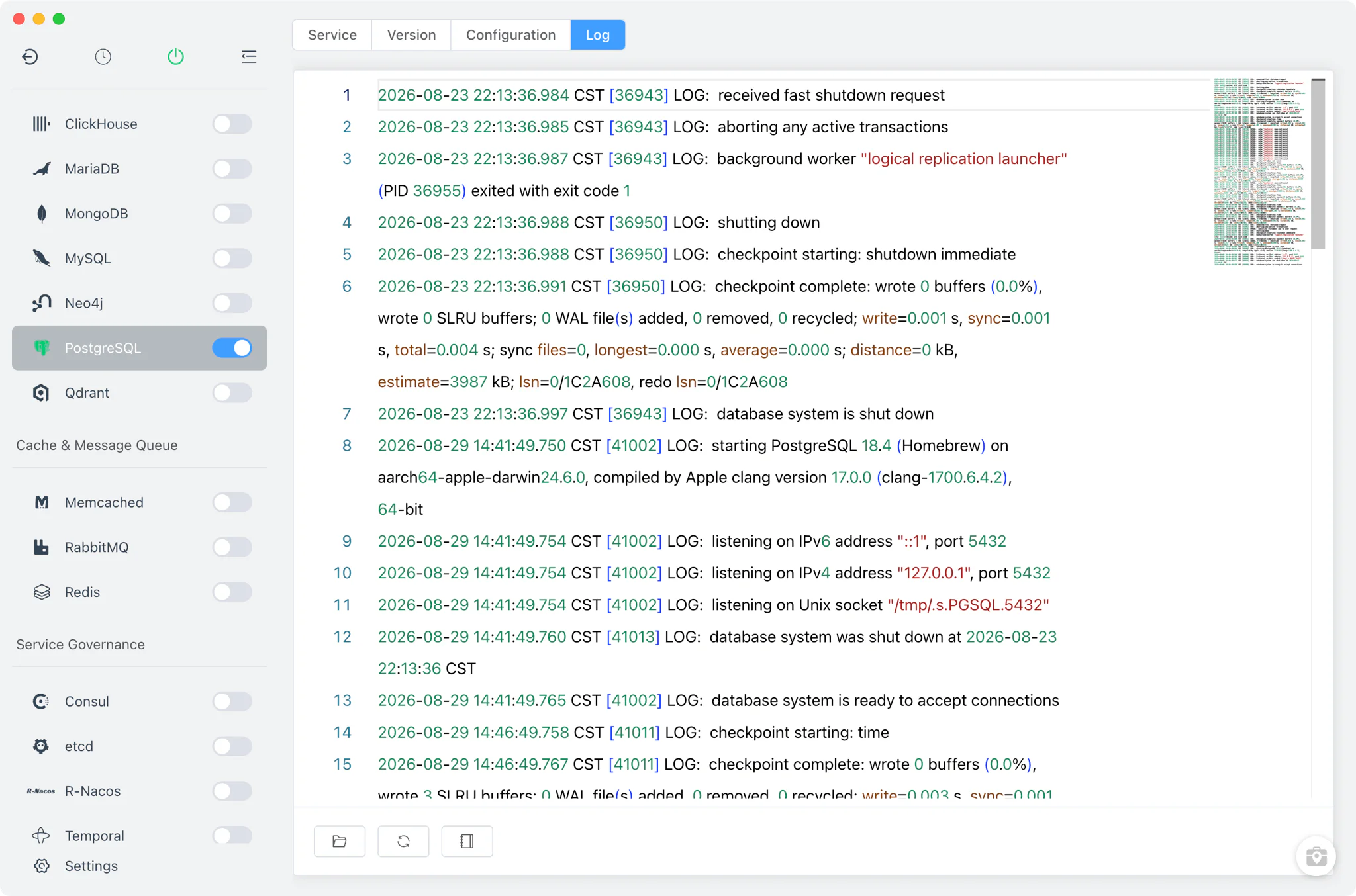
The Log tab opens pg.log from the data directory directly inside FlyEnv — the first stop when a version fails to start. pgAdmin's own logs (pgadmin4.log plus its start output and error logs) are exposed alongside, so web-console problems are diagnosable from the same place.
pgAdmin 4
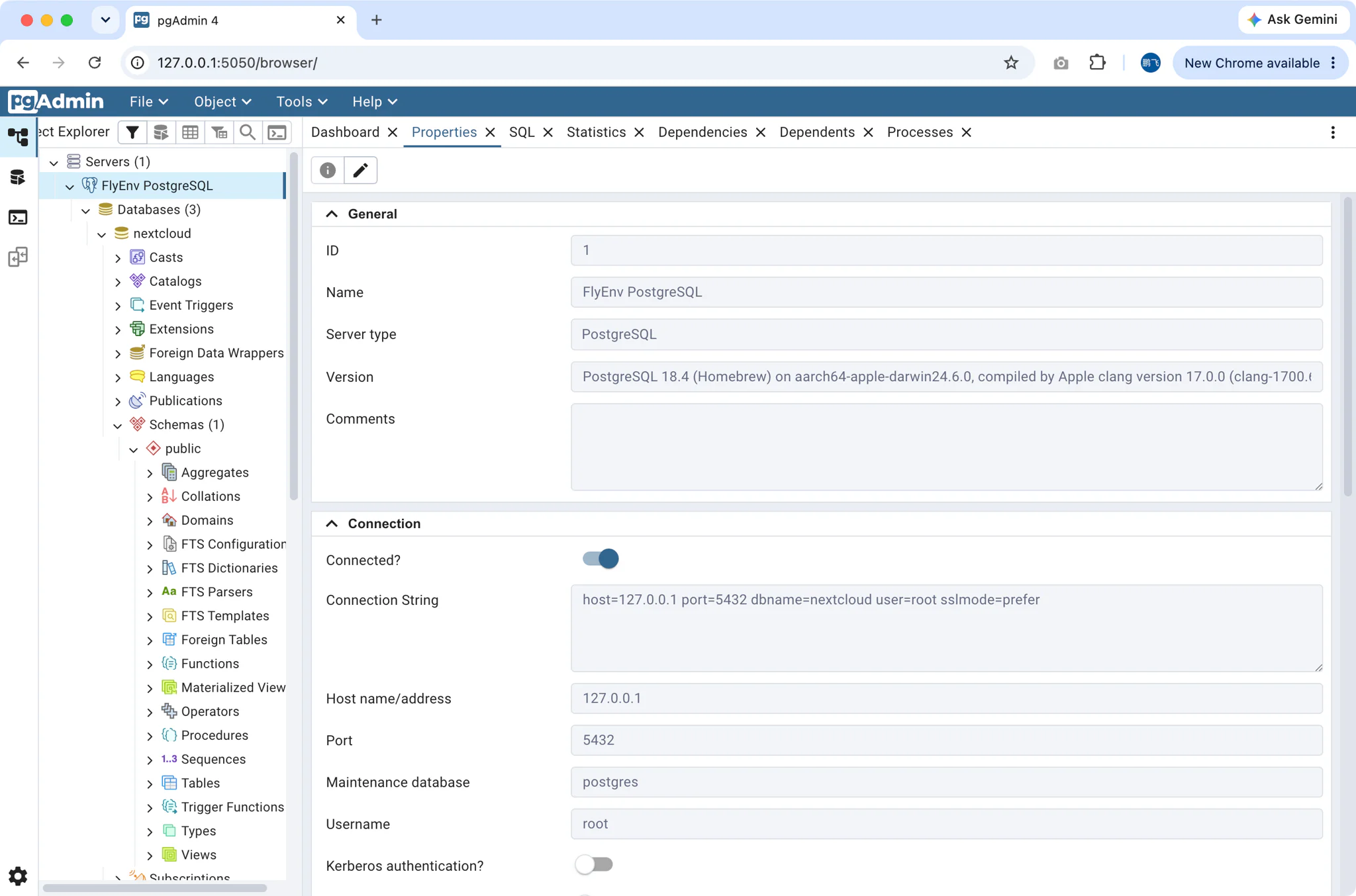
The pgAdmin 4 button in the Service toolbar sets up the full pgAdmin web console in one step. pgAdmin 4 is a Python application, so on first use FlyEnv pip-installs pgadmin4 into your currently selected FlyEnv Python version — you will see an "installing web panel" notice while this happens. It then starts pgAdmin4.py on port 5050 (with retry), auto-registers the running FlyEnv PostgreSQL server as a connection, and opens the console in your browser.
pgvector extension
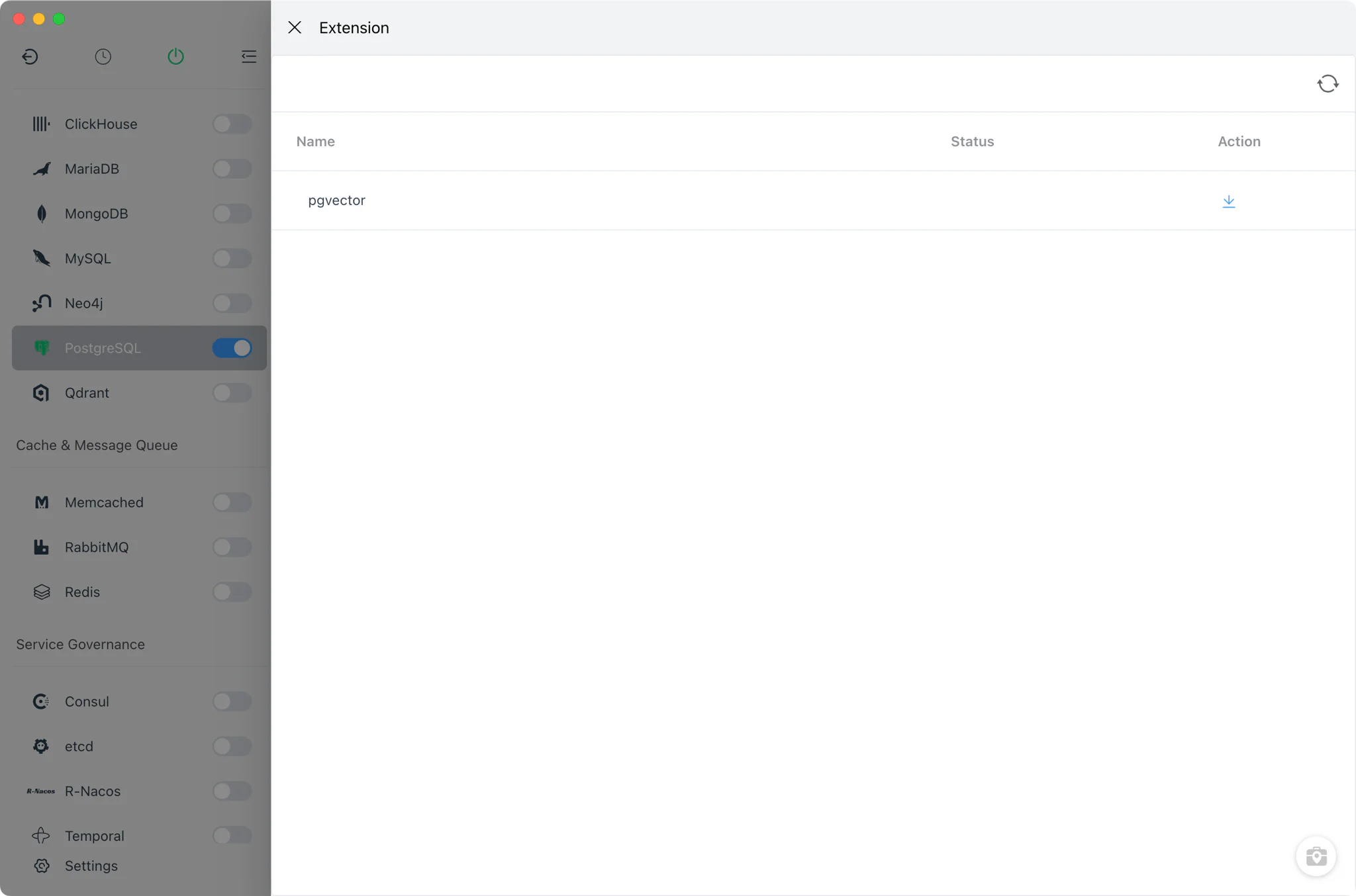
The Extension action on a service row opens a drawer that installs pgvector — the PostgreSQL extension for vector storage and similarity search used by AI and embedding workloads (for a dedicated vector database, see the Qdrant module). FlyEnv clones the latest pgvector tag from its git repository and runs sudo make / make install in the embedded terminal, so you see the real build output. The install flow is macOS-oriented (it uses sudo and the zsh shell).
Related guides, solutions and demos
Continue with a practical guide, solution, demo, or community perspective.
Compatibility Notes
FlyEnv manages the local PostgreSQL runtime, its configuration file and its data directory; it does not guarantee that every PostgreSQL version is available on every operating system or install source. The versions offered in Version Manager depend on your platform (Homebrew and MacPorts on macOS, Homebrew on Linux, static packages on Windows) and on what those sources publish. pgAdmin 4 requires a selected FlyEnv Python version, and the pgvector install flow is designed for macOS. Treat the in-app version list and the Download page as the source of truth for what can be installed on your machine.