Local Qdrant Development with FlyEnv
Qdrant is an open source vector database: it stores embedding vectors and finds the most similar ones quickly. It is a common building block for semantic search, recommendations and retrieval-augmented generation (RAG) applications — often paired with a local model runner such as Ollama; the local offline AI agent guide shows that kind of stack end to end. FlyEnv's Qdrant module runs it as a managed local service: install versions from a curated online list, start and stop them from the sidebar, and edit each version's YAML config in a built-in editor. Every instance gets a generated configuration, per-version logs, and the Qdrant web dashboard served on port 6333 — no manual setup required.
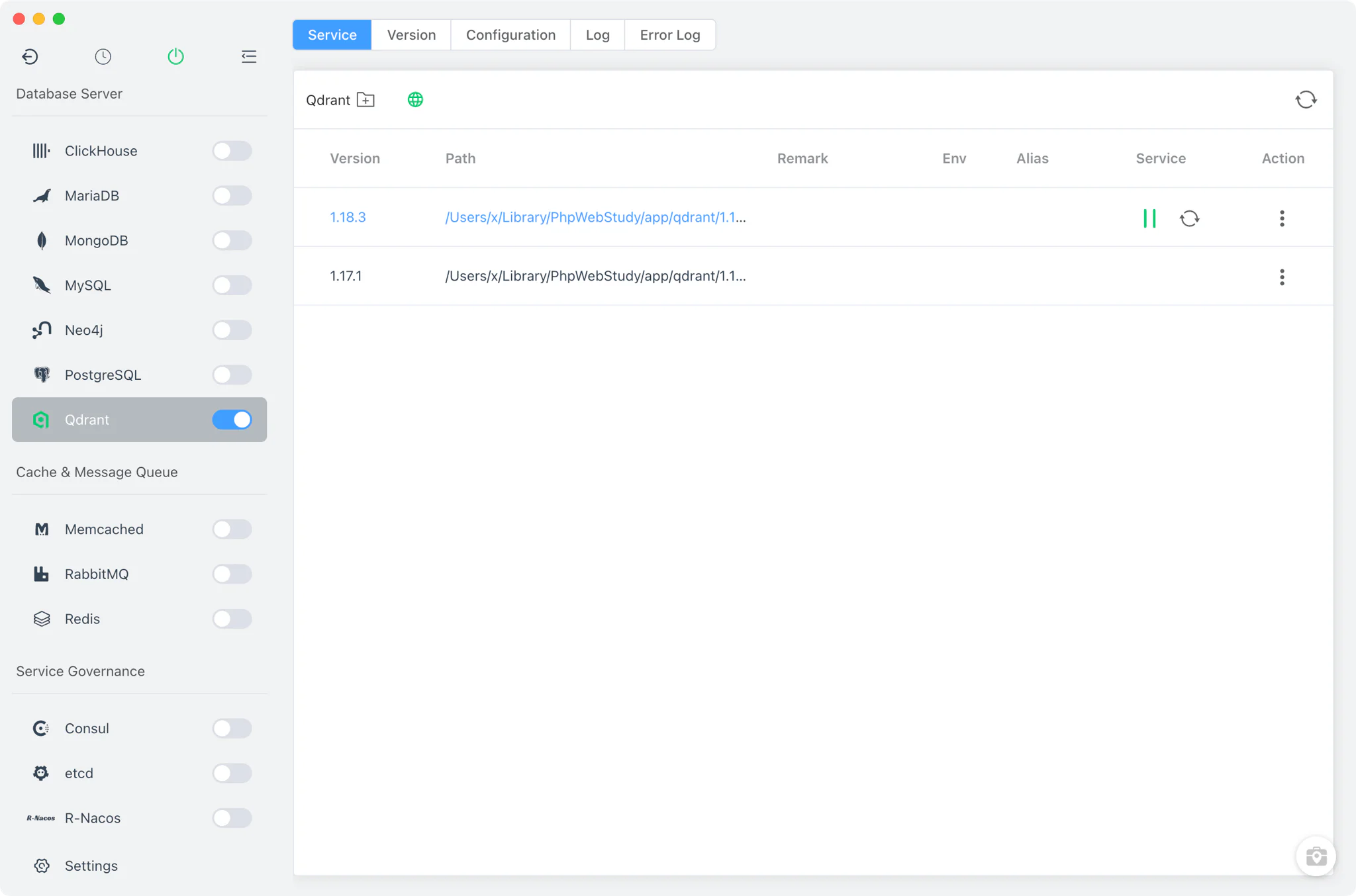
Qdrant version management
Install Qdrant versions side by side from Qdrant → Version Manager and keep them all available at once.
- Static online list: Qdrant is distributed through FlyEnv's Static source only — a downloadable version list (zip or tar.gz archives) on macOS, Linux and Windows. Homebrew and MacPorts are not offered for this module.
- Custom directories: point FlyEnv at any directory containing your own Qdrant binary and it appears in the list next to the managed versions.
- One version at a time: multiple versions can stay installed, but only one Qdrant instance runs at once; starting a version stops the previously running one.
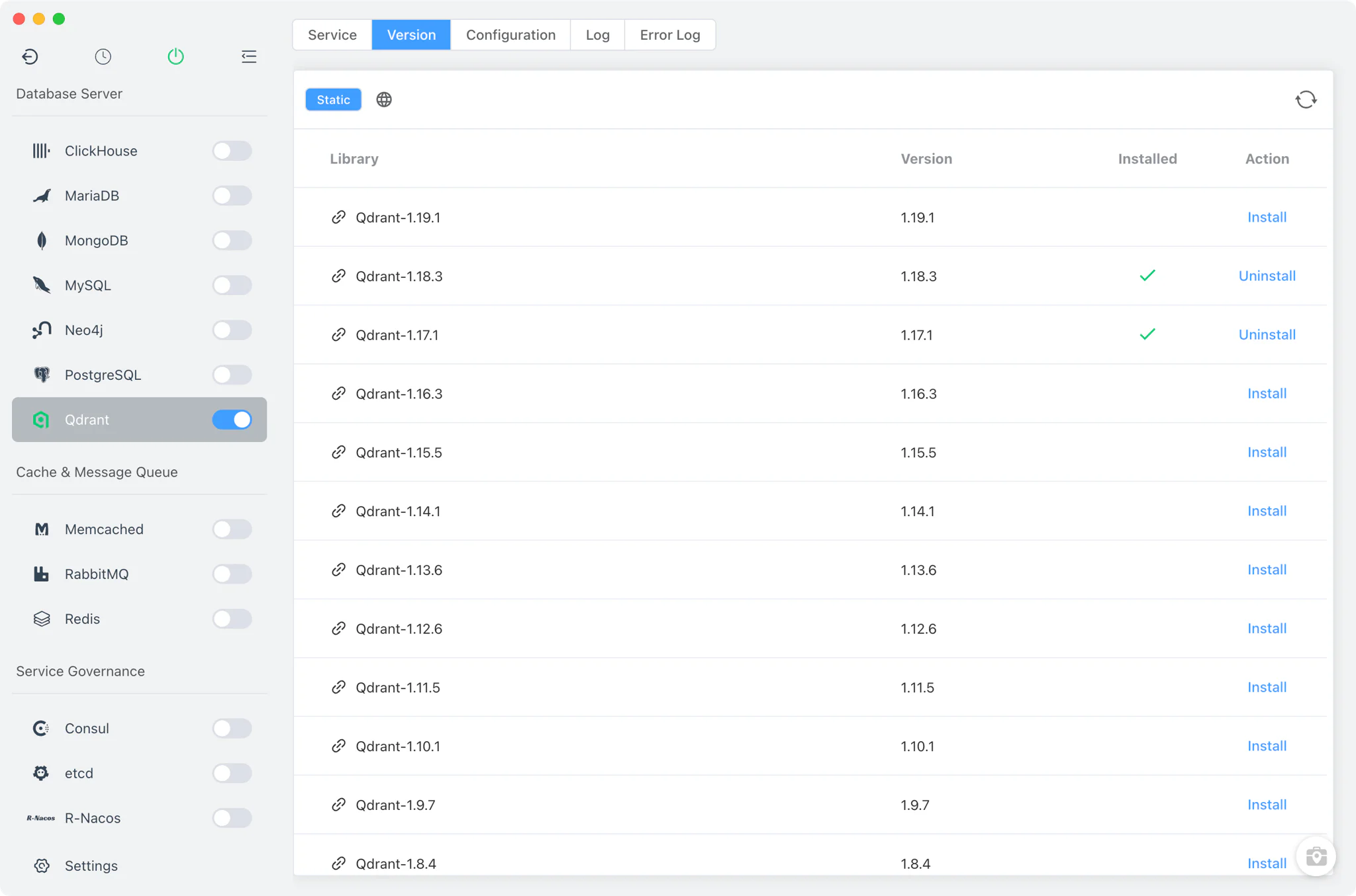
Service and configuration
The Service tab is the running-instance table: start or stop a version, pick the current one, and open its install directory. FlyEnv launches the bare qdrant binary as a managed process, so startup and shutdown work the same on every platform.
Each installed version gets its own configuration: on first use FlyEnv generates config/config.yaml from a template and places it next to that version's binary. Because the file lives beside the binary, config changes are per version — editing one version's YAML never affects another. The Config File tab opens this file in a raw YAML editor, and the template defaults the REST and web port to 6333.
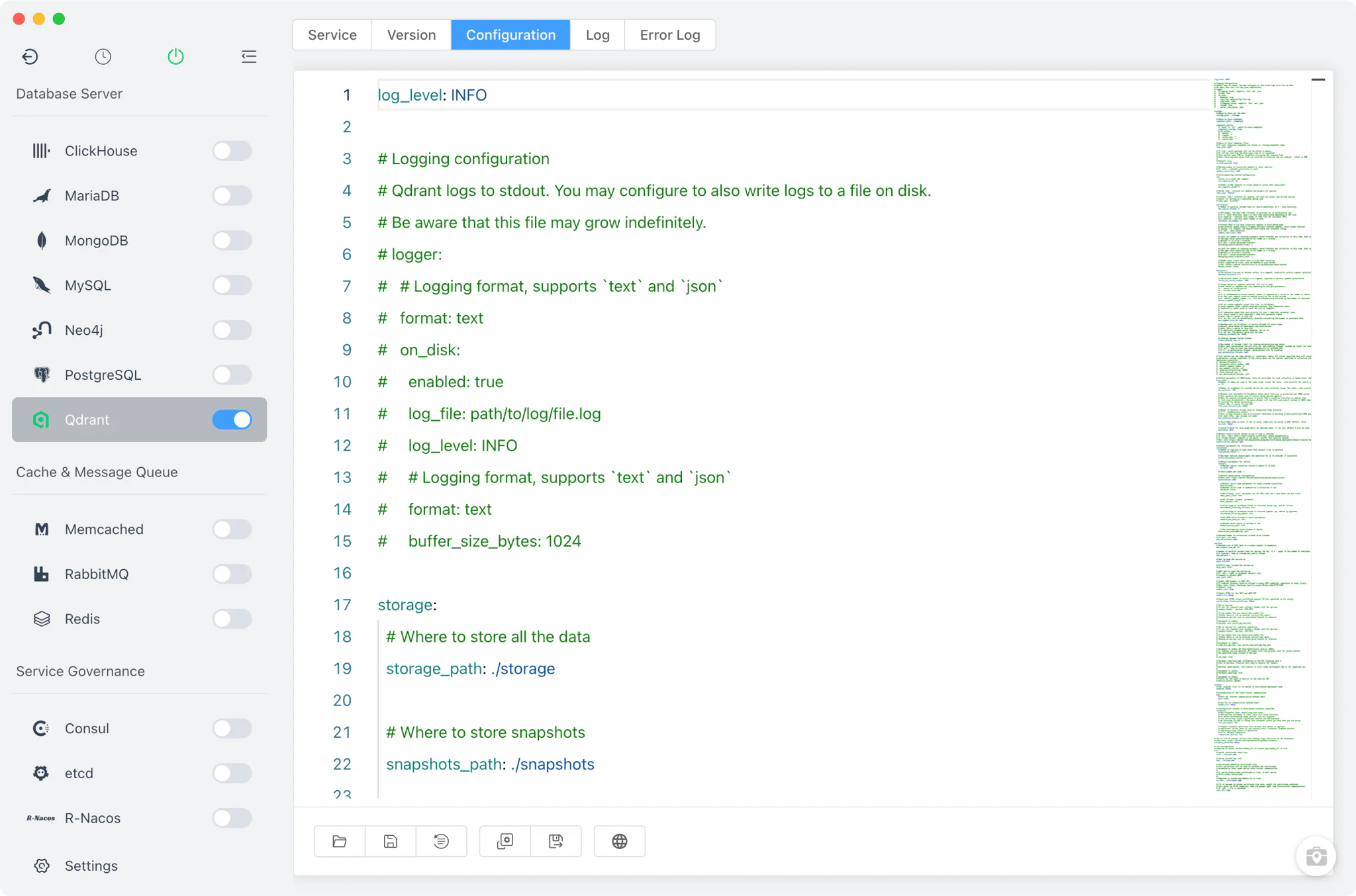
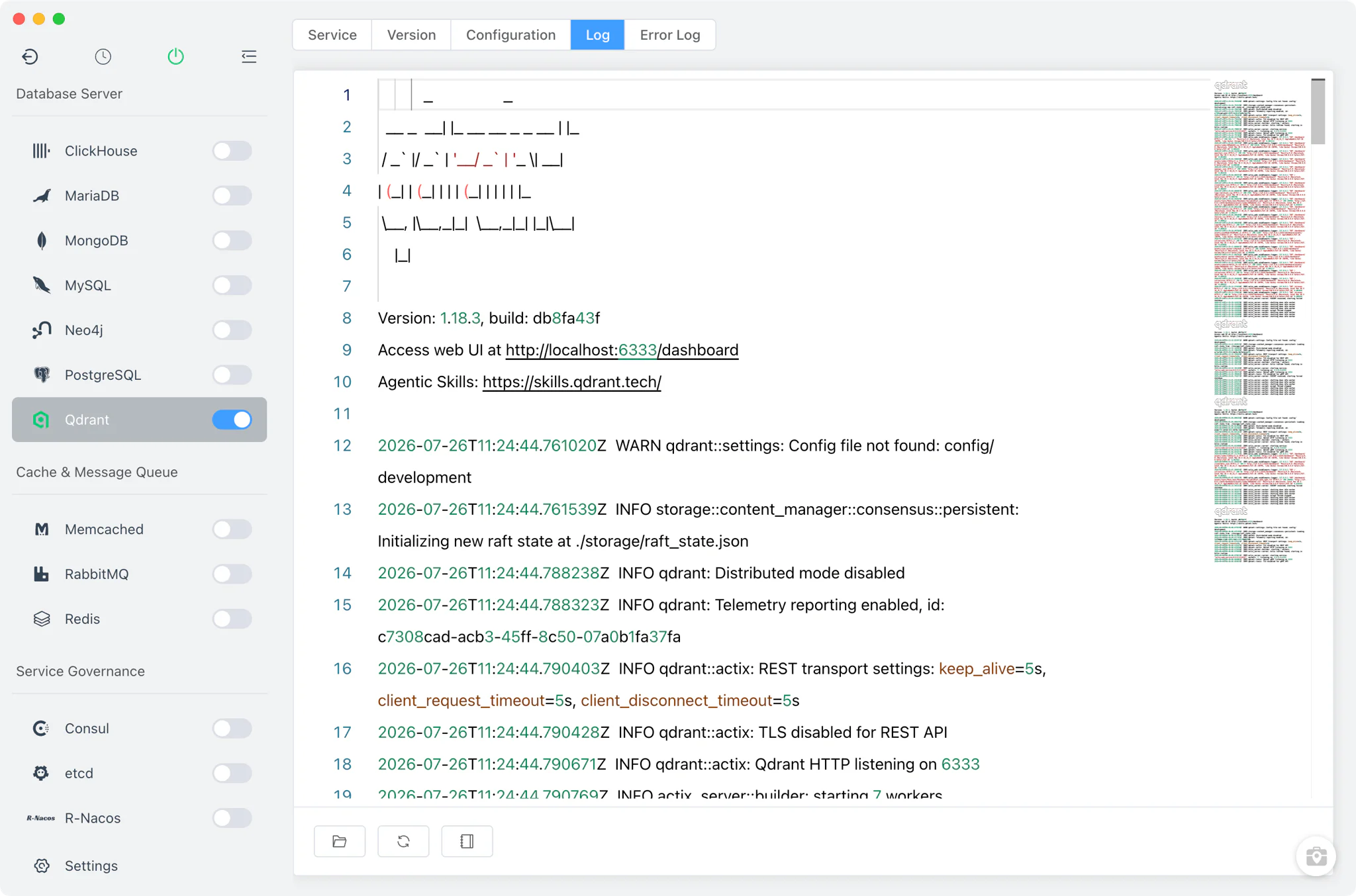
Logs
Qdrant writes two log files per installed version, both viewable without leaving FlyEnv:
- Log tab: the version's standard start output (
qdrant-<version>-start-out.log). - Error Log tab: the version's error output (
qdrant-<version>-start-error.log).
The split into per-version out and error logs makes it easy to see exactly what a specific Qdrant build printed during startup or while serving requests.
Web dashboard
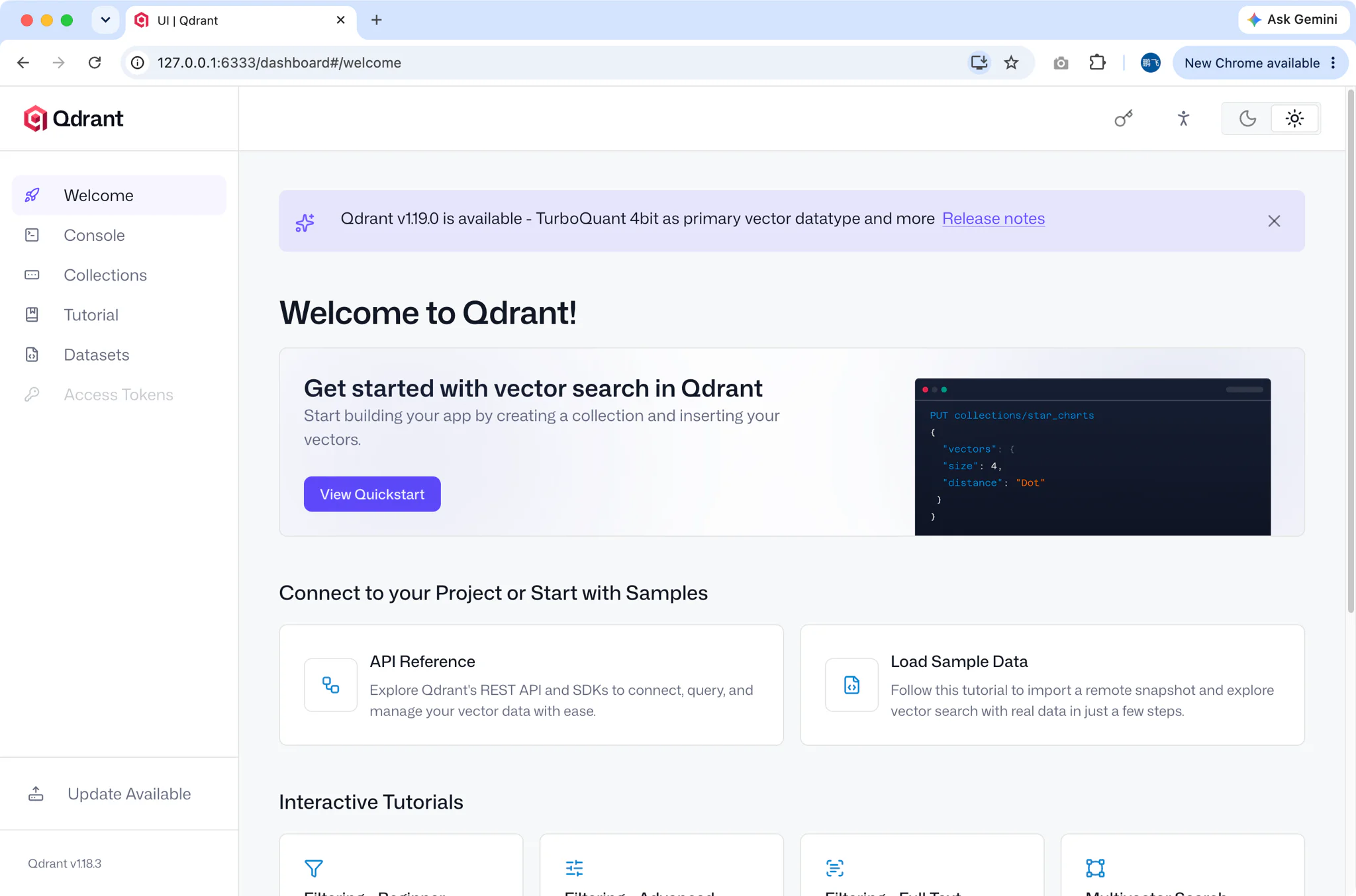
While a Qdrant version is running, the Service tab shows a dashboard button that opens http://127.0.0.1:6333/dashboard in your browser.
FlyEnv sets this up automatically: on start or install it downloads the official qdrant-web-ui from GitHub and has Qdrant serve it through the QDRANT__SERVICE__STATIC_CONTENT_DIR setting, so the dashboard works out of the box against the instance on port 6333 — no separate web server or manual asset download needed.
Related guides, solutions and demos
Continue with a practical guide, solution, demo, or community perspective.
Compatibility Notes
FlyEnv manages Qdrant version installation, the service lifecycle, per-version config and logs, and the bundled dashboard; it does not manage collections, snapshots or API keys — those stay inside Qdrant itself. PostgreSQL users can get similar vector search inside a relational database through pgvector — see the PostgreSQL module. The dashboard button always targets the default port 6333, so keep that port in the config if you rely on it. For the packages FlyEnv can install, treat the Download page and current release notes as the source of truth, and see the demos for the module in action.