Local RustFS Object Storage with FlyEnv
RustFS is an open source, distributed object storage system written in Rust that exposes an S3-compatible API. It fits workloads that want object storage on their own infrastructure — and, in development, a local stand-in for S3 without containers or cloud accounts. FlyEnv turns RustFS into a managed local service, so you get that storage without shell scripting. Install RustFS builds from inside the app, shape rustfs.conf through a grouped settings form, keep each version's objects in its own data directory, and reach the RustFS console in the browser with a single click.
Version management
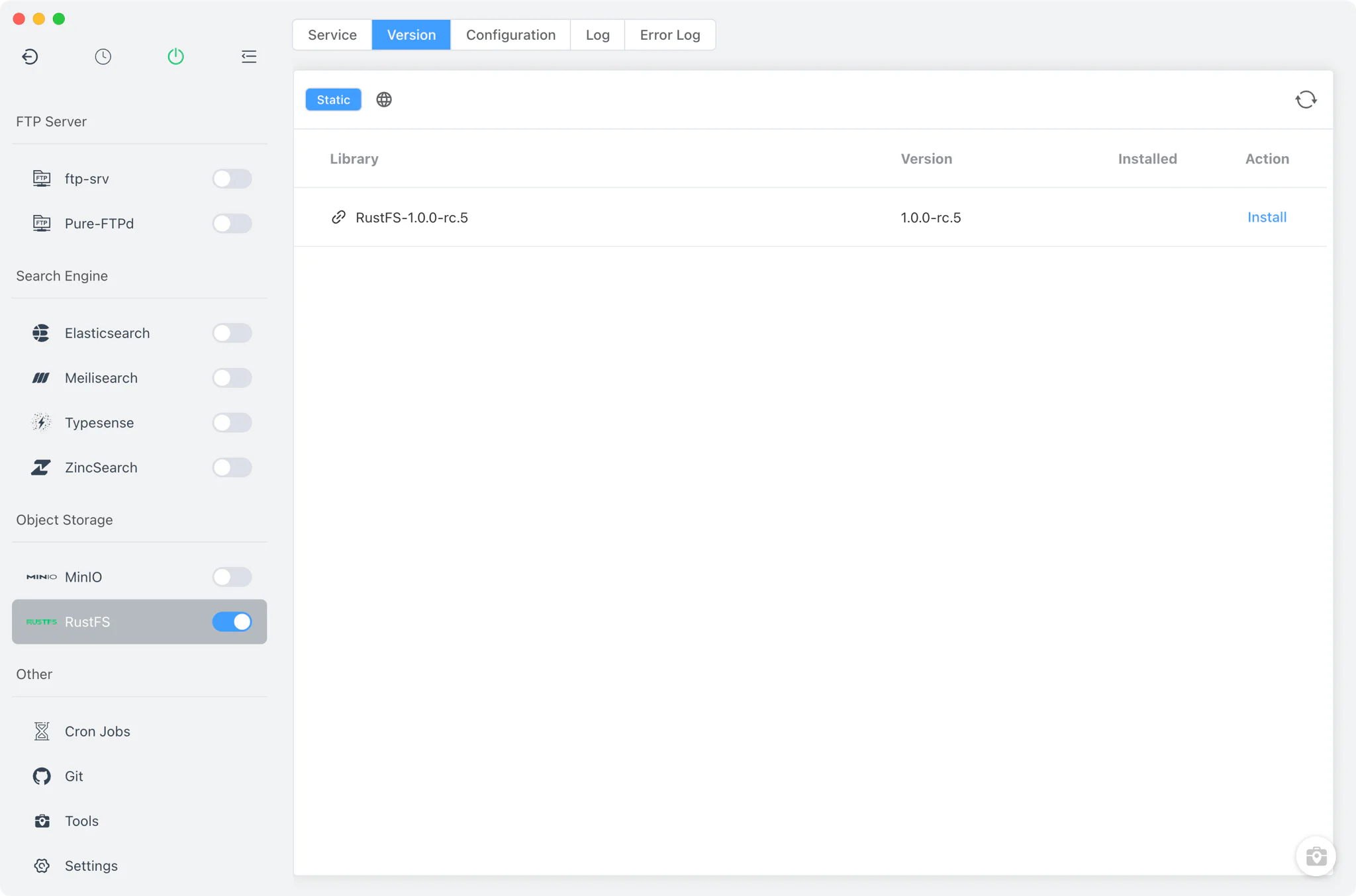
Install and keep several RustFS builds from RustFS → Version Manager, then choose which one the service runs.
- Static source only: RustFS versions come from FlyEnv's online list of ready-made builds, packaged as zip archives for Windows, macOS and Linux. Homebrew and MacPorts are not offered as install sources for this module.
- Custom directories: point FlyEnv at a folder holding your own RustFS binary and it appears in the installed list alongside the managed builds.
- Single running instance: a fixed pid file keeps the module to one RustFS server at a time.
Service and configuration
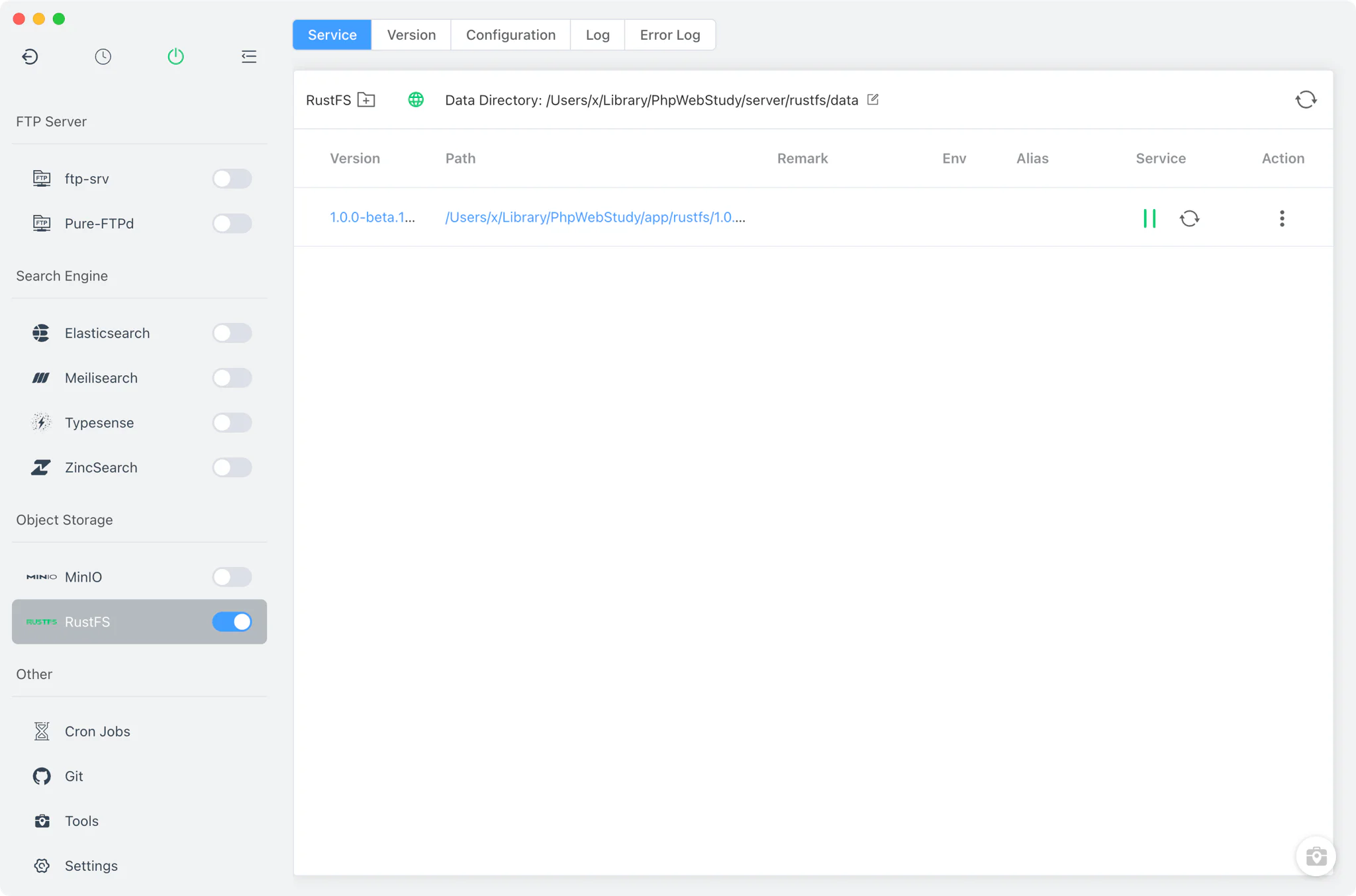
The Service tab launches the selected build as rustfs server with arguments translated from the RUSTFS_* keys in rustfs/rustfs.conf — environment values are passed through to the process as well. The sidebar switch (mirrored in the system tray) starts or stops the service.
- Per-version data directory: each build stores its objects in its own volume path (default
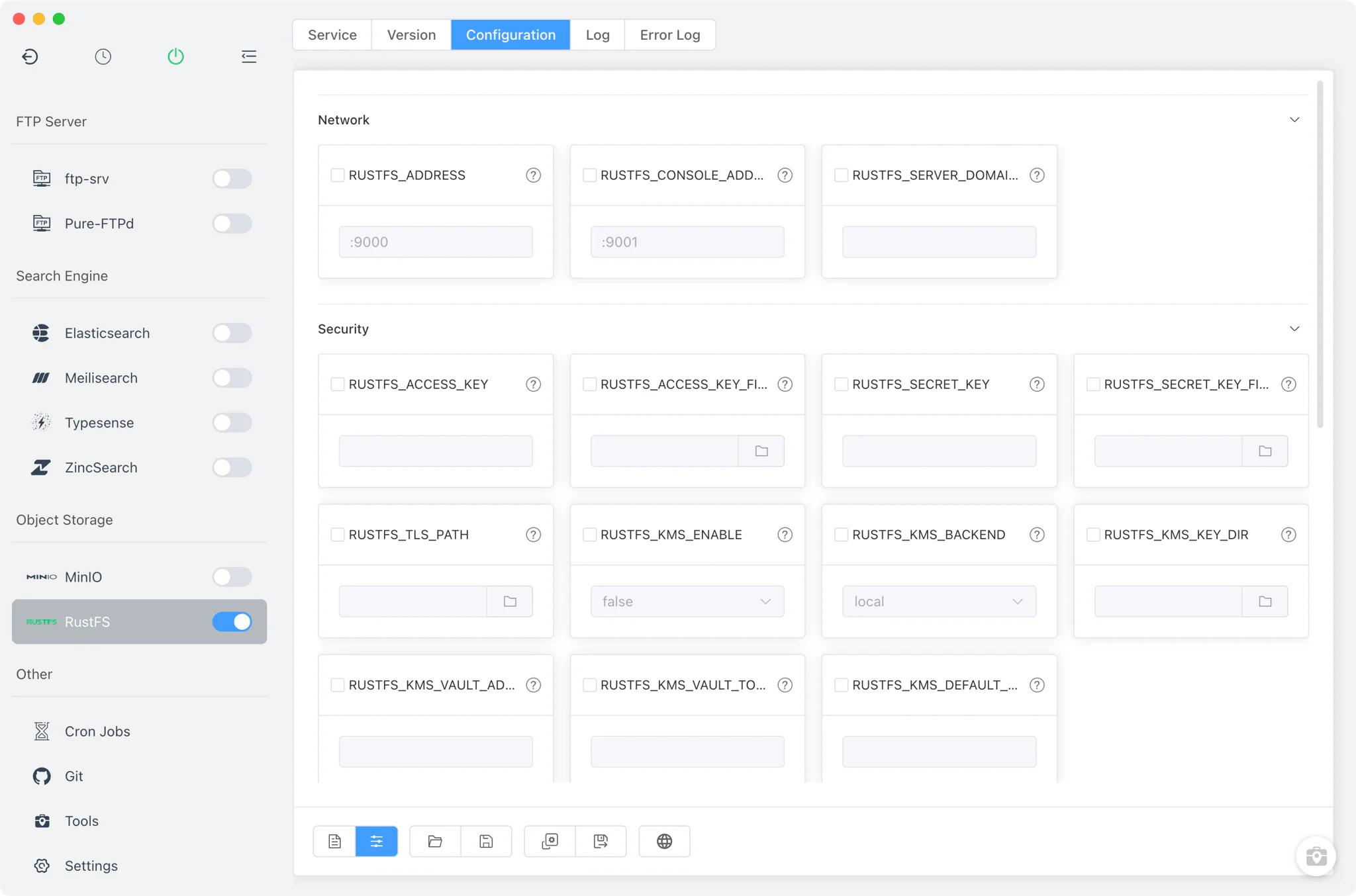
rustfs/dataunder FlyEnv's RustFS folder). Pick a different folder from the Service toolbar and the choice is remembered per version. - Visual settings form: the Config File tab exposes about 19
RUSTFS_*keys as a grouped form across Network, Security, General, Advanced and Performance — server address, server domains, access and secret keys (or key files), console enable and address, obs endpoint, TLS path, region, KMS mode (local or vault) and buffer profiles. - Raw editor: flip to the full text view of
rustfs.conffor keys the form does not surface; edits take effect on the next start.
Console
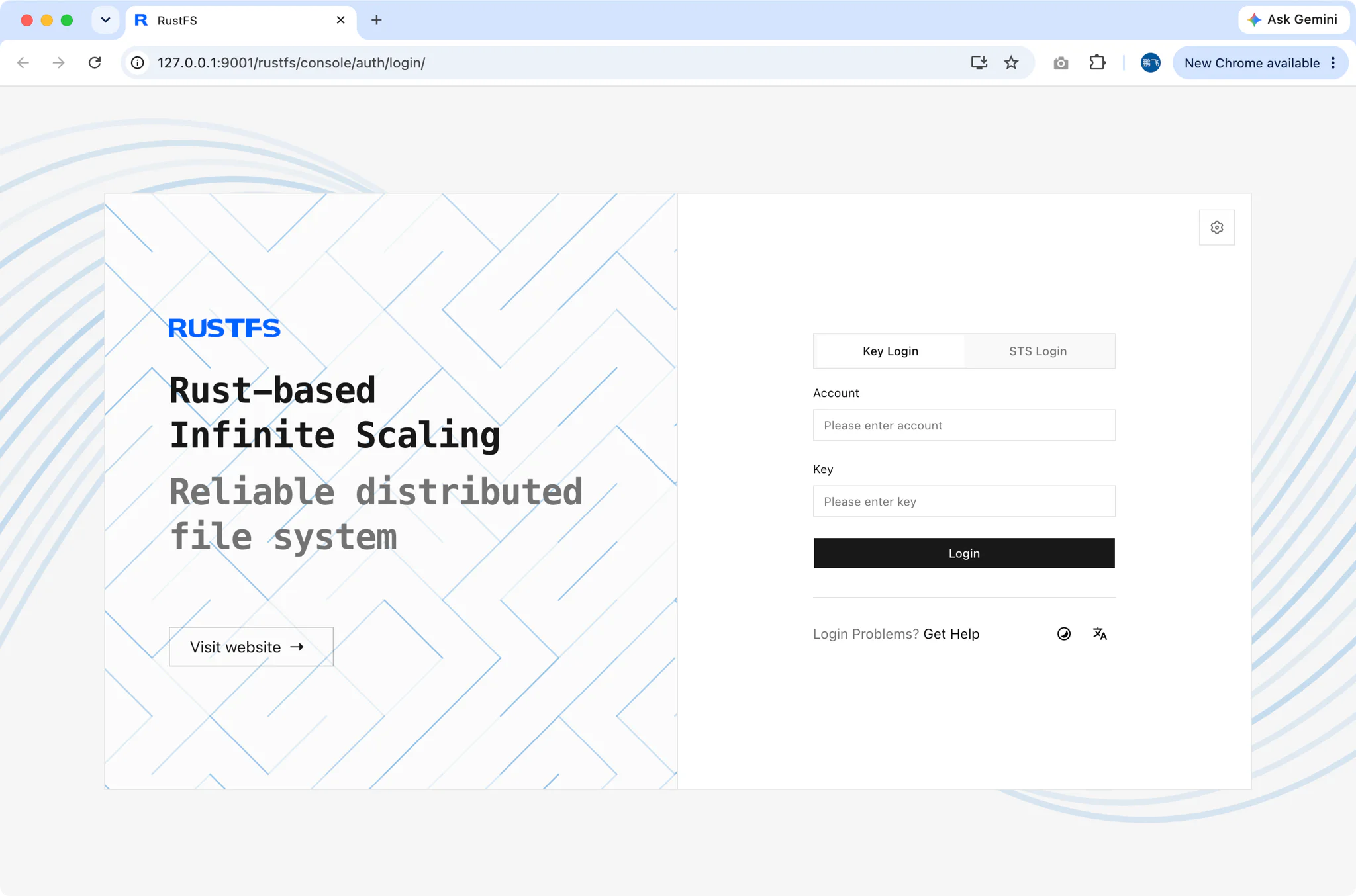
RustFS ships with its own web console, and FlyEnv wires the address up for you. The console port is parsed from RUSTFS_CONSOLE_ADDRESS in the configuration — http://127.0.0.1:9001/ by default — and the console button in the Service toolbar opens it straight in your browser. From there you sign in with the access credentials from your configuration and work with buckets, objects and access policies in the official RustFS web interface, no separate tooling required.
Logs
RustFS gets two dedicated log tabs inside FlyEnv: Log shows the per-version start-out output and Error Log shows the matching start-error file. When a build refuses to start — a taken port, an unreadable data directory, a bad TLS path — the Error Log is where the cause surfaces first.
Related guides, solutions and demos
Continue with a practical guide, solution, demo, or community perspective.
Compatibility Notes
The module runs one RustFS instance at a time — a single version, data directory and console address — so move between builds from the Service tab instead of trying to run servers in parallel. The installable builds depend on what the static online list publishes for your operating system; Homebrew and MacPorts are not sources for RustFS. FlyEnv owns the local process, the rustfs.conf file and the per-version data directories; buckets, objects and everything behind the S3-compatible API belong to RustFS itself. S3-speaking applications — such as Nextcloud external storage or Strapi uploads — can point at this endpoint during development, and FlyEnv also ships MinIO as an alternative S3-compatible object storage module. Check the Download page for the current release, and browse the Demos to see the module in action.