Local Neo4j Development with FlyEnv
Neo4j is an open source graph database that stores data as nodes and relationships rather than tables, queried with its Cypher language — a different data model from document stores such as MongoDB. It suits workloads where the connections between entities matter — social graphs, knowledge graphs, recommendations and fraud detection. FlyEnv runs Neo4j as a managed local service: install versions from the static online list, bind each one to a compatible Java runtime from FlyEnv's Java module, edit its neo4j.conf, and watch its logs — all from the Neo4j module's Service / Version Manager / Config File / Log tabs. The Neo4j Browser button opens the database's own web UI once the service is up.
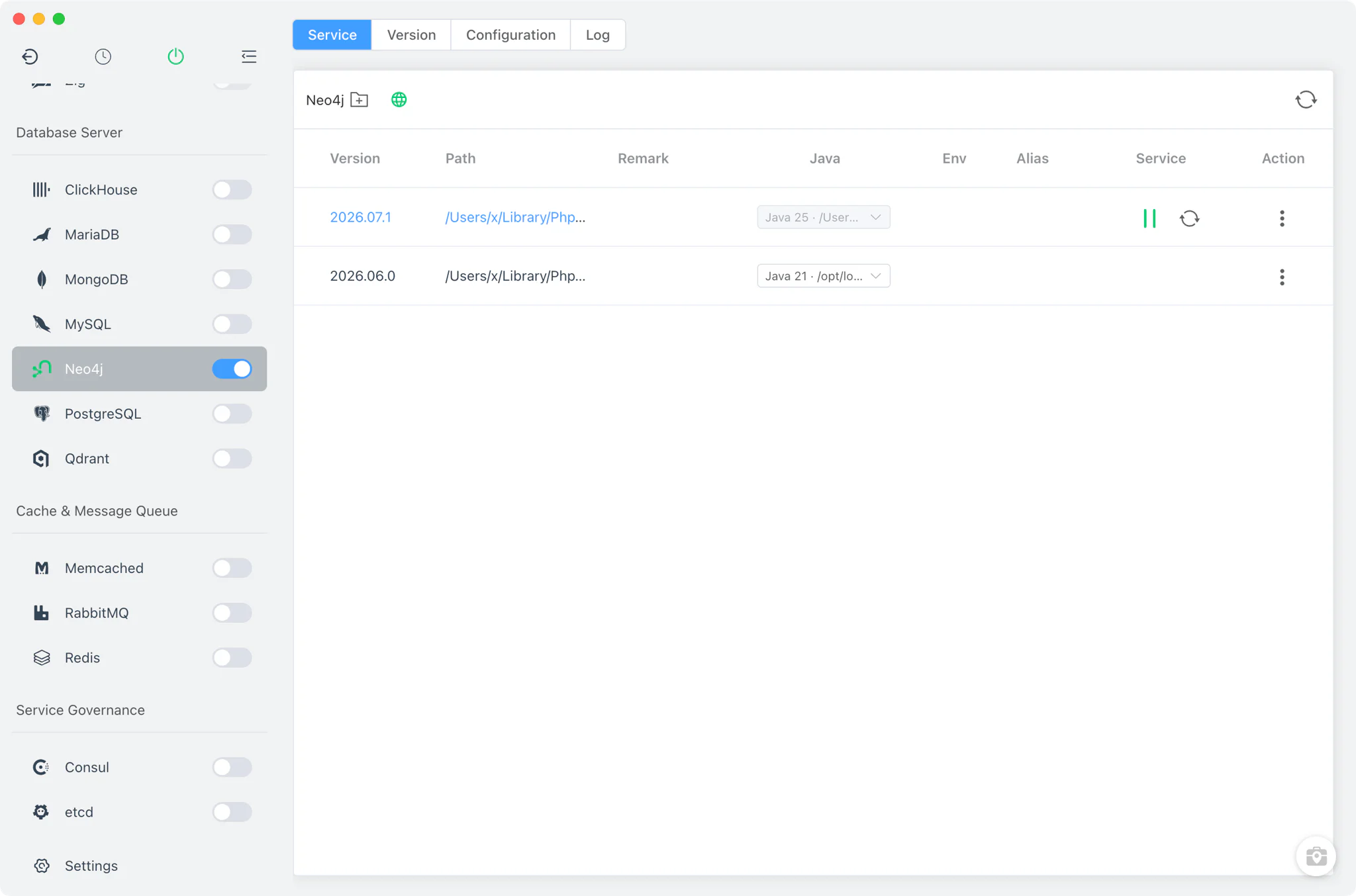
Version management
Install Neo4j versions from Neo4j → Version Manager.
- Static online list only: Neo4j is installed from FlyEnv's static package list — zip archives on Windows, tar.gz elsewhere. Homebrew and MacPorts sources are not offered for this module.
- Supported versions: only Neo4j 5.23.0 and newer are supported; older releases are not supported.
- Custom versions: add a directory containing your own Neo4j installation and FlyEnv scans it, listing those builds next to the managed versions.
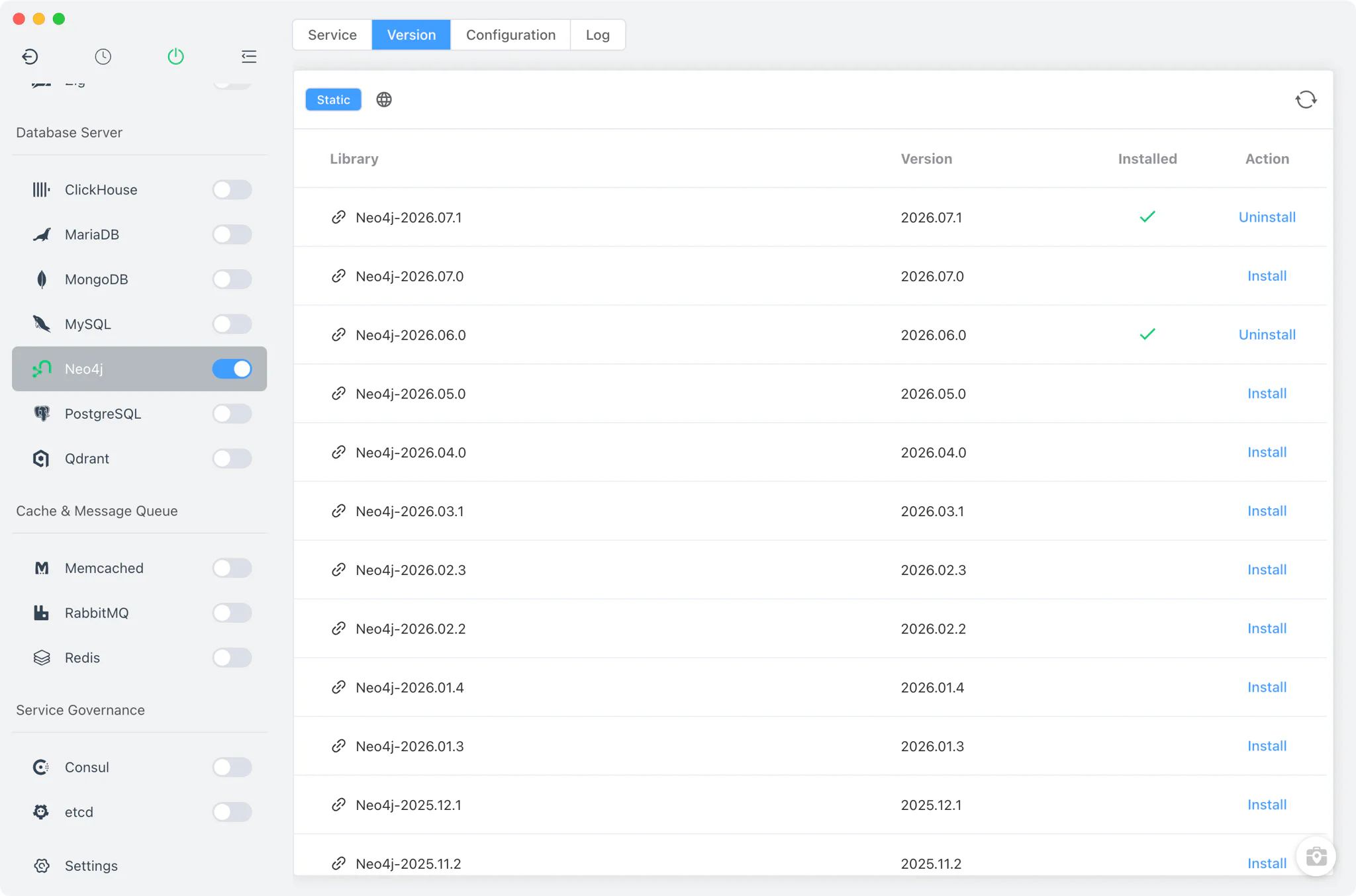
Java version binding
Neo4j runs on the JVM, so every installed version needs a Java runtime. The Service table has a dedicated Java column where you pick the JDK for each Neo4j version, using Java installations managed by FlyEnv's Java module.
- Per-version JAVA_HOME: the selected JDK is bound to that Neo4j version and passed as
JAVA_HOMEwhen the service starts. - Compatibility policy: Neo4j 5.x runs on Java 17 or 21; Neo4j 2025.x requires Java 21 or 25. Bind a compatible JDK before starting the service — the Java development environment guide walks through installing JDKs in FlyEnv.
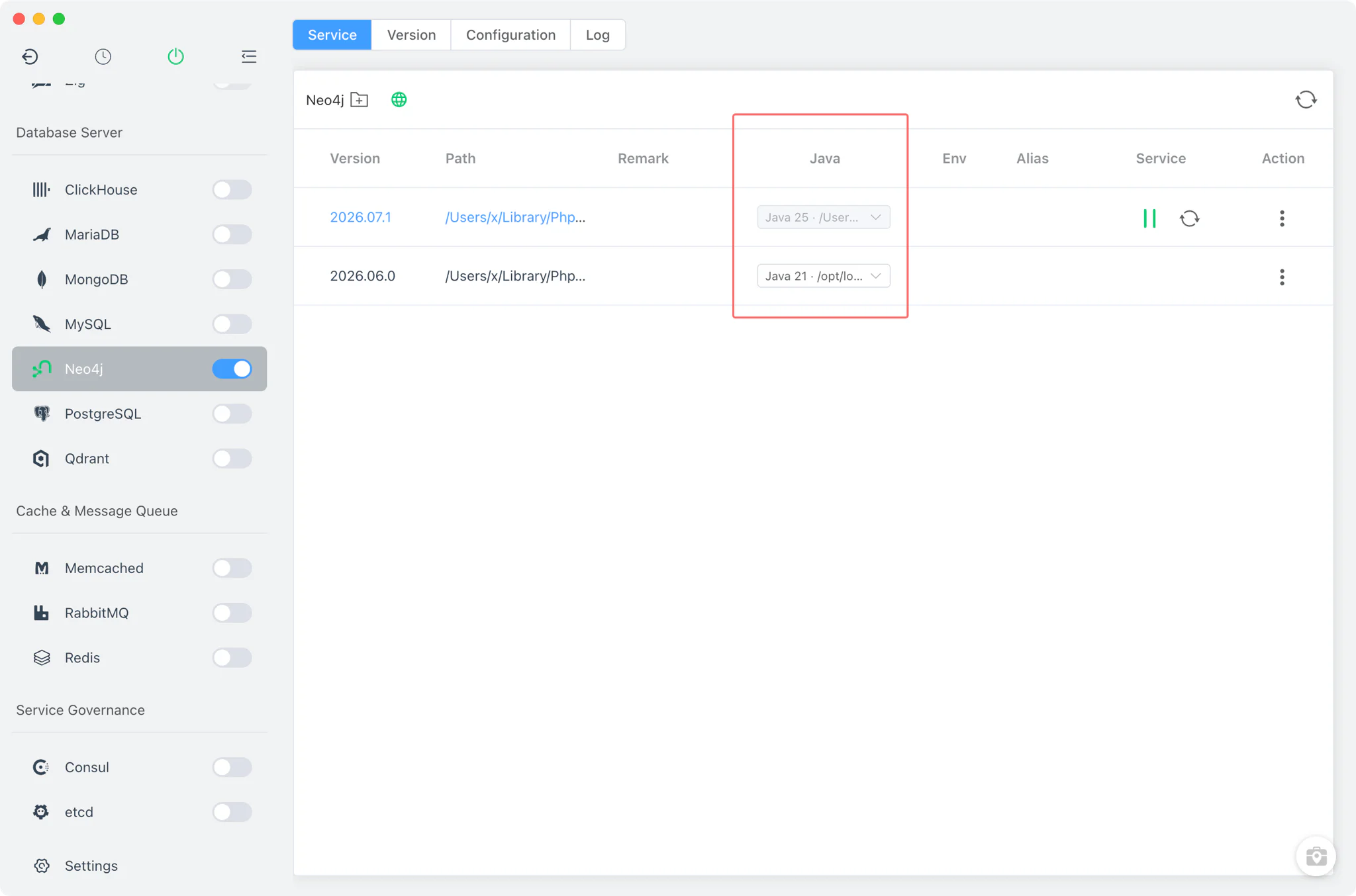
Service and configuration
FlyEnv starts Neo4j in the foreground with neo4j console — neo4j.ps1 console through PowerShell on Windows — with JAVA_HOME and NEO4J_CONF set for the selected version. Each version gets its own instance directory under FlyEnv's Neo4j directory.
- Per-instance
neo4j.conf: the Config File tab edits the instance'sconf/neo4j.conf, copied from the distribution, in a raw editor with a link to the official Neo4j documentation. - Ports from the config: the HTTP port (default 7474), HTTPS port (7473) and Bolt port (default 7687) are read live from
neo4j.conf, so the ports shown in FlyEnv always match what the server actually binds.
Logs
The Log tab switches between the server's log files: the start-out and start-error output, plus Neo4j's own neo4j.log and debug.log. The start logs are the first stop when a version fails to come up — an incompatible Java binding, for example, shows up there immediately.
Neo4j Browser
Neo4j ships its own web interface, and FlyEnv does not replace it: the Neo4j Browser button in the Service toolbar opens http://127.0.0.1:<http port> in your external browser, where you can run Cypher queries and inspect the graph against the running instance. See the demos for this workflow in action.
Related guides, solutions and demos
Continue with a practical guide, solution, demo, or community perspective.
Compatibility Notes
FlyEnv manages the local Neo4j runtime, its per-instance configuration and its Java binding; it does not guarantee that every Neo4j version is available on every operating system. Only Neo4j 5.23.0 and newer are supported, installs come from the static online list (zip on Windows, tar.gz on macOS and Linux), and each version requires a compatible JDK — Java 17/21 for Neo4j 5.x, Java 21/25 for Neo4j 2025.x — installed through FlyEnv's Java module. Treat the in-app version list and the Download page as the source of truth for what can be installed on your machine.