Tomcat in FlyEnv
Apache Tomcat is an open source Java servlet container: it runs Java web applications packaged as WAR files, and it is what a project needs when it ships as a servlet-based web app rather than a self-contained jar. FlyEnv runs Apache Tomcat as a managed service: install multiple Tomcat versions side by side, give each one its own CATALINA_BASE, edit server.xml and web.xml from the built-in editors, and watch catalina.out without opening a terminal. Because Tomcat needs a JDK, FlyEnv picks up JAVA_HOME from the Java module's environment. Local sites of the Tomcat type are written straight into server.xml as Host entries, so Java web apps are served by Tomcat itself rather than through another web server.
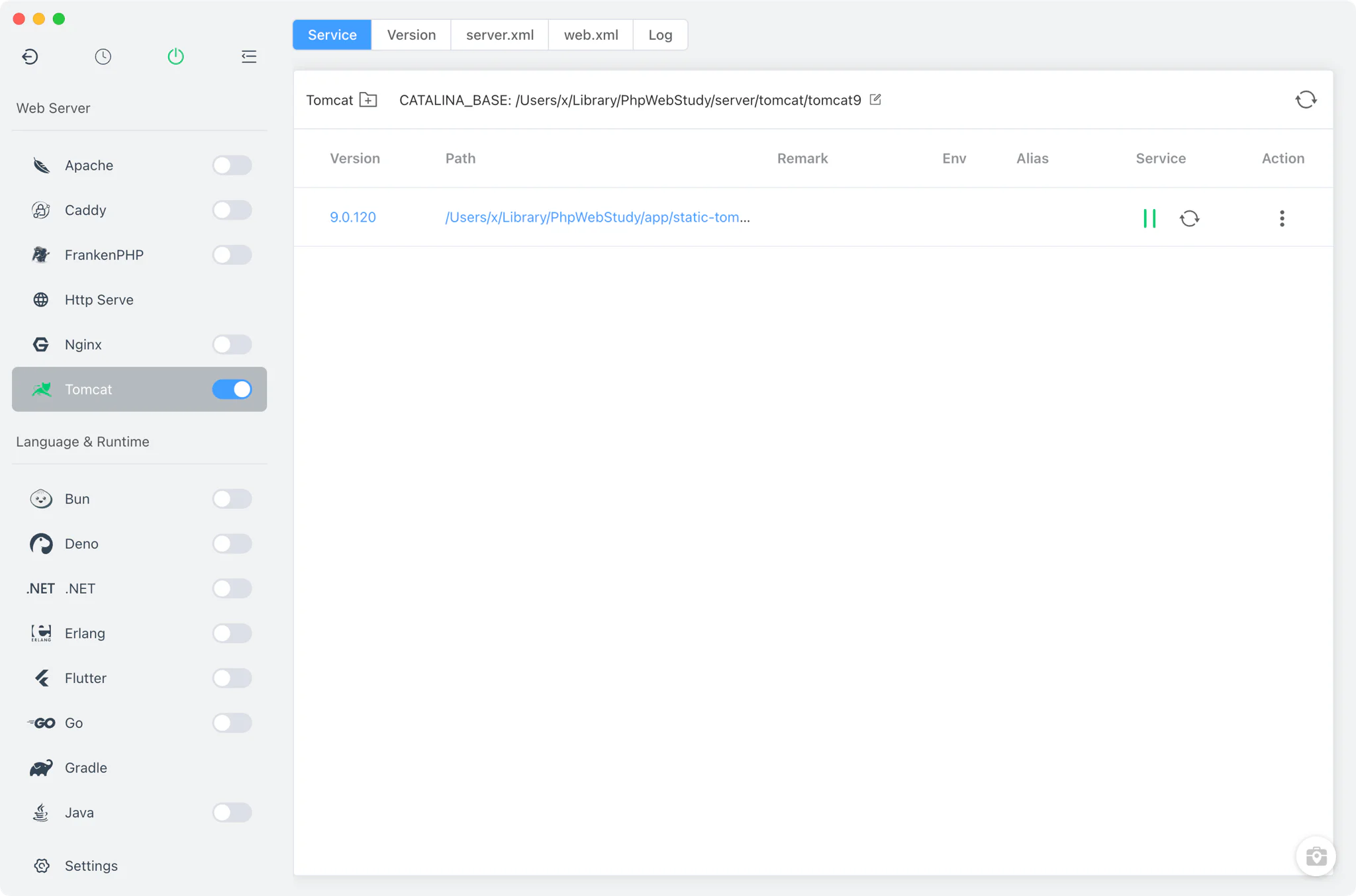
Tomcat version management
Install multiple Tomcat versions side by side from the Version Manager tab and switch between them at any time.
- Install sources: Static builds on macOS, Linux and Windows, plus Homebrew on macOS and Linux (FlyEnv searches the
tomcatandtomcat@xformulae). MacPorts and SDKMAN are not used for Tomcat. - Per-version base directory: each version gets its own CATALINA_BASE (defaulting to a per-major-version folder under FlyEnv's data directory), so several Tomcat versions keep independent configurations.
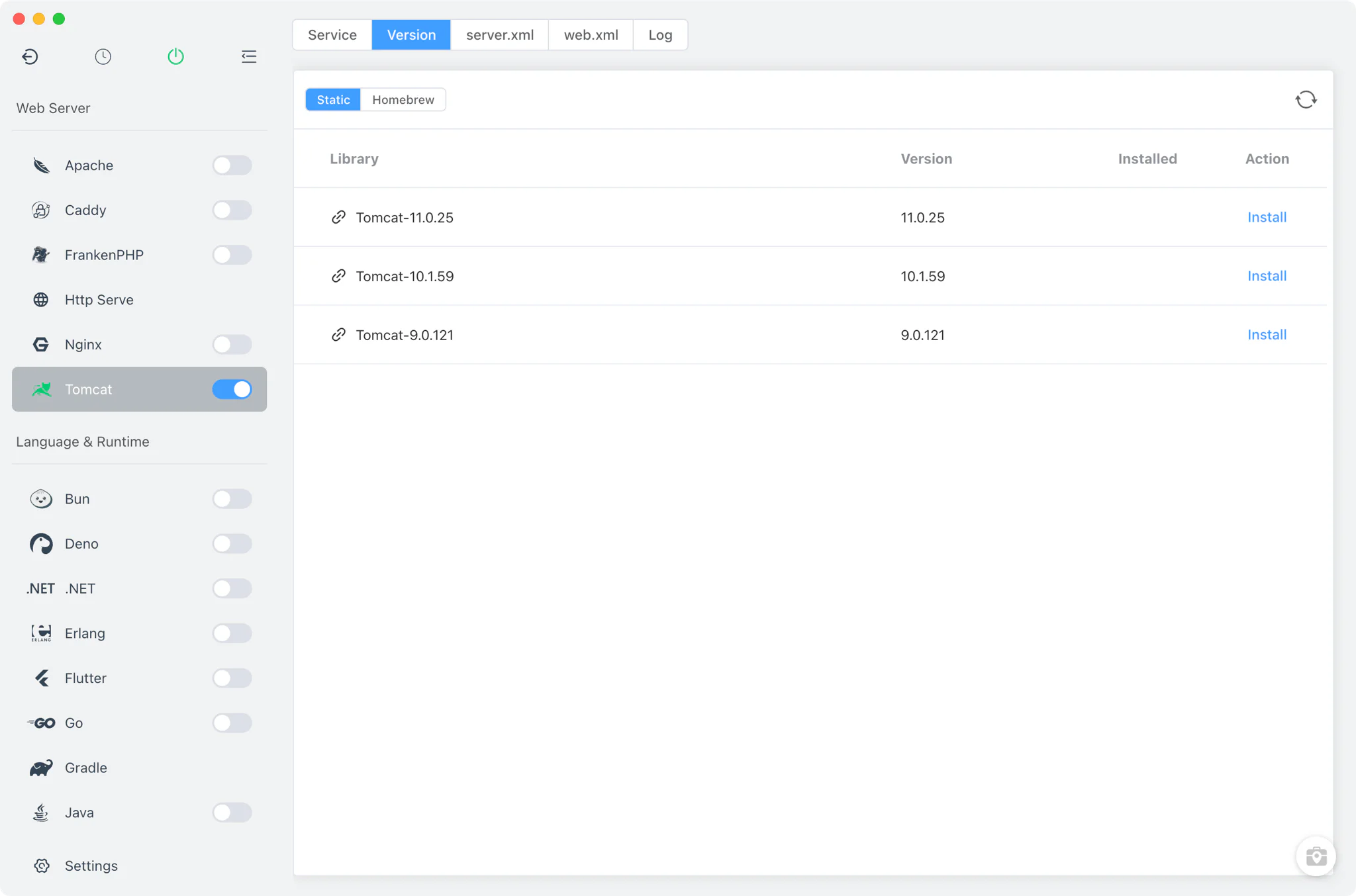
Service management
Start, stop and restart each Tomcat version from the Service tab, with per-version environment handling built in.
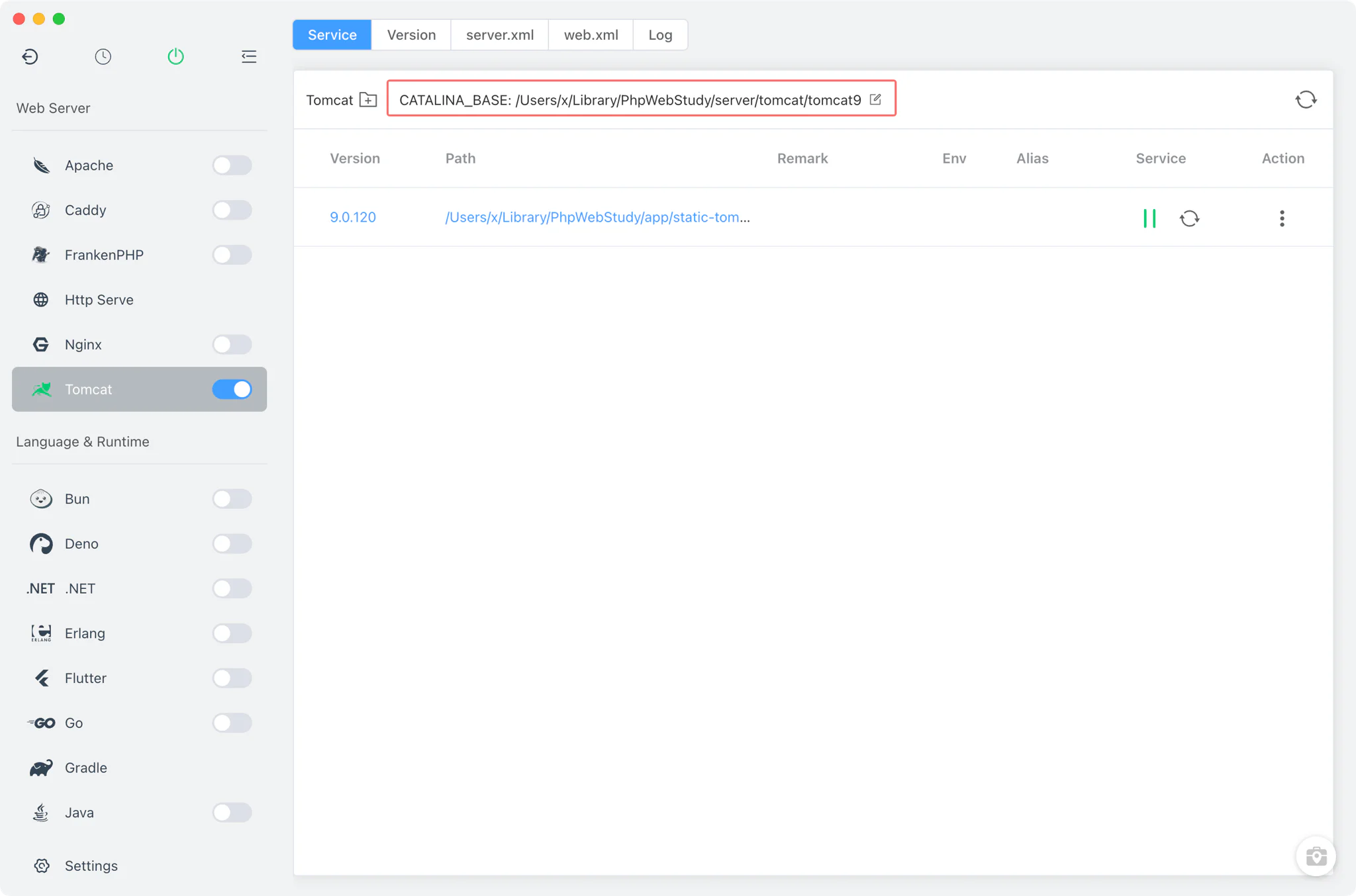
- CATALINA_BASE per version: the Service tab shows an extra header row with the version's CATALINA_BASE path, which you can change; the choice is persisted per version. On first start, FlyEnv creates the base directory by copying the
conffiles from the installation. - JAVA_HOME from the Java module: Tomcat requires Java, and FlyEnv supplies JAVA_HOME through the environment it syncs from the Java module, so the running Tomcat uses the JDK you manage in FlyEnv. The Java development environment guide covers installing and switching JDKs.
- Platform-native startup: on macOS, Tomcat runs in the foreground via
catalina.sh runwith CATALINA_BASE, CATALINA_PID and JAVA_HOME set, with console output captured tologs/catalina.out; on Windows it starts throughstartup.batand FlyEnv discovers the JVM process; on Linux it runs through the root helper.
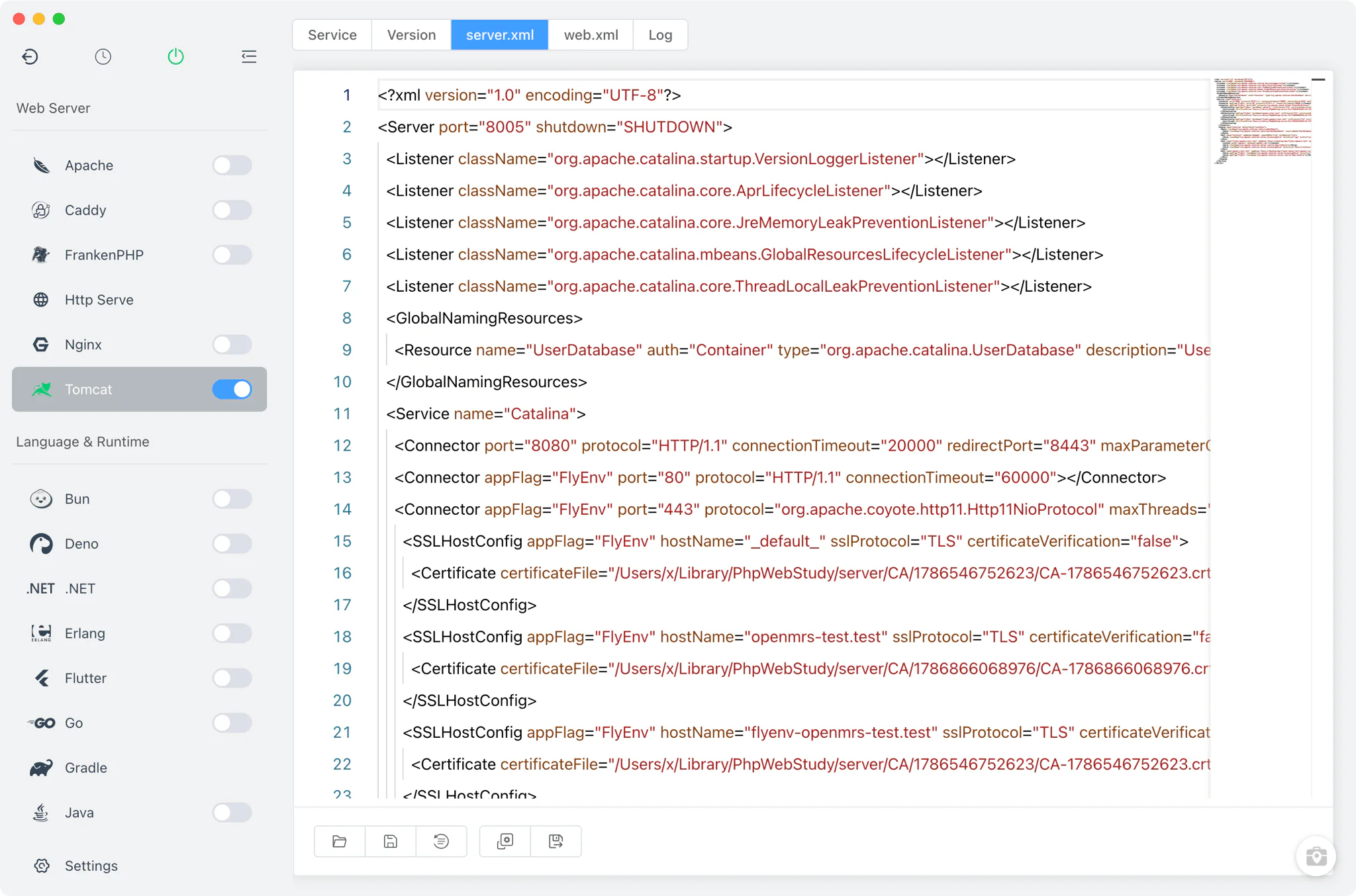
Configuration
Every Tomcat version keeps its configuration in its CATALINA_BASE, editable from FlyEnv without hunting through directories.
server.xmlandweb.xmltabs: the module has dedicated tabs with raw editors for the two files you change most often.- More config files: the underlying configuration support also covers
context.xml,tomcat-users.xml,logging.properties,catalina.propertiesandcatalina.policy.
Site integration
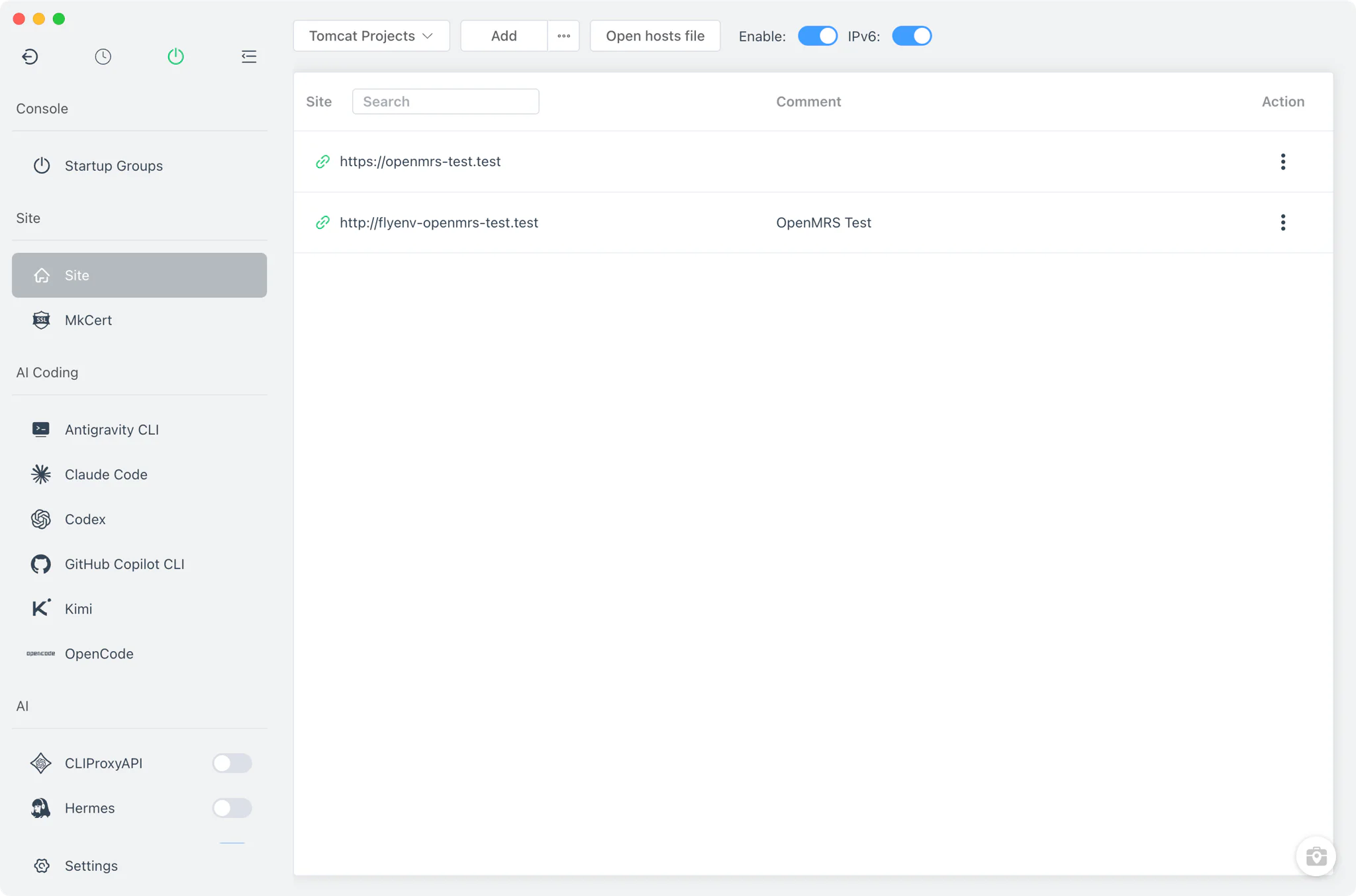
Sites you create in FlyEnv with the Tomcat type are not reverse-proxied vhosts — they become real Tomcat <Host> entries reconciled directly into the version's server.xml. Site creation itself works the same as for any other type; see the Host guide.
- Reconciled with rollback: when a site is saved, FlyEnv rewrites
server.xmlwith the site's Host entry, keeping a snapshot so the file can be rolled back if the update fails. - SSL per site: Tomcat sites support HTTPS with a certificate and key, including FlyEnv's automatic certificate; deleting a site also cleans up its auto-generated certificate.
- Outside the other web servers' pipeline: Tomcat sites are excluded from the Nginx, Apache, Caddy and FrankenPHP vhost generation — Tomcat serves them itself. For sites on the other servers, see Local Sites, Custom Domains & HTTPS, and for a full Java web stack walkthrough see the Spring Boot solution.
Logs
The Log tab opens the Tomcat console log with search and refresh built in. On macOS and Linux this is logs/catalina.out under the version's CATALINA_BASE; on Windows, FlyEnv reads the dated catalina.<yyyy-MM-dd>.log files.
Related guides, solutions and demos
Continue with a practical guide, solution, demo, or community perspective.
Compatibility Notes
FlyEnv manages the local Tomcat runtime, its per-version configuration and site Host entries; it does not bundle the Tomcat manager web app or guarantee that every Tomcat version is available from every install source on every operating system. Verify the JDK required by your Tomcat version against the installed Java versions, and treat the Download page and current release notes as the source for supported packages.