Local ClickHouse Development with FlyEnv
ClickHouse is an open source columnar database built for fast analytical queries over very large datasets, complementing row-oriented databases such as PostgreSQL. It is commonly used for log analytics, metrics and event-data workloads where aggregations over billions of rows must return in seconds, and BI tools such as Metabase can sit on top of it. FlyEnv runs ClickHouse as a managed local service on macOS and Linux: it installs versions from an online list, starts the server with an auto-generated configuration, and gives you editable config files, log viewers, and a one-click CH-UI web client. The ClickHouse module is available on macOS and Linux only.
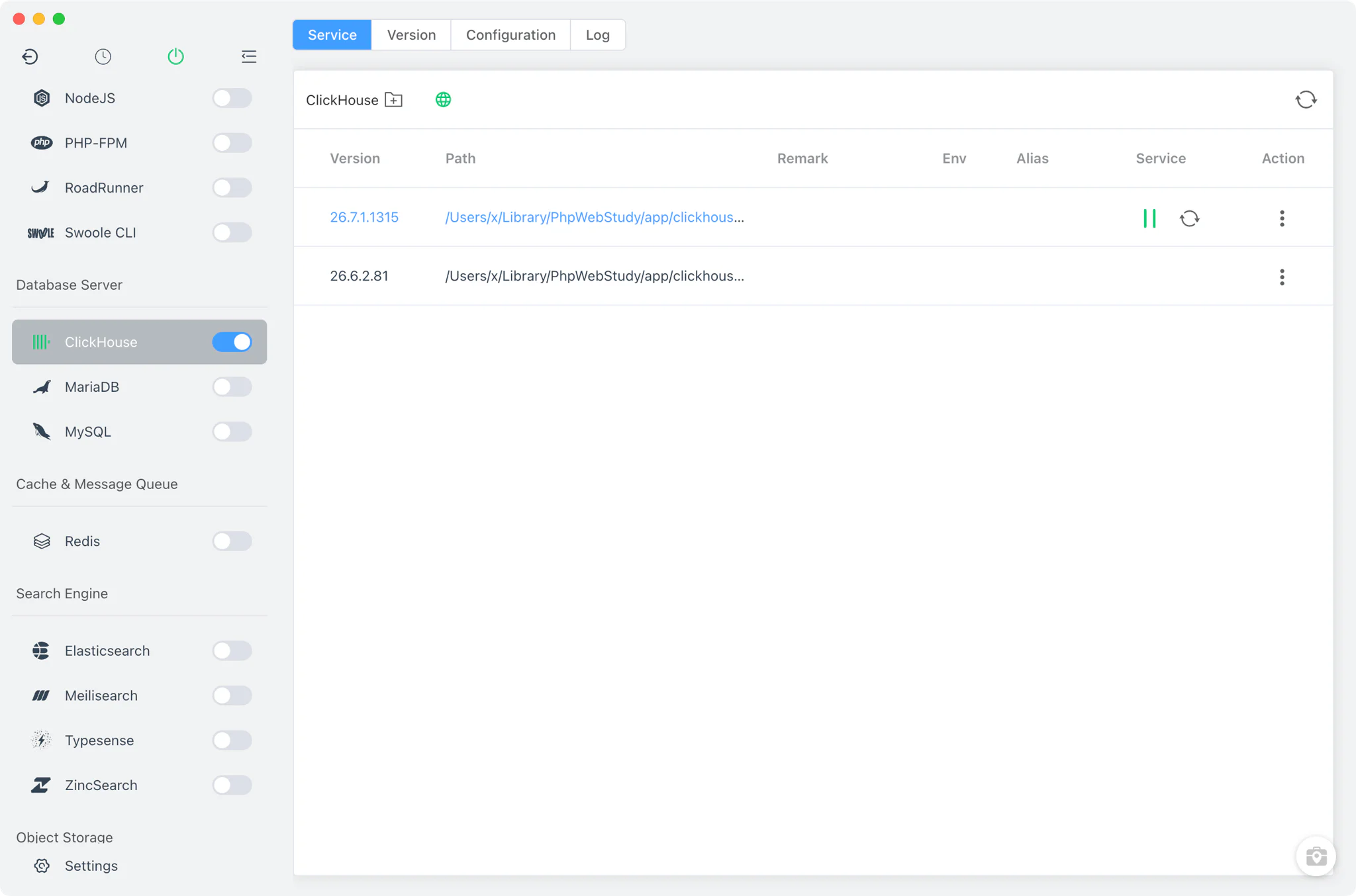
ClickHouse version management
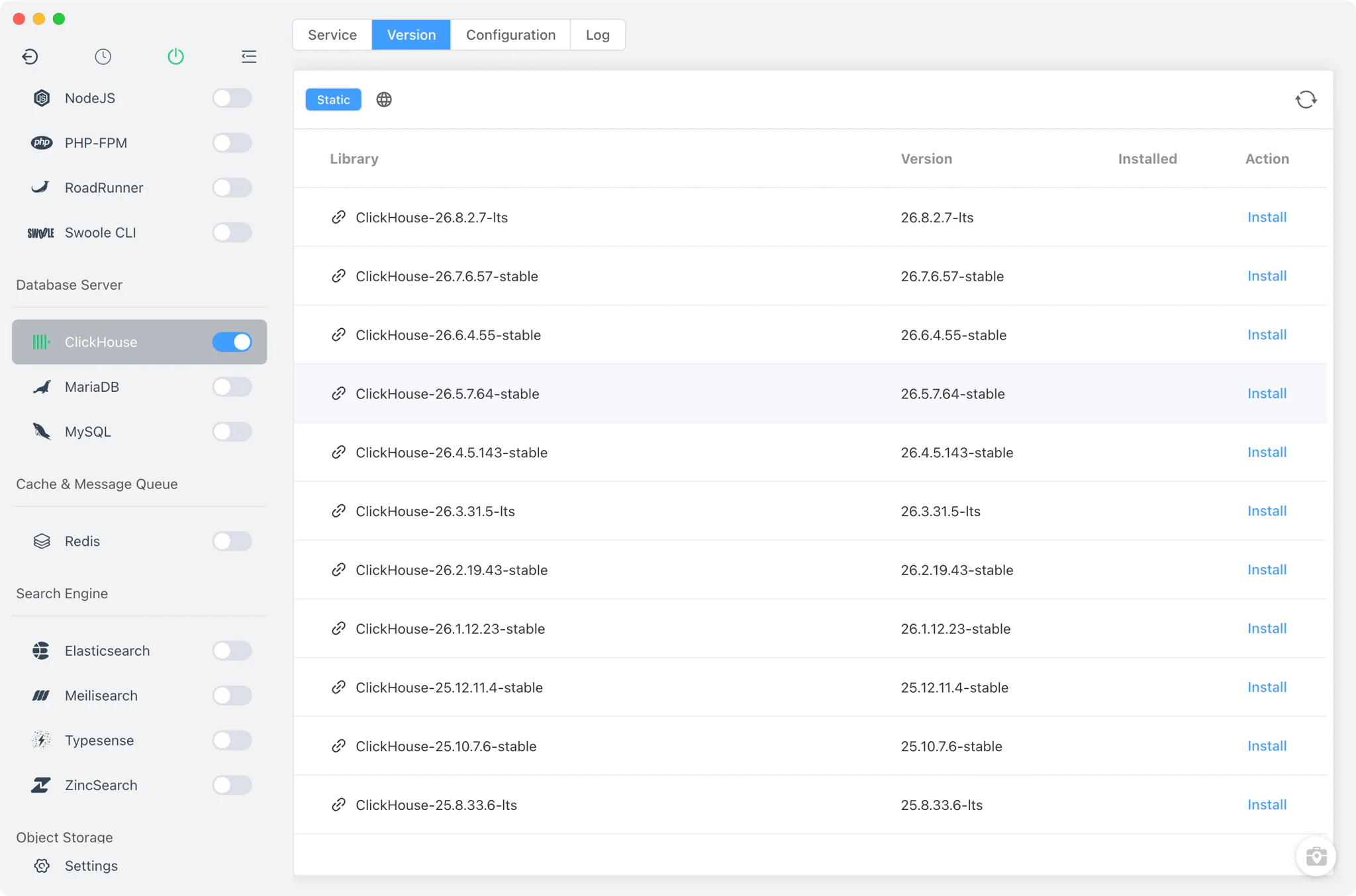
Install ClickHouse versions from ClickHouse → Version Manager and switch between them at any time.
- Static online list only: versions come from FlyEnv's online download list; Homebrew and MacPorts sources are not offered for ClickHouse. On macOS the download is a bare binary, and on Linux the binary is extracted from the
clickhouse-common-staticarchive. - Custom versions: point FlyEnv at any directory containing your own
clickhousebinary, and it is listed alongside the managed versions. - One running version: start, stop or restart a version from the Service tab or the sidebar switch (also in the system tray); only one ClickHouse version runs at a time.
Service and configuration
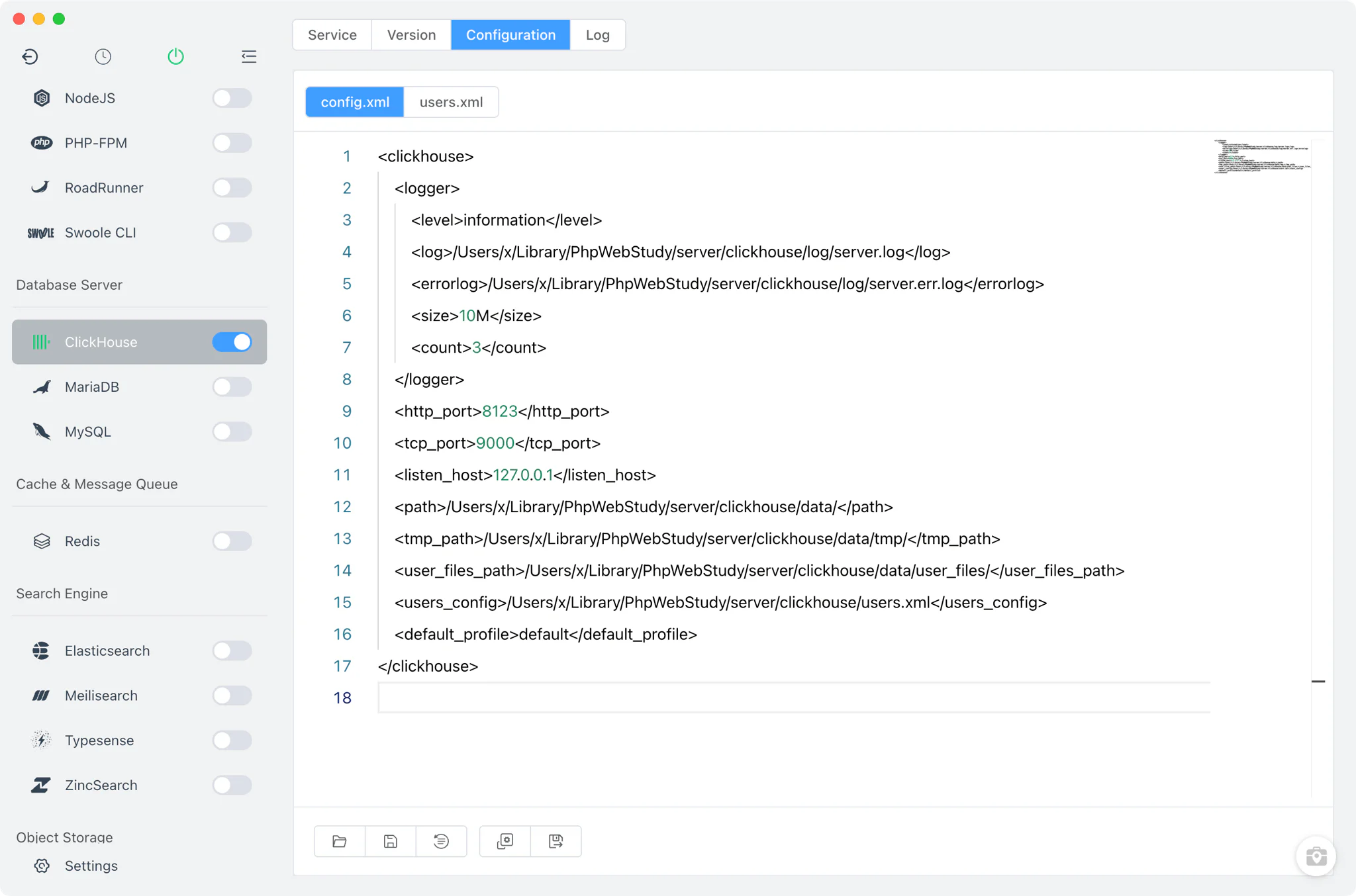
ClickHouse ships as a multi-call binary, and FlyEnv starts it as clickhouse server with a configuration it manages for you.
- Auto-generated configuration: on first start FlyEnv creates
config.xmlandusers.xmlin its ClickHouse directory, pre-configured with HTTP port 8123, native TCP port 9000, and a loopback-only listen address of 127.0.0.1. - Two config files in one editor: the Config File tab switches between
config.xmlandusers.xml, each opened as a full XML source editor, so ports, paths, users and profiles are all editable without hunting for files; the database user and password guide explains the default accounts across FlyEnv's database modules.
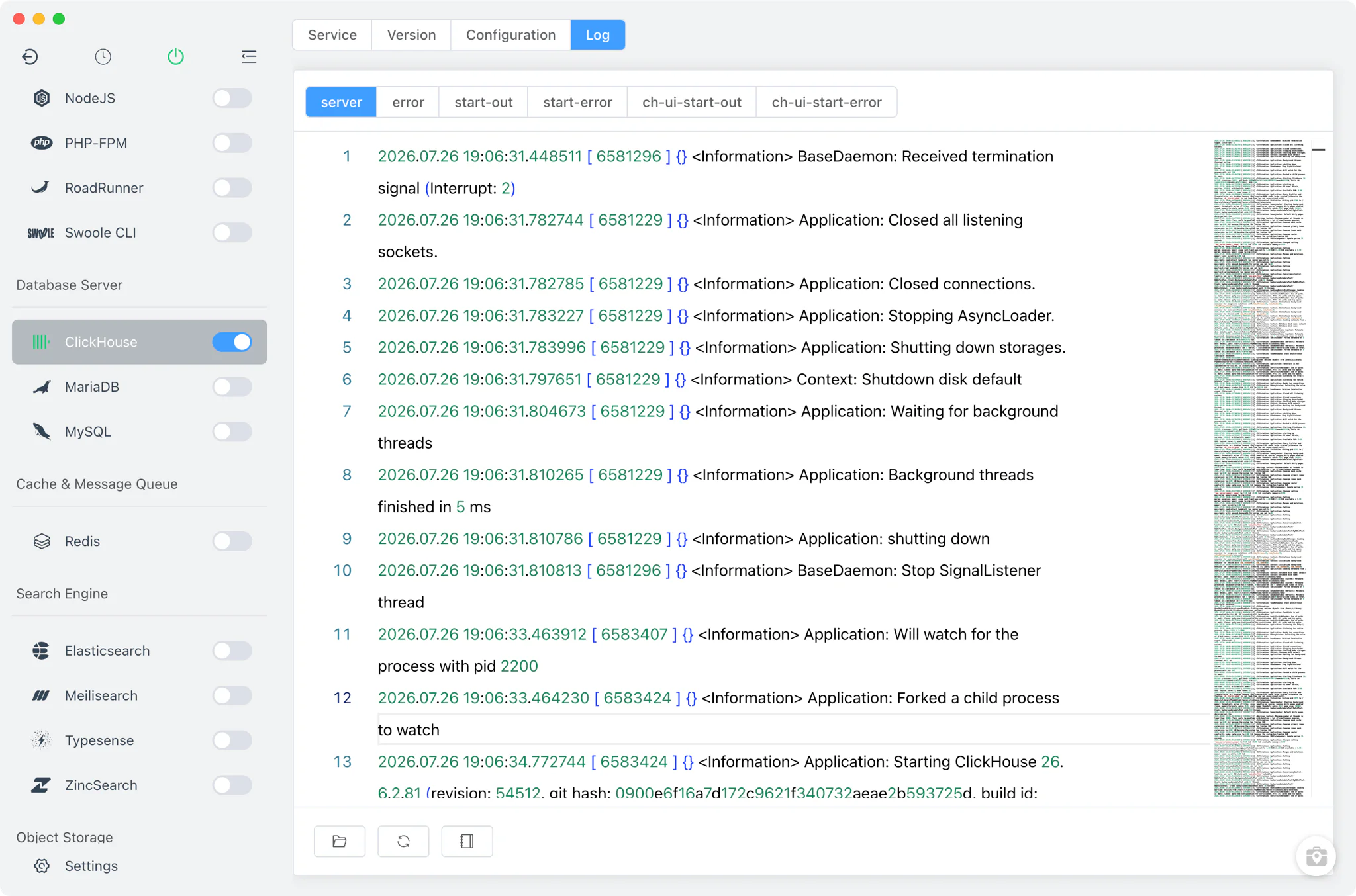
Logs
The Log tab switches between the log files FlyEnv captures for the ClickHouse service: the main server log, the server error log, the startup stdout and stderr logs, and the CH-UI client's startup logs. The view refreshes automatically as the file changes, and the toolbar can open the file in your file manager, reload it on demand or clear it — so a failed start or a slow query is easy to trace.
CH-UI
CH-UI is a web-based ClickHouse client, and FlyEnv sets it up for you.
- One-click setup: the CH-UI button downloads the CH-UI binary from its GitHub releases and runs it on port 3488.
- Pre-configured connection: FlyEnv adds a connection named "FlyEnv ClickHouse" pointing at the running instance, then opens CH-UI in your browser — no manual host or port entry needed.
Related guides, solutions and demos
Continue with a practical guide, solution, demo, or community perspective.
Compatibility Notes
The ClickHouse module is available on macOS and Linux only; it does not appear on Windows. FlyEnv manages the local runtime and its generated configuration; the exact feature set of each ClickHouse build comes from the upstream release. Check the Download page for the current FlyEnv release, and see the Demos for walkthroughs of FlyEnv's service modules in action.