Run Ollama Locally with FlyEnv
Ollama is an open source tool for running large language models on your own machine, serving them through a local API that any application can call. It is the common choice when you want chat, code or embedding models available locally — including fully offline. FlyEnv manages Ollama as a first-class local service: install Ollama from static builds or Homebrew, start ollama serve with one click, tune OLLAMA_* environment settings through a visual form, and manage models from a dedicated Model tab — browse the online library, pull new models and run them in the embedded terminal. Once a model is pulled, you can build on it with the local offline AI agent guide.
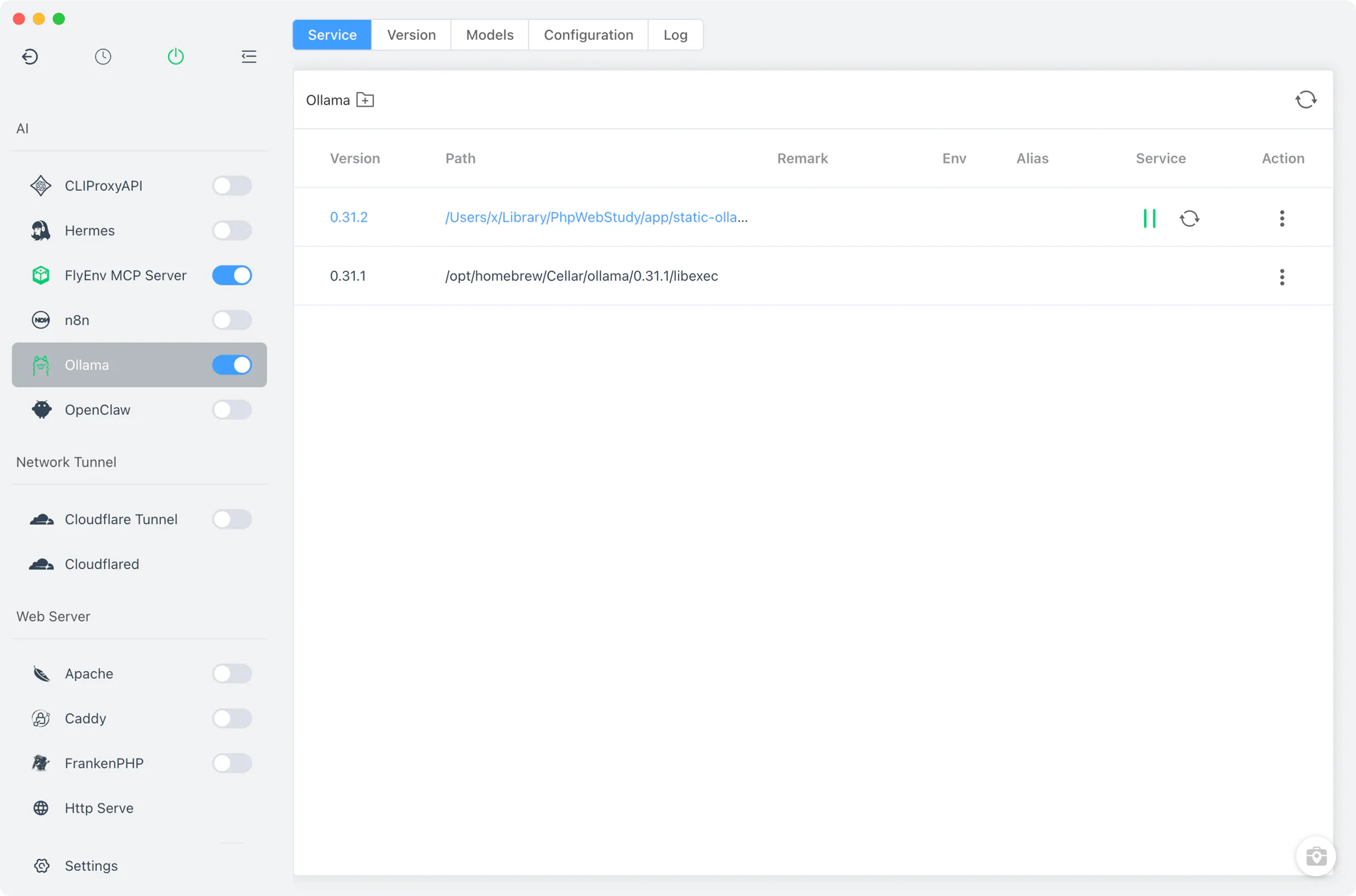
Version management
The Version Manager tab installs and keeps Ollama versions side by side, and you pick which one the service runs.
- Static downloads: ready-made Ollama archives (
.zip/.tgz) fetched through FlyEnv's version API, available on macOS, Linux and Windows. - Homebrew: install the
ollamaformula through Homebrew where it is available, and manage it next to the static builds. - Custom directories: point FlyEnv at any folder containing your own Ollama installation; it scans for the
ollama(orollama.exe) binary and lists it with the managed versions. - One running version: the service model runs a single Ollama version at a time, so the API endpoint always belongs to a known build.
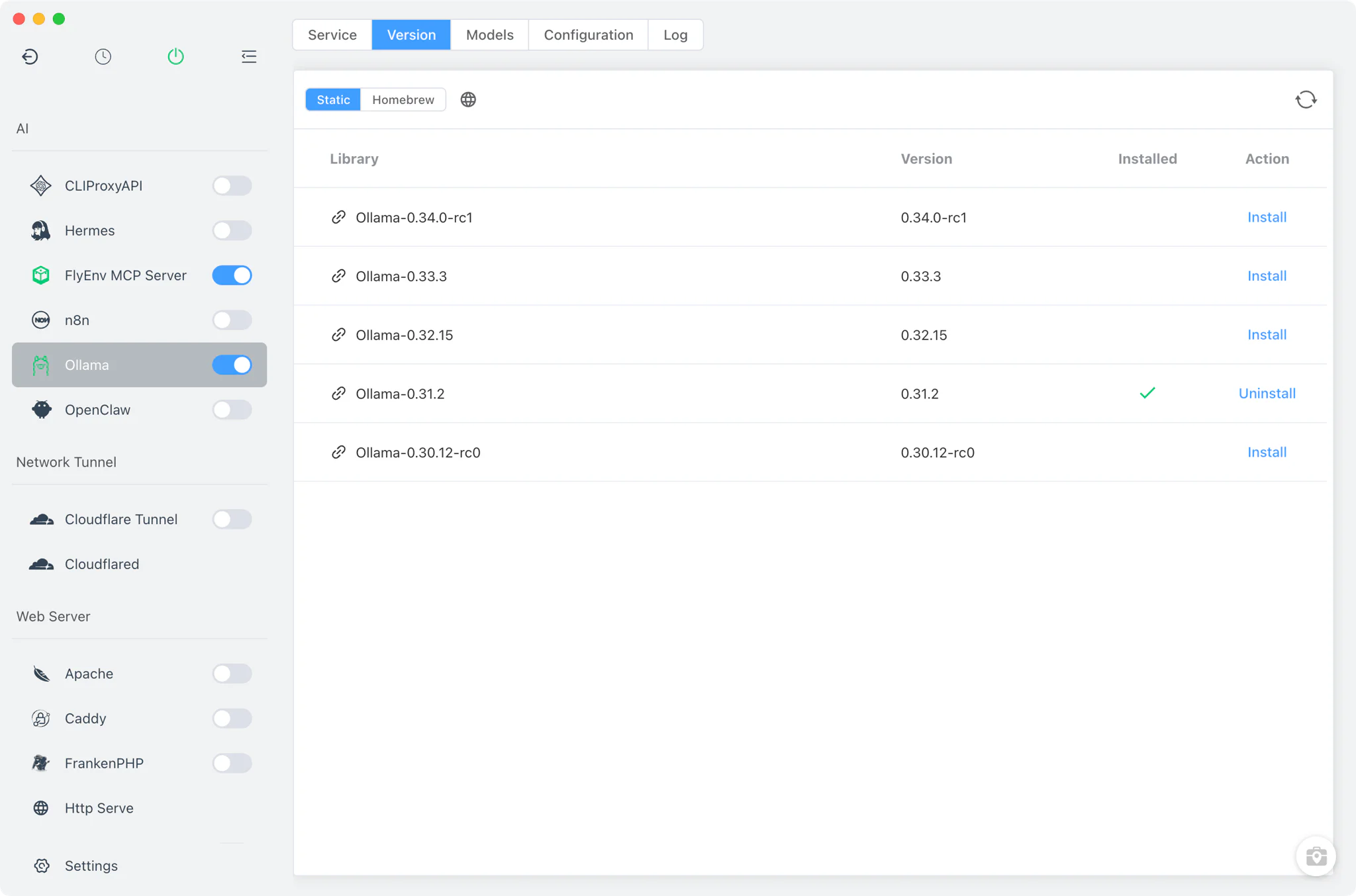
Service and configuration
FlyEnv spawns Ollama detached as ollama serve and tracks its pid file for clean start and stop. The sidebar on/off switch and the system tray entry control the service without opening the module page. By default the server listens on 0.0.0.0:11434, the standard Ollama API port.
Environment variables are read from ollama.conf in the FlyEnv base directory — every line starting with OLLAMA_ is passed to the server process. The Config File tab edits this file two ways:
- Common settings form: adjust frequently changed variables such as
OLLAMA_DEBUG,OLLAMA_HOSTandOLLAMA_KEEP_ALIVEfrom a visual form instead of editing the file by hand. - Raw editor: switch to the full source view for anything the form does not cover; a
ollama.conf.defaultcopy is kept alongside as the reference default.
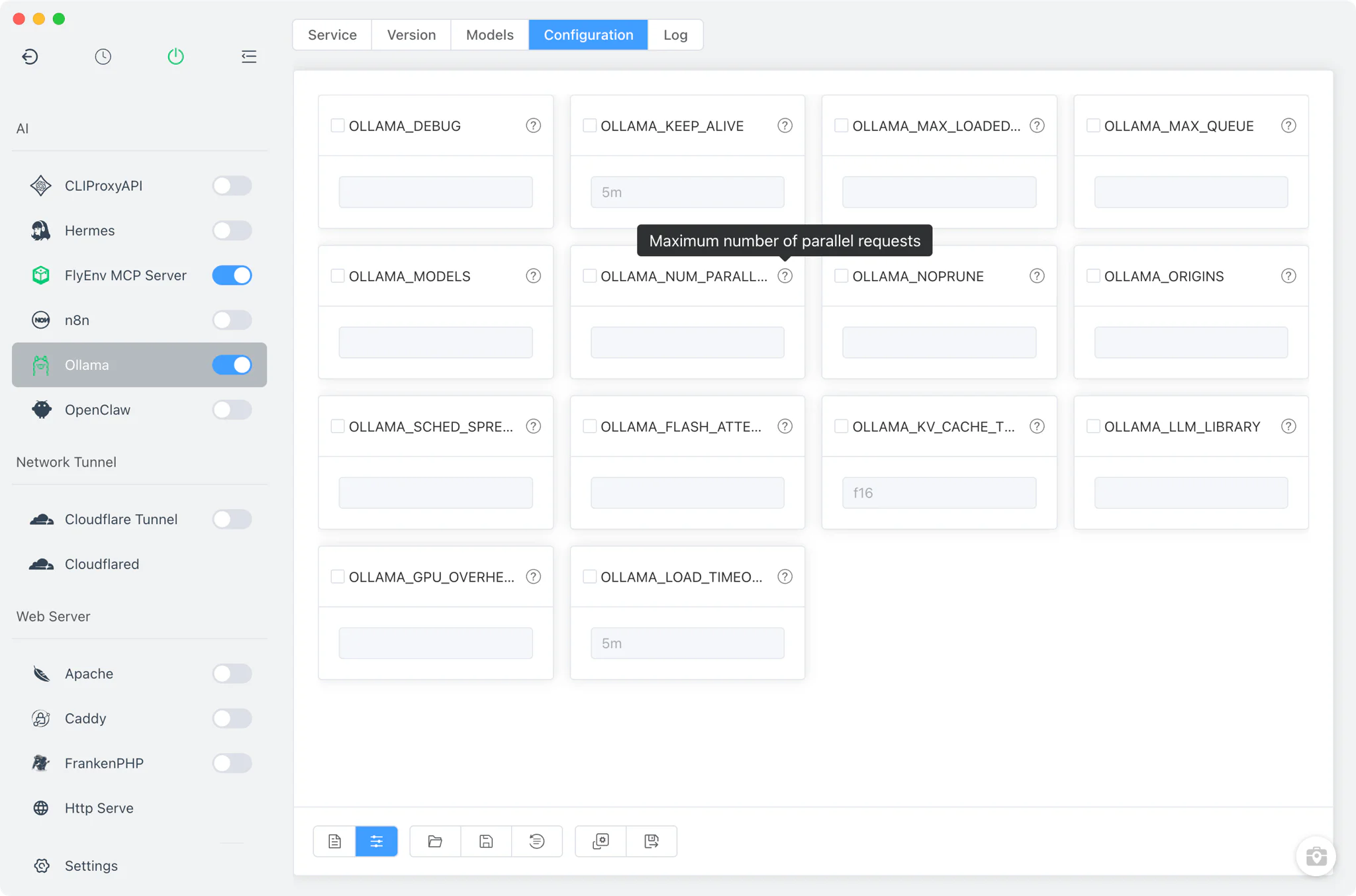
Model management
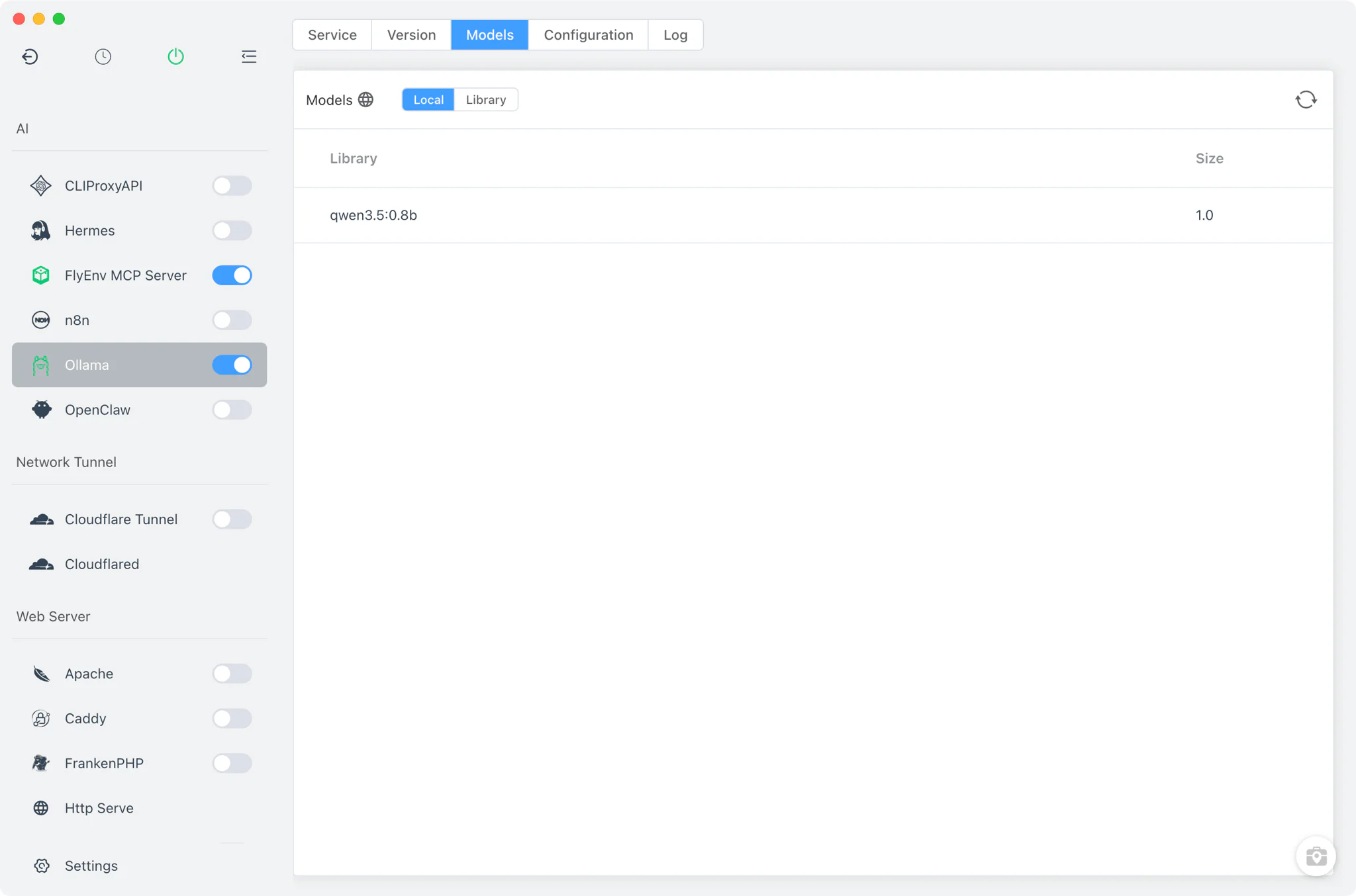
The Model tab is where models are pulled, listed and run.
- Local list: shows the models already on your machine, read from
ollama list. - Library: an online catalog of available models fetched from FlyEnv's API and cached locally, so browsing stays fast between sessions.
- Pull and run in the terminal: pull a new Model from the Library or run one from the local list — the command executes in FlyEnv's embedded terminal, so you see the real download progress and chat output. A copy-command button puts the exact
ollamacommand on your clipboard for use elsewhere. - Hardware report: a built-in report of your machine's GPU, CPU and RAM helps you judge which model sizes will run comfortably.
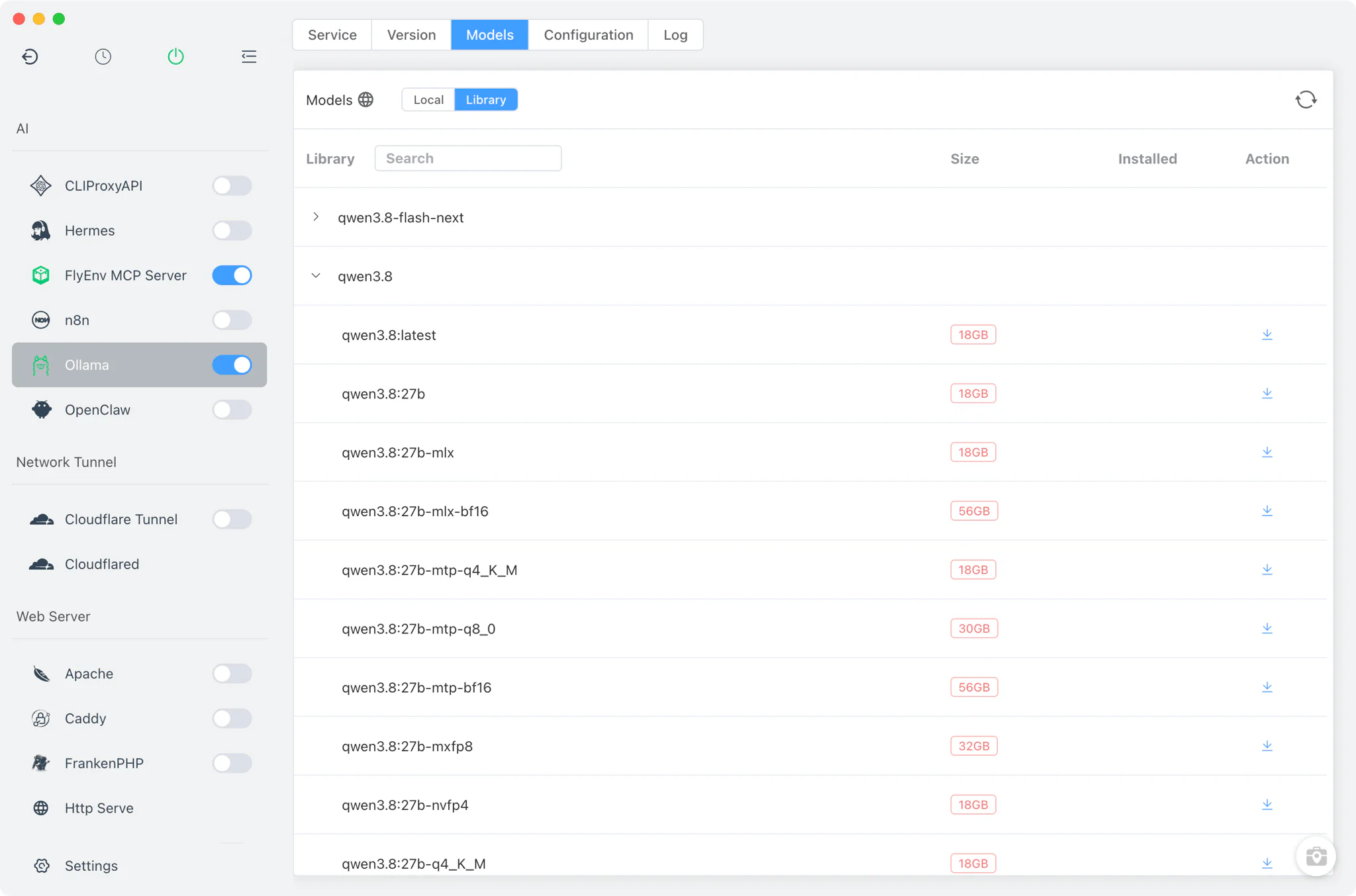
A running Ollama service on port 11434 also pairs well with other FlyEnv modules — call the local API from workflows built in n8n, store embeddings from local models in the Qdrant vector database, or run CLI-based AI accounts behind OpenAI-compatible endpoints with CLIProxyAPI. The guide on FlyEnv working with AI assistants shows how these pieces fit into a wider setup.
Logs
The Log tab opens the per-version server logs directly inside FlyEnv: ollama-<version>-start-out.log for standard output and ollama-<version>-start-error.log for errors. These are the first place to look when a version fails to start or the API on port 11434 stops responding.
Related guides, solutions and demos
Continue with a practical guide, solution, demo, or community perspective.
Compatibility Notes
FlyEnv manages the local Ollama runtime, its configuration file and its model workflow; it does not bundle models itself — every pull downloads from the upstream Ollama library and needs network access and enough disk space. Static installs are offered on macOS, Linux and Windows; Homebrew availability depends on your platform, and the versions shown in Version Manager reflect what those sources publish. Only one Ollama version runs at a time, and configuration changes in ollama.conf take effect on the next service start.