Etcd in FlyEnv
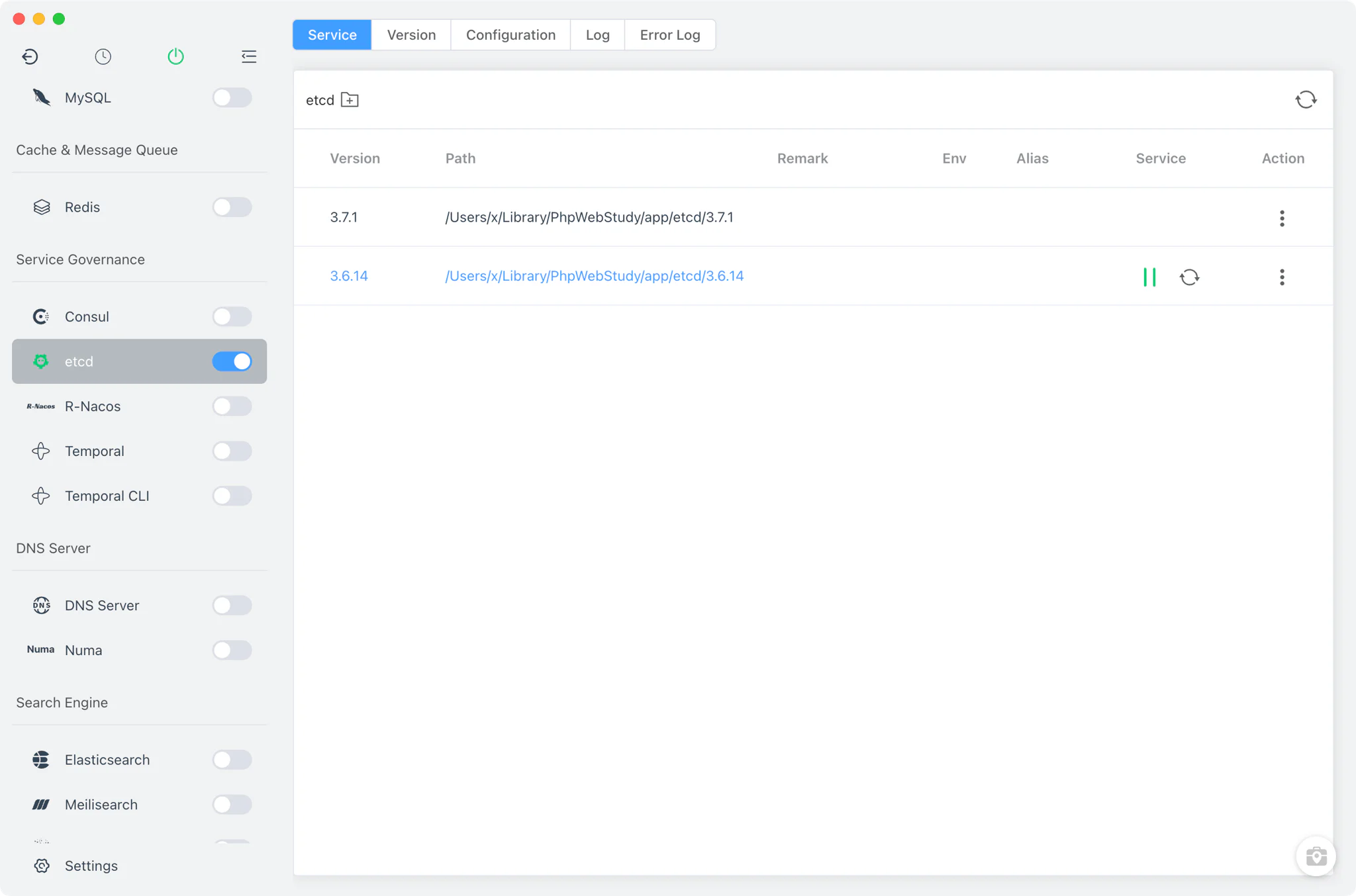
etcd is a distributed, strongly consistent key-value store — the same one Kubernetes uses to hold its cluster state. It is the standard building block for service discovery, distributed configuration and leader election. FlyEnv runs etcd as a managed local service: install one or more etcd versions, start the selected one from the sidebar switch or the system tray, edit its etcd.yaml configuration in place, and read per-version startup logs without leaving the app. The generated defaults listen for client traffic on port 2379 and peer traffic on port 2380, ready for local service-discovery and distributed-configuration work.
Version management
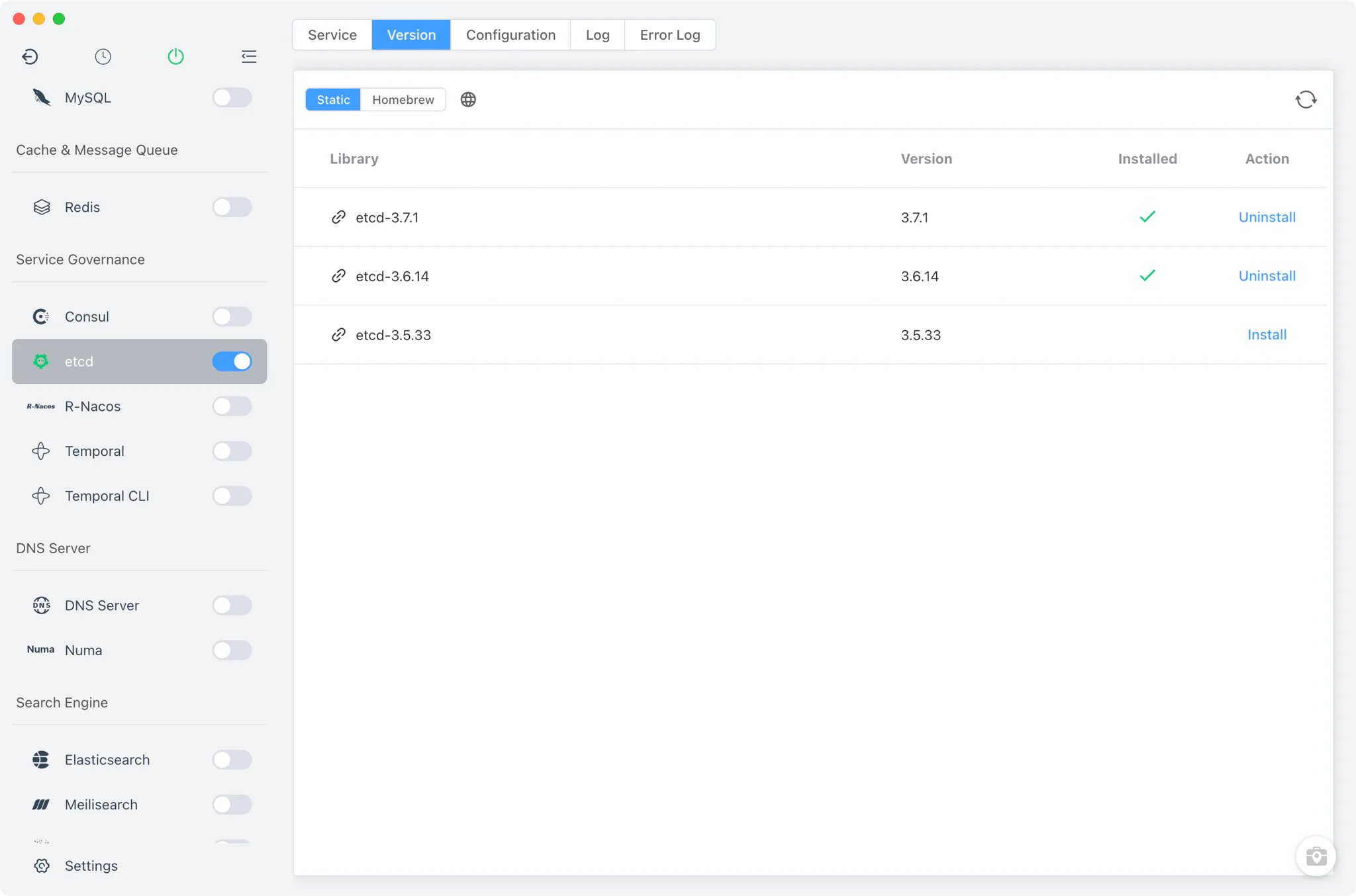
Install and keep multiple etcd versions side by side from Etcd → Version Manager, then pick the one the service runs.
- Install sources: a static online list of ready-made etcd packages on every platform, plus the Homebrew
etcdformula on macOS and Linux. - Custom versions: point FlyEnv at any directory containing your own etcd build; it is scanned and listed next to the managed versions.
- One version at a time: starting an etcd version while another is running is blocked — stop the current one first, then start the new one.
Service and configuration
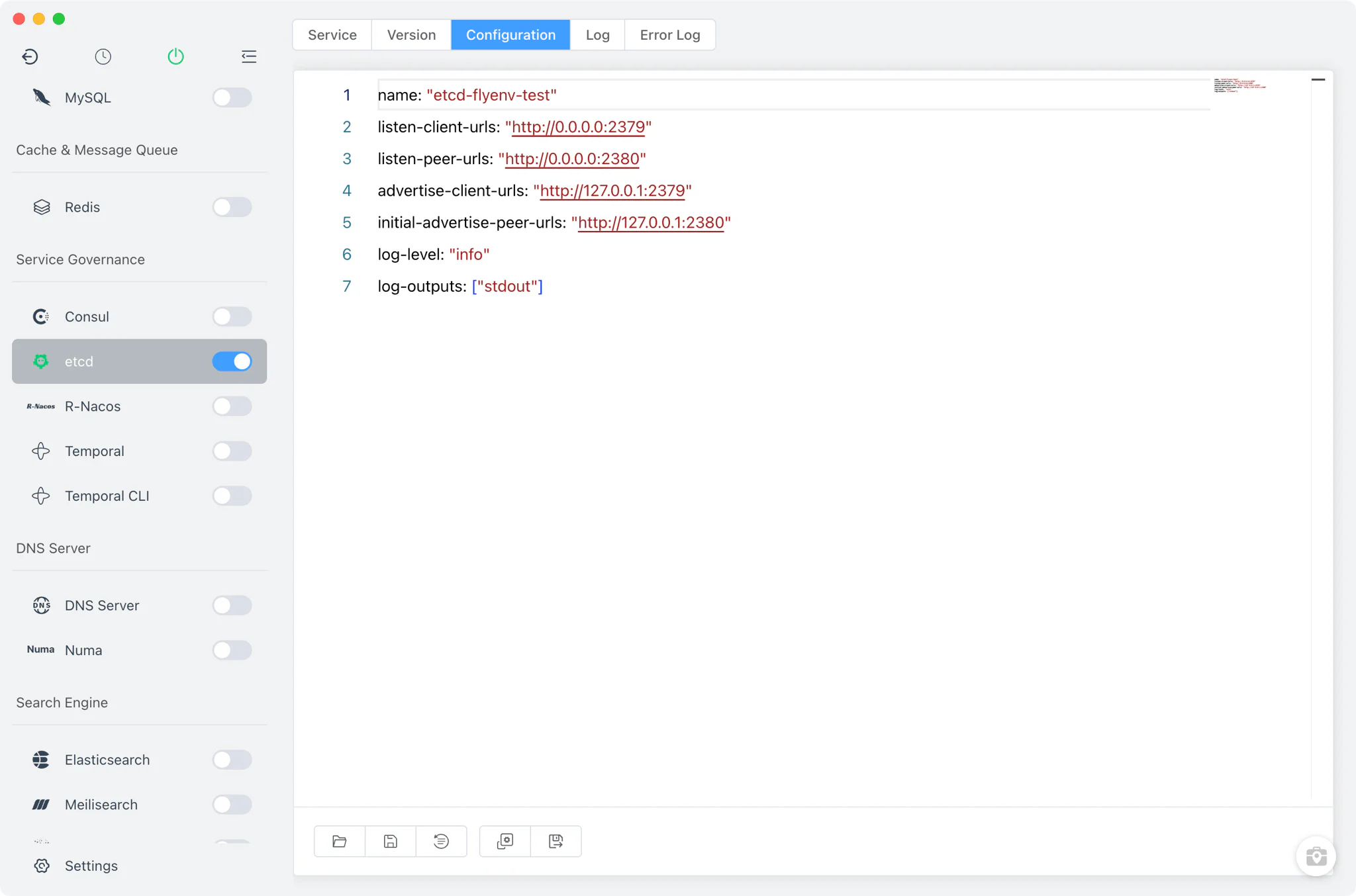
The Service tab controls the running etcd process. FlyEnv launches the real etcd binary with --config-file etcd.yaml, so everything the server does is driven by that one configuration file.
- Generated defaults: on first start FlyEnv writes an
etcd.yamlthat listens on0.0.0.0:2379for client requests and0.0.0.0:2380for peer traffic, advertises itself on127.0.0.1, and logs atinfolevel to stdout. Existing files are never overwritten — FlyEnv only generates the configuration when it is missing. - Raw editor: the Config File tab opens
etcd.yamldirectly, with a.defaultcopy alongside it so you can always compare against or restore the original. - No hidden layer: because etcd reads
etcd.yamlverbatim, any etcd setting — clustering, TLS, quotas — works exactly as the upstream documentation describes.
Logs
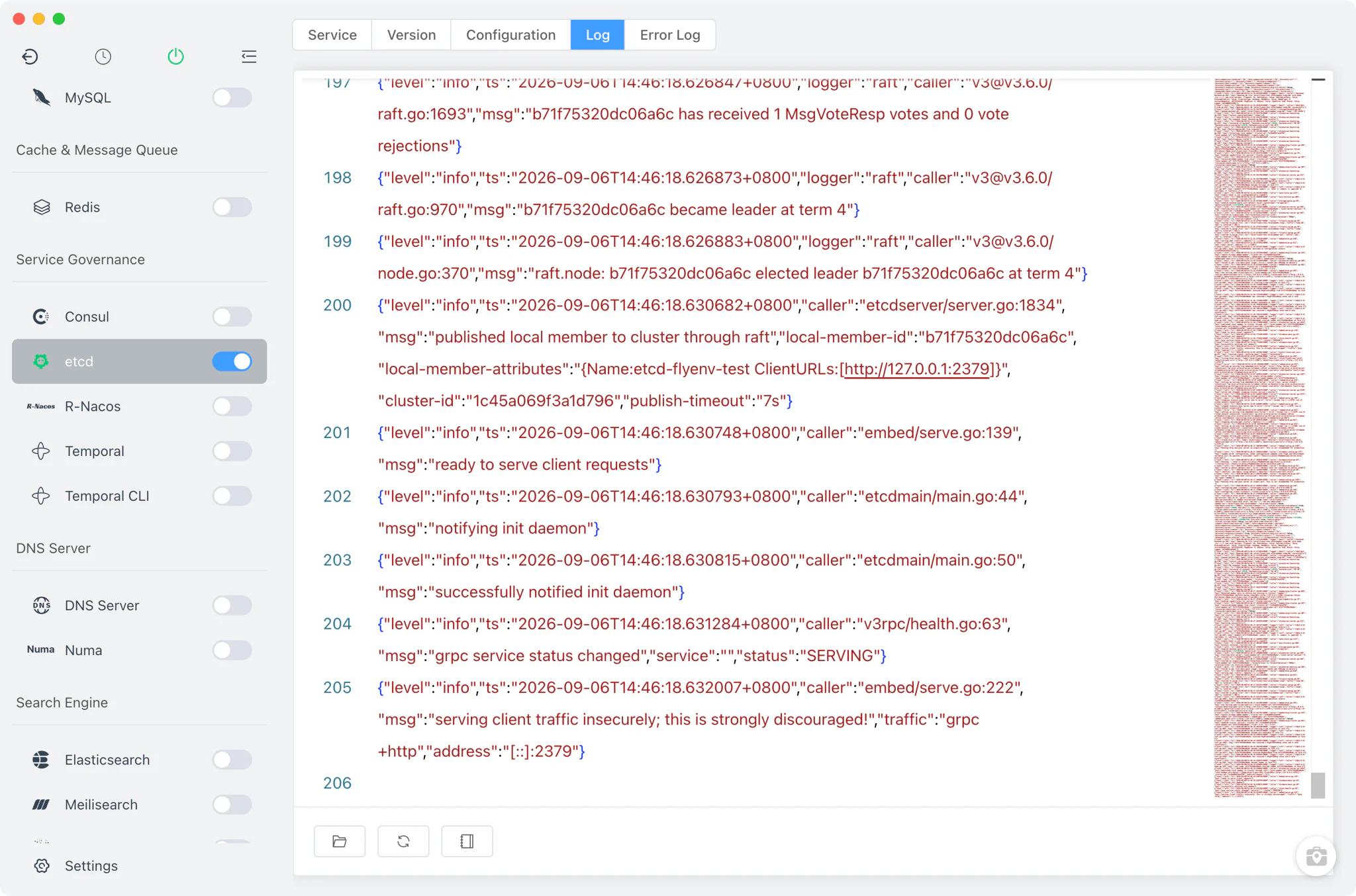
The Log and Error Log tabs give every installed etcd version its own pair of viewers: etcd-<version>-start-out.log captures the server's stdout stream, and etcd-<version>-start-error.log captures stderr. When a version refuses to start, the error log is the first place to look — port conflicts on 2379 or a malformed etcd.yaml both show up there immediately.
Related guides, solutions and demos
Continue with a practical guide, solution, demo, or community perspective.
Compatibility Notes
- The etcd module does not offer a MacPorts install source on macOS; use the static list, Homebrew or a custom directory instead.
- FlyEnv manages the etcd process, its
etcd.yamland its log files only — it does not bundle an etcd browser or admin panel, so key inspection and data operations go throughetcdctlor your own client. - Which etcd versions are offered depends on your platform and on what the online list and Homebrew publish; check the in-app Version Manager or the Download page for what installs on your machine.
- Other FlyEnv modules build on a running etcd: the MinIO configuration exposes etcd tuning keys for distributed setups, and sibling modules like Consul and R-Nacos cover adjacent service-discovery and configuration needs. For a walkthrough of etcd in a real local stack, see the demos.