RabbitMQ in FlyEnv
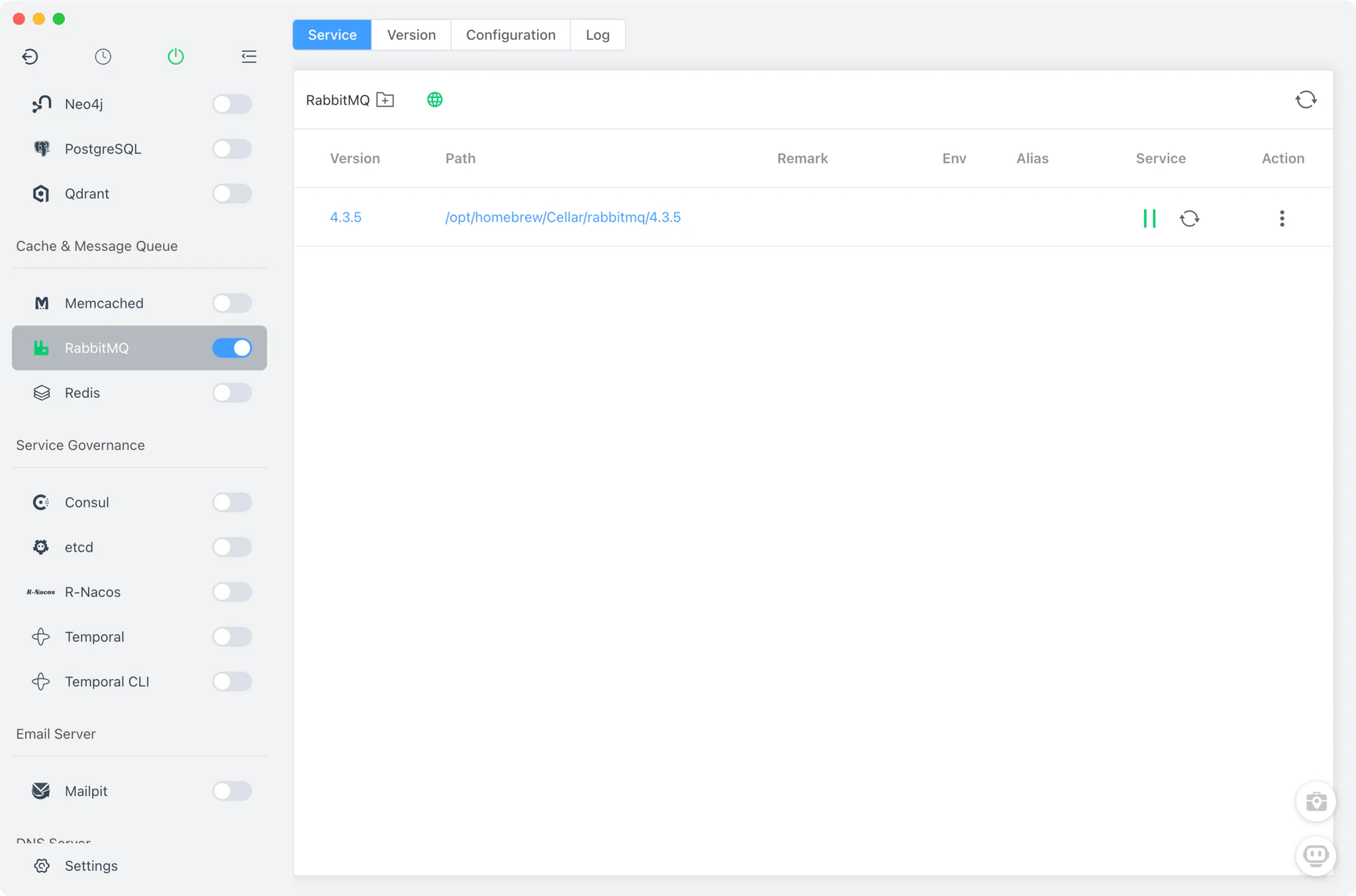
RabbitMQ is an open source message broker: applications hand it messages over protocols such as AMQP, and it routes them into queues for other services to consume asynchronously. It is a common choice for decoupling services — background jobs, task queues and event-driven workflows, such as the queue driver of a Laravel application; for lighter queue needs, Redis can double as a queue backend too. FlyEnv runs it as a managed local broker: install versions from the Version Manager, start the broker with a generated environment config, enable the management plugin out of the box, and read the server log per major version — all from the RabbitMQ module's Service, Version Manager, Config File and Log tabs.
Version management
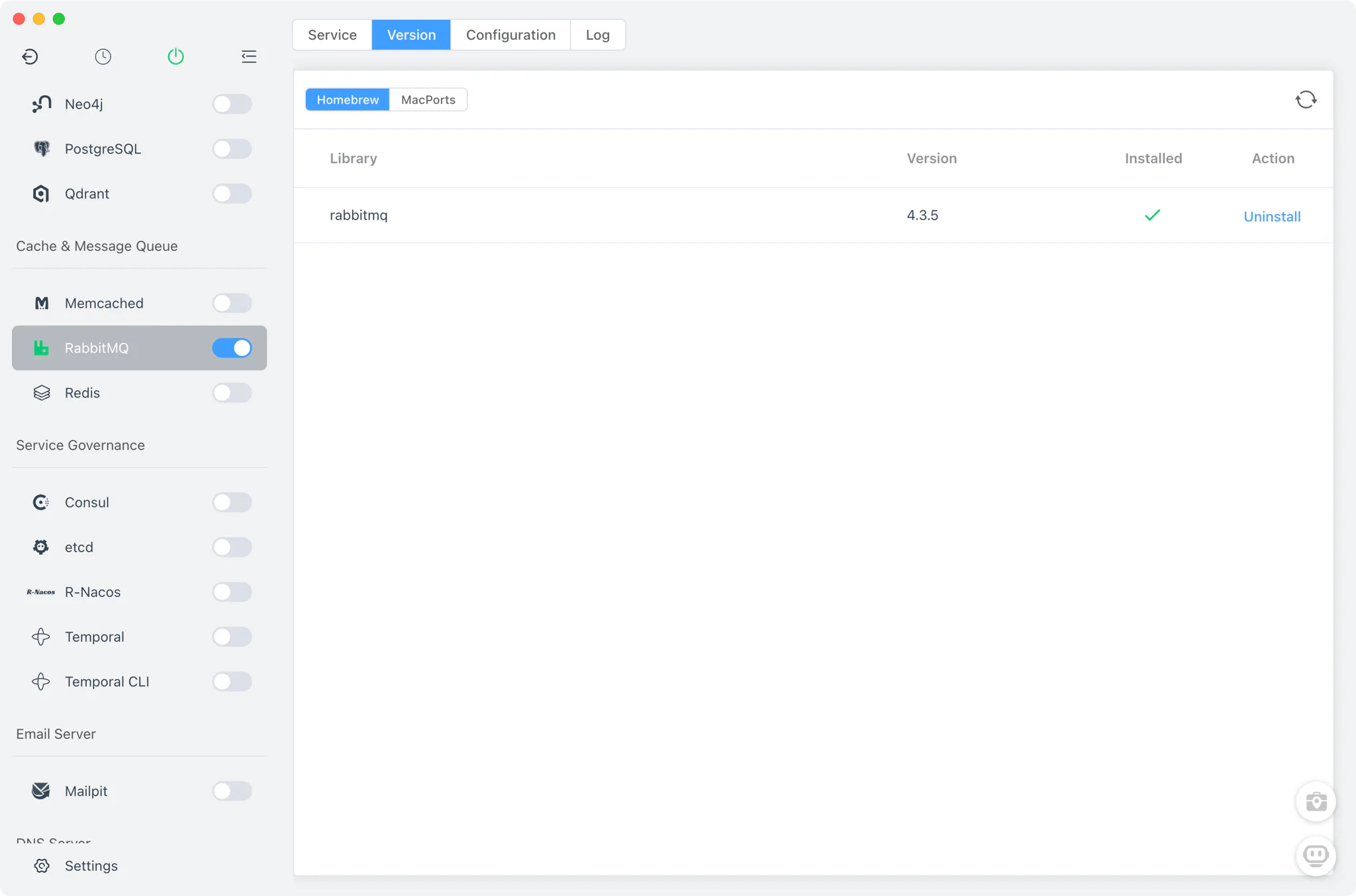
Install and keep multiple RabbitMQ versions from RabbitMQ → Version Manager, and pick which one the service runs.
- Install sources per platform: Homebrew (
rabbitmq) and MacPorts (rabbitmq-server) on macOS, Homebrew on Linux, and static packages on Windows. - Custom versions: add any directory containing your own RabbitMQ installation; FlyEnv scans it and lists those builds next to the managed versions.
- One current service version: the Service tab runs a single selected version as the main RabbitMQ broker.
Service and configuration
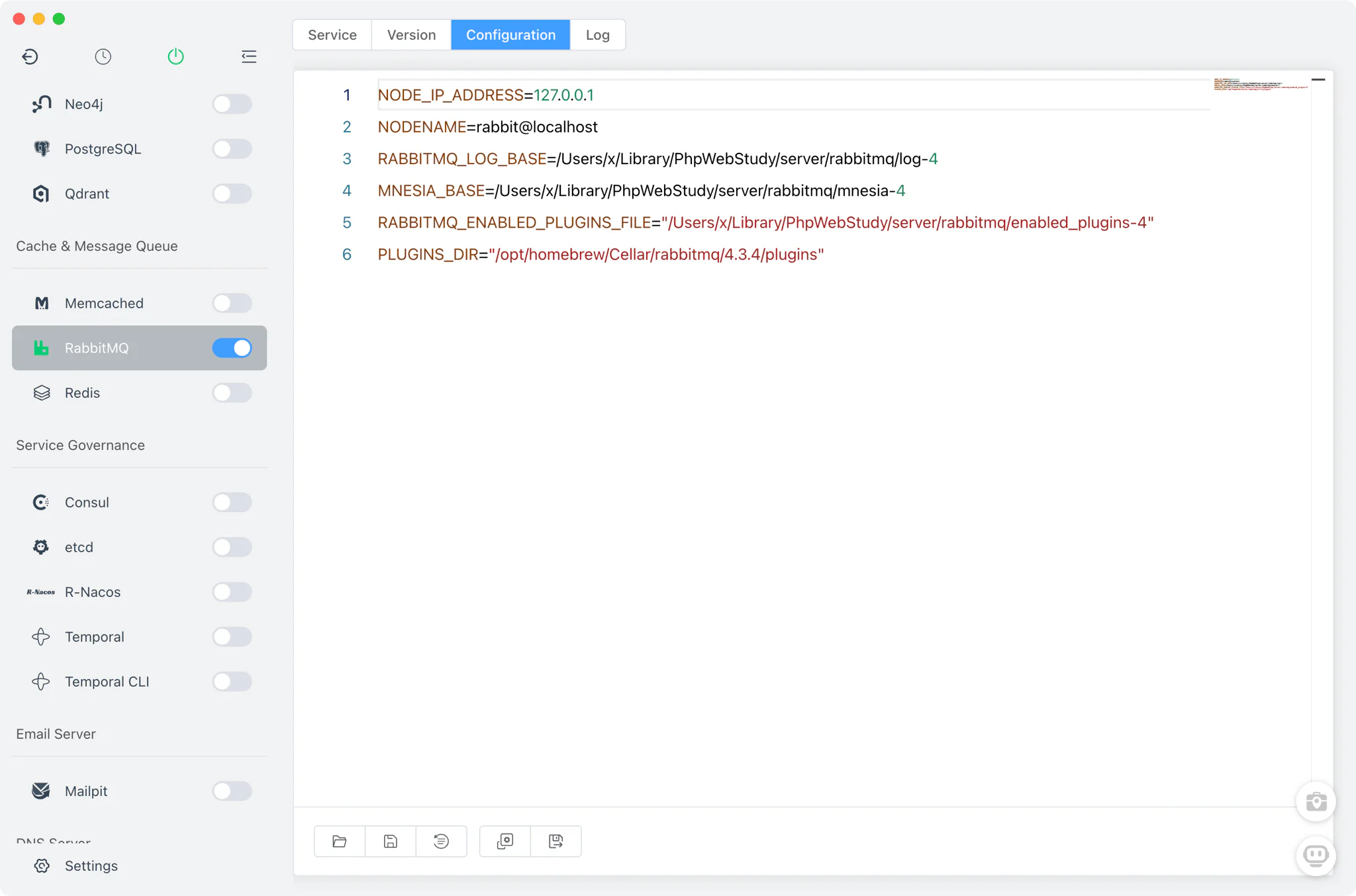
FlyEnv starts the broker with rabbitmq-server -detached, pointing RABBITMQ_CONF_ENV_FILE at a generated rabbitmq-<major>.conf (rabbitmq-<major>.bat on Windows) that pins the node to NODE_IP_ADDRESS=127.0.0.1 and NODENAME=rabbit@localhost, along with its log and mnesia directories. The broker daemonizes itself through Erlang's epmd, and FlyEnv detects a successful start by watching for the node's pid file. AMQP listens on the default port 5672.
Each major version gets its own set of files under FlyEnv's RabbitMQ directory, editable from the Config File tab with a raw editor:
rabbitmq-<major>.conf/.bat: the generated environment config the broker starts with.rabbitmq-<major>-default.conf: the default configuration for that major version.enabled_plugins-<major>: the enabled-plugins list, where FlyEnv writes[rabbitmq_management].so the management plugin is active.
Management UI (15672)
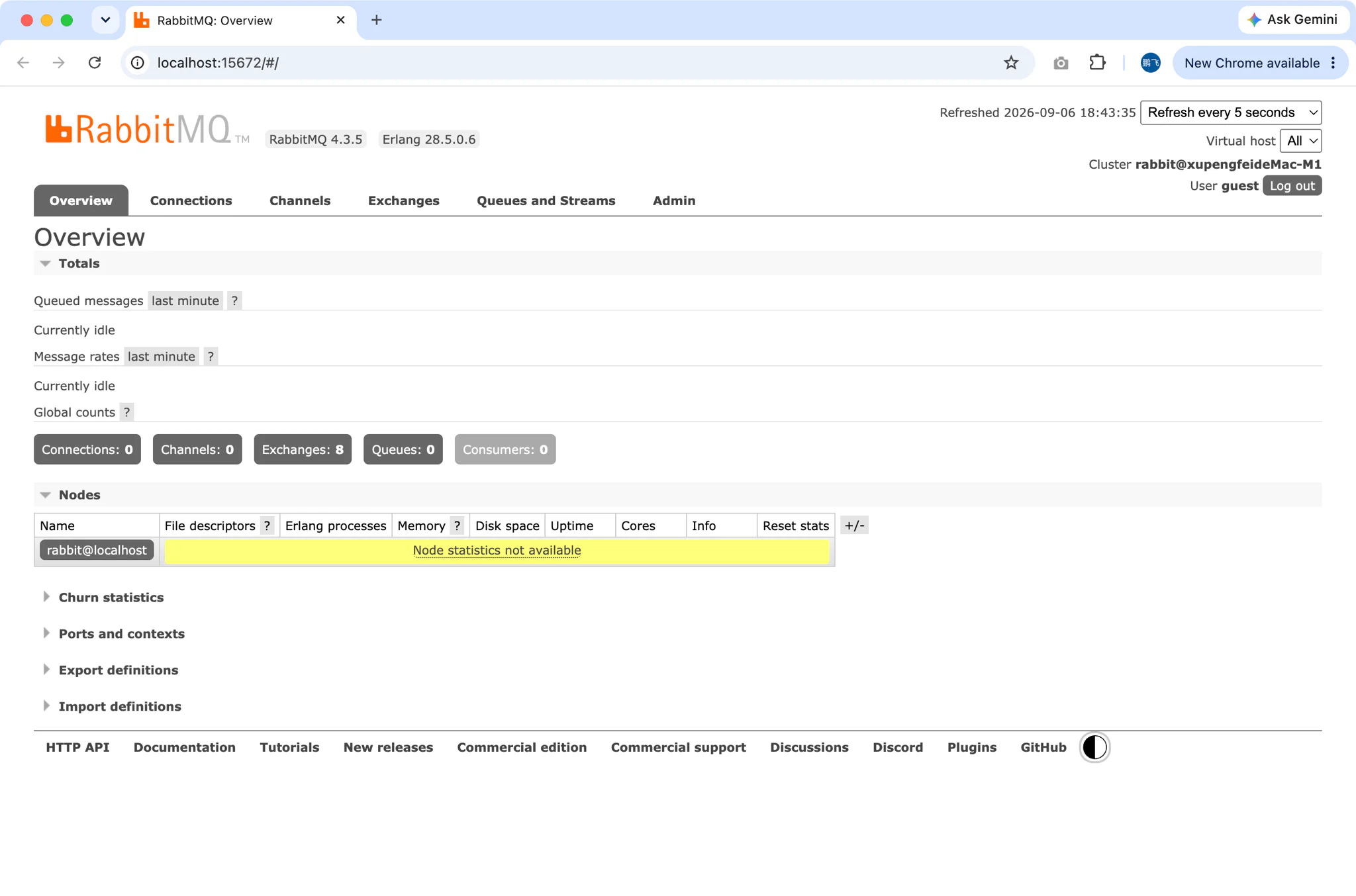
The management plugin is enabled for you — FlyEnv writes [rabbitmq_management]. into enabled_plugins-<major> (and on macOS also runs rabbitmq-plugins enable rabbitmq_management), so the console is ready as soon as the broker is up.
- One-click access: the Service tab shows a button that opens the management UI at
http://localhost:15672/whenever the broker is running. - Upstream console: queues, exchanges, connections and users are managed in RabbitMQ's own management interface; FlyEnv does not add an admin UI beyond it.
Logs
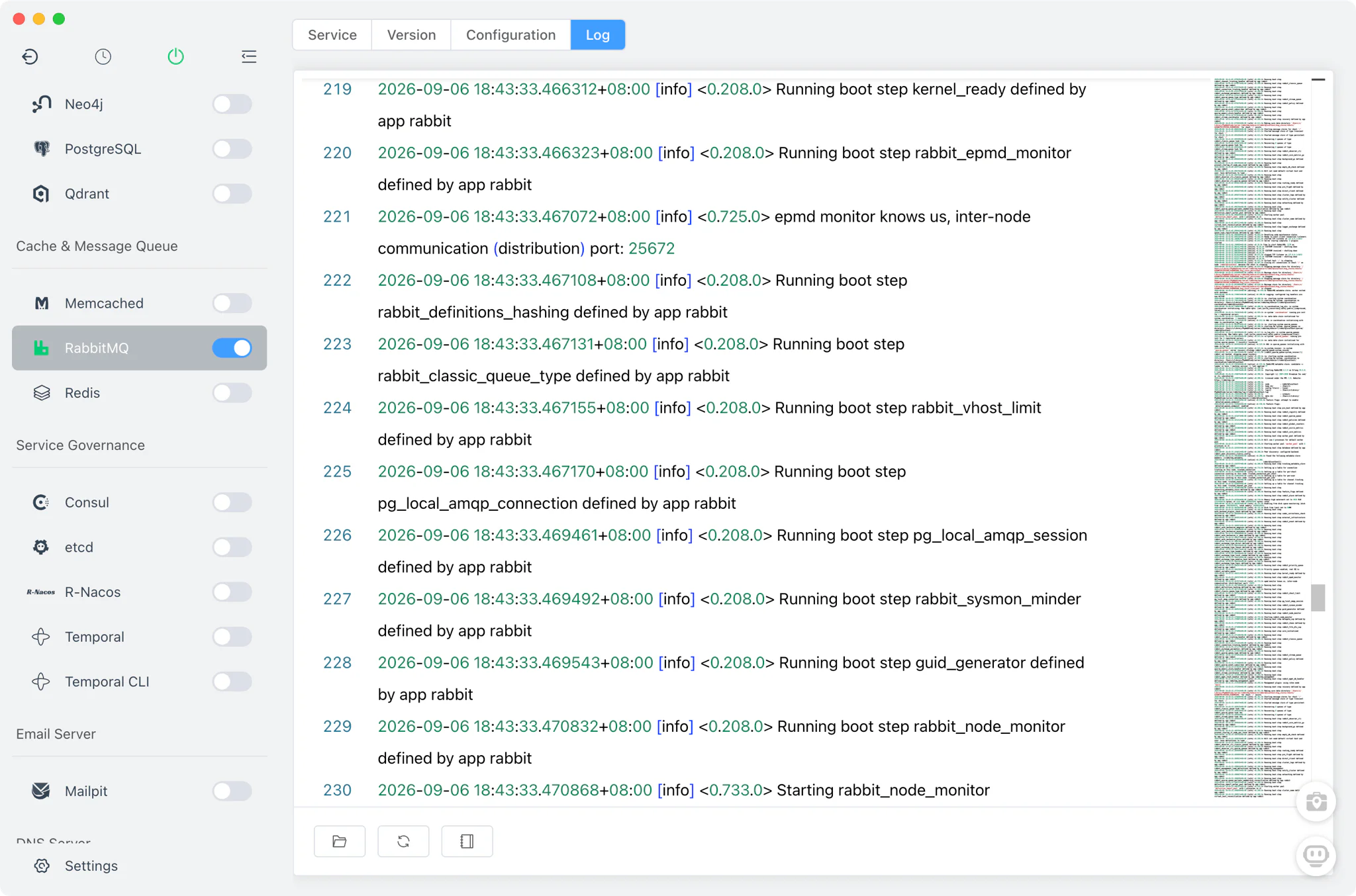
The Log tab opens log-<major>/[email protected] directly inside FlyEnv. Because logs are kept per major version, each installed RabbitMQ line keeps its own log file — the first stop when a version fails to start or a queue behaves unexpectedly.
Related guides, solutions and demos
Continue with a practical guide, solution, demo, or community perspective.
Compatibility Notes
On Windows, RabbitMQ requires Erlang: FlyEnv resolves ERLANG_HOME from the environment, PATH or the app directories and auto-starts epmd.exe; if epmd is down, the version probe fails with a "no epmd" error, so an Erlang installation must be present. RabbitMQ is available on macOS, Windows and Linux, but the install sources differ — Homebrew and MacPorts on macOS, Homebrew only on Linux, and static packages on Windows. Configuration is scoped per major version, and FlyEnv provides no admin UI beyond the upstream management console and no project integration. Treat the in-app version list and the Download page as the source of truth for what can be installed on your machine, and see the demos for the module in action.