Local Redis Development with FlyEnv
Redis is an open source in-memory data store, commonly used as a cache, session store, queue backend or pub/sub channel in web applications — where a lighter, cache-only daemon such as Memcached is not enough. FlyEnv turns it into a managed local service you control from one window: install multiple versions, run redis-server with an auto-generated per-version config, adjust port and memory settings from a visual form, watch the server log, and browse your keys in a one-click Redis Commander web UI. If you are new to FlyEnv, the getting started guide shows how modules are installed and started.
Version management
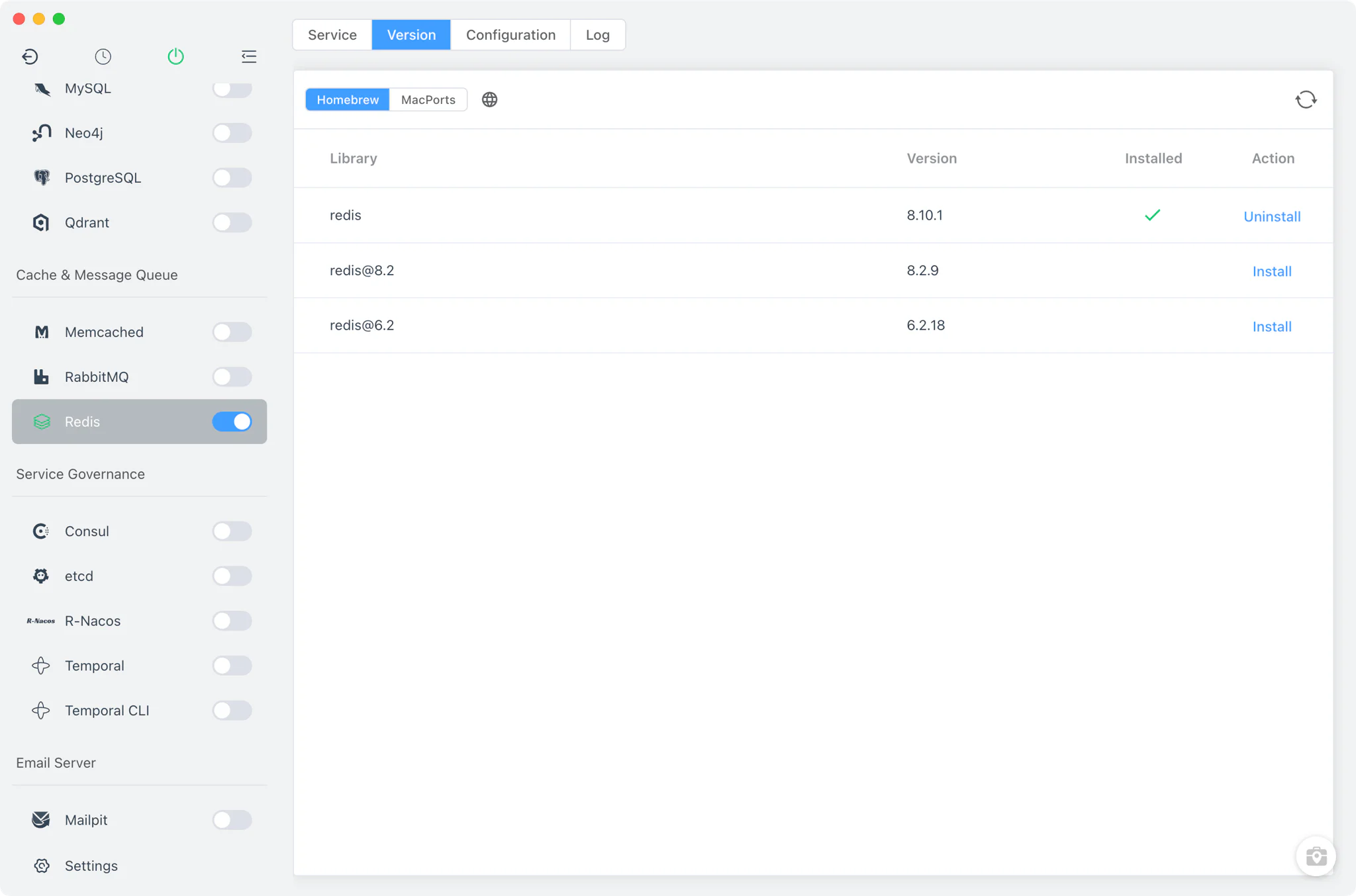
Install and keep multiple Redis versions side by side from Redis → Version Manager, and pick which one the service runs.
- Install sources per platform: Homebrew (
redis,[email protected]) and MacPorts on macOS, Homebrew on Linux, and a static list of ready-made Windows builds on Windows. - Custom versions: add any directory containing your own Redis installation; FlyEnv scans it for the
redis-serverbinary and lists those builds next to the managed versions. - One running version at a time: starting a version stops any other running Redis version, so the service always serves a single, known build.
Service and configuration
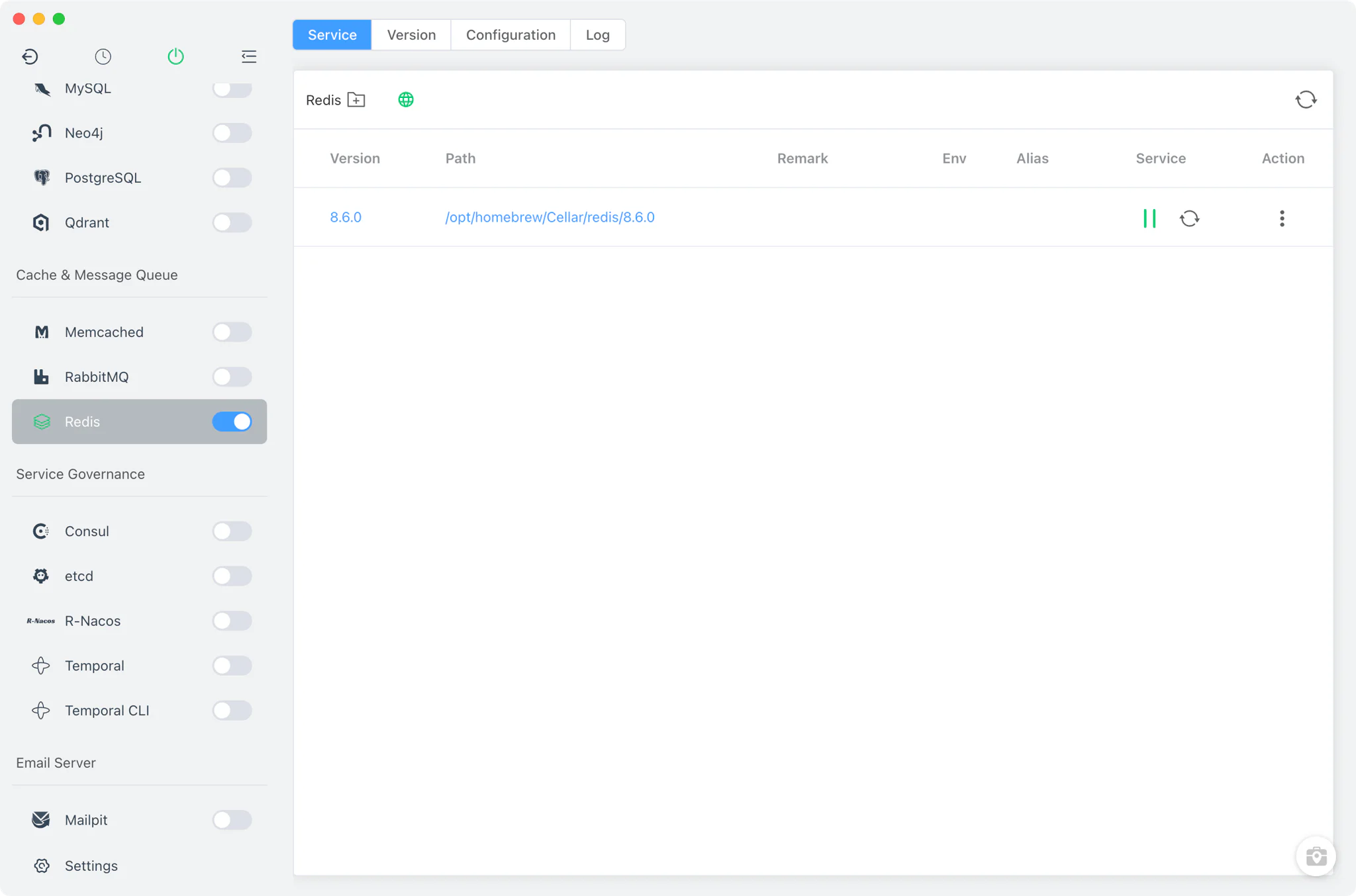
FlyEnv launches the real redis-server binary with a generated configuration file — redis-server redis-<major>.conf — and tracks its pid file for clean start and stop. The default configuration listens on port 6379 and keeps each major version's data in its own db-<major> directory.
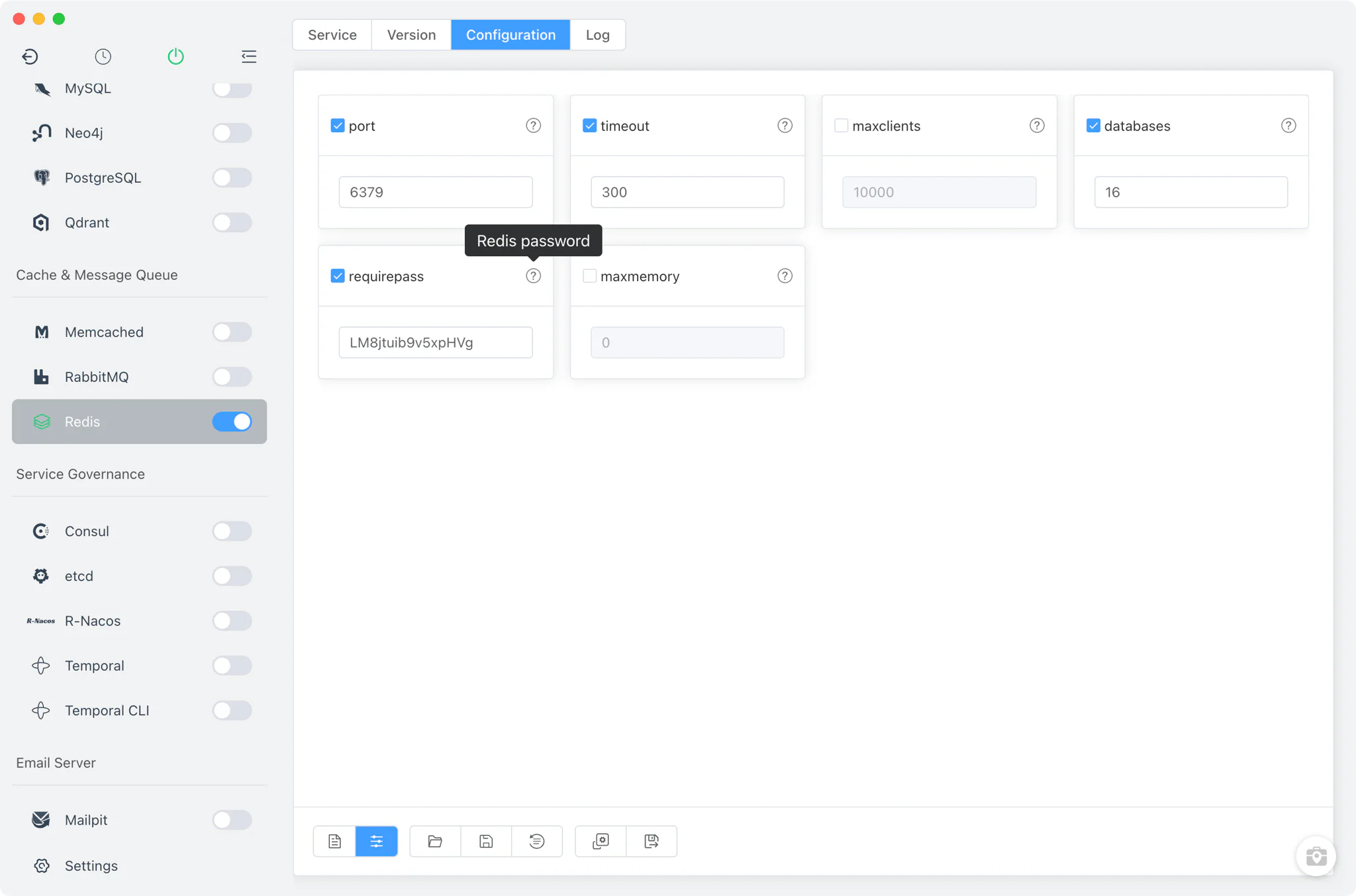
Each major version gets its own redis-<major>.conf, editable from the Config File tab:
- Common settings form: adjust frequently changed options — port, timeout, maxclients, databases,
requirepassandmaxmemory— from a visual form instead of editing the file by hand. - Raw editor: switch to the full source view for anything the form does not cover, with a
redis-<major>-default.confkept alongside as the reference default.
Logs
The Log tab opens the server's redis-<major>.log directly inside FlyEnv — the first stop when a version fails to start or behaves unexpectedly. Log output from the Redis Commander helper process is captured separately, so web-UI startup problems never get mixed into the Redis server log.
Redis Commander
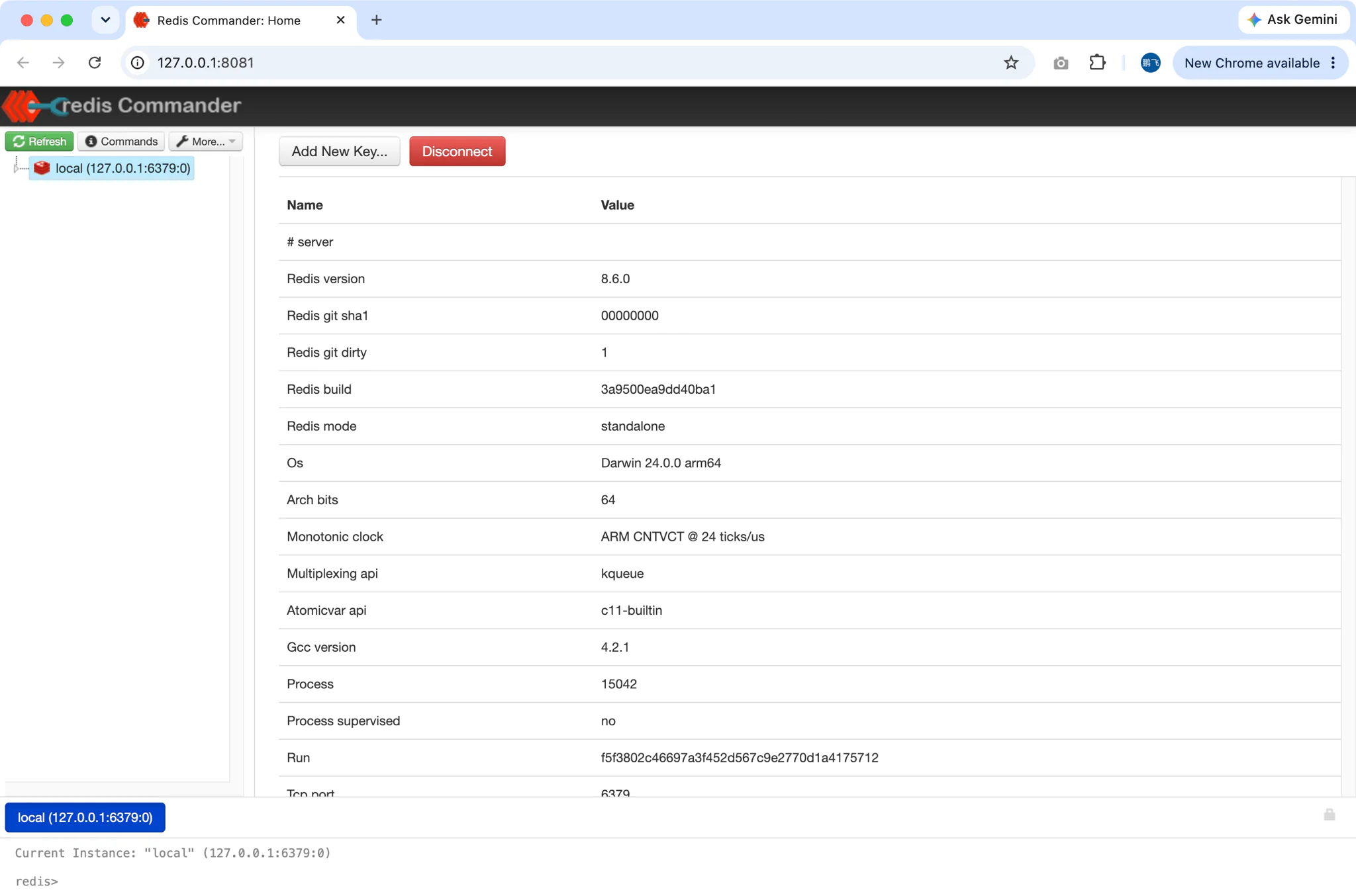
The Redis Commander button appears in the Service toolbar whenever Redis is running and opens a full web UI for browsing keys, editing values and running commands against the local server.
- One-click setup: on first open, FlyEnv installs the
redis-commanderpackage with npm and starts it for you — no manual tooling required. It uses the Node.js version selected in FlyEnv, so managing multiple Node.js versions also controls which runtime the web UI launches on. - Pre-configured connection: Redis Commander connects to the running server automatically, with the port and
requirepasspassword read from the current Redis configuration. - Secured by default: the UI runs on 127.0.0.1 behind HTTP authentication, and FlyEnv opens your browser with a one-time auto-login link. Redis Commander stops automatically when the Redis service stops.
This pairs well with local framework work — for example inspecting the cache and queue keys of a Laravel project while it runs.
Related guides, solutions and demos
Continue with a practical guide, solution, demo, or community perspective.
Compatibility Notes
FlyEnv manages the local Redis runtime, its configuration files and its data directories; it does not guarantee that every Redis version is available on every operating system or install source. The versions offered in Version Manager depend on your platform — Homebrew and MacPorts on macOS, Homebrew on Linux, static builds on Windows — and on what those sources publish. Configuration files are per major version (redis-<major>.conf), so settings such as port, requirepass and maxmemory are kept separately for Redis 7 and Redis 8. Redis Commander requires a Node.js version to be installed and selected in FlyEnv before its first launch. Treat the in-app version list and the Download page as the source of truth for what can be installed on your machine.