Kafka in FlyEnv
Apache Kafka is an event streaming platform for applications that publish and consume records through topics. The FlyEnv Kafka plugin brings a local broker into your workspace with version management, a Java selector, topic controls and configuration and log views.
Install Kafka from Settings → Plugin Market, then open its sidebar entry. The module provides Service, Version Manager, Topics, Config File and Log tabs.
Kafka versions and Java bindings
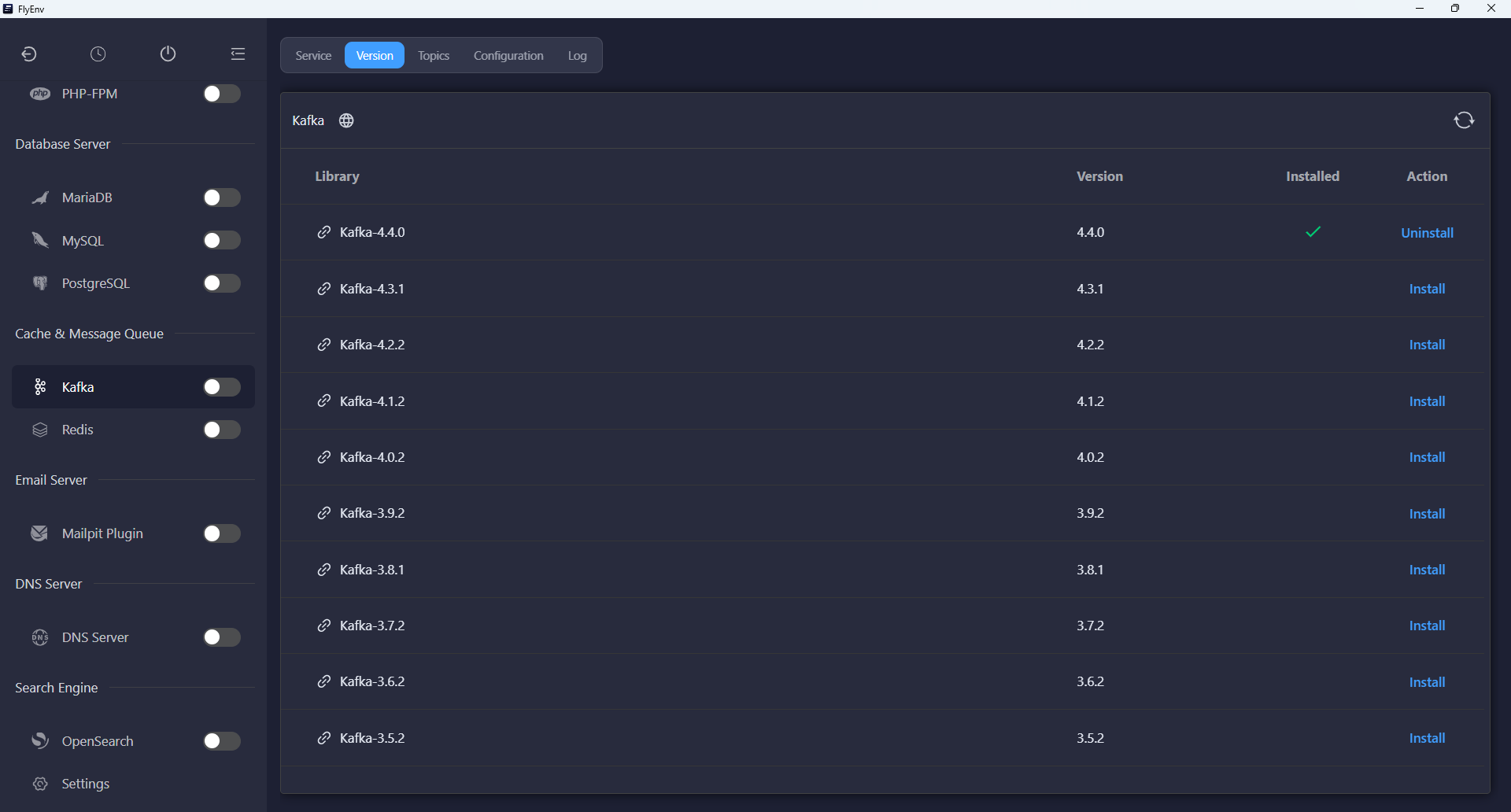
The Version Manager installs Kafka distributions from Apache's download and archive servers. Keep multiple versions installed and choose the one to run from the Service tab. The module also scans configured custom installation directories.
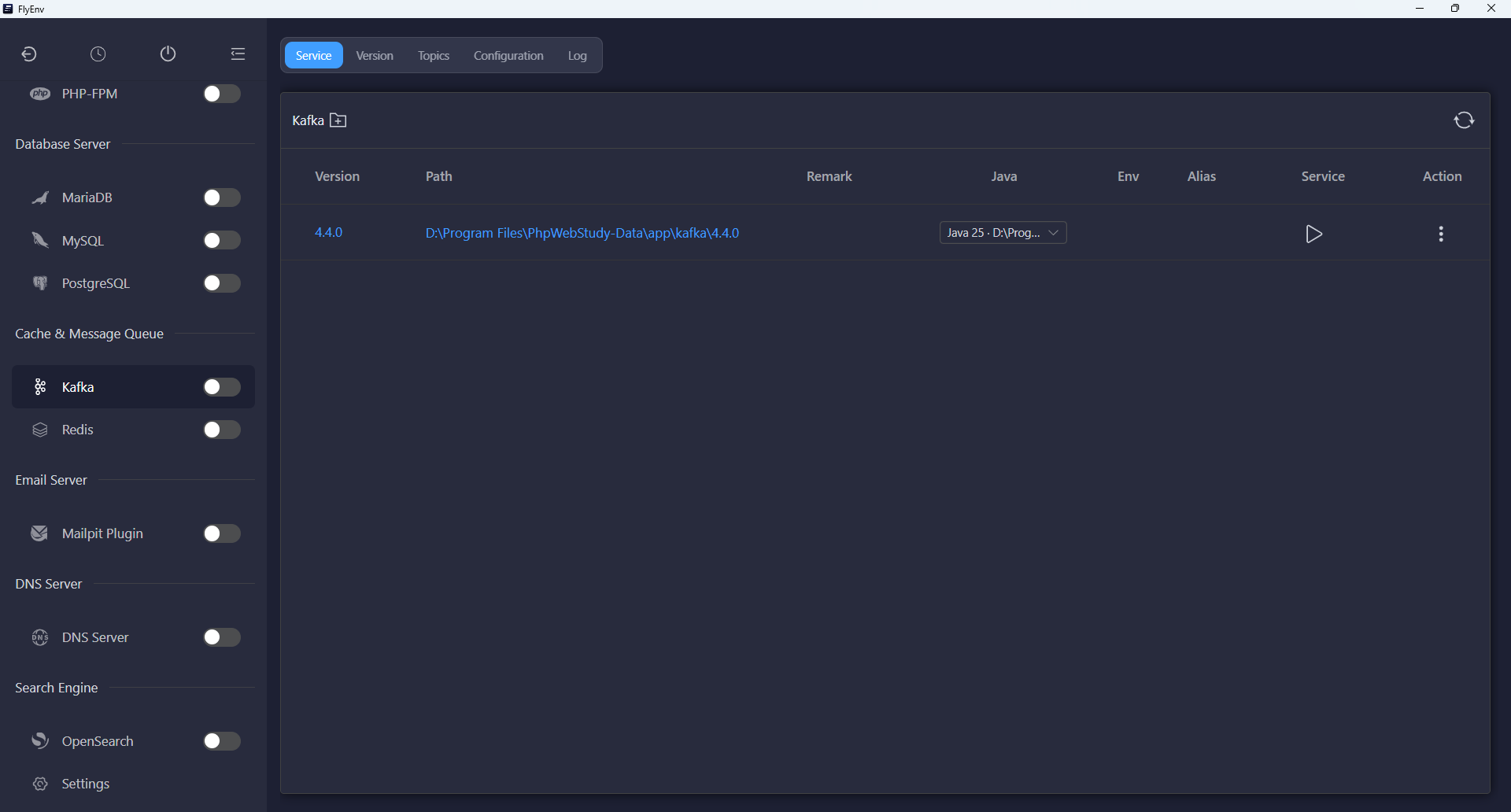
Each Kafka installation has its own Select Java control in the service list. The plugin lists detected Java runtimes at version 17 or newer and remembers the binding for that installation. If no compatible runtime is available, Install compatible Java opens the Java module.
Stop the service before changing its Java binding. The plugin checks the Java executable and major version before starting; the selected JDK must also satisfy the requirements of your chosen Kafka release.
A local KRaft broker
Start, stop and restart Kafka through the standard service controls. FlyEnv prepares a single-node KRaft setup that combines broker and controller roles, so this local setup does not require a separate ZooKeeper service.
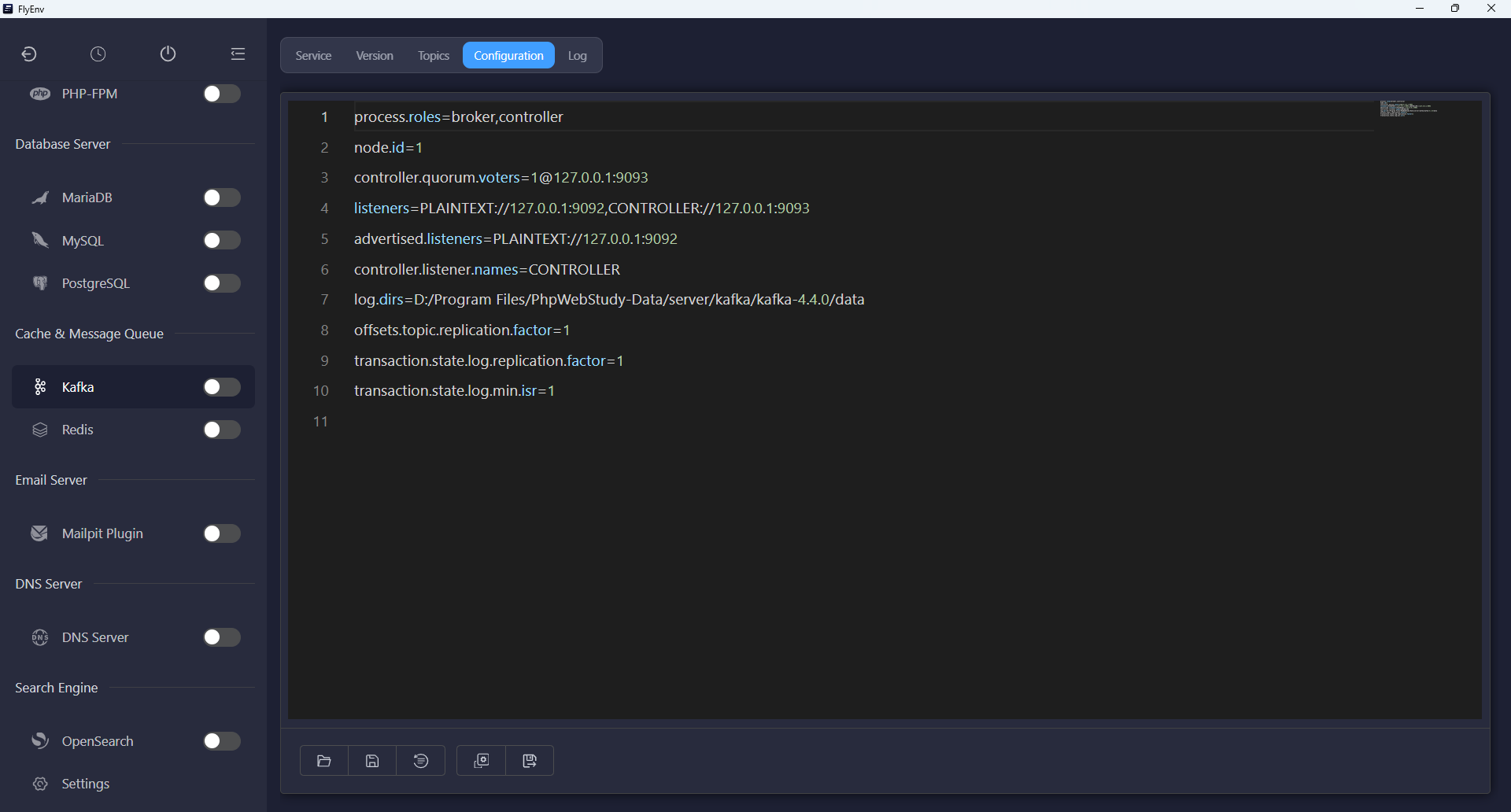
- Client endpoint: the generated configuration advertises
127.0.0.1:9092. - Controller listener: the generated configuration uses
127.0.0.1:9093. - Storage initialization: FlyEnv creates a cluster UUID and formats KRaft storage when it has not yet been initialized.
- Version-specific files: configuration, data and logs live under the selected version's instance directory.
The defaults use a replication factor of one for the internal topics, making the broker suitable for local application development. Connect your own producers and consumers to the advertised endpoint.
Topic management
The Topics tab operates on the Kafka version selected in the Service tab and its bound Java runtime. Start the broker before using these controls.
- Refresh the list: inspect topic names on the local broker.
- Create Topic: enter a name and choose between 1 and 100 partitions; the plugin creates the topic with a replication factor of one.
- Delete: confirm removal of a topic from the list.
This view covers topic creation, listing and deletion. Use your application or Kafka's own tools to produce and consume records.
Configuration and logs
The Config File tab edits the instance's server.properties directly. A generated server-default.properties file is available as the default reference. Adjust listeners or broker settings here, then restart the service to apply them.
The Log tab opens server.log when available, falling back to startup error or output logs. Check these files when the broker fails to start, a Java runtime is unsuitable or an application cannot reach the broker.
Compatibility notes
The plugin is available on macOS, Windows and Linux. It manages a local KRaft broker rather than provisioning a distributed production cluster. Kafka distribution and JDK compatibility still depend on the release you install; the plugin's Java selector enforces a minimum of Java 17.
Explore the Plugin Market for other optional modules, or RabbitMQ for FlyEnv's message queue integration.