Nginx in FlyEnv
Nginx is an open source web server and reverse proxy, used both to serve sites directly and to route traffic to application servers such as PHP-FPM. FlyEnv turns Nginx into a managed part of your local stack: install multiple versions side by side, run one of them as a background service from the sidebar or system tray, and edit nginx.conf through a visual form or a full source editor. Every PHP-type site you create in FlyEnv gets its own generated Nginx vhost with per-site ports, framework-aware rewrite rules and reverse proxy support. Sites on FlyEnv are covered end to end in the Host guide.
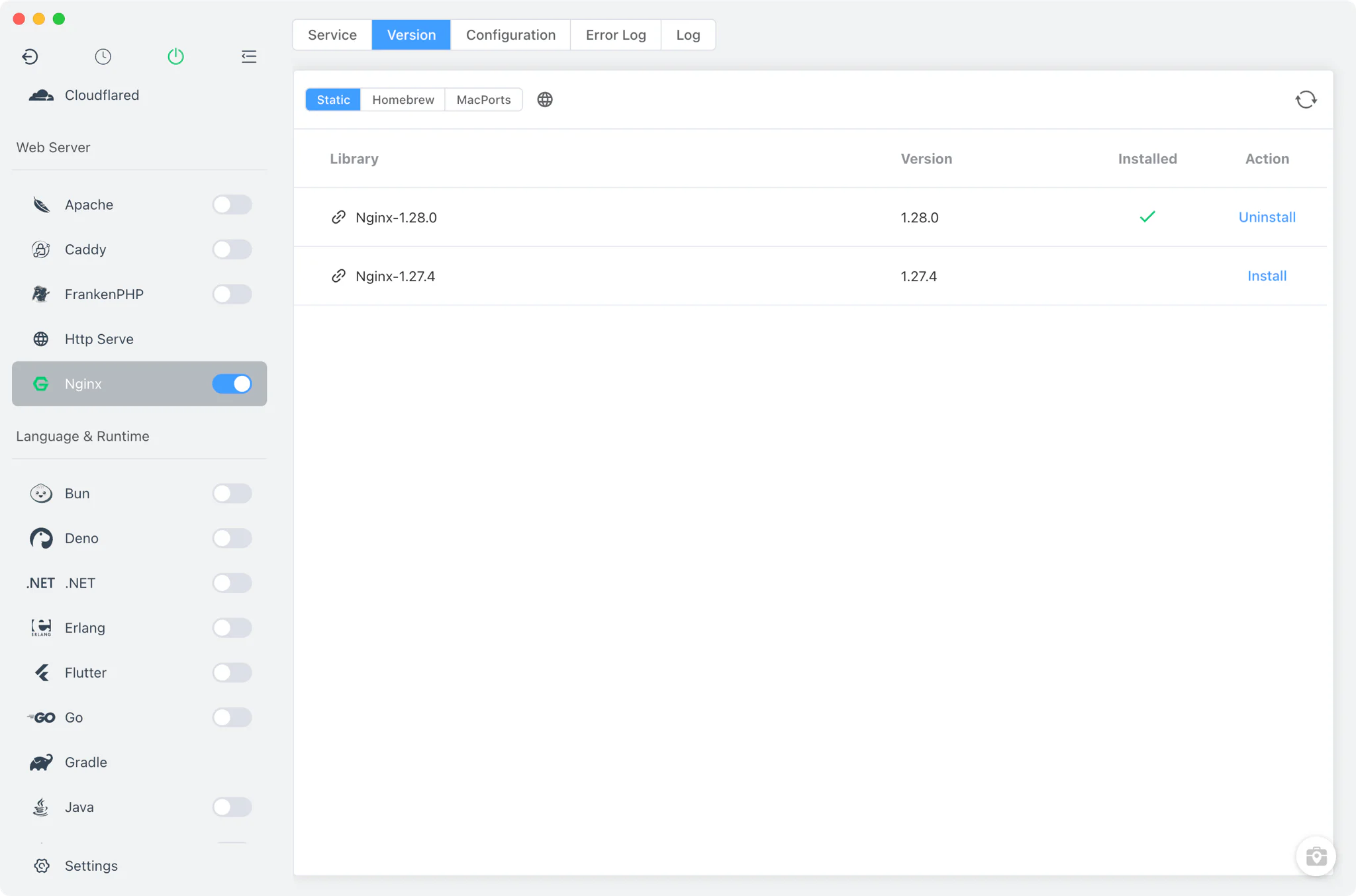
Nginx version management
Install multiple Nginx versions from Nginx → Version Manager and keep them side by side.
- Multiple install sources: Static builds on every platform, plus Homebrew on macOS and Linux and MacPorts on macOS.
- Custom versions: register a directory that holds your own Nginx build; FlyEnv locates the binary inside it and shows it alongside the managed versions.
- Shared configuration: all installed versions use one common
nginx.conf, so switching versions never loses your settings.
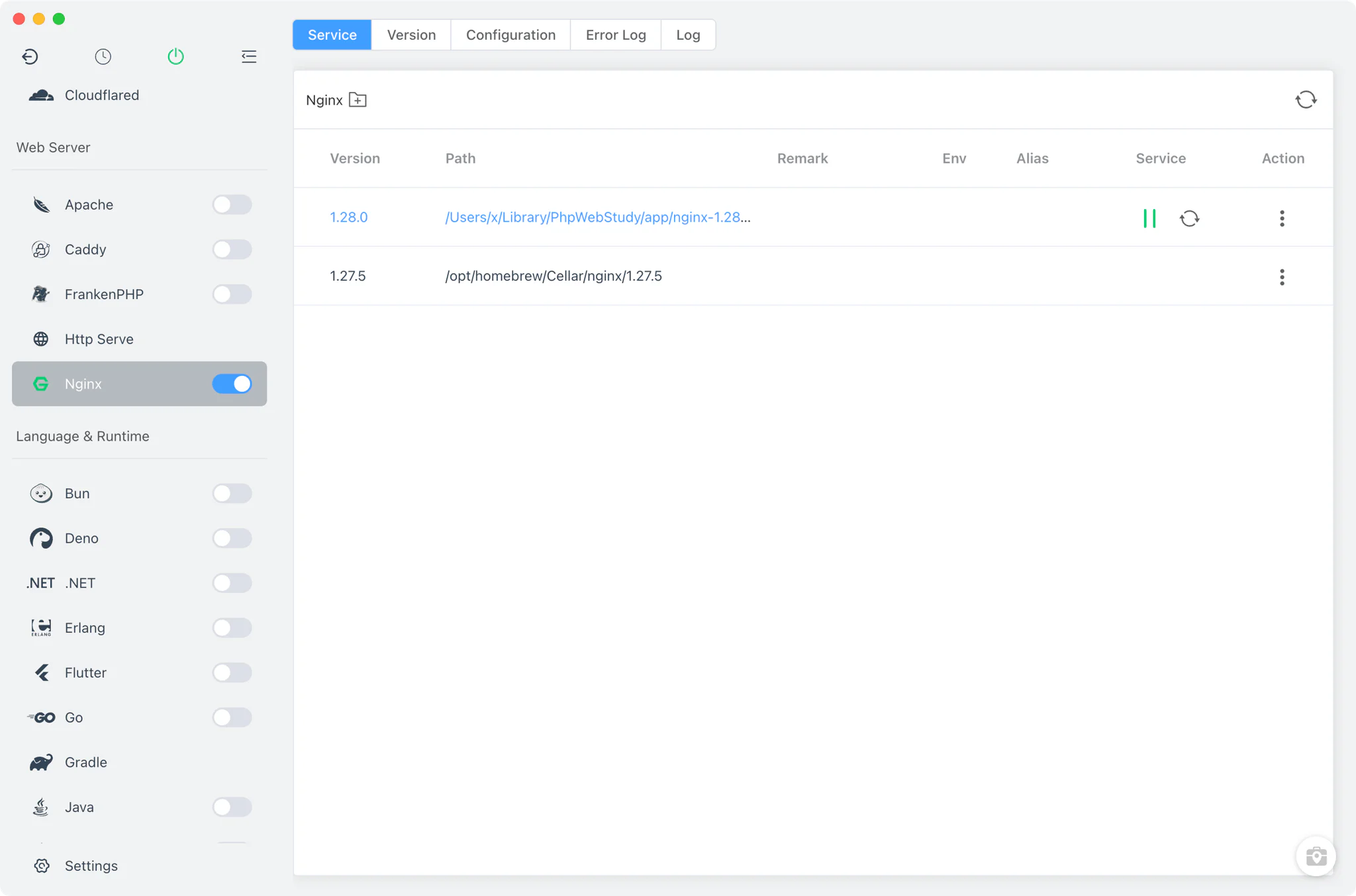
Service management
Nginx is a real background service in FlyEnv, not just a version list.
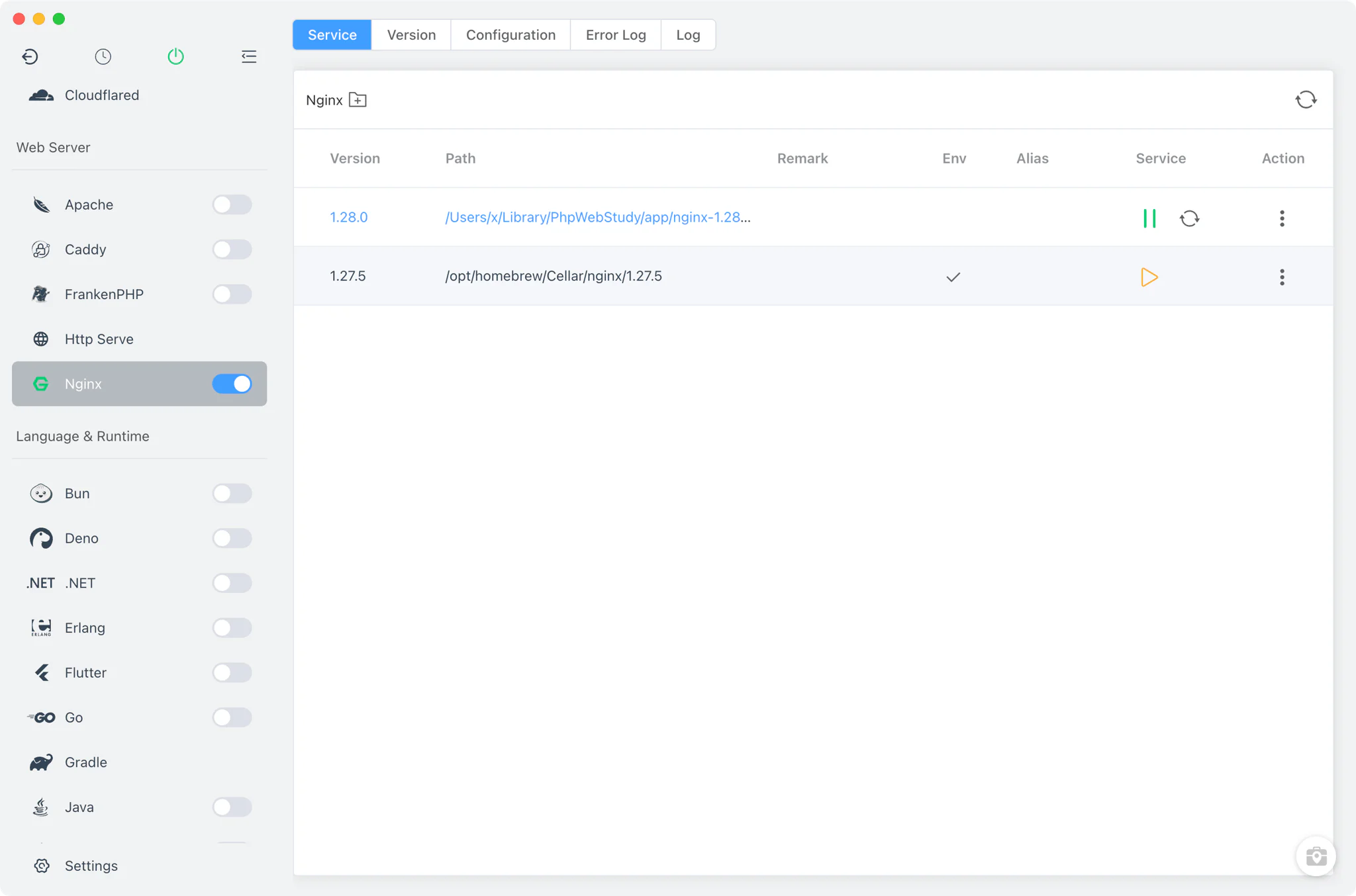
- One running version at a time: several versions can be installed, but only one runs; starting a version while another is running is blocked in the Service tab.
- Sidebar and tray control: start or stop Nginx from the module switch in the sidebar, or directly from the system tray without opening the main window.
- Automatic config repair on start: FlyEnv fixes the
userdirective and temp paths in the configuration, and regenerates theenable-php-<version>.confinclude for every PHP version your sites use, so PHP-FPM integration always matches the current setup.
Configuration
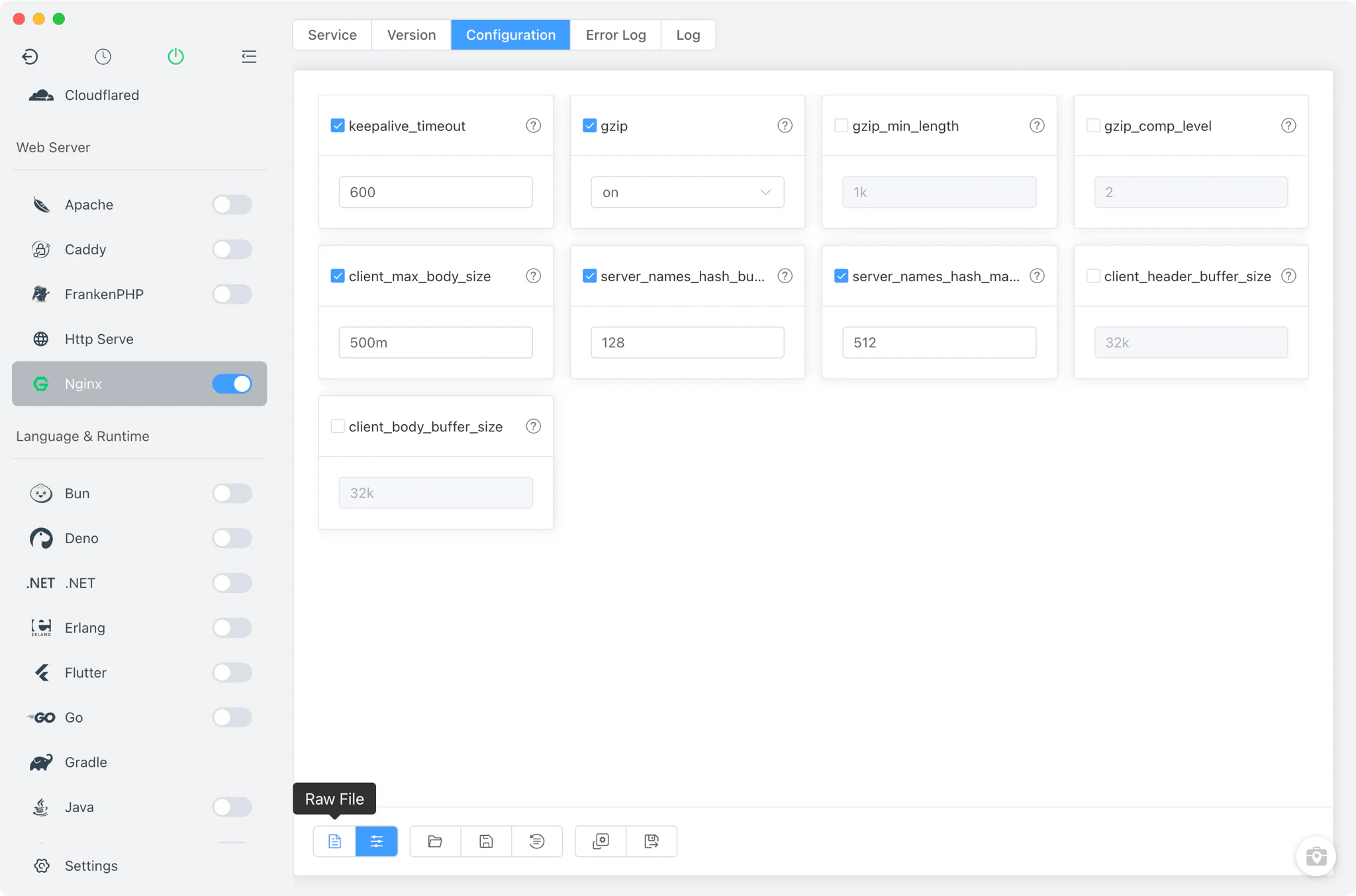
The Config File tab edits the shared nginx.conf two ways.
- Common settings form: adjust frequently changed directives without touching the file —
keepalive_timeout,gzip,gzip_min_length,gzip_comp_level,client_max_body_size,server_names_hash_bucket_sizeandserver_names_hash_max_size, plus client header and body buffer sizes. - Full source editor: switch to the raw editor for anything the form does not cover, with one-click restore to the default configuration.
Site integration
FlyEnv's Host module has no single default web server: PHP-type sites get vhost configurations in all four web servers — Nginx, Apache, Caddy and FrankenPHP — at the same time, and whichever server is running serves the site. Site creation itself is covered in the Host guide.
- Per-site vhost and ports: every PHP-type site gets its own generated Nginx vhost file and its own Nginx ports (80/443 by default), independent of the ports used by Apache, Caddy or FrankenPHP — so the same site can be served by several web servers at once, as the multi-server HTML-as-PHP guide demonstrates. Sites of other types are different: Node, Java, Go and Python sites are reached through reverse proxy, and Tomcat sites live in
server.xml. Domains and HTTPS for sites are covered in Local Sites, Custom Domains & HTTPS. - Automatic rewrite rules: FlyEnv detects WordPress, Laravel and Yii projects and pre-fills the matching URL rewrite rules in the site's vhost.
- Per-site reverse proxy: add reverse proxy rules to a site to forward paths to local app servers — the NestJS multi-server reverse proxy guide walks through a complete example.
- PHP via PHP-FPM: PHP sites are served through per-version PHP-FPM includes, letting each site pick its own PHP version from the ones installed in the PHP module.
Logs
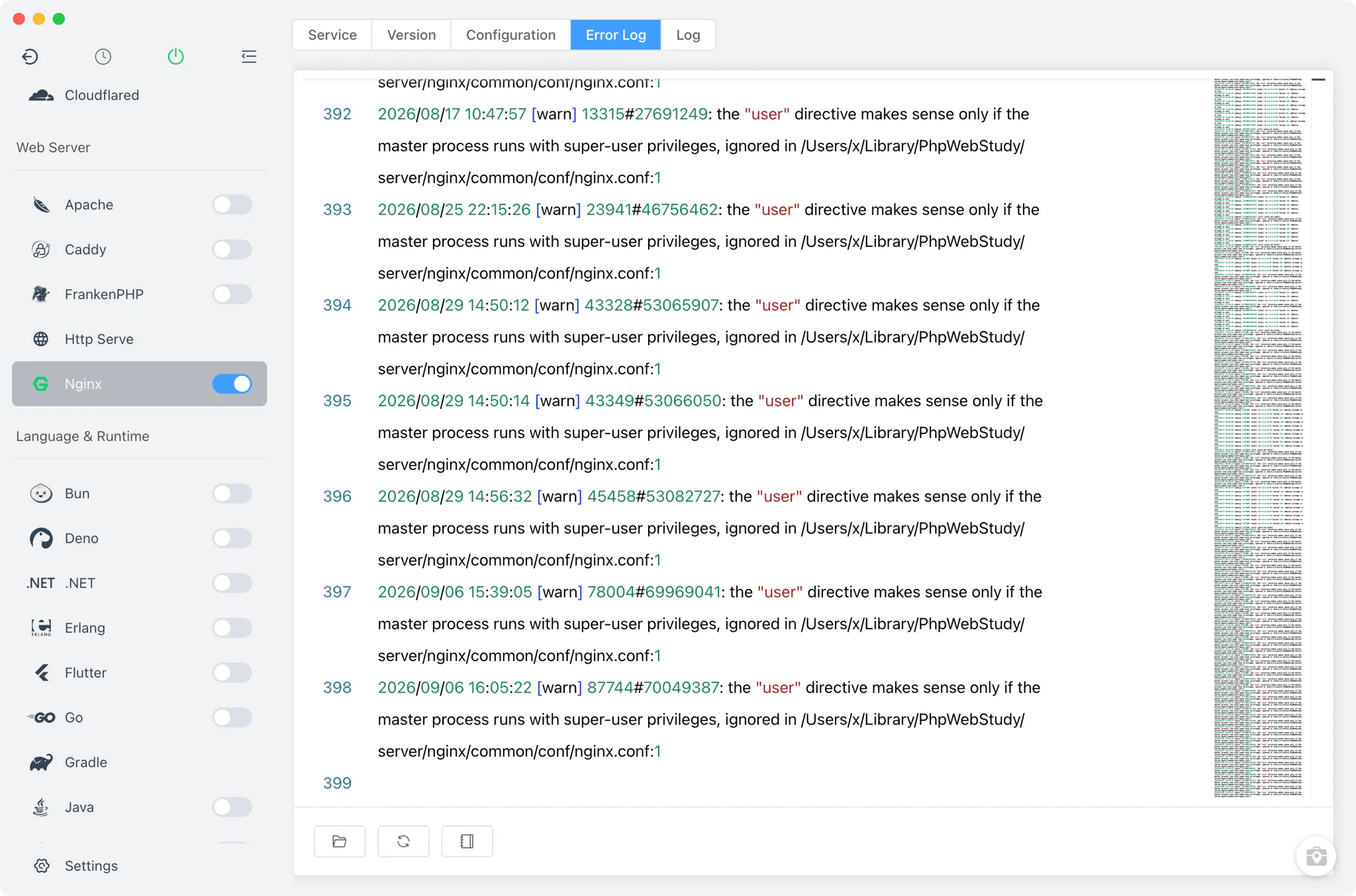
The Nginx module page includes dedicated Error Log and Log (access) tabs for the server-wide logs. Each site also writes its own access and error logs, which you can open from the site's log viewer in the Host module — useful when debugging a single domain without wading through the global log.
Related guides, solutions and demos
Continue with a practical guide, solution, demo, or community perspective.
Compatibility Notes
FlyEnv manages the Nginx binary, its process lifecycle and the generated configuration. All installed versions share one common nginx.conf, so changes made through the visual form or the raw editor apply no matter which version you start — keep that in mind before relying on a directive that only exists in newer releases. Available install sources differ by platform (MacPorts is macOS-only, and Windows uses static builds). Verify your site's requirements against the installed Nginx build, and treat the Download page and current release notes as the source for supported packages.