CLIProxyAPI in FlyEnv
CLIProxyAPI is an open source local proxy that puts CLI-based AI tools — such as Gemini CLI, Claude Code and Codex, both of which FlyEnv also manages — behind standard OpenAI-, Gemini- and Claude-compatible API endpoints. It lets applications that expect a hosted model API call these CLI accounts as if they were ordinary HTTP services, with several providers unified behind one local gateway. FlyEnv runs CLIProxyAPI as a managed local AI gateway: install versions from the Version Manager, start the cli-proxy-api process from the sidebar or the module page, edit config.yaml and the backend environment file inside the app, and open the built-in management panel in your browser. Startup output is captured to per-version log files, so a failed start is easy to diagnose.
Version management
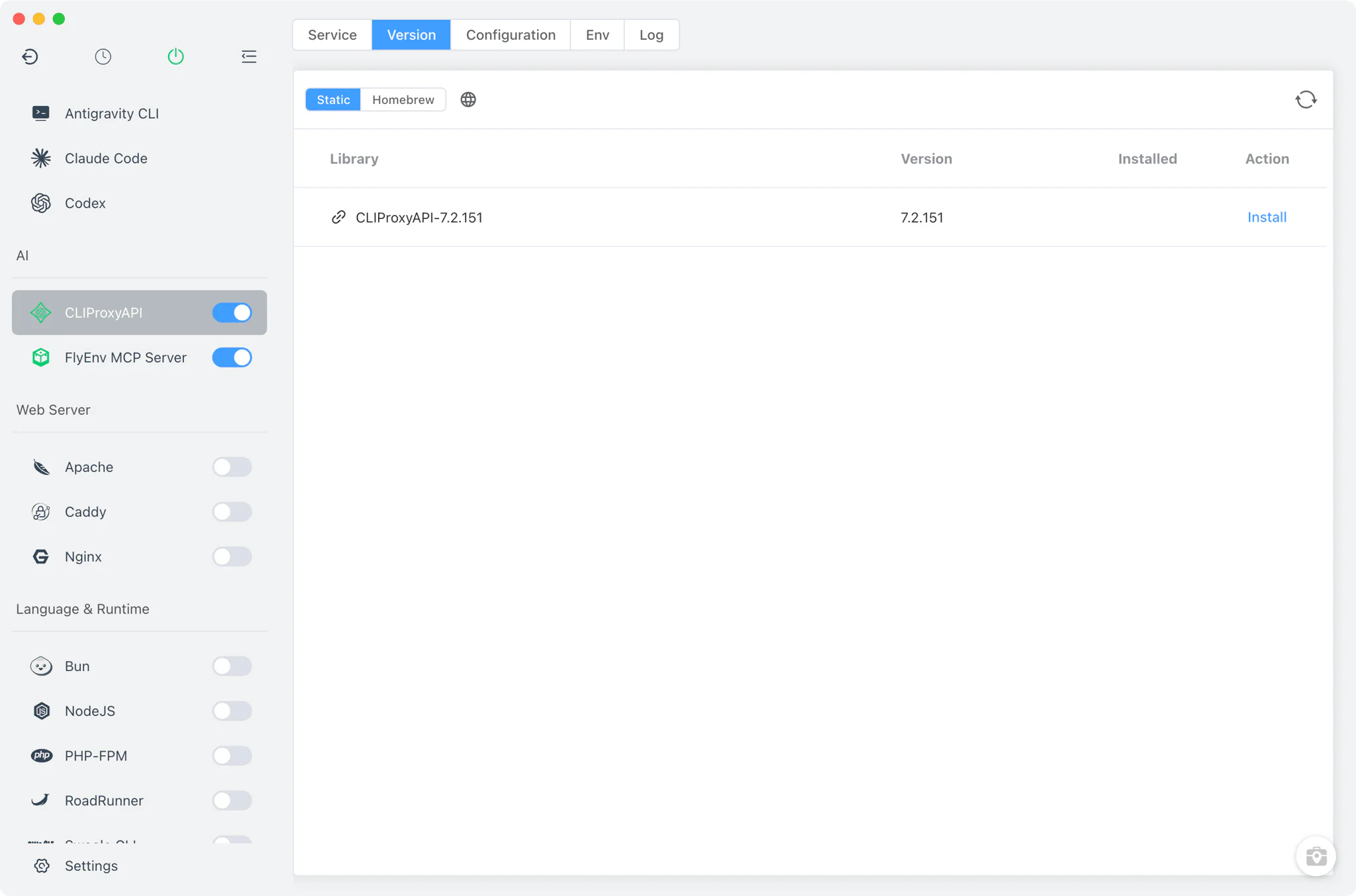
Install and keep several CLIProxyAPI versions side by side from CLIProxyAPI → Version Manager, then choose which one the service runs.
- Static downloads: an online list of
.zipand.tgzpackages linked to the project's GitHub releases, fetched for your platform and architecture. - Homebrew: the
cliproxyapiformula shows up as an install source on systems with Homebrew; MacPorts is not offered for this module. - Custom directories: add any folder containing your own
cli-proxy-apiorcliproxyapibinary and FlyEnv lists it alongside the managed versions. - macOS quarantine handling: after a static install, FlyEnv strips the quarantine attribute from the binary so it starts without Gatekeeper prompts.
Service and configuration
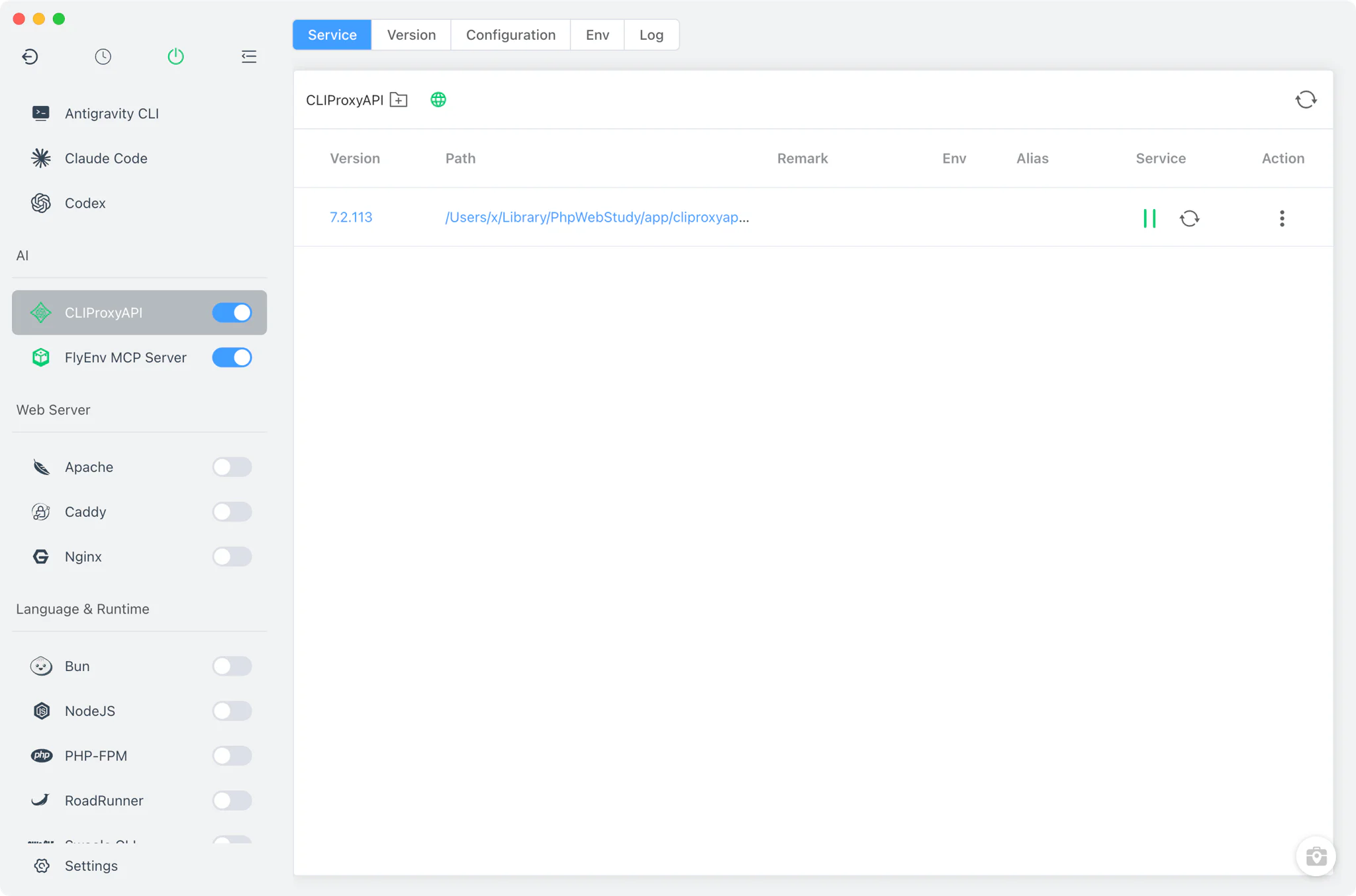
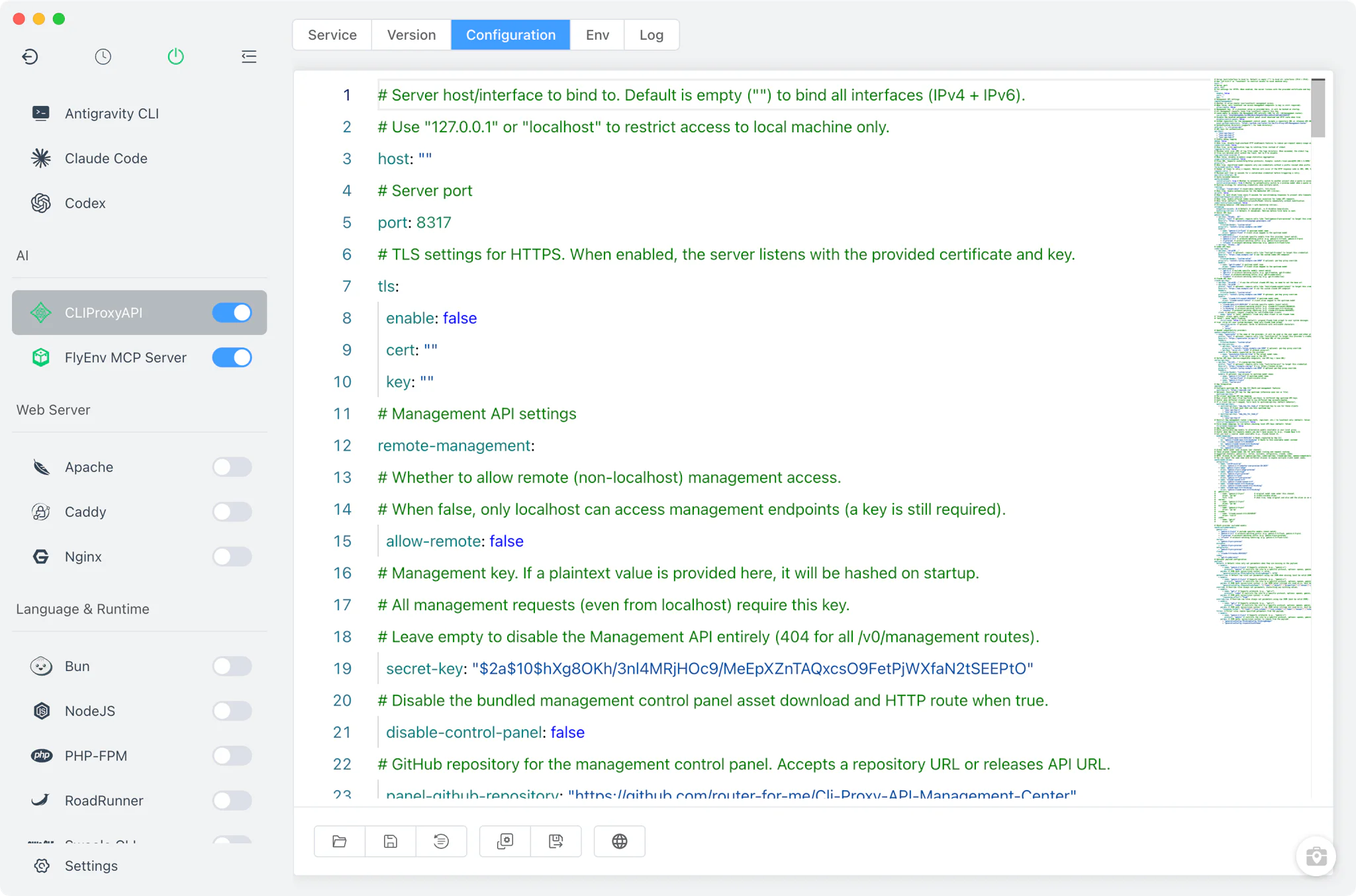
The Service tab launches the selected version as cli-proxy-api -config <config.yaml>, pointing at the config.yaml inside FlyEnv's CLIProxyAPI directory, with environment variables loaded from cliproxyapi.env. Only one version runs at a time, its process id is tracked in a pid file under the same directory, and the sidebar switch — also available from the system tray — starts and stops it.
- Config File tab: a raw editor for
config.yaml. New setups are seeded from a bundled template, so the file exists with working defaults before you change anything. - Env tab: a raw editor for
cliproxyapi.env, which holds the backend variables CLIProxyAPI reads at startup —GITSTORE_*for a git-backed store,PGSTORE_*for PostgreSQL,OBJECTSTORE_*for object storage, plusMANAGEMENT_PASSWORDfor the management panel.
Management UI on port 8317
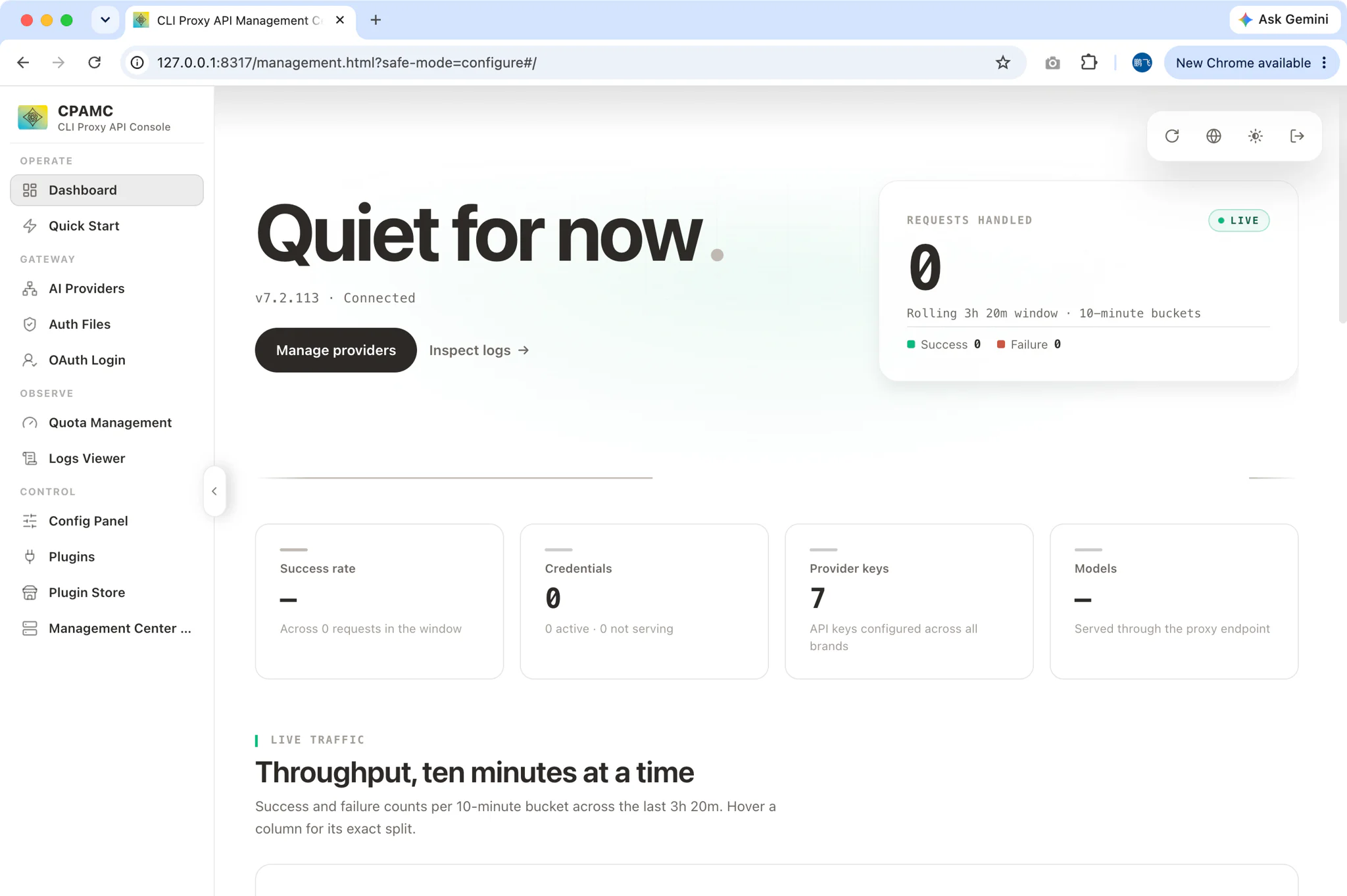
While the service is running, the Service tab shows a button that opens CLIProxyAPI's built-in management panel in your browser at http://127.0.0.1:<port>/management.html. FlyEnv reads the port from config.yaml; with the default template that is 8317. Set MANAGEMENT_PASSWORD in the Env tab before exposing the panel to anything beyond local use.
Logs
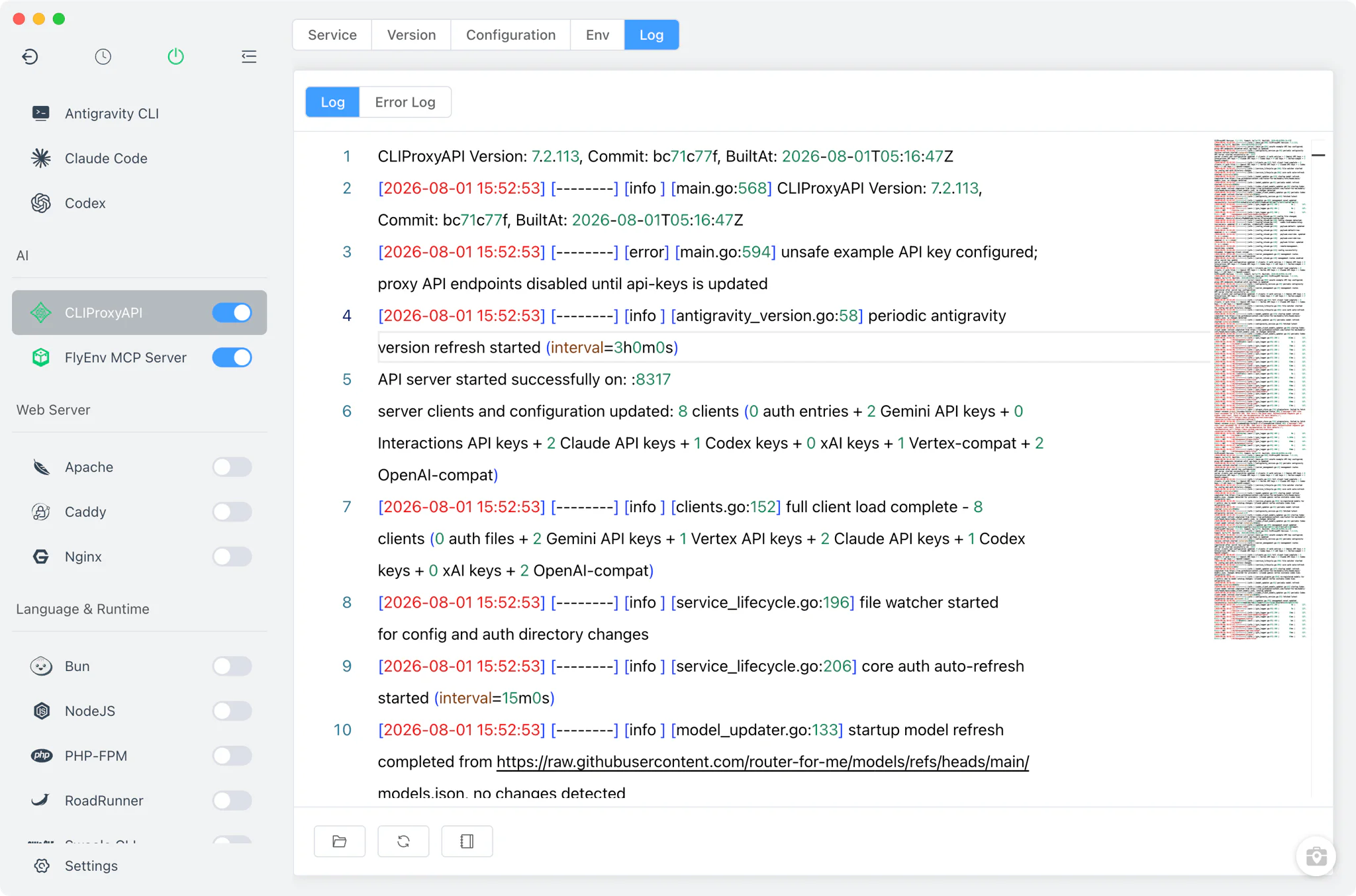
The Log tab displays the captured output of each version as cliproxyapi-<version>-start-out.log and cliproxyapi-<version>-start-error.log, with a toggle between the two streams. When a version refuses to start or the management page does not respond, the error log is the first place to look.
Related guides, solutions and demos
Continue with a practical guide, solution, demo, or community perspective.
Compatibility Notes
FlyEnv manages the CLIProxyAPI binary, its launch command and the files in its module directory; gateway behavior — routing rules, provider support and model compatibility — comes from the CLIProxyAPI version you install, so check the project's GitHub releases for what a given version does. Which install sources appear depends on your platform and on whether Homebrew is present. If you also want fully self-hosted models on the same machine, the Ollama module serves them through its own local API, and the guide on FlyEnv working with AI assistants covers the bigger local-AI picture. The Download page lists current FlyEnv builds per platform, and the demos show the module running in practice.