Dameng DM8 in FlyEnv
The Dameng DM8 plugin brings database installation, initialization and native service controls into FlyEnv. Its module includes Service, Version Manager, Config File and Log tabs, plus instance version and license information.
Install Dameng DM8 from Settings → Plugin Market. The plugin supports native x64 Windows and Ubuntu 22.04 x64. macOS, ARM64 and other Linux releases are not supported by this build.
Choose an installation directory
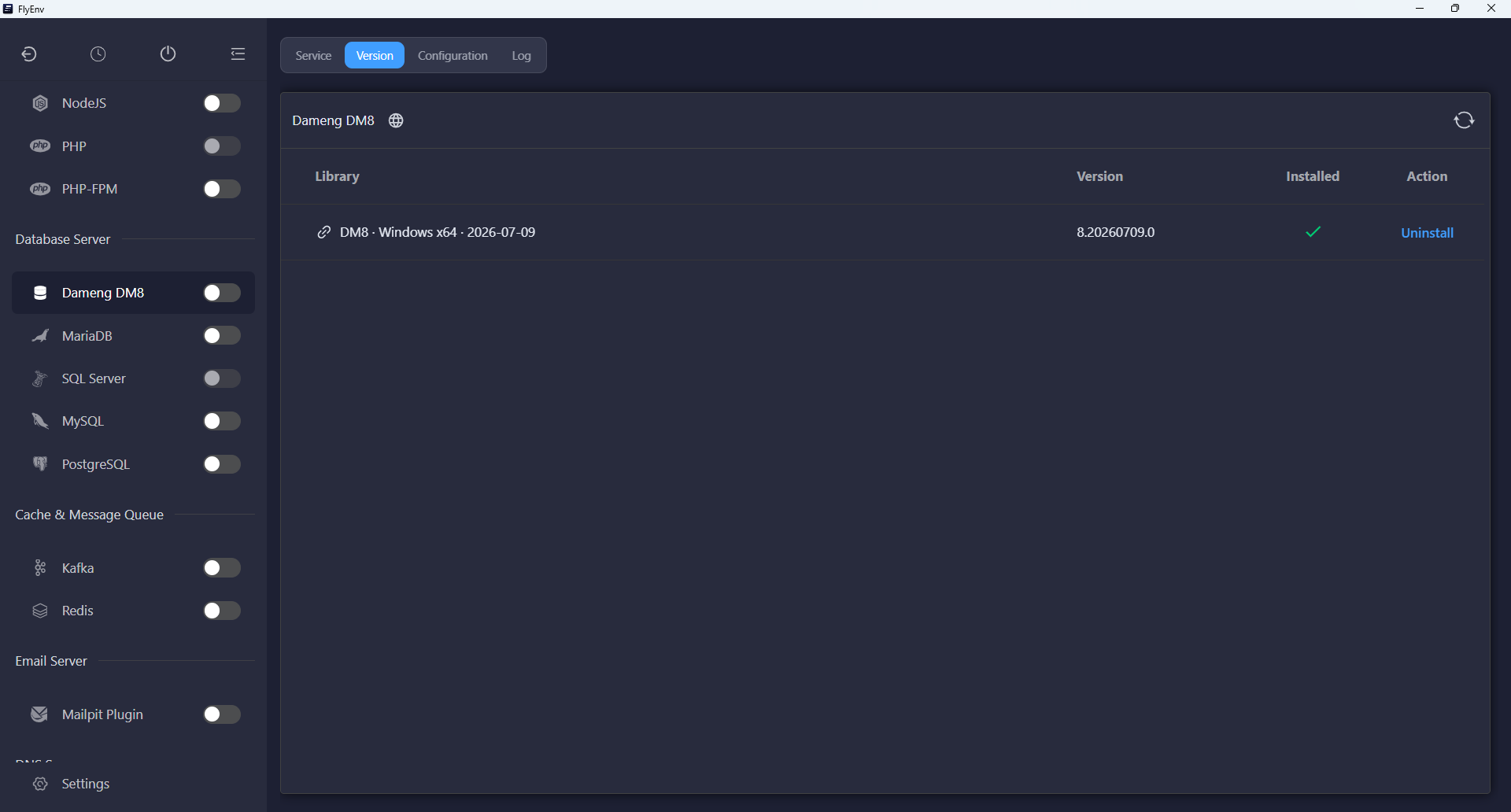
Open Version Manager, choose Install and select or enter the final program directory. Every folder name in the path, including parent folders, must use only English letters, digits and underscores. Spaces, Chinese characters, dots and hyphens are not supported by the installer.
The target must be empty. FlyEnv checks the destination and available space before downloading the official package. Confirm the dialog to begin; cancelling leaves the download unstarted. After installation, FlyEnv adds that exact path to Custom version directories so the database appears in the service list.
Database data is stored separately from the program directory inside FlyEnv's data directory. The program installation path restrictions do not require renaming the FlyEnv data directory.
Initialize the database
Starting an uninitialized installation opens the initialization dialog. You can also choose Initialize database from the service action menu. Cancelling initialization does not start the database.
The dialog includes:
- SYSDBA and SYSAUDITOR passwords: separate required credentials for the database administrator and audit accounts, each with a Generate button.
- Port: the database listener port.
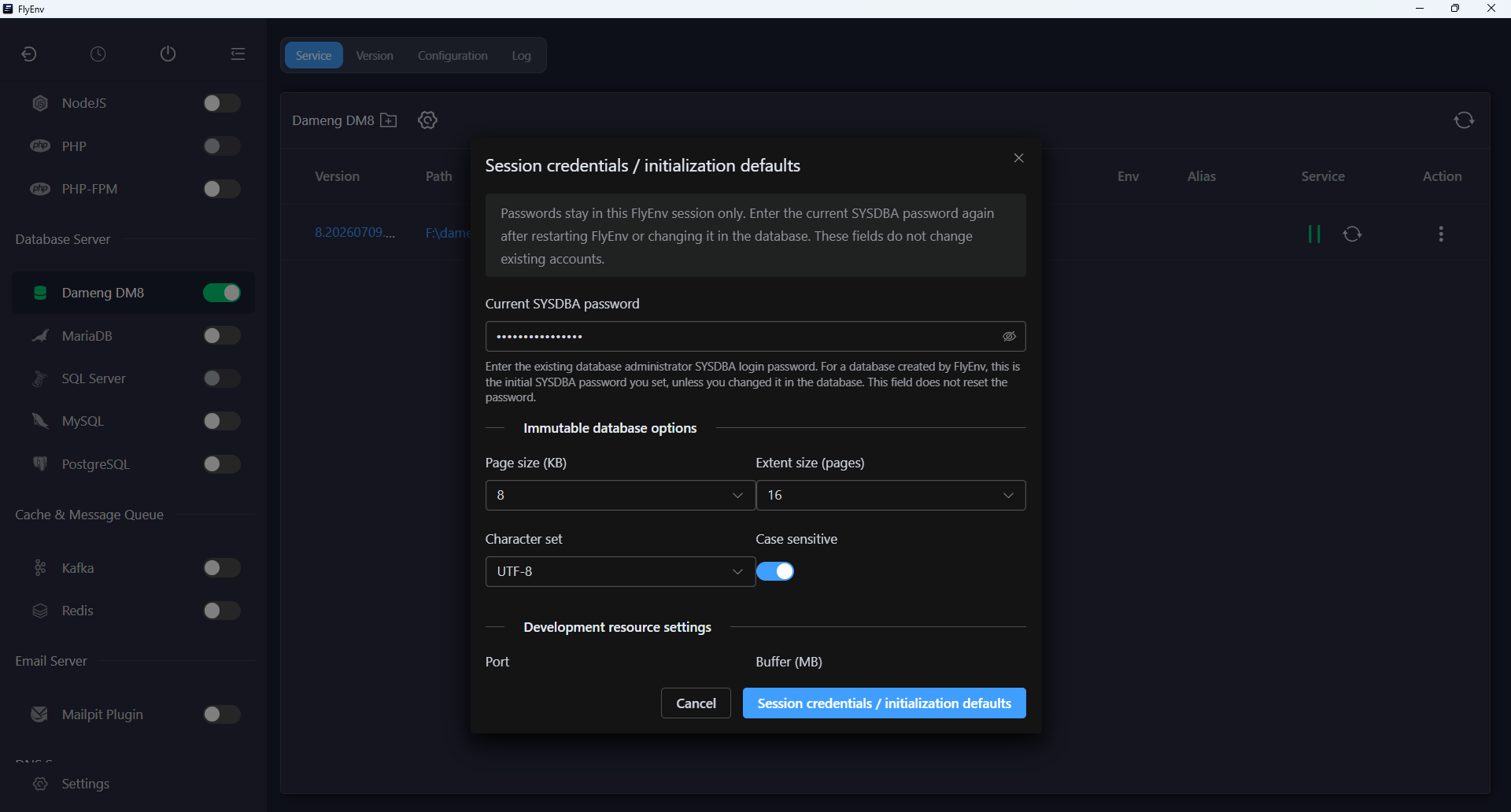
- Page size, extent size, character set and case sensitivity: database creation options that cannot be changed by reinitializing existing data.
- Development resource settings: buffer and redo log sizes, with an initial storage estimate.
Review these values before confirming. FlyEnv initializes the database once and continues startup after successful initialization; it does not overwrite an existing database to apply new creation settings.
Service controls and session credentials
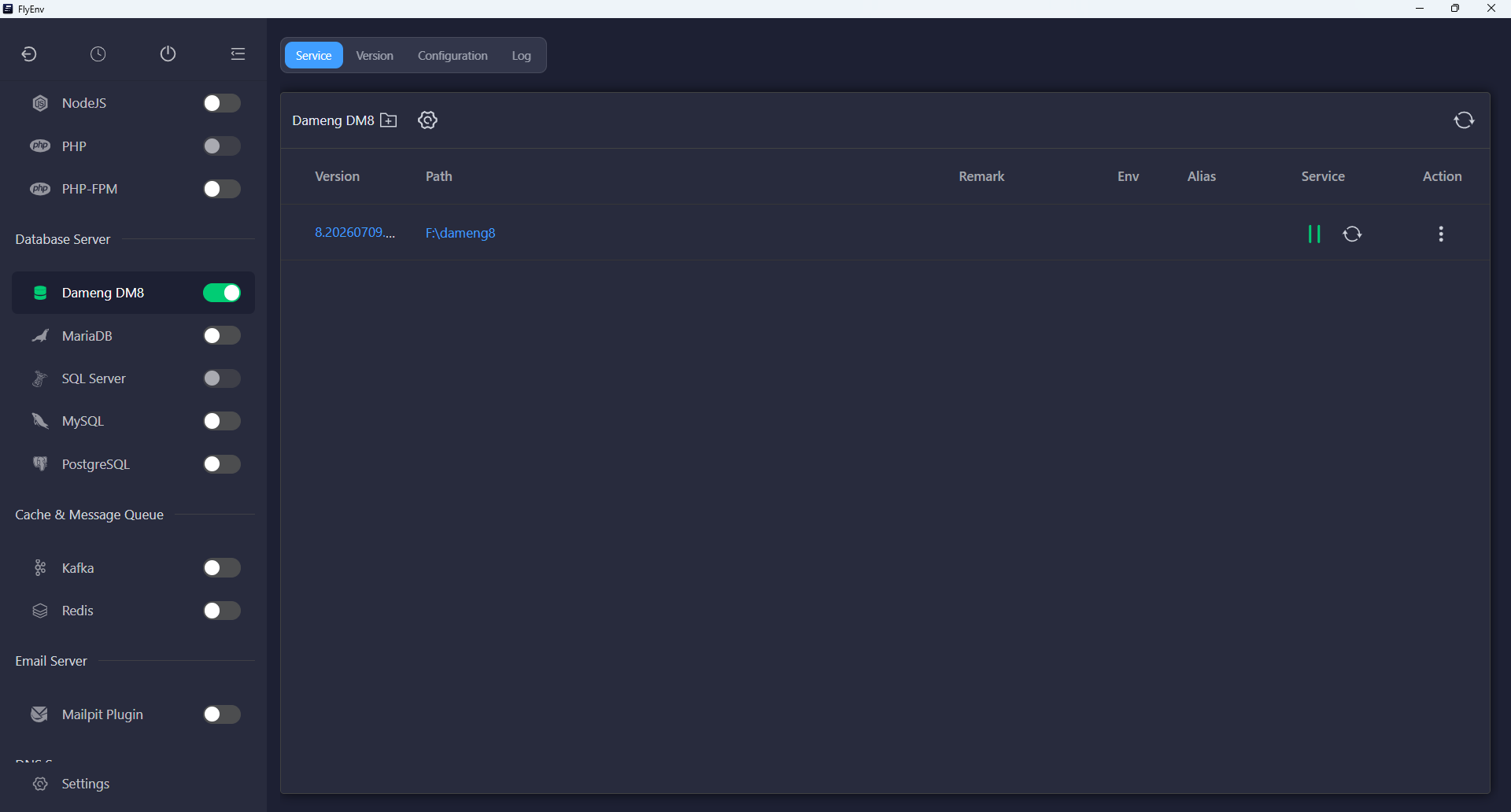
Use Service to start, stop or restart the owned installation. Windows uses the native DM8 service, while Ubuntu runs the database as the current user.
Passwords remain in the current FlyEnv session. After restarting FlyEnv, enter the current SYSDBA password when prompted, or open Session credentials / initialization defaults from the service toolbar. Entering a password here supplies credentials for startup checks and queries; it does not change the database account.
The Version / license information action queries the running database for its version and license expiry. Supply the current SYSDBA password and start the instance before requesting that information.
Configuration, logs and removal
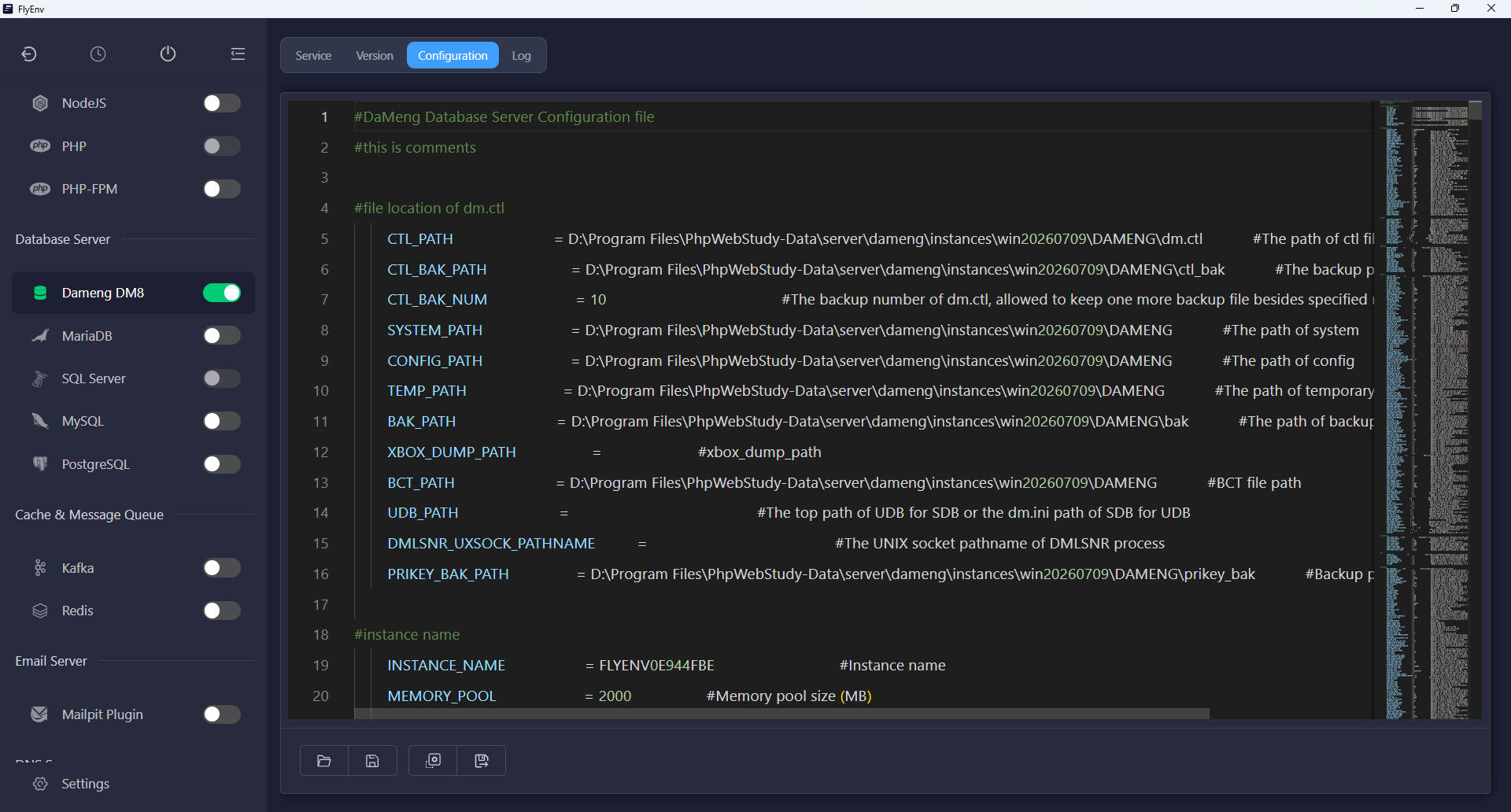
The Config File tab edits the initialized instance's dm.ini; Log provides access to database and startup diagnostics. If an installation or initialization reports an incomplete outcome, inspect its files and logs before retrying over the same directory.
Removing an installed version from Version Manager runs the official uninstaller after the instance stops. Database files are retained. Disabling or uninstalling the FlyEnv plugin also leaves database programs and data in place.
Platform requirements
Windows installation and service registration require UAC approval. Ubuntu installation requires a desktop session with udisks2, udisksctl and findmnt to mount the official installation media; headless installation is not implemented. The current plugin manages one owned installation and does not promise coexistence with external DM8 installations.
Return to the Plugin Market for other optional modules, or compare FlyEnv's SQL Server integration.