R-NACOS in FlyEnv
R-NACOS is an open source service registry and configuration center written in Rust, compatible with the Nacos protocol used across Alibaba's Java microservices ecosystem — the same world as Spring Boot services built on a local Java environment. Microservice stacks use it to register and discover service instances and to publish dynamic configuration that clients watch at runtime. FlyEnv runs R-Nacos as a managed local service: install versions from static builds or Homebrew, start the rnacos binary with a generated rnacos.env file, edit that configuration in a built-in editor, and open the R-Nacos console for service discovery and configuration work in one click. To get FlyEnv itself, head to the Download page; hands-on walkthroughs live in the demos.
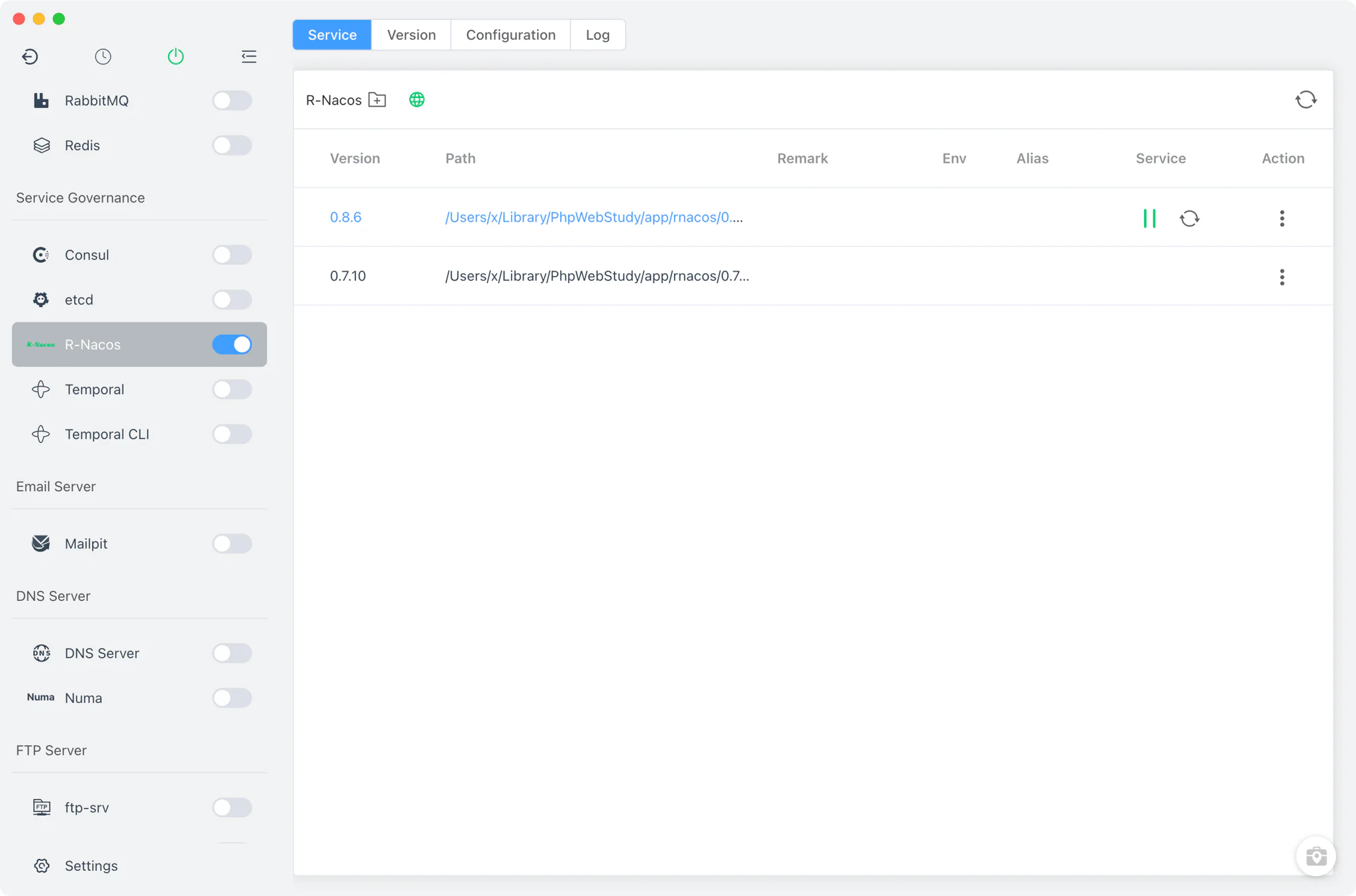
Version management
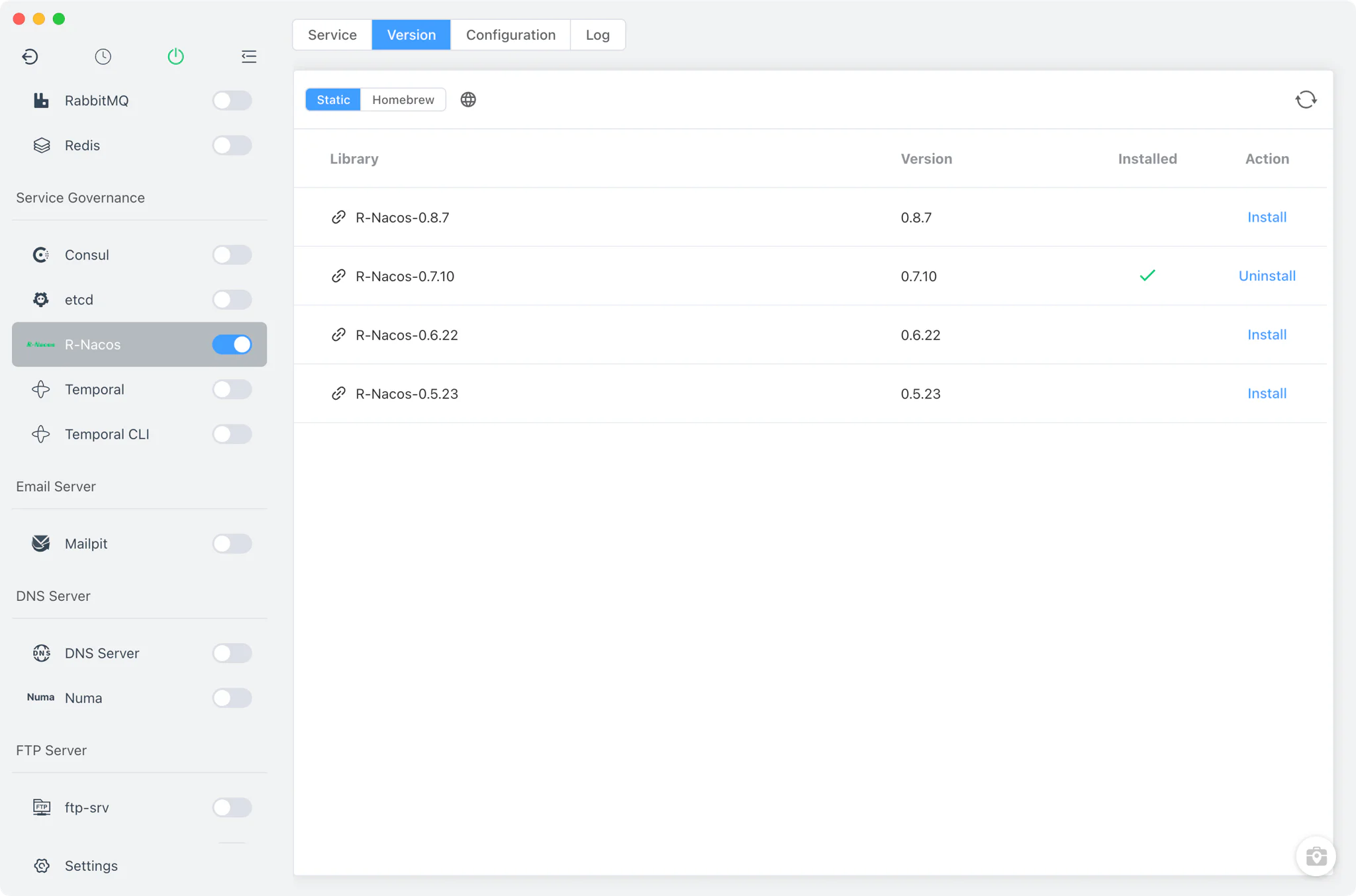
Install and keep multiple R-Nacos versions side by side from R-Nacos → Version Manager, then choose which one the service runs.
- Static online builds: the version list comes from FlyEnv's online catalog, with per-OS and per-arch packages; on macOS the quarantine attribute is removed automatically after install.
- Homebrew with automatic tap: on macOS and Linux, FlyEnv taps
r-nacos/r-nacosfor you if it is missing, so the Homebrew formulae show up without manual terminal work. - Custom directories: point FlyEnv at any folder containing your own
rnacosbinary and it appears in the list next to the managed versions. - One running version: starting a version is blocked while another R-Nacos version is running, so there is always a single, known build behind the ports.
Service and configuration
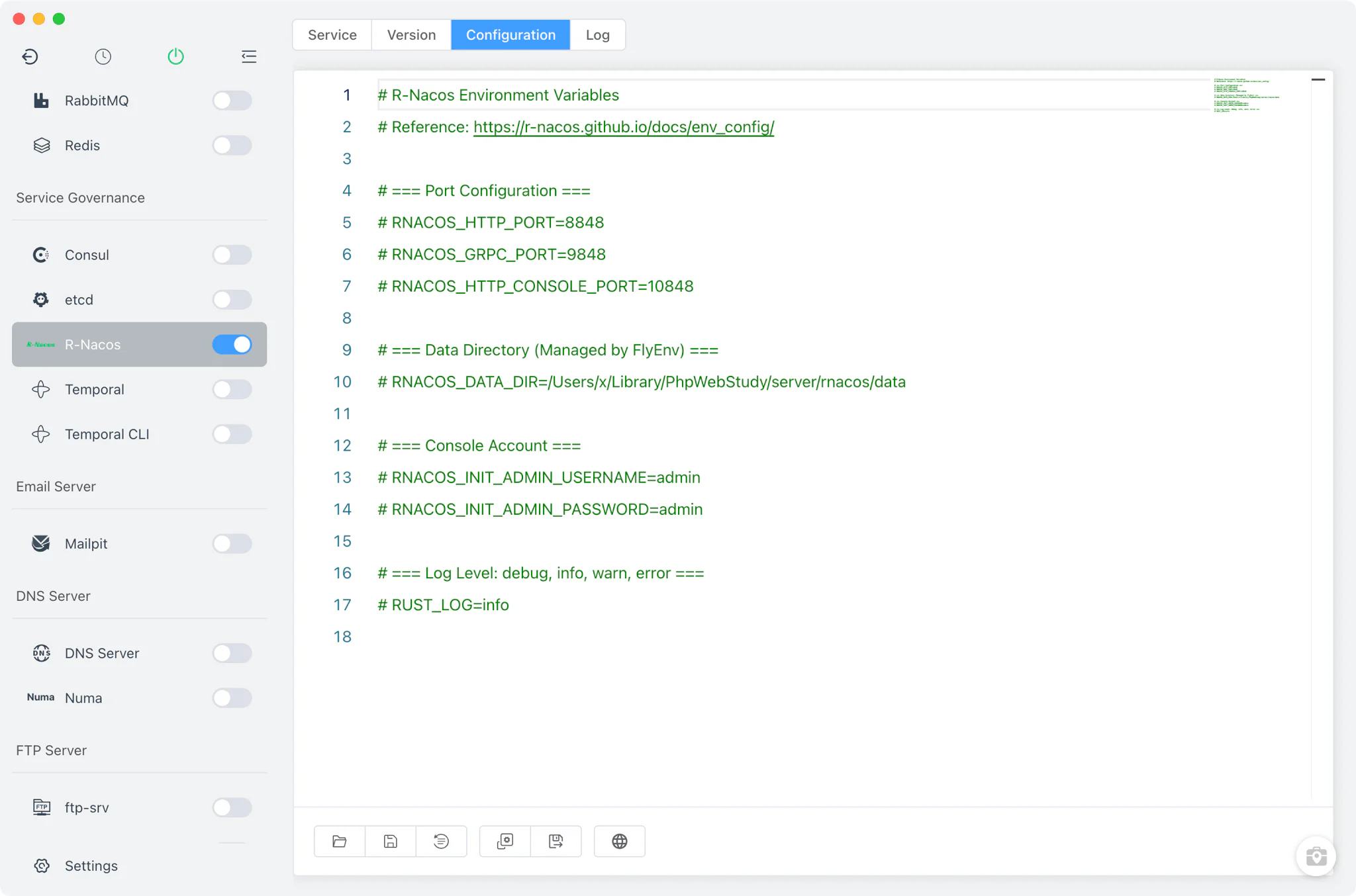
FlyEnv launches the real binary as rnacos -e rnacos.env: it parses the env file, injects every entry into the process environment, and forces RNACOS_DATA_DIR to FlyEnv's own data directory so all managed versions share a known storage location.
- Generated env template: the default
rnacos.envdocuments the standard ports — HTTP API on 8848, gRPC on 9848, the console on 10848 — plus the default console accountadmin/adminand theRUST_LOGlogging level. - Raw editor: the Config File tab edits
rnacos.envdirectly in.envstyle, keeps the template as a restore reference, and links out to the official R-Nacos environment-variable documentation. - Never overwrites your edits: FlyEnv only generates the env file when it is missing; once you have customized it, your version stays untouched.
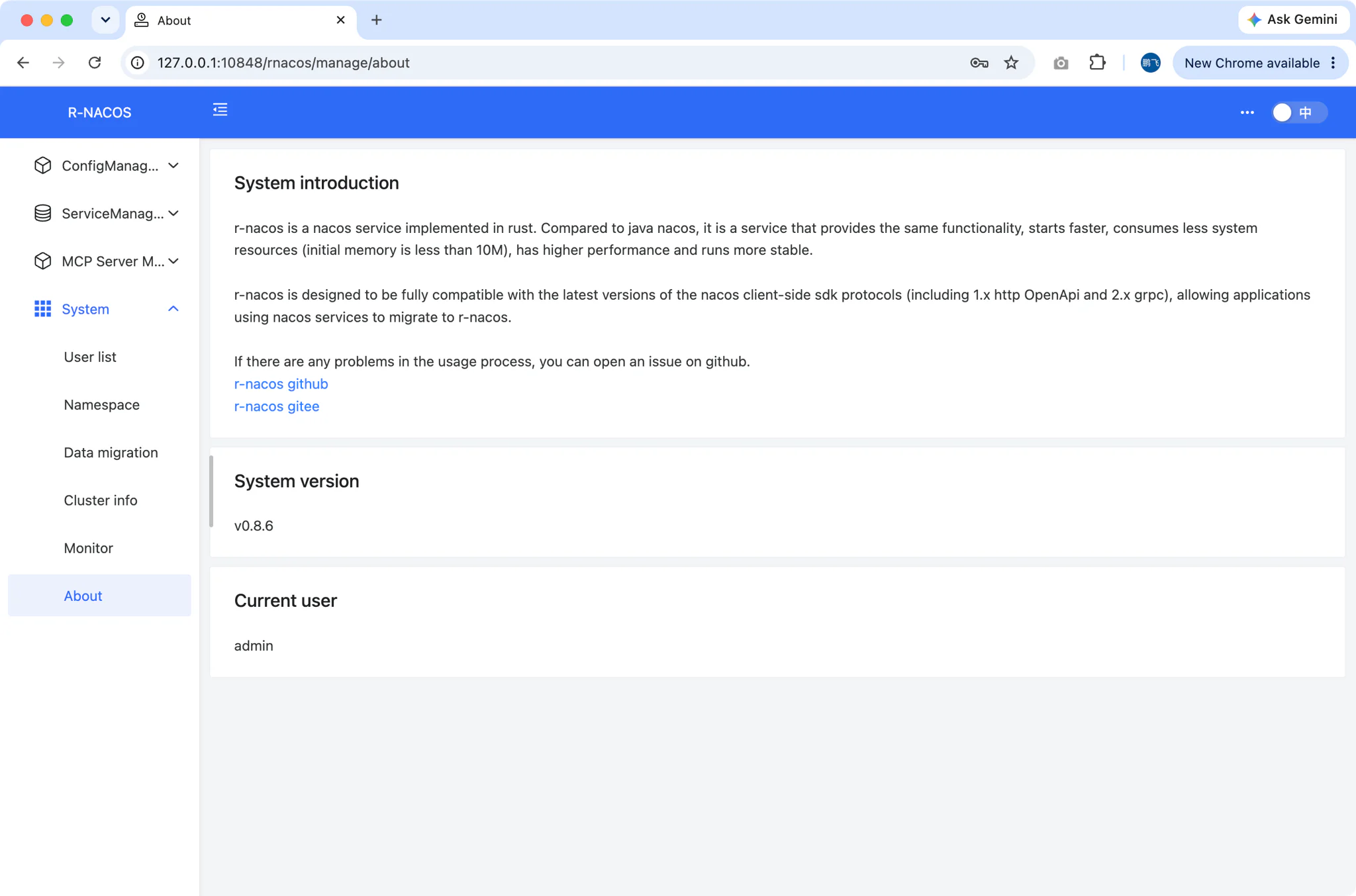
Console (10848)
R-Nacos ships its own built-in web console, and FlyEnv wires it into the Service tab. While the service is running, the console button opens http://127.0.0.1:10848/rnacos/ in your browser — sign in with the account from rnacos.env (admin/admin by default) to register instances, watch service health, and publish or edit configuration entries.
Logs
The Log tab switches between the per-version start-up streams — rnacos-<version>-start-out.log and rnacos-<version>-start-error.log. When a version fails to start or a client cannot connect on 8848, the error log is the first place to look.
Related guides, solutions and demos
Continue with a practical guide, solution, demo, or community perspective.
Compatibility Notes
FlyEnv manages the local R-Nacos runtime, its env file and its data directory; it does not guarantee that every R-Nacos version is available on every operating system or install source. Homebrew installs are offered on macOS and Linux, static builds across platforms, and the MacPorts source is not enabled for this module. FlyEnv also ships Consul as an alternative service-discovery module when a stack expects HashiCorp tooling instead of the Nacos protocol. Note that the console button determines the port to open independently of the rnacos.env file, so if you change the console port away from 10848, open the console manually at your configured address. For what can actually be installed on your machine, rely on the in-app version list and the Download page.