Typesense in FlyEnv
Typesense is an open source search engine focused on fast, typo-tolerant search with a simple API, commonly used for site search and instant search-as-you-type experiences — a lighter alternative to Elasticsearch, in the same family as Meilisearch and ZincSearch. FlyEnv runs it as a managed local search server on macOS and Linux: install versions from a static list or Homebrew, start typesense-server with a FlyEnv-managed configuration file, and watch its log without leaving the app. The Typesense module is available on macOS and Linux only.
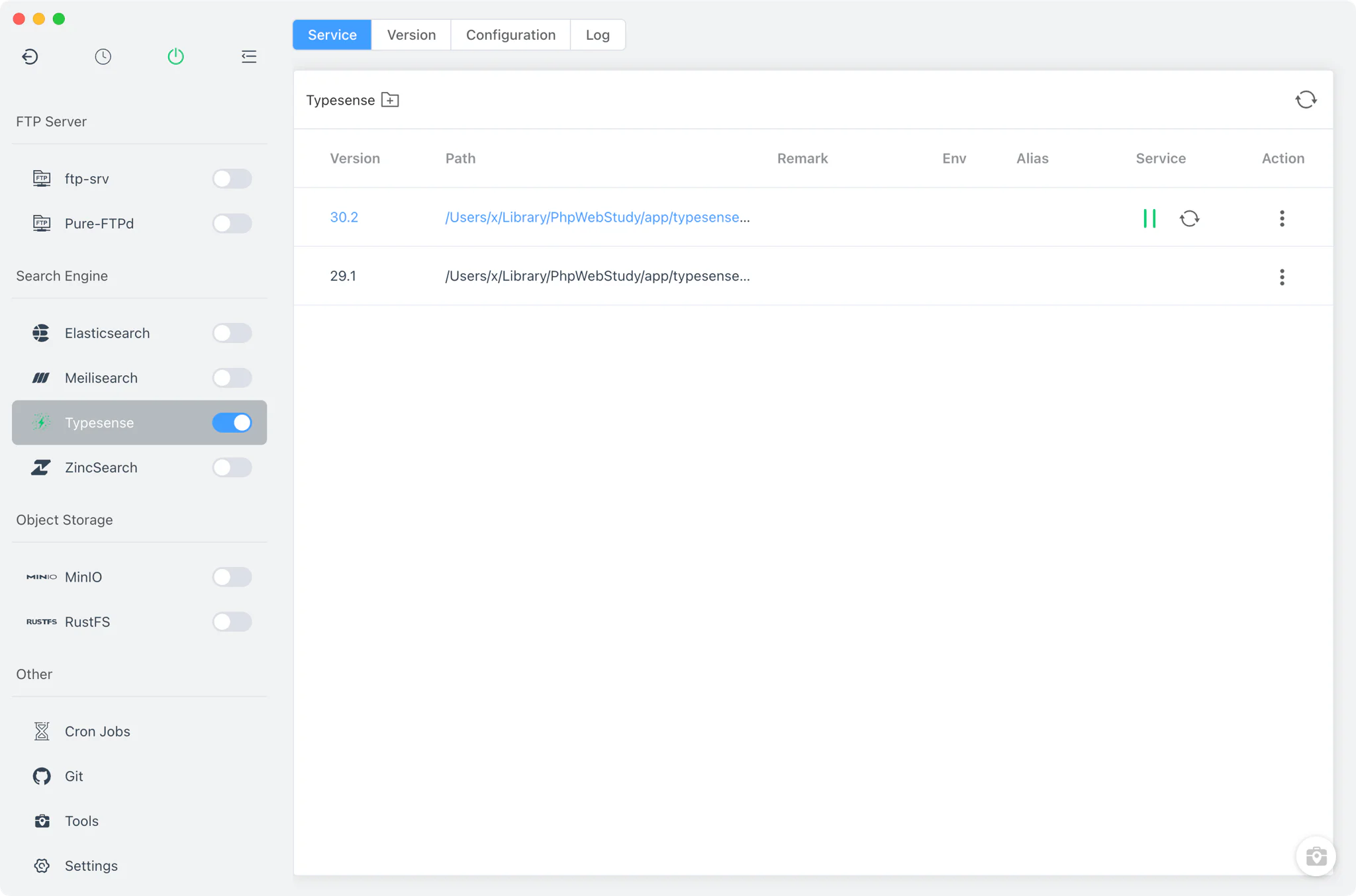
Version management
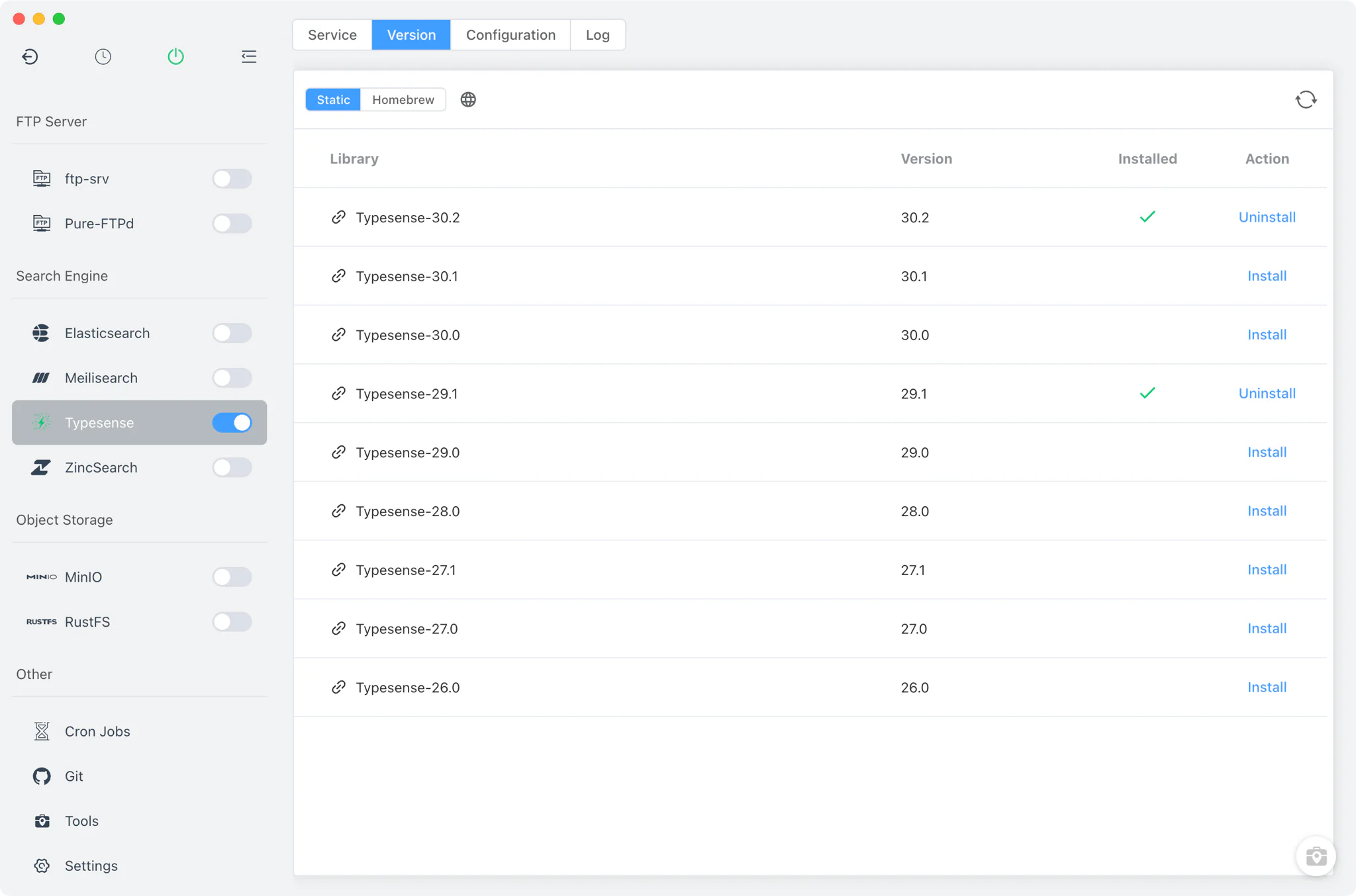
Install and keep multiple Typesense versions side by side from Typesense → Version Manager, and pick which one the service runs.
- Install sources: a static online list, plus Homebrew using the
typesense/tap/typesense-serverformula and its versioned@x.yvariants. - Custom versions: point FlyEnv at any directory containing your own
typesense-serverbinary, and it is listed alongside the managed versions. - Start and stop: control the running version from the Service tab or the sidebar switch (also available in the system tray).
Service and configuration
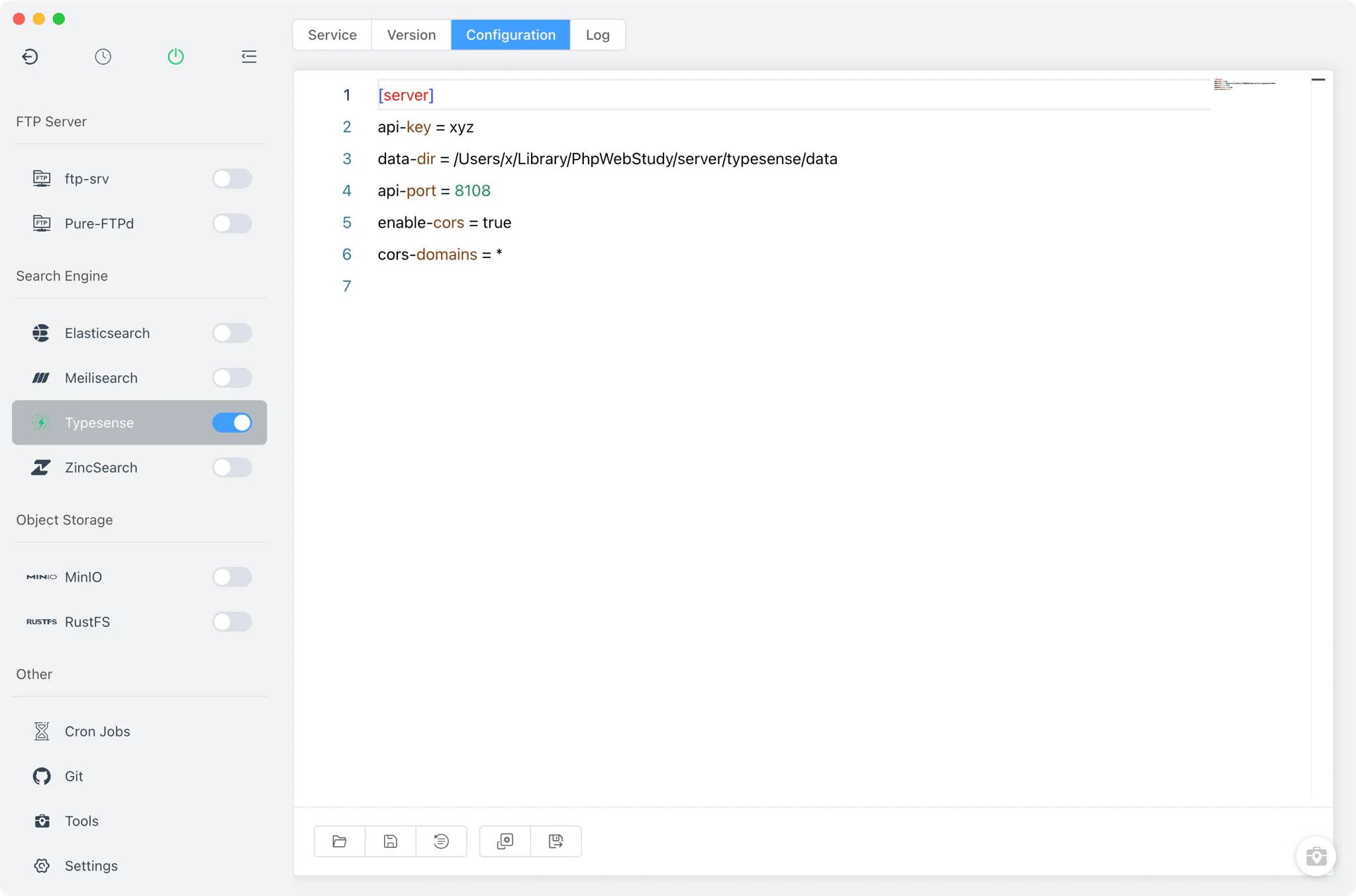
FlyEnv starts the real typesense-server binary with --config=<BaseDir>/typesense/typesense-server.ini --log-dir=<BaseDir>/typesense/log, so the configuration file is the single source of truth for the service.
- Auto-generated configuration: on first start FlyEnv writes a default
typesense-server.iniwithapi-port = 8108,api-key = xyz, a data directory under FlyEnv's own Typesense folder, andenable-cors = true, so the server answers on port 8108 out of the box. - Config File tab: a raw source editor for
typesense-server.ini, withtypesense-server.ini.defaultkept next to it as the pristine reference. One configuration is shared across all installed Typesense versions.
Logs
The Log tab opens the server's log file at typesense/log/typesense.log directly inside FlyEnv. Since FlyEnv passes the log directory to typesense-server at startup, every version you run writes to the same place — the first stop when a version fails to start or a search request misbehaves.
Related guides, solutions and demos
Continue with a practical guide, solution, demo, or community perspective.
Compatibility Notes
The Typesense module is available on macOS and Linux only; it does not appear on Windows. FlyEnv manages the local runtime, its configuration file and its log directory; it does not ship a Typesense admin UI, and the module has no project integration — point your application's Typesense client at the configured port (default 8108) yourself. The exact feature set of each build comes from the upstream Typesense release. Check the Download page for the current FlyEnv release, and see the Demos for walkthroughs of FlyEnv's service modules in action.