OpenCode in FlyEnv
OpenCode is an open-source AI coding agent that runs in the terminal and works with many different model providers, so you are not tied to a single vendor's models. FlyEnv gives OpenCode a dedicated management page with six tabs — Service, Config File, Sessions, MCP, Stats and Providers — the richest tab set among FlyEnv's AI coding tools. From one place you can install the CLI, edit its JSONC configuration, browse and resume past Sessions, review per-model Stats, inspect authenticated Providers, and manage MCP servers. It fits naturally into the broader AI-assisted workflow with FlyEnv.
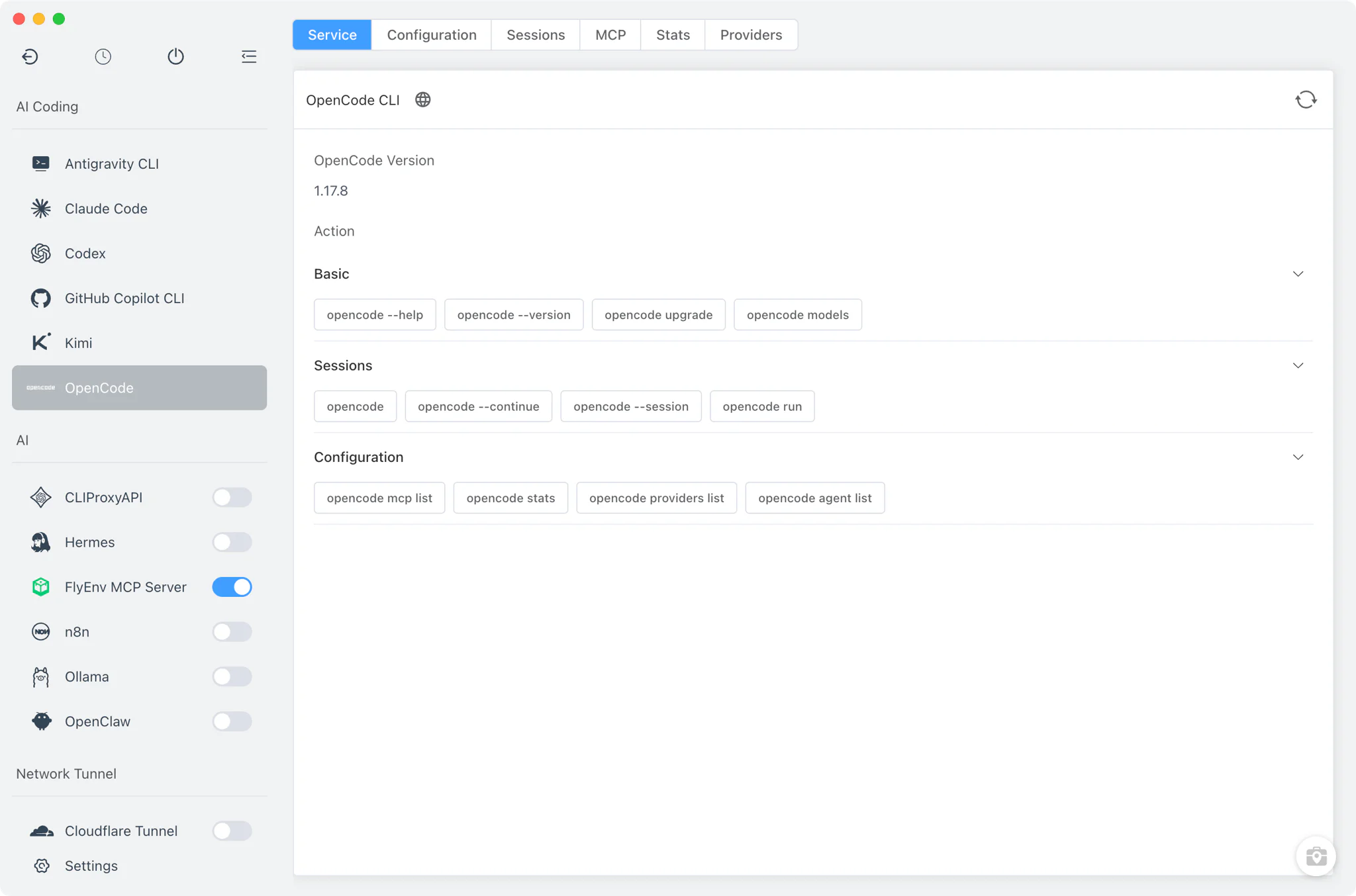
Installation
OpenCode is an AI coding CLI, not a background service — there is nothing to start or stop, and no port to manage. FlyEnv detects an existing installation automatically and offers one-shot installation when none is found.
- One command on every platform: installation runs
npm install -g opencode-ai, the same on macOS, Windows and Linux. - Embedded terminal execution: the install command runs in FlyEnv's built-in terminal so you watch the real output, with FlyEnv's proxy environment variables applied so downloads work behind a proxy.
- Automatic detection: FlyEnv looks for the
opencodebinary on yourPATHand in common install locations — system bin directories and npm, yarn, pnpm, bun or Volta global folders on macOS and Linux, and npm or WinGet locations on Windows. An OpenCode you installed yourself is picked up without reinstalling. - Copyable quick commands: the Service tab carries a command cheat-sheet —
opencode models,opencode upgrade,opencode agent listand more — each with a copy-to-clipboard button.
Configuration
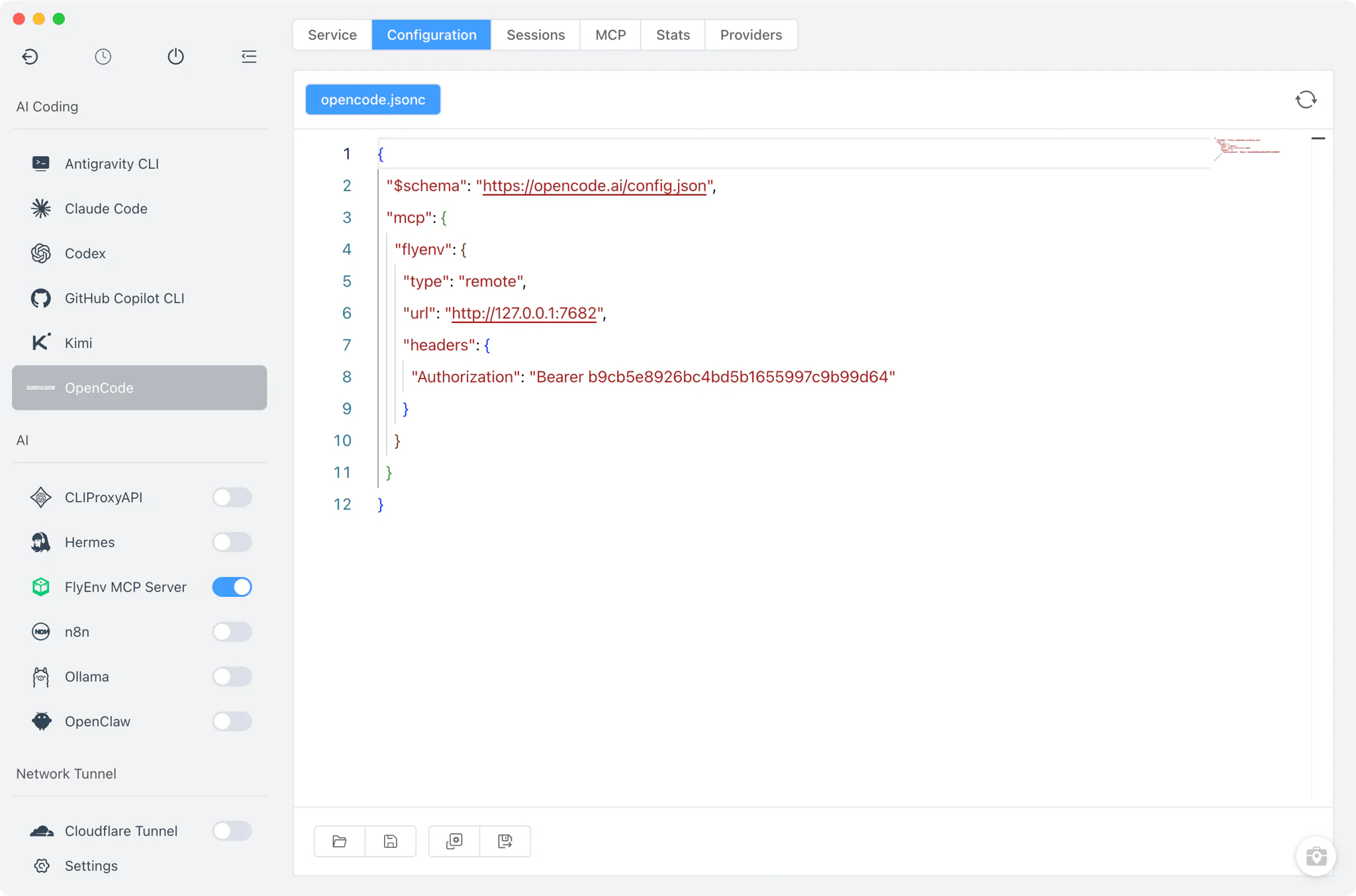
OpenCode keeps its settings in ~/.config/opencode/opencode.jsonc — a JSON-with-comments file. FlyEnv is XDG-aware and falls back to opencode.json when that is what your setup uses.
- Raw JSONC editor: the Config File tab opens the real file in a full source editor. There is intentionally no visual form here — you edit exactly what OpenCode reads.
- Comment-friendly: because the file is JSONC, comments in the file are preserved while you edit.
Sessions
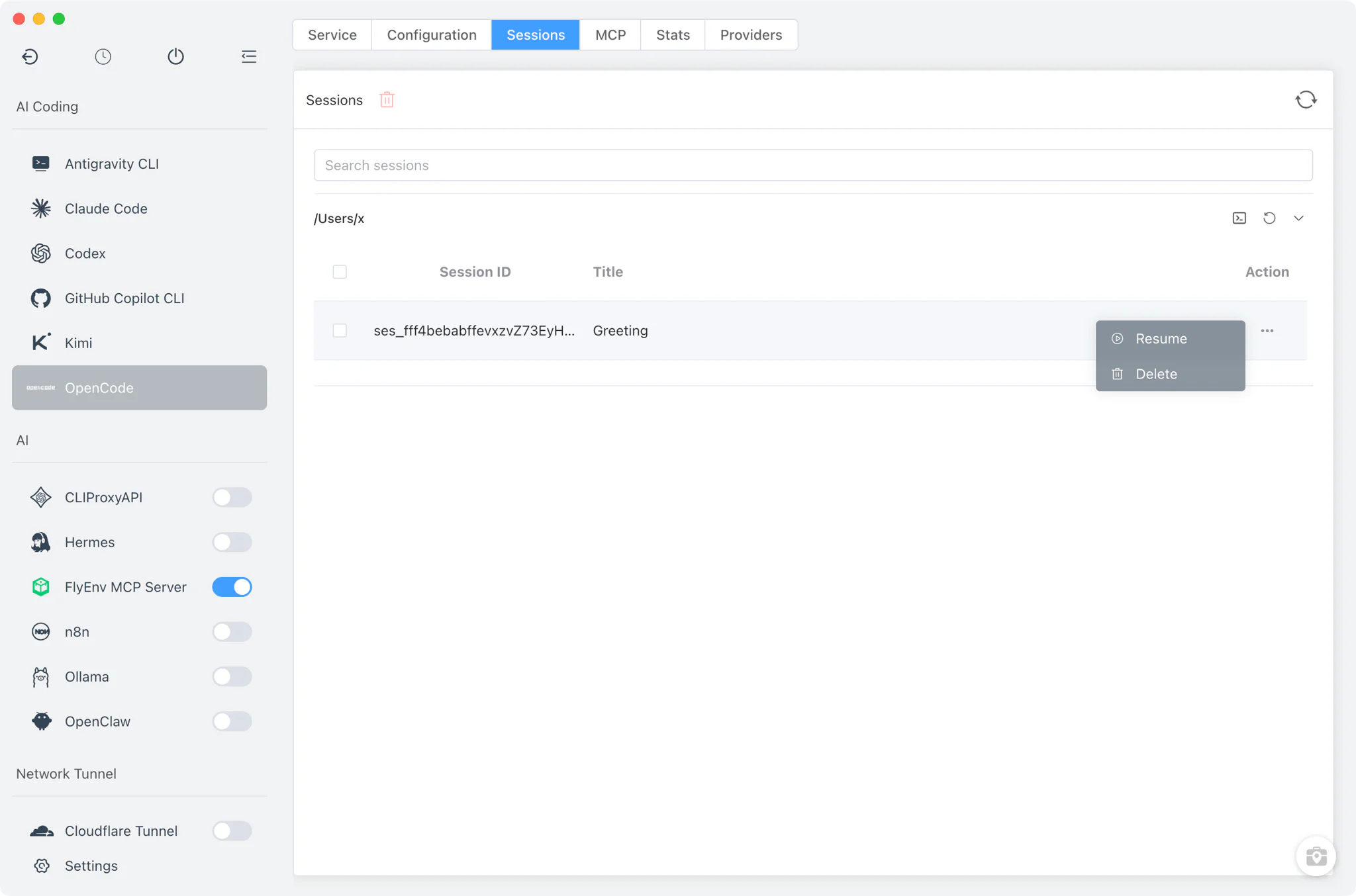
The Sessions tab lists your past OpenCode conversations by asking the CLI itself: FlyEnv runs opencode session list --format json and renders the result.
- Grouped by project: sessions are organized under their working directory, so conversations from the same codebase stay together.
- Run, resume, delete: start a new session in a project folder, resume a specific one, continue the most recent, or remove sessions you no longer need.
- External terminal: sessions always open in your system's own terminal window, running
opencode,opencode --session <id>oropencode --continuefrom the session's working directory — never inside an embedded pane, so the full interactive UI works as designed.
Stats
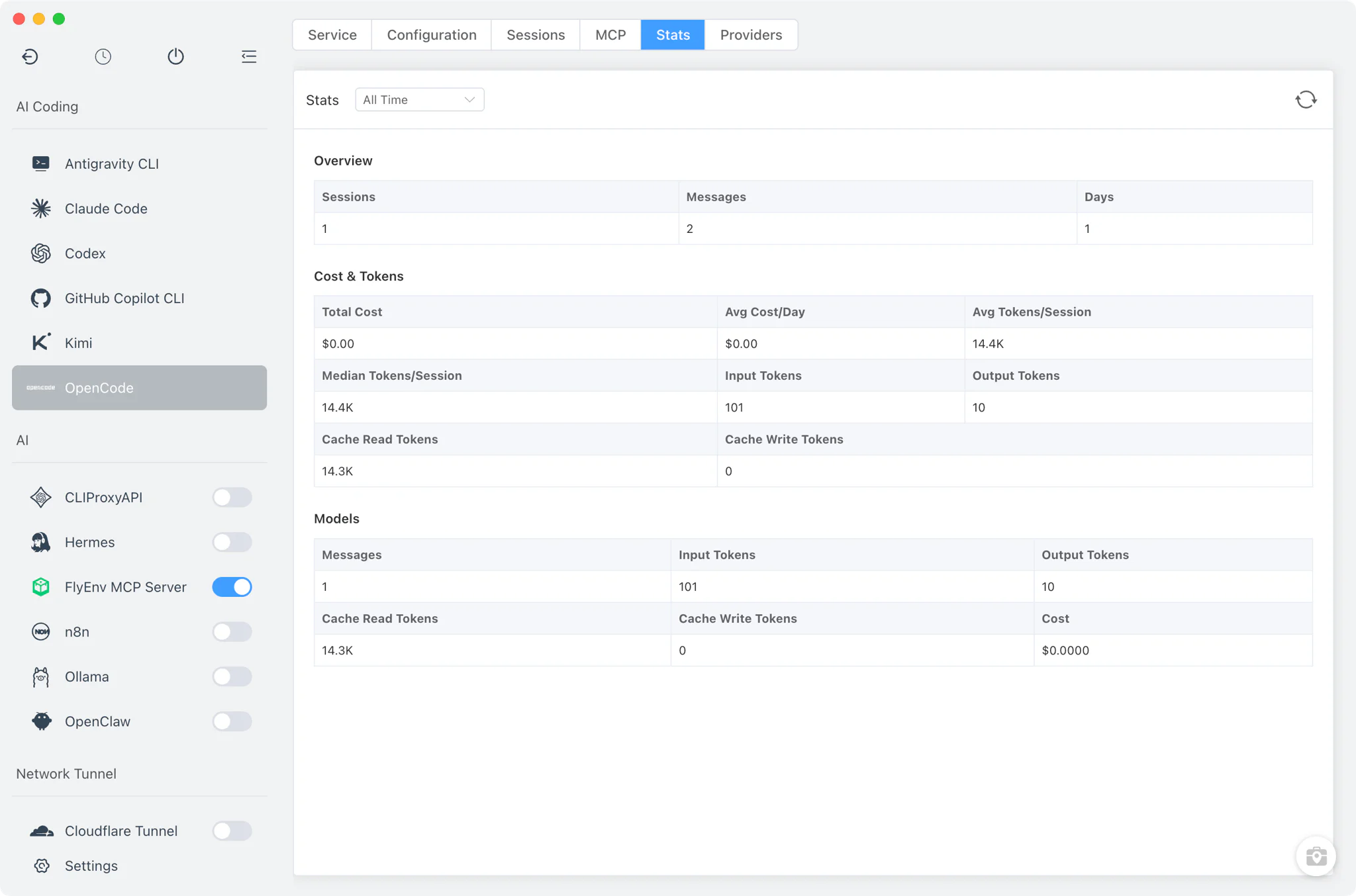
The Stats tab turns OpenCode's usage reporting into a readable table. FlyEnv runs opencode stats --models — optionally with a --days N window — and parses the CLI's table output, stripping ANSI color codes along the way.
- Per-model breakdown: see how much work each model has handled for you.
- Adjustable time window: narrow the report to recent days to watch current usage patterns.
Providers
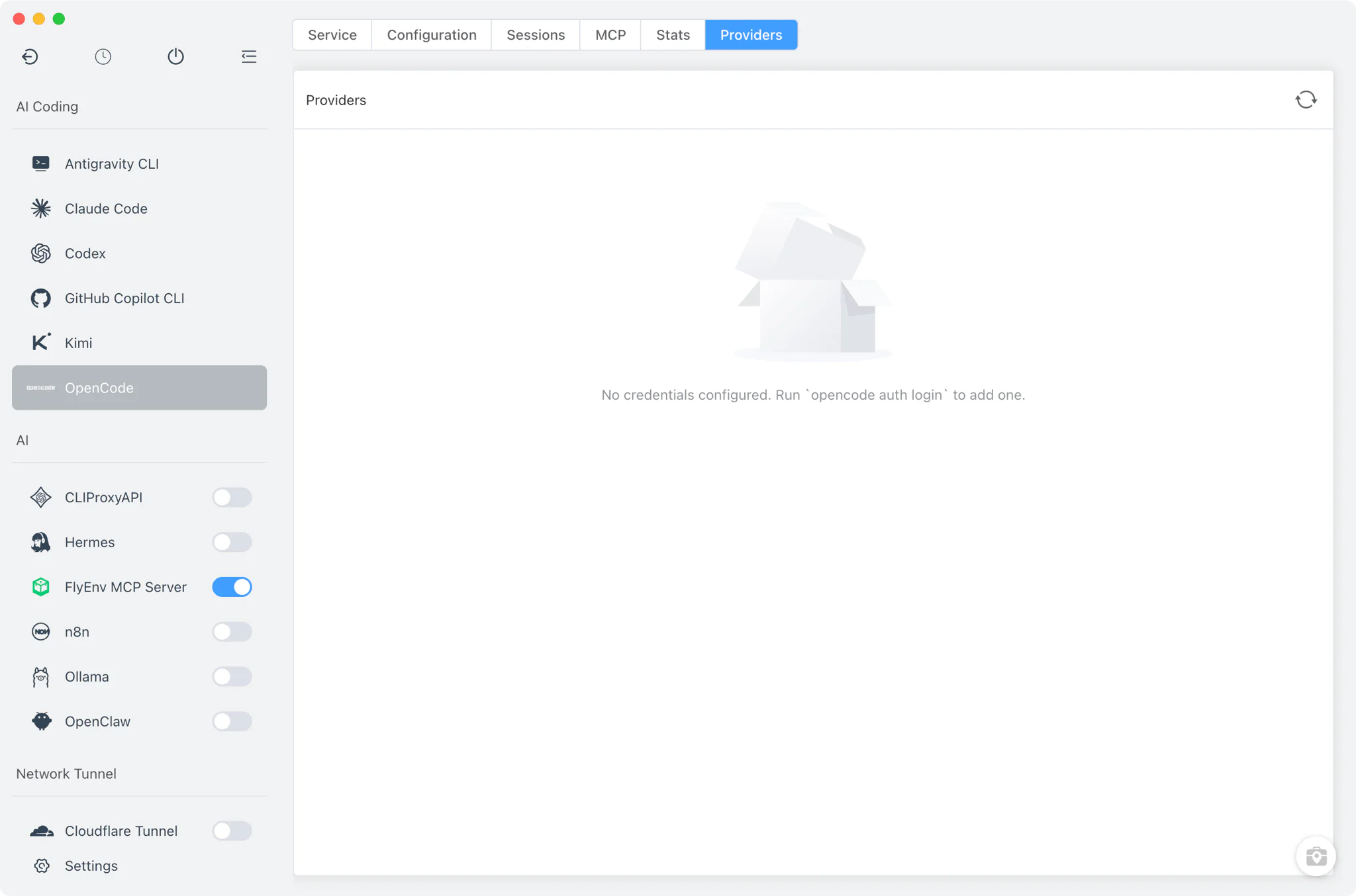
The Providers tab shows which model providers your OpenCode is authenticated with. FlyEnv reads them from OpenCode's own credential store at ~/.local/share/opencode/auth.json, so the list always reflects what the CLI can actually use.
- Authenticated providers at a glance: confirm an API key or login took effect without opening the file by hand.
- Always in sync: because the data comes straight from OpenCode's auth file, adding a provider in the CLI shows up in FlyEnv on the next read.
MCP servers
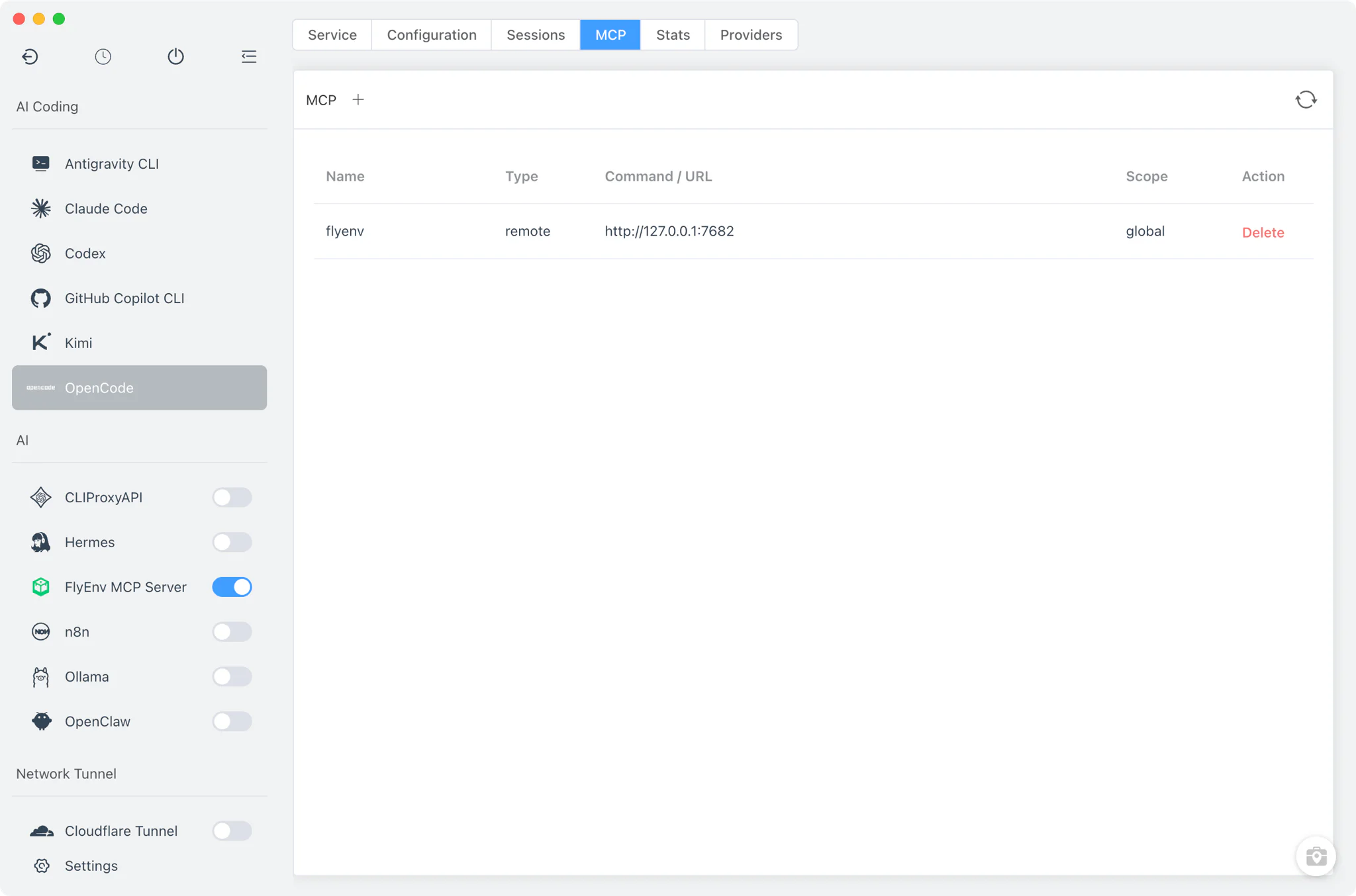
The MCP tab manages the Model Context Protocol servers OpenCode connects to — the MCP and AI workspace guide covers what MCP servers can add to an AI coding setup. FlyEnv reads and writes the MCP entries directly inside the JSONC config file, stripping comments during parsing so hand-edited files stay valid.
- List, add, remove: review configured MCP servers and add or remove entries without hunting through the config yourself.
- Config-native storage: changes land in
opencode.jsonc, keeping a single source of truth for both FlyEnv and manual edits. - One-click FlyEnv registration: FlyEnv's own MCP Server can register itself into this list from its Client Config tab.
Related guides, solutions and demos
Continue with a practical guide, solution, demo, or community perspective.
Compatibility Notes
OpenCode is not a background service: FlyEnv does not start, stop or monitor it, and the sidebar service toggle is disabled for this module by design. Installation on every platform goes through npm install -g opencode-ai run in FlyEnv's embedded terminal, so a working Node.js/npm environment — installable from FlyEnv's Node.js module — is a prerequisite, and detection depends on the binary living on your PATH or in one of the standard install locations FlyEnv scans. Sessions, Stats and Providers data come from the OpenCode CLI and its own files, so their accuracy depends on the installed OpenCode version; upgrading OpenCode can change what these tabs report. Interactive work happens in an external system terminal, not inside FlyEnv. For the supported platforms and the current release, check the Download page.