Local Temporal Development with FlyEnv
Temporal is a durable workflow orchestration platform: it persists workflow state so long-running, multi-step processes survive crashes, retries and deploys. Applications model sagas, scheduled jobs and other business processes as code instead of stitching together queues and cron jobs by hand. FlyEnv turns a local Temporal setup into a one-click service: it installs temporal-server, generates a ready-to-run configuration backed by SQLite, creates the default namespace for you after the first start, and can launch the Temporal Web UI as a managed companion process — all bound to 127.0.0.1 for safe local development.
Version management
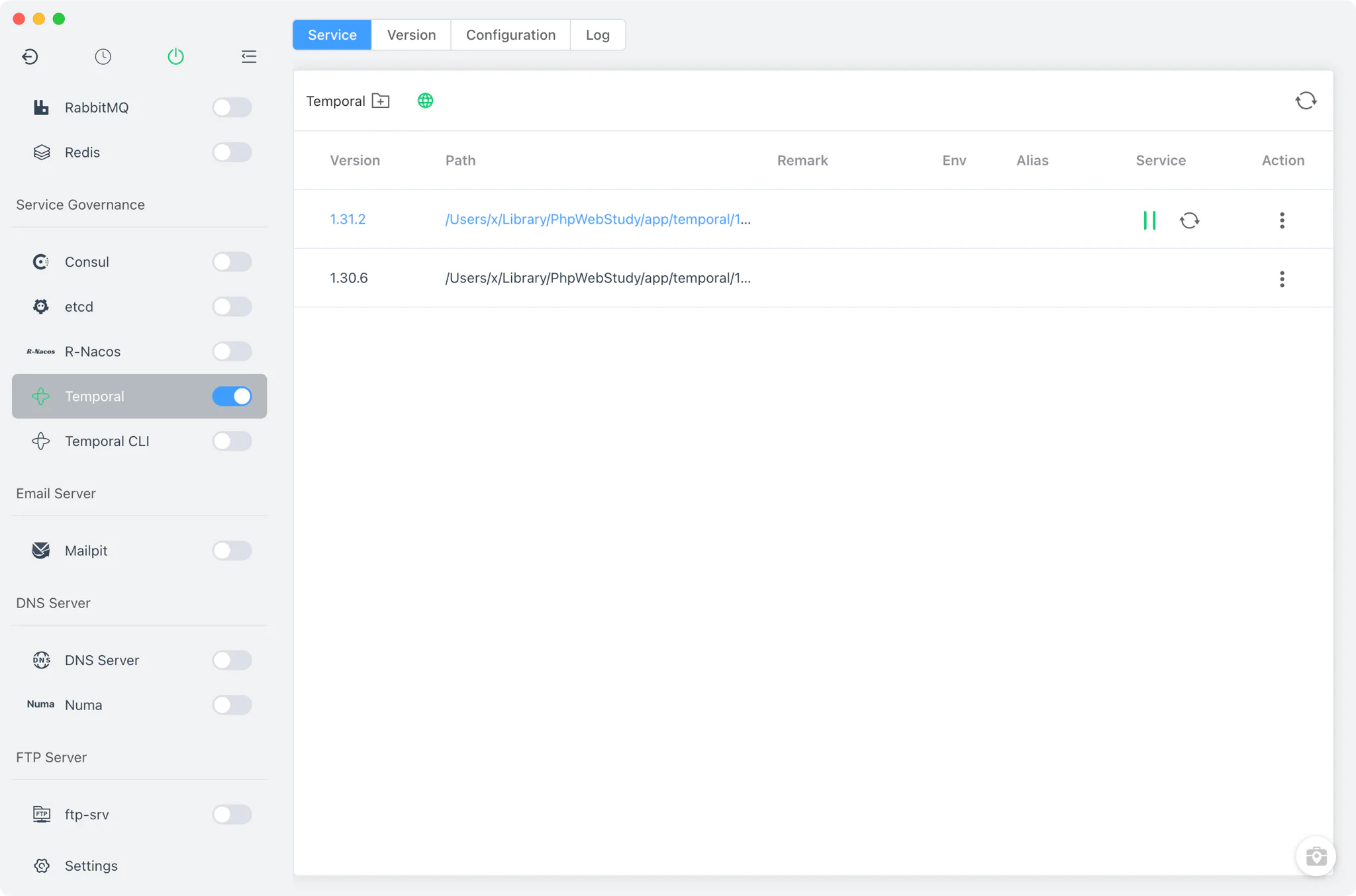
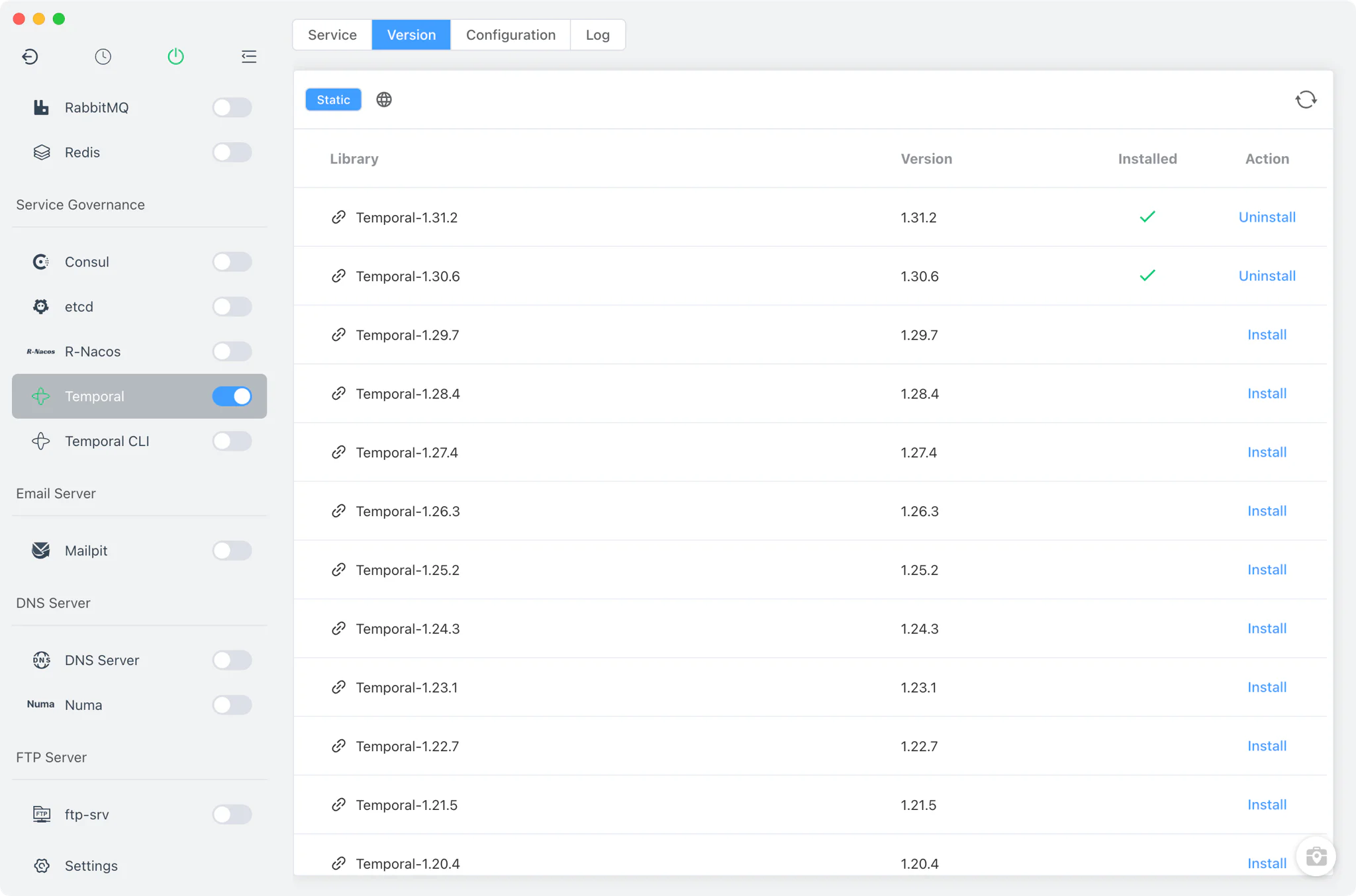
Install Temporal server versions from Temporal → Version Manager and keep several of them side by side.
- Static online builds: FlyEnv fetches the available
temporal-serverreleases from its online version list for your operating system and architecture. Archives are unpacked automatically, with executable permissions fixed and a--versioncheck run after install. - Custom directories: point FlyEnv at a folder containing your own
temporal-serverbinary and it is listed next to the managed installs. - One running version at a time: start, stop or restart the selected version from the Service tab or the sidebar switch; switching versions requires stopping the running one first.
Service and configuration
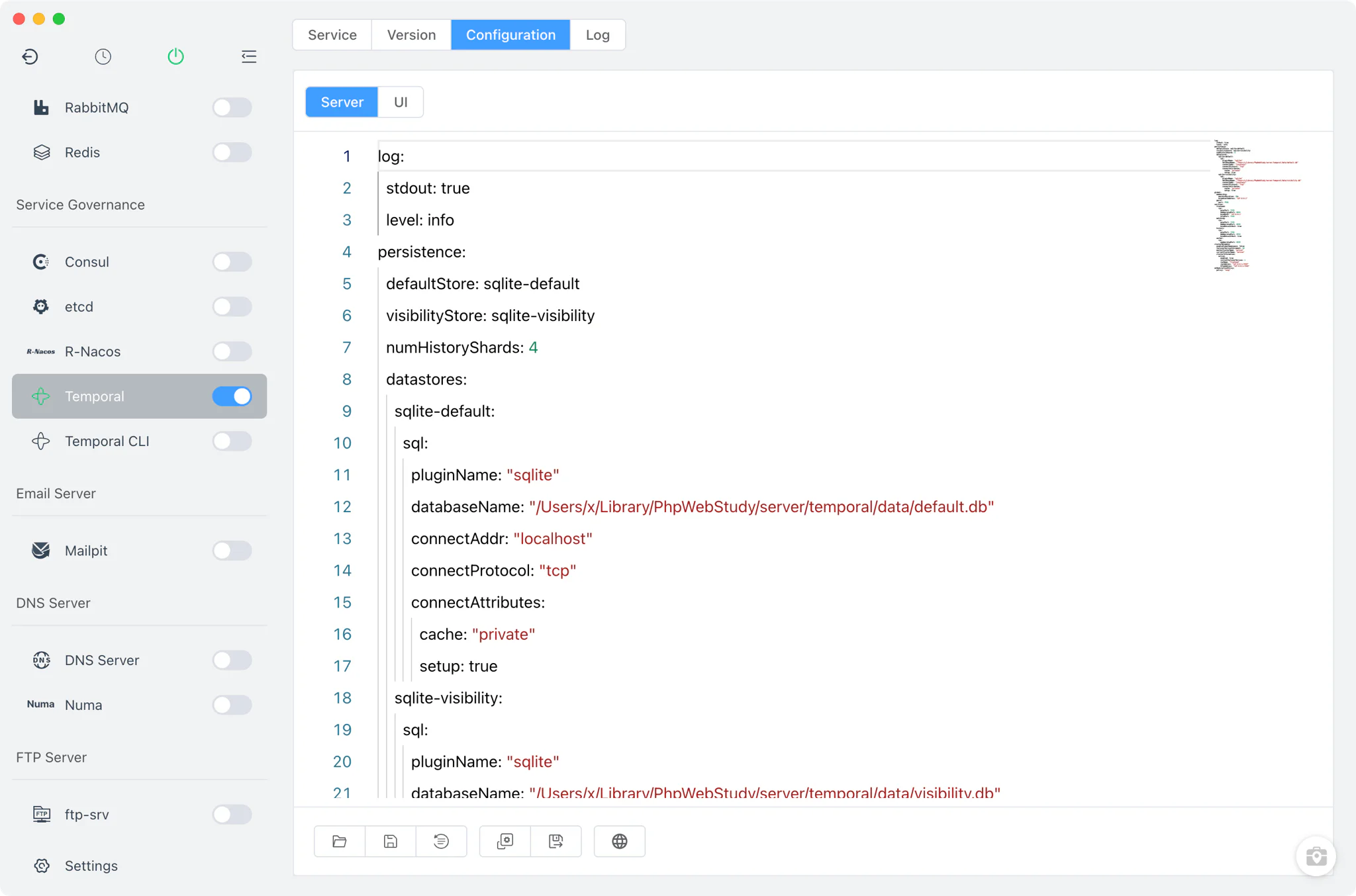
Starting Temporal runs temporal-server with a per-version config file that FlyEnv generates on first use: config/temporal-v<version>.yaml.
- SQLite persistence out of the box: the generated configuration uses a SQLite dual-store —
default.dbfor the main store andvisibility.dbfor visibility data — with schema setup handled automatically, so no external database is needed. - Local-only ports: the frontend gRPC endpoint listens on 7233, with HTTP on 7243, matching on 7235, history on 7234 and pprof on 7936 — every service bound to
127.0.0.1. - Automatic namespace creation: after the server starts, FlyEnv uses the newest installed Temporal CLI binary to register the
defaultnamespace, retrying a few times while the server finishes booting. - Server / UI dual configuration: the Config File tab has two sub-tabs — Server edits
config/temporal-v<version>.yaml, UI editsconfig/temporal-ui.yaml— both in a raw YAML editor with a.defaultcopy kept for reference. FlyEnv only creates files that are missing; it never overwrites your edits.
Temporal Web UI
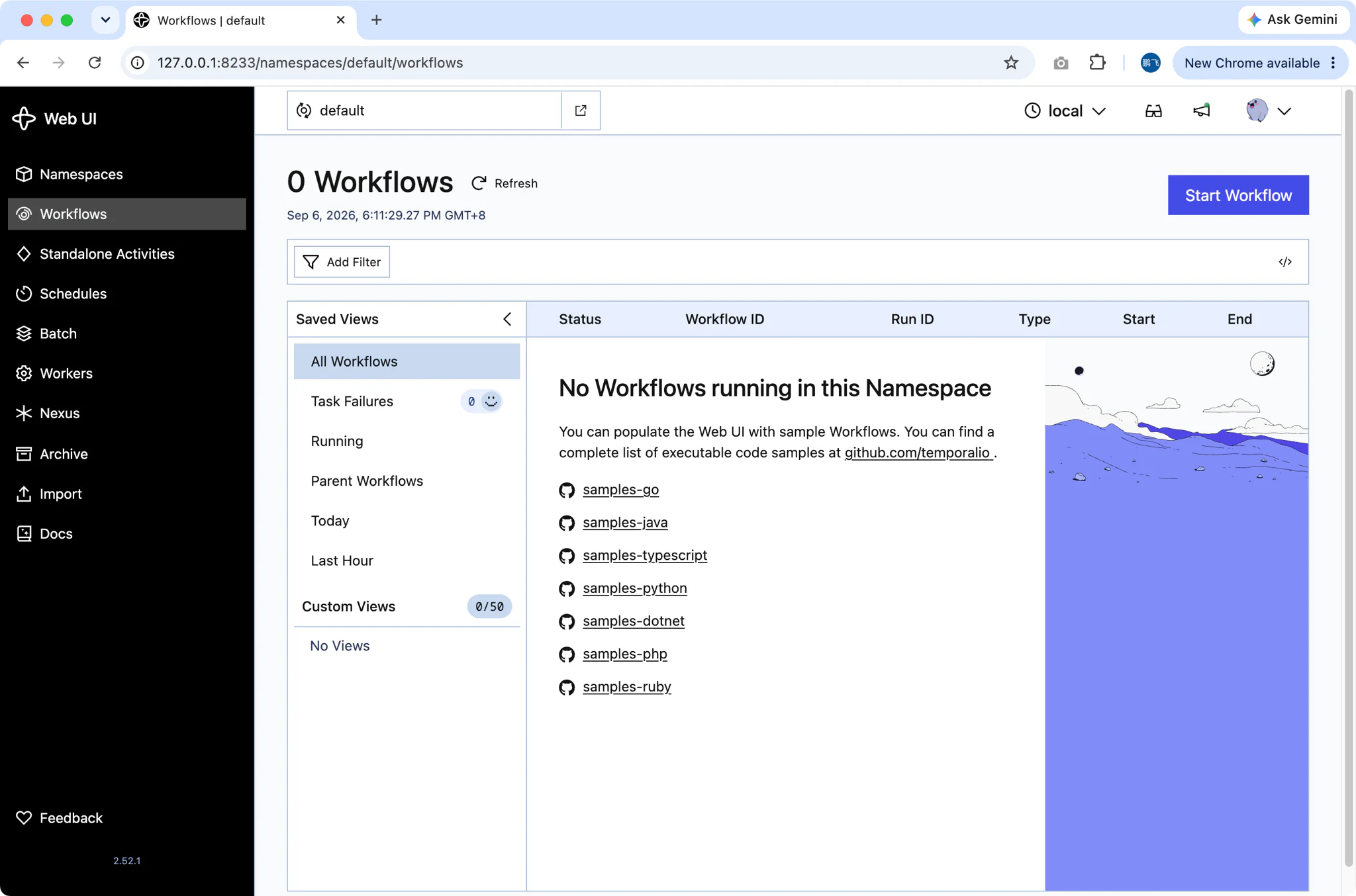
The Service tab includes a Temporal UI button that manages the official Temporal Web UI as a separate process.
- On-demand download: the Web UI is served by the standalone
ui-serverbinary, which is not tied to any Temporal server version. The first time you open it, FlyEnv queries the latesttemporalio/ui-serverrelease on GitHub and downloads the matching asset for your platform (macOS, Linux or Windows; amd64 or arm64). - Managed lifecycle: FlyEnv starts
ui-serverwith its own pid file and its own configuration (temporal-ui.yaml: port 8233, gRPC endpoint127.0.0.1:7233), then openshttp://127.0.0.1:8233/in your browser. - Stops with the server: shutting down the Temporal service also stops the UI process, so nothing is left running.
- The button shows loading and error states while the UI server is being installed or started.
Logs
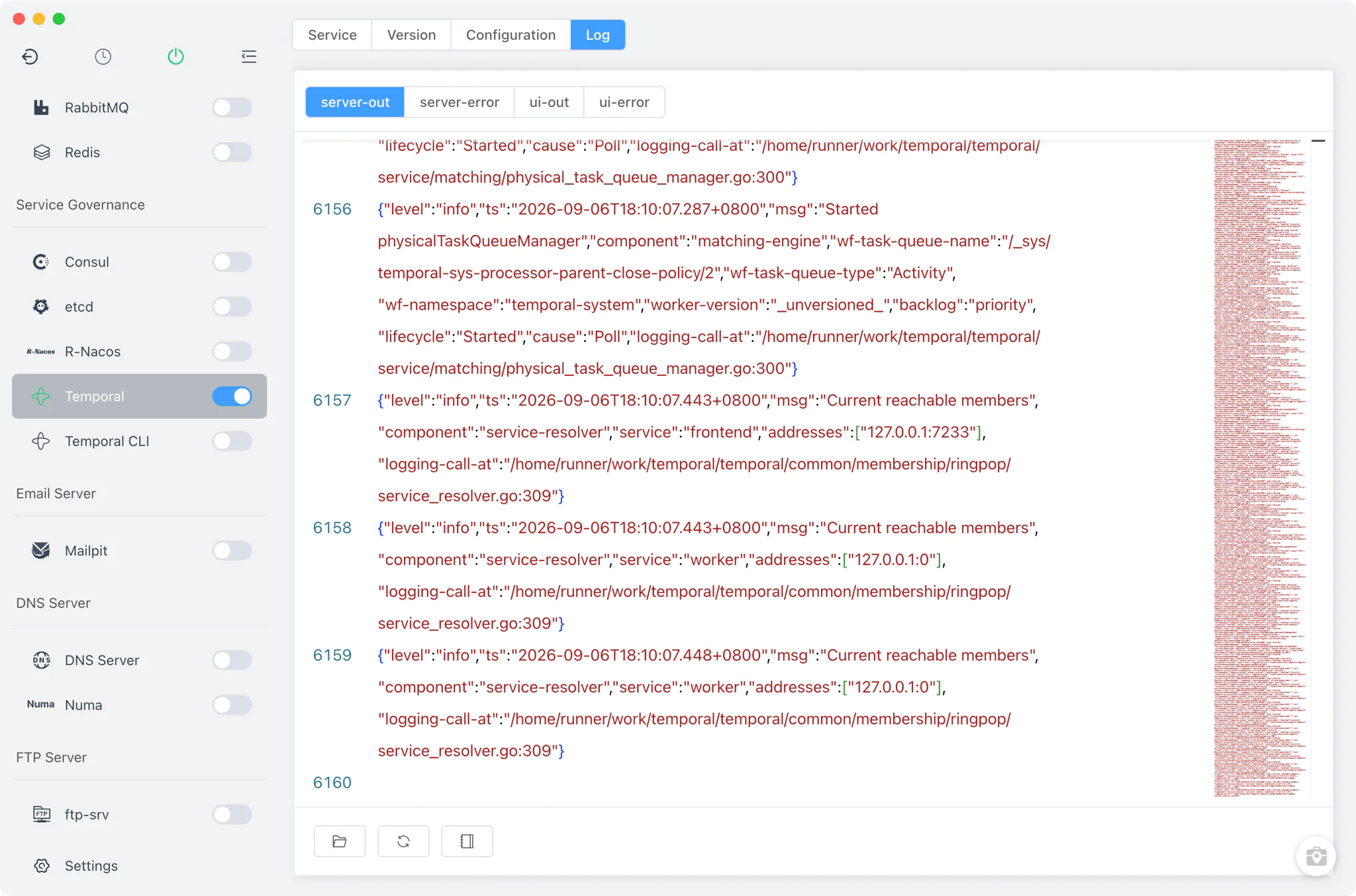
The Log tab provides four viewers so you can tell server and UI output apart:
- Server output — standard output of the running
temporal-server. - Server errors — the server's error stream, the first place to look when a start fails.
- UI output — standard output of the
ui-serverprocess. - UI errors — Web UI error stream, useful when the UI cannot reach the gRPC endpoint on 7233.
Related guides, solutions and demos
Continue with a practical guide, solution, demo, or community perspective.
Compatibility Notes
The Temporal module installs from static online builds only — there is no Homebrew or MacPorts source — on macOS, Windows and Linux, and the exact version list depends on what is published for your platform and architecture. Downloading the Web UI's ui-server binary requires network access to GitHub releases. All server and UI ports are bound to 127.0.0.1; adjust the YAML configs if you need different addresses. Namespace auto-creation relies on a Temporal CLI binary being installed in FlyEnv.
If you prefer an all-in-one dev server instead, FlyEnv's separate Temporal CLI module runs temporal server start-dev — Temporal's built-in development mode with its own integrated Web UI (default ports 7233/8233, SQLite file dev.db), requiring no separate UI download. Workers written in Node.js, Python or Go connect to the frontend endpoint on 7233; the guide on deploying Node.js, Python and Go services without Docker covers running them locally next to the server. See the Demos for walkthroughs of FlyEnv's service modules, and get the latest build from the Download page.