Memcached in FlyEnv
Memcached is an open source, in-memory key-value cache, typically used to speed up web applications by keeping database query results, rendered fragments or session data in RAM — a simpler, cache-only sibling of Redis. FlyEnv runs it as a managed local service: install one or more versions from the Version Manager, start and stop the daemon from the Service tab, and reach the cache on the default port 11211 without touching a package manager or a startup script by hand.
Version management
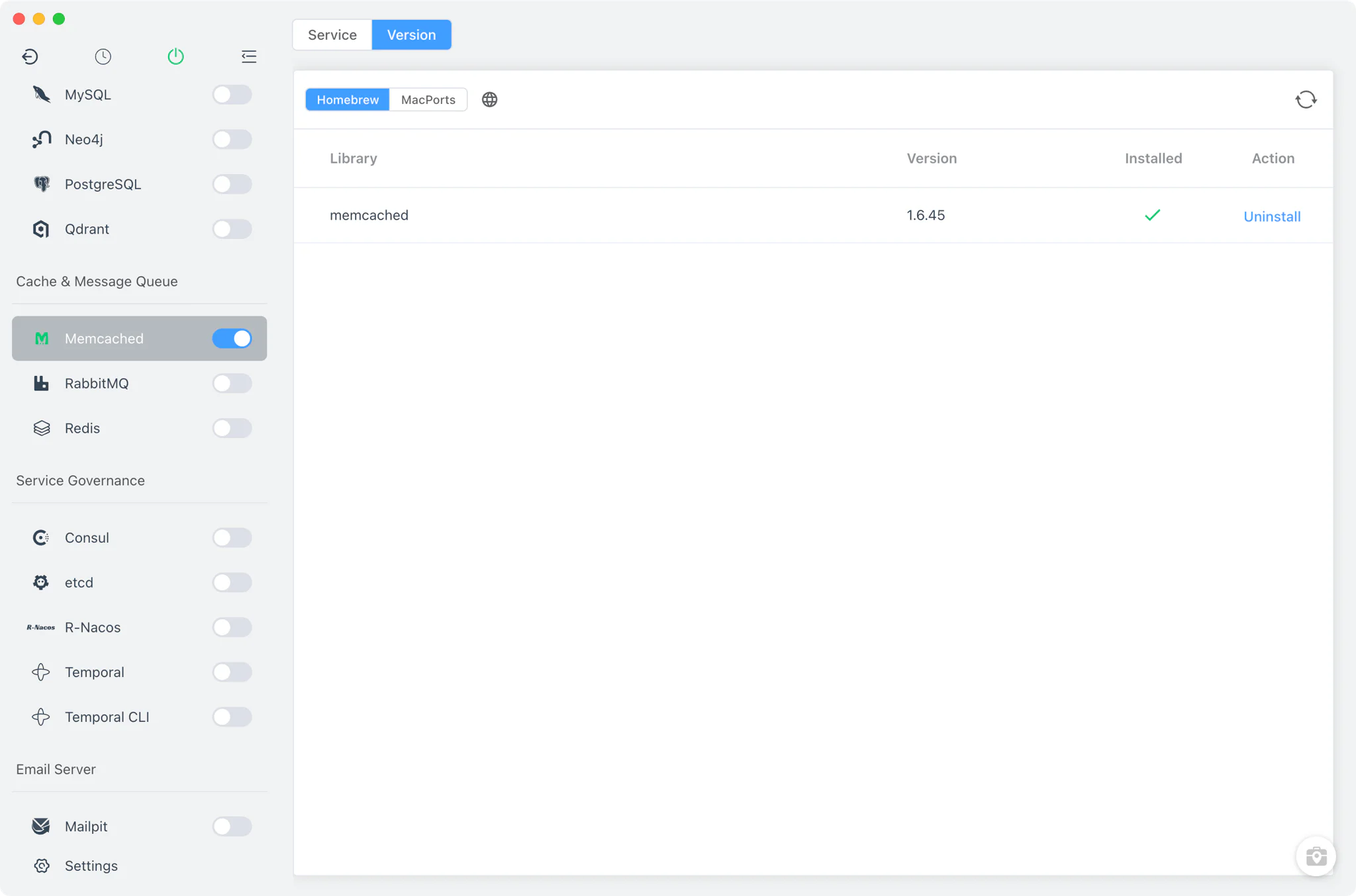
Install Memcached from Memcached → Version Manager. The sources offered depend on your platform:
- macOS: the Homebrew
memcachedformula and MacPorts builds. - Linux: the Homebrew formula.
- Windows: a static zip from the
nono303/memcachedGitHub releases; FlyEnv extracts the matchinglibevent-2.1/x64orcygwin/x64build for you. - Custom versions: add any directory that contains your own Memcached installation; FlyEnv scans it for the
memcached(ormemcached.exe) binary and lists it next to the managed versions.
Service management
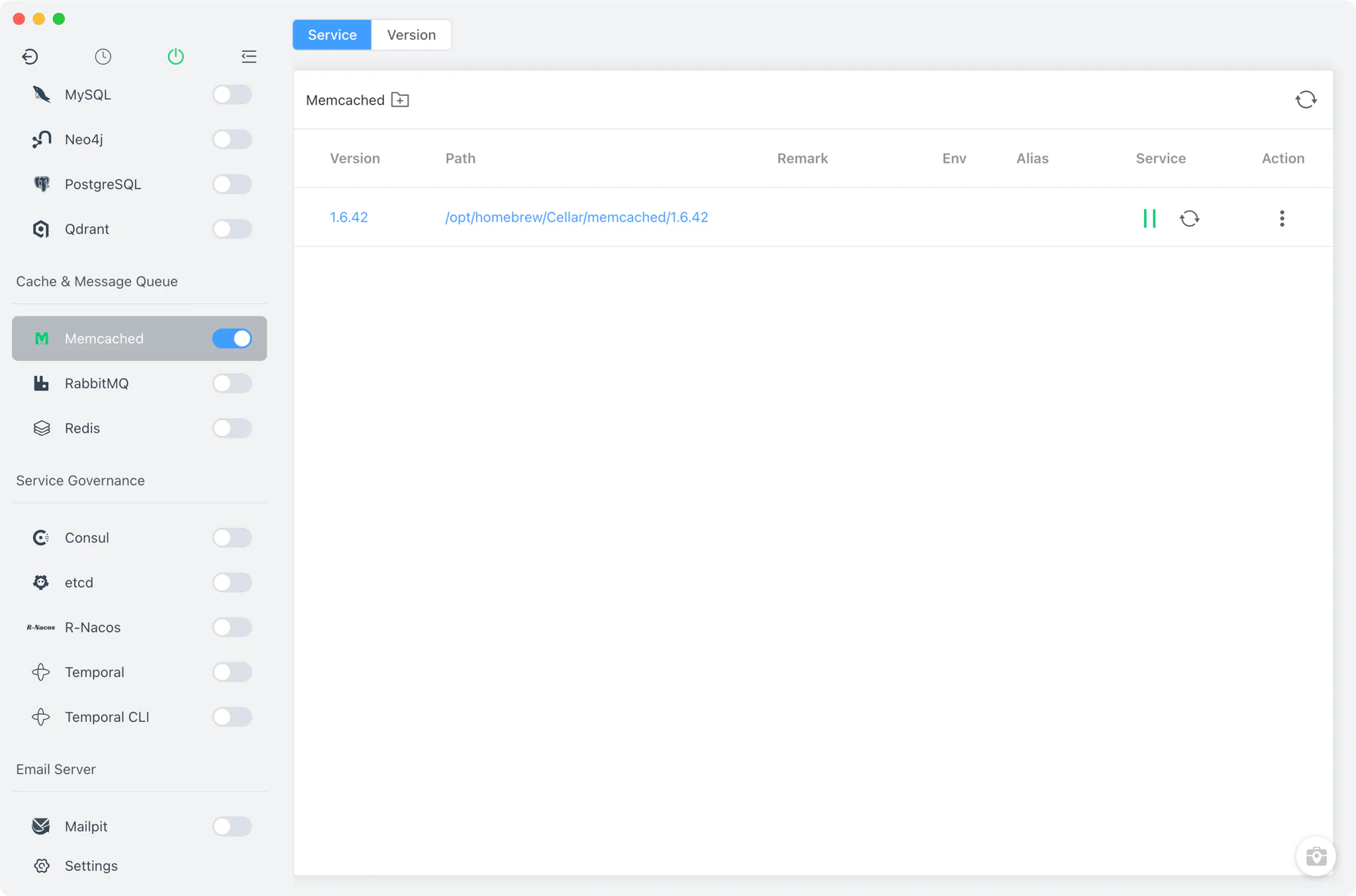
The Service tab starts the selected version's real memcached binary in the foreground with a FlyEnv-managed pid file (memcached -P .../memcached.pid -vv), so lifecycle state in the app always reflects the actual process. No port argument is passed, which means the daemon listens on Memcached's upstream default port 11211.
- Start and stop with one click: control the service from the Service tab, the sidebar switch or the system tray, like every other service module in FlyEnv.
- Verbose output while running: the daemon runs with
-vv, so clients connecting to port 11211 get a standard memcached server while activity goes to the process's own output streams. - Switch versions: pick any installed version as the one the service runs; each version keeps its own installation untouched.
With the daemon running on port 11211, point your applications at it as their object cache: PHP stacks such as WordPress (via an object-cache drop-in) and Magento both support Memcached as a cache or session backend, which makes a local Memcached instance handy for reproducing production caching behavior.
Pair the running service with the local apps from the demos, or grab FlyEnv for your platform on the Download page.
Related guides, solutions and demos
Continue with a practical guide, solution, demo, or community perspective.
Compatibility Notes
- The Memcached module has no configuration file editing: Memcached is configured entirely through command-line arguments, and FlyEnv starts it with its built-in argument set rather than a generated config file.
- The module has no log viewer tab: output goes to stdout/stderr via
-vvand no log file is written, so there is nothing to tail from inside the app. - The service always listens on the default port 11211; FlyEnv does not pass a port override.
- There is no admin panel and no project or site integration for this module — it manages the daemon only. Available versions depend on your platform's install sources, as listed on the Download page.