Cloudflared in FlyEnv
cloudflared is Cloudflare's open source command-line client for Cloudflare Tunnel — the daemon that connects a local service to Cloudflare's edge so it can be reached through a public hostname. FlyEnv's Cloudflared module manages the cloudflared command-line binary: install multiple versions side by side, decide which one your terminal resolves, and register your own builds from custom directories. Its main job inside FlyEnv is to supply the binary that the Cloudflare Tunnel module runs your tunnels with — the module itself has no daemon, no config files and no logs, just two tabs: Service and Version Manager.
Cloudflared version management
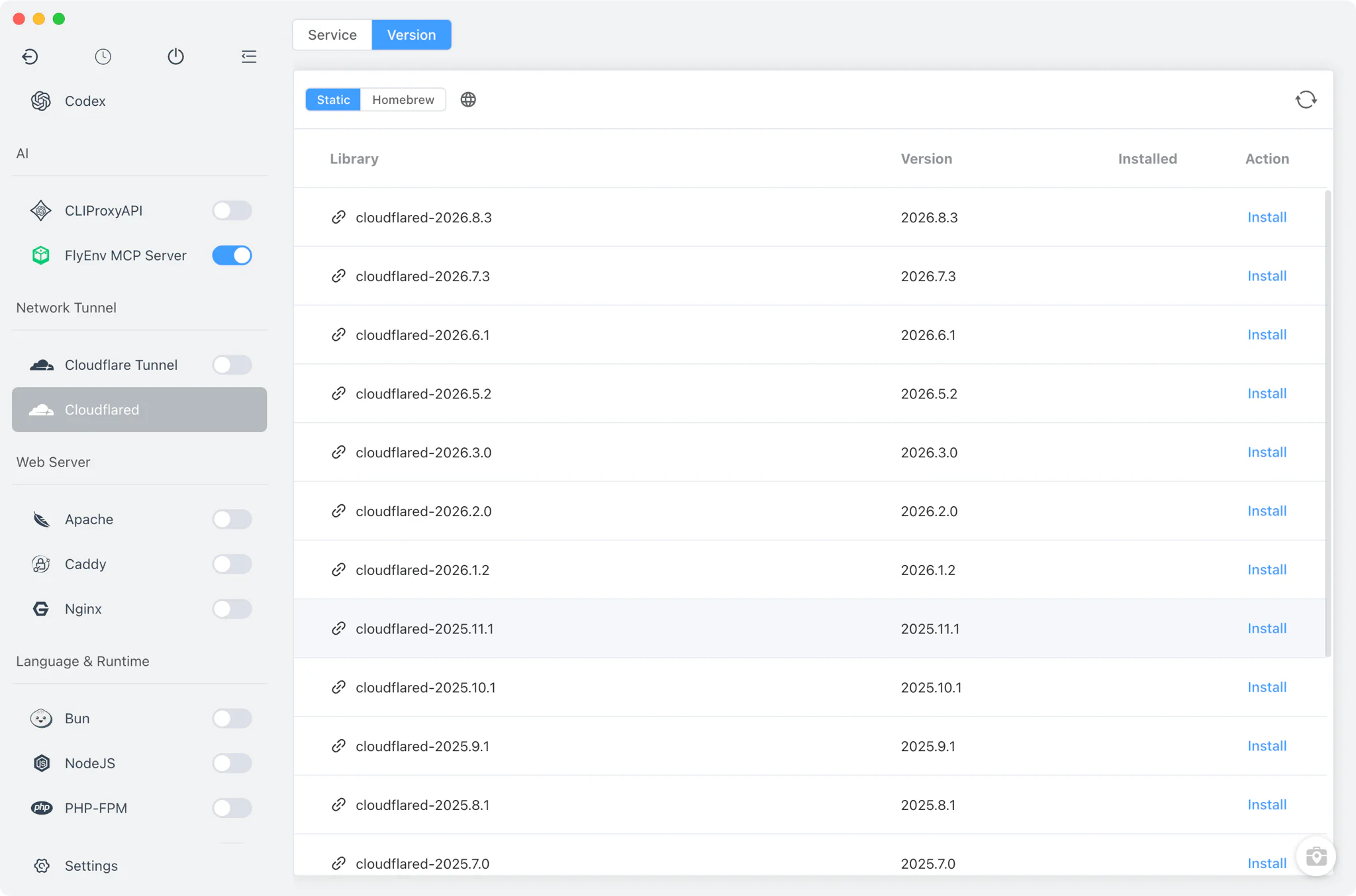
Install cloudflared versions side by side from Cloudflared → Version Manager and keep them all available at once.
- Static online list: download official cloudflared builds directly — a
.tgzarchive on macOS (FlyEnv unpacks it and clears the quarantine attribute for you), an.exeon Windows, and a plain binary on Linux. - Homebrew: on macOS and Linux, install cloudflared from Homebrew alongside the static builds.
- Custom directories: point FlyEnv at any folder containing your own cloudflared build and it appears in the installed list next to the managed versions.
Command-line version switching
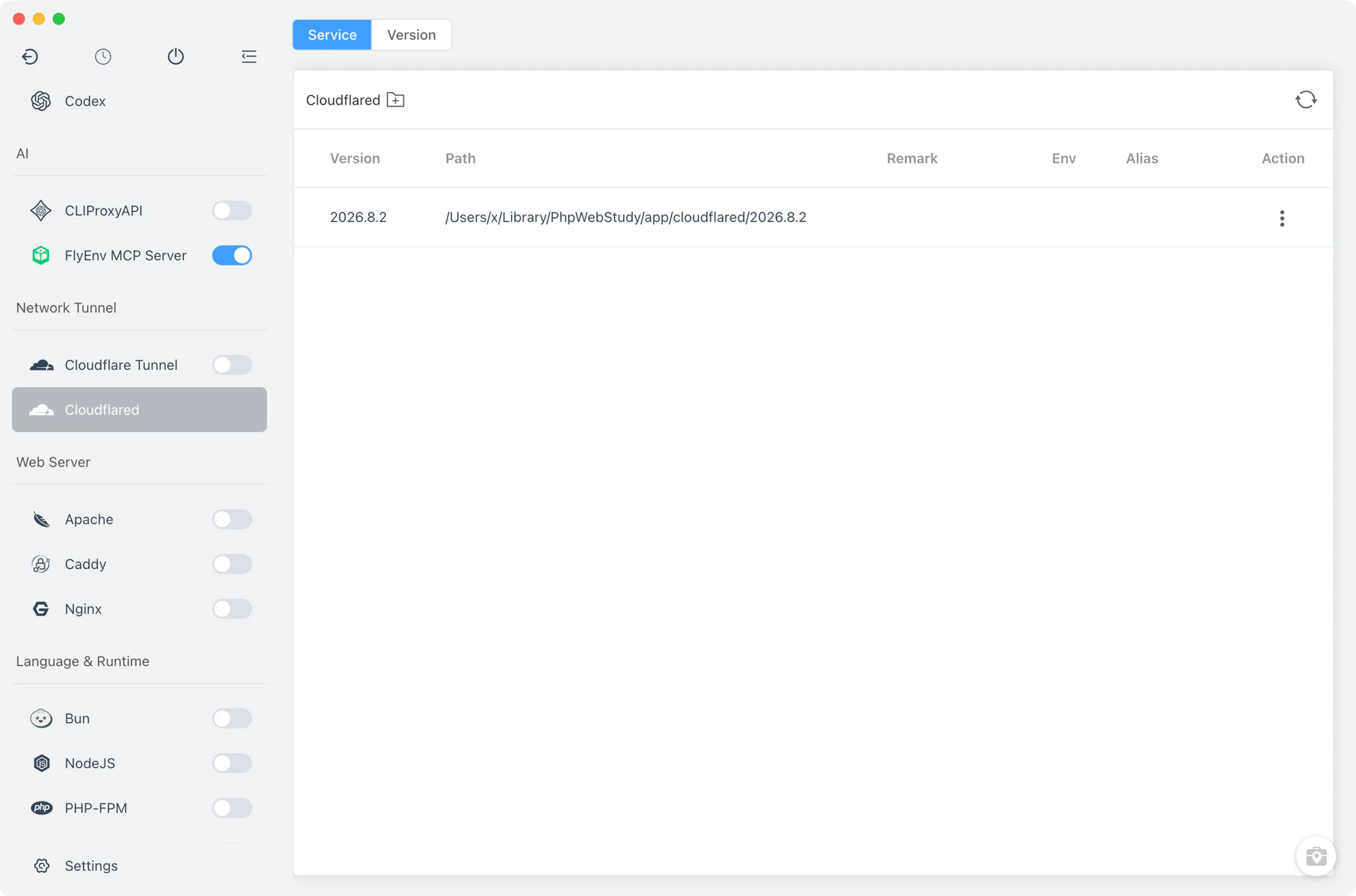
The Service tab does not run a background service — cloudflared here is just a binary, so there is no daemon for FlyEnv to manage. The tab is an installed-versions table whose job is PATH control.
- Terminal version switching: selecting a version here registers that installation's binary on your
PATH(or removes it again), so the terminalcloudflaredcommand resolves to the version you picked — the same mechanism described in the system PATH environment guide. - Per-version alias: give near-identical builds a short alias so they stay easy to tell apart in the list.
- Housekeeping: each row exposes the version's install path and offers a delete action for versions you no longer need.
Related guides, solutions and demos
Continue with a practical guide, solution, demo, or community perspective.
Compatibility Notes
This module deliberately stops at binaries and PATH: it provides and switches cloudflared versions, but it does not create or run tunnels itself. Tunnel instances, DNS rules and per-tunnel logs live in the separate Cloudflare Tunnel module, which asks you to pick one of the cloudflared versions installed here when you add a tunnel. For an end-to-end walkthrough of exposing a local site through a tunnel, see the Cloudflare Tunnel local development guide.