Local n8n Automation with FlyEnv
n8n is an open source workflow automation tool with a visual, node-based editor for connecting APIs, databases and services. Teams self-host it to build integrations and automations — from data syncs to AI pipelines — without a hosted automation platform. FlyEnv runs n8n as a managed local automation server: pick a version from the npm registry and install it in the embedded terminal, launch n8n start with a visual environment configuration, and administer accounts in the Users tab without opening a database tool. The server listens on port 5678 by default, and FlyEnv can even recognize an n8n instance you started outside the app through its health endpoint.
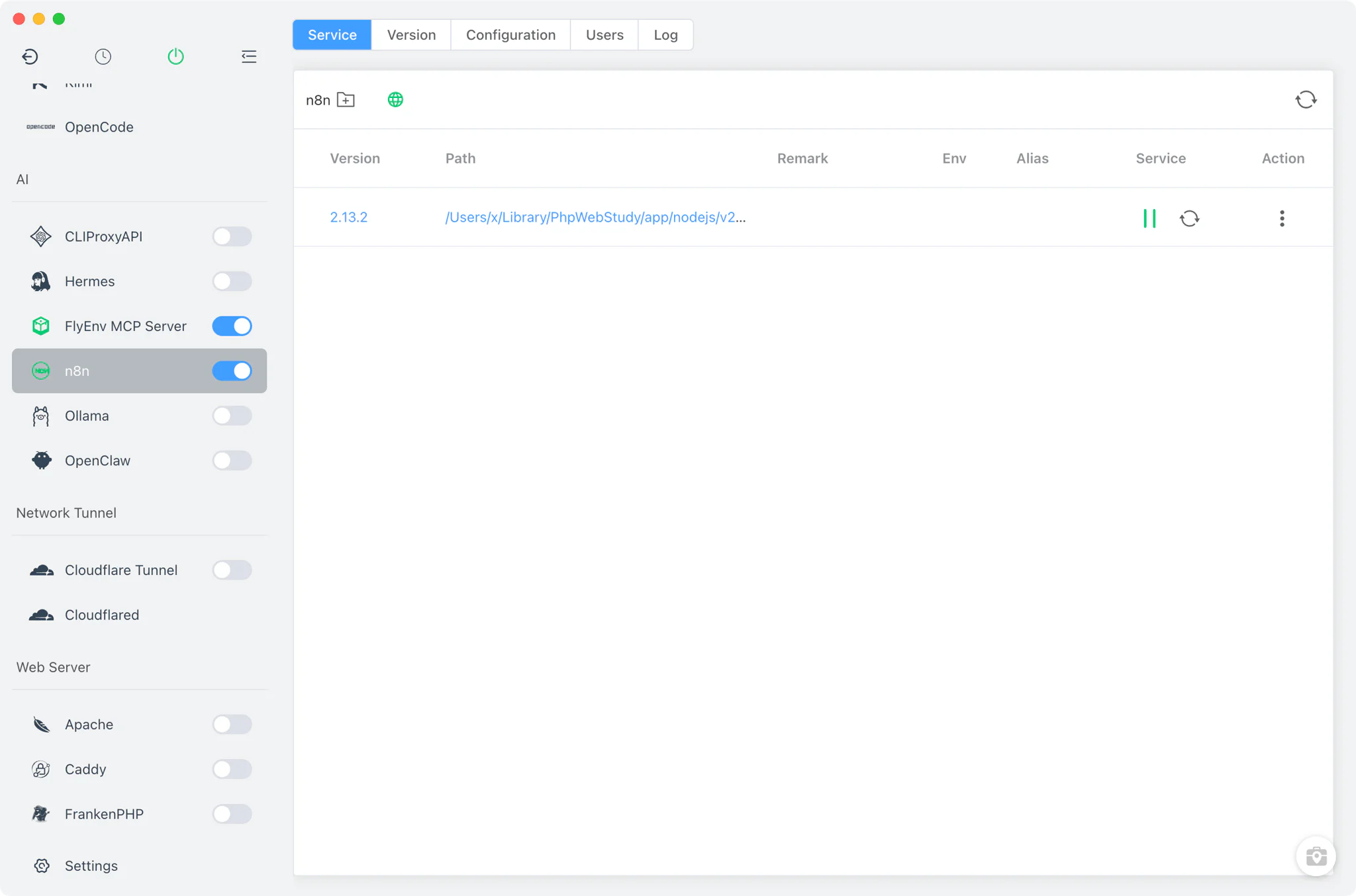
Version management
Unlike modules that ship binary downloads, the n8n → Version Manager tab works through the package registry, so a working Node.js installation with npm is a prerequisite.
- Registry-backed version list: FlyEnv pulls the last 20 stable n8n releases straight from
registry.npmjs.org, so the offered versions always track what upstream publishes. - Install in the embedded terminal: installing a version runs
npm install -g n8n@<version>inside FlyEnv's built-in terminal, where you watch the real npm output instead of a progress bar. - Wide installation detection: FlyEnv recognizes n8n installed by other tools too — it scans the common npm-global locations (
/usr/local/bin,/opt/homebrew/bin,~/.nvm,~/.volta, and%APPDATA%\npmon Windows) as well as yourPATH.
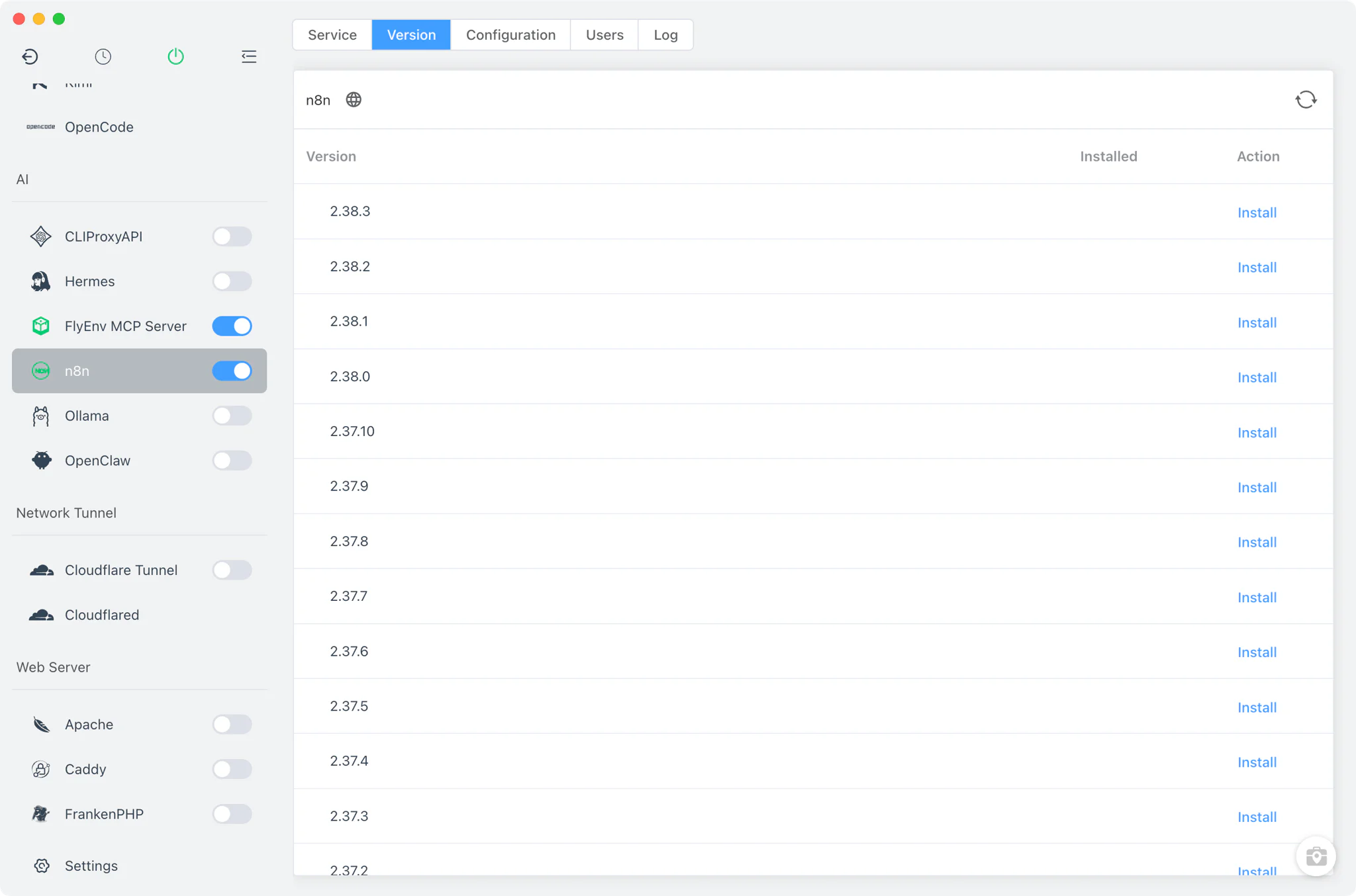
Service and configuration
Starting the service launches n8n start with every environment variable read from FlyEnv's own n8n.env file, so the runtime behavior is fully reproducible from a file you control.
- Visual form for common keys: adjust
N8N_PORT,N8N_HOST,N8N_PROTOCOLandN8N_PATH, chooseDB_TYPE, setN8N_USER_FOLDERandN8N_ENCRYPTION_KEY, define theWEBHOOK_URL, tune log level and output, switchEXECUTIONS_PROCESS/EXECUTIONS_MODE, and toggleN8N_METRICS— all without editing the file by hand. - Raw editor: a full source view of
n8n.envcovers any variable the form does not expose. - Automatic owner setup: when
N8N_OWNER_EMAILandN8N_OWNER_PASSWORDare set and no database exists yet, FlyEnv completes the initial owner registration for you right after the server starts. - Reset owner escape hatch: a danger-zone action deletes
database.sqlitewhen you deliberately want to start over. - Managed lifecycle: the sidebar and system-tray switches start and stop the server, the running state is confirmed against the
/healthzendpoint, and on Windows FlyEnv reliably terminates the process by pid file, port listener and command match.
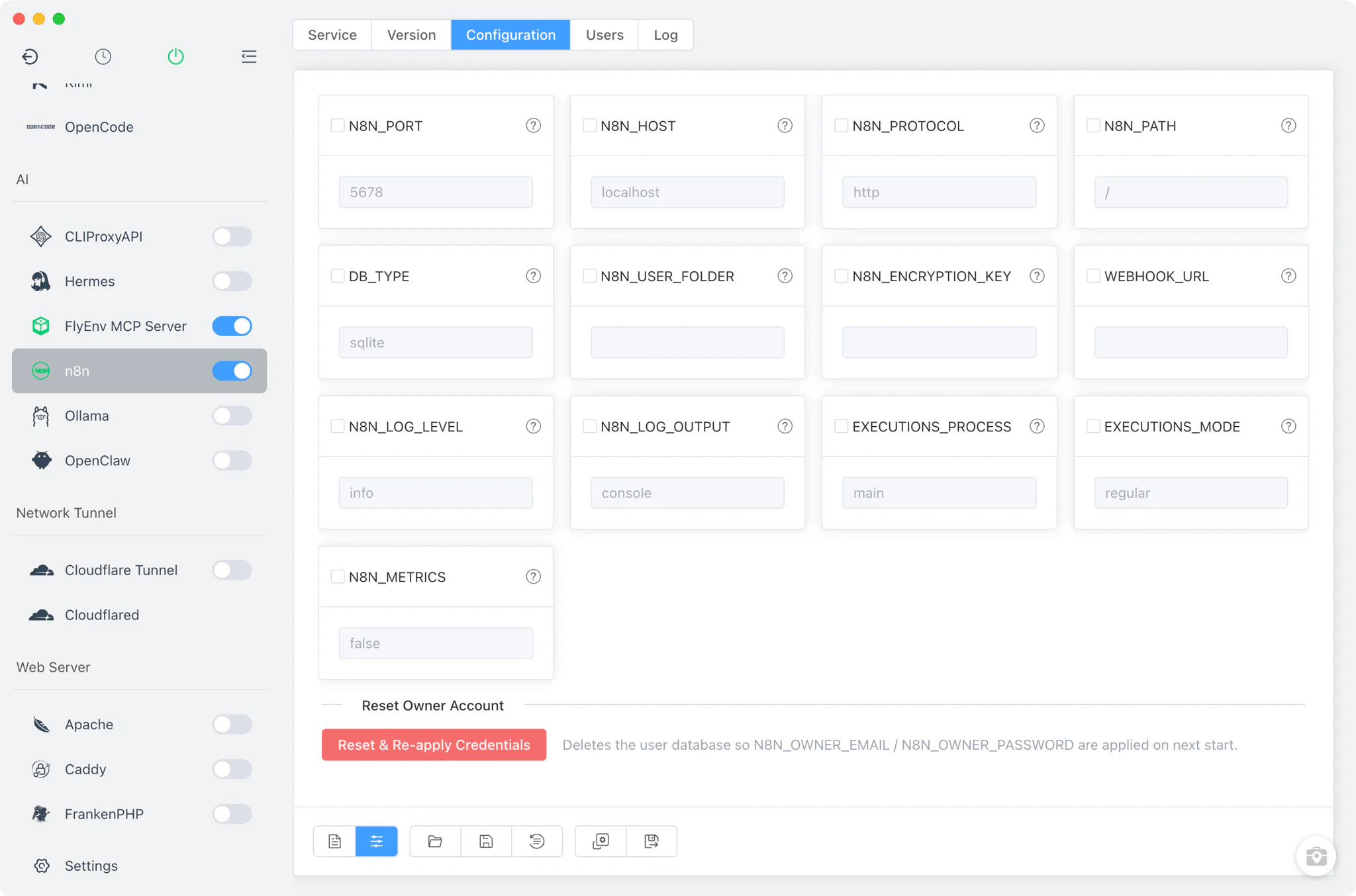
Users management
The Users tab talks to n8n's database.sqlite directly, so account administration works even while the server is stopped.
- Locate the data: pick the n8n data directory yourself, or let FlyEnv auto-scan the candidate locations where n8n keeps its SQLite database.
- Full account control: list, create and delete users, change a user's role, disable an account, and reset passwords — including the owner password.
- Proper password hashing: passwords are written with bcrypt, exactly as n8n itself stores them, so accounts you fix offline work the next time the server starts.
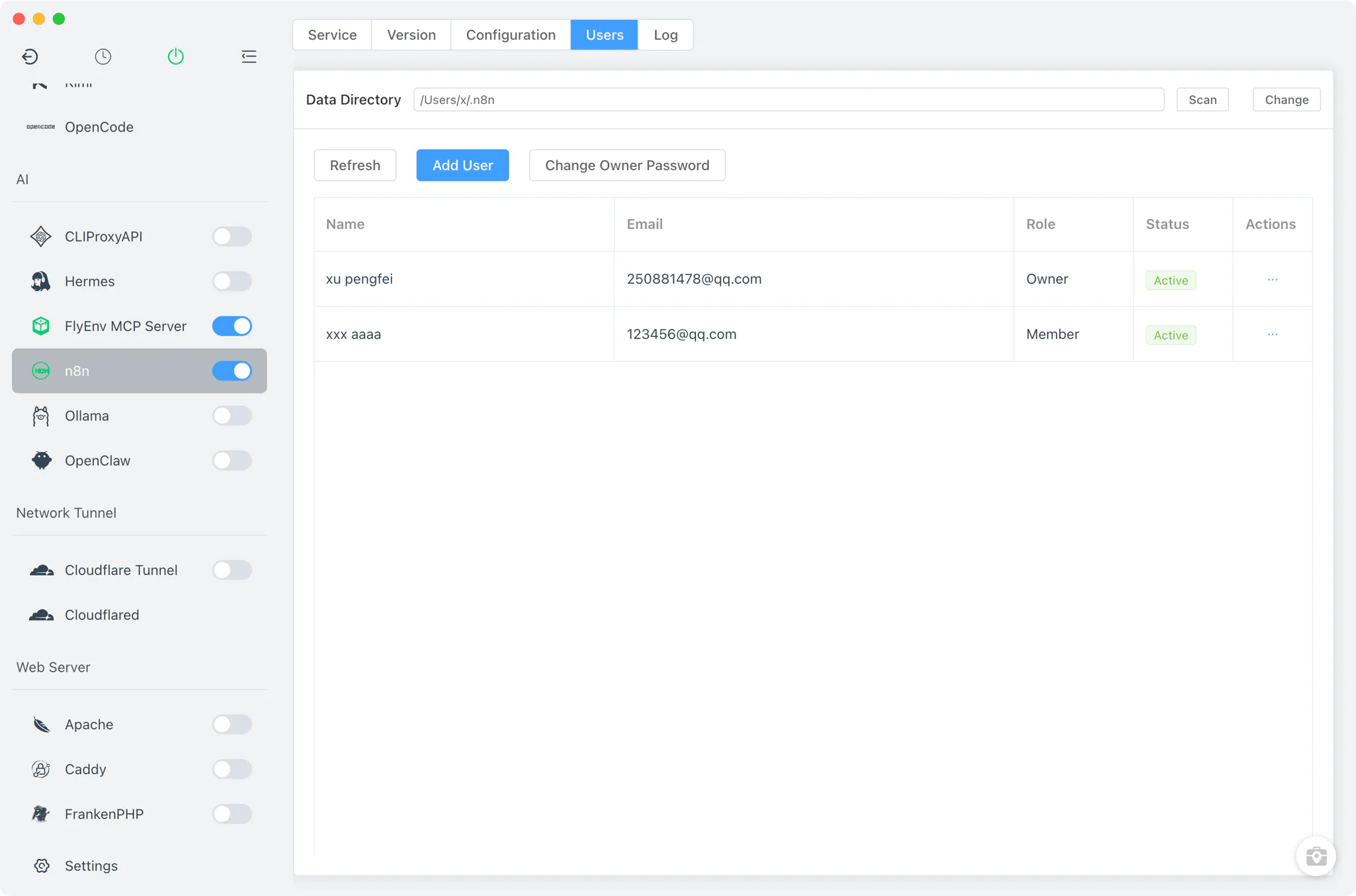
Dashboard
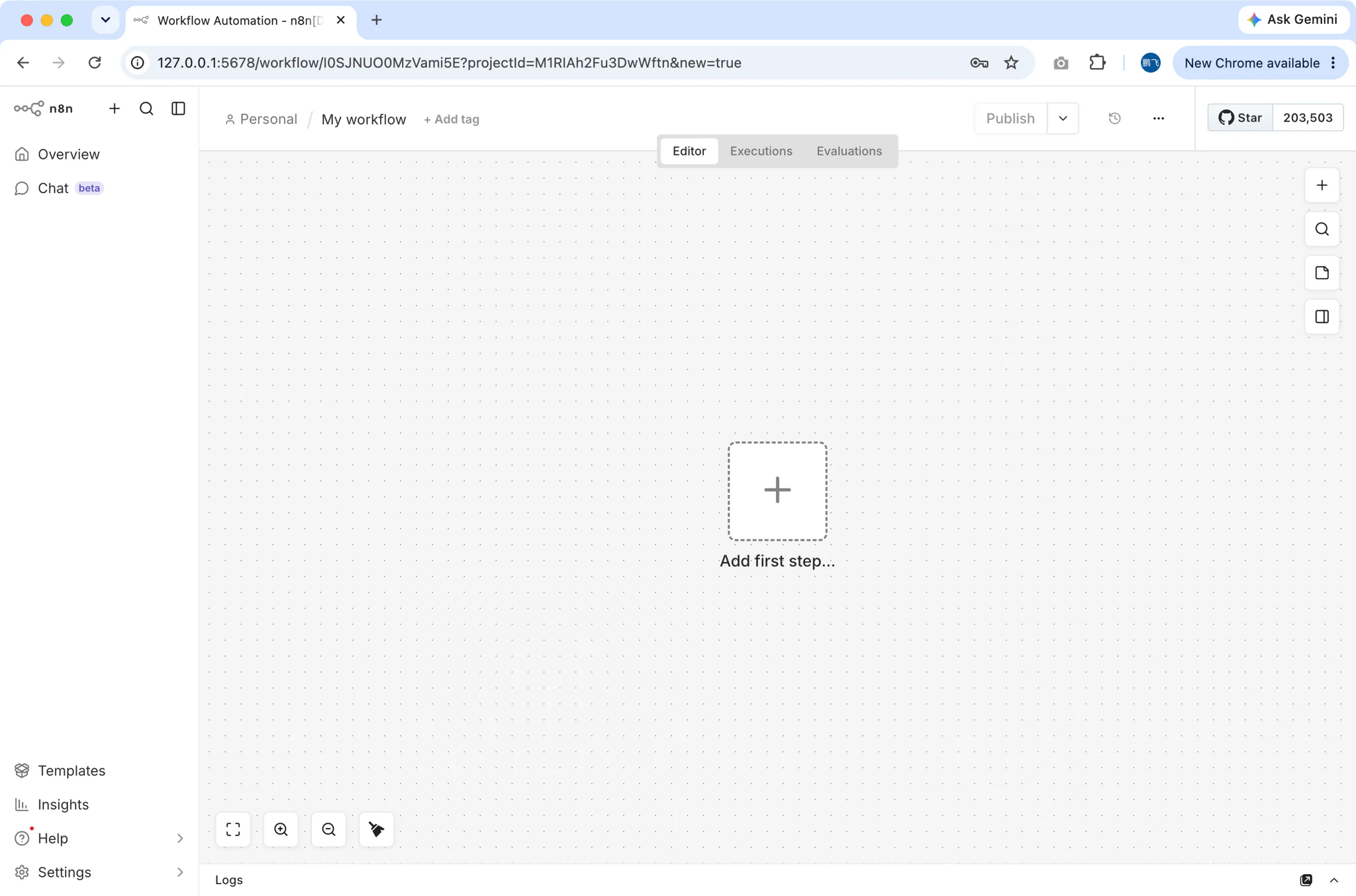
When the service is running, the Service tab's dashboard button opens the n8n editor in your browser at the address assembled from your configuration — protocol, host, port and path are all read from n8n.env, so a custom N8N_PATH or a non-default port is reflected in the link automatically. From there you build workflows against your local stack — SMTP nodes can point at Mailpit so notification workflows never send real mail during testing; the local AI workflow guide shows n8n working together with models served by the Ollama module.
Logs
Each installed version gets its own start logs — n8n-<version>-start-out.log and n8n-<version>-start-error.log — viewable from the Log tab inside FlyEnv. When a version refuses to come up or the health check never passes, these two files are the first place to look.
Related guides, solutions and demos
Continue with a practical guide, solution, demo, or community perspective.
Compatibility Notes
FlyEnv manages the local n8n process, its environment file and its user database; it does not bundle n8n itself. Installing or updating a version requires Node.js and npm on the machine and reaches the public npm registry, and the workflow behavior of a given n8n release is governed by n8n's own requirements. FlyEnv also does not control n8n instances it did not start — it detects an externally started server by its health endpoint and shows it as running, but lifecycle actions apply to the installation FlyEnv manages. For what ships with the app on your platform, refer to the Download page.