Meilisearch in FlyEnv
Meilisearch is an open source, lightweight search engine that serves instant, typo-tolerant full-text search over a REST API. It is often picked to power the search box of a site or application when a full Elasticsearch deployment would be too heavy — alongside fellow lightweight engines like Typesense and ZincSearch. FlyEnv runs it as a managed local service: install versions from the Version Manager, start the real meilisearch binary against an editable meilisearch.toml, and open the built-in search dashboard from the Service tab. Each version gets its own working directory for its data, and configuration is covered by both a raw editor and a rich visual form of roughly 30 settings.
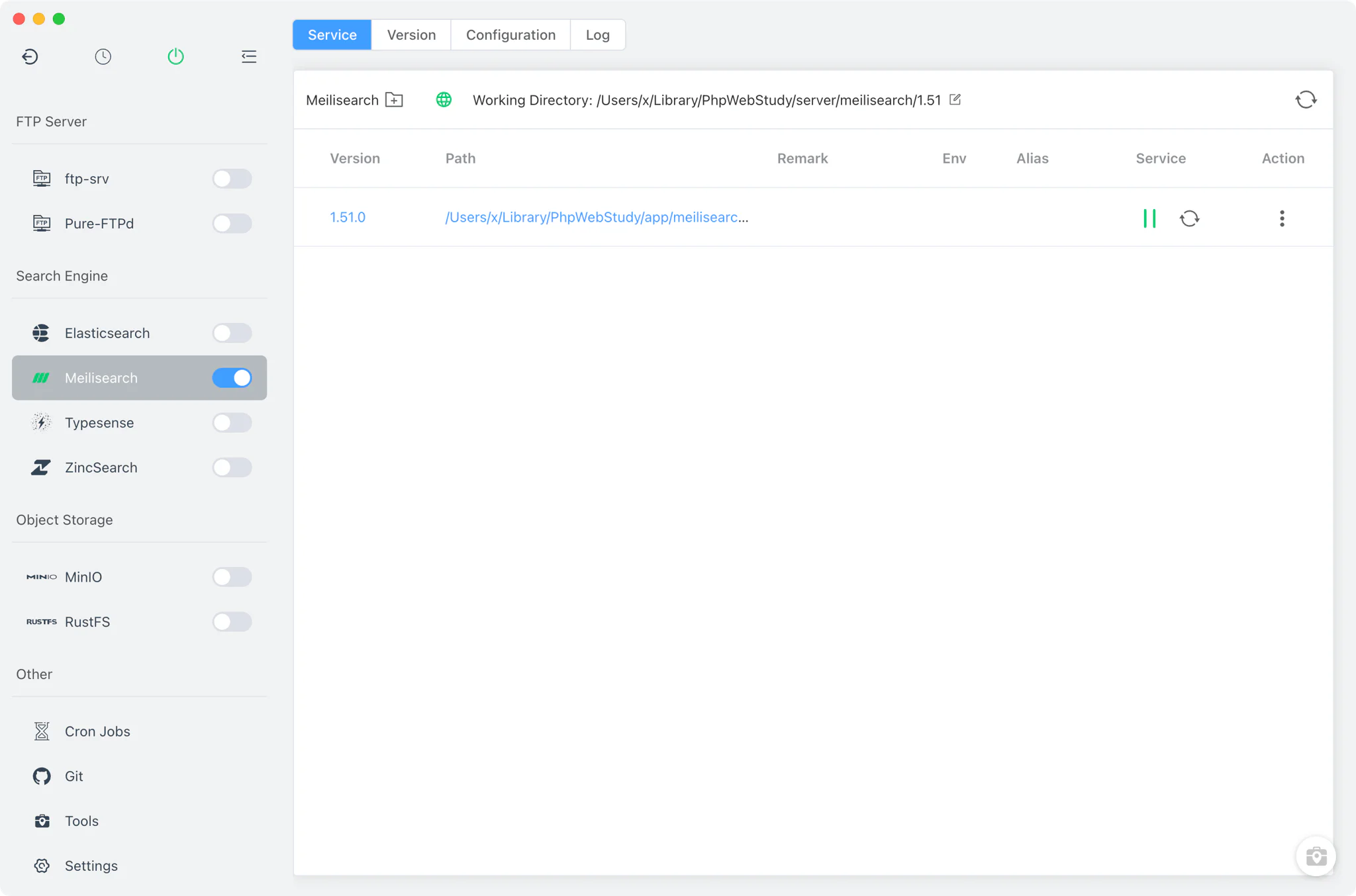
Version management
Install and keep multiple Meilisearch versions side by side from Meilisearch → Version Manager, and choose which one the service runs.
- Install sources per platform: Static builds and Homebrew (
meilisearch) on macOS and Linux; on Windows a staticmeilisearch.exedownload that FlyEnv copies into place and verifies by running--version. - Custom versions: add any directory containing your own Meilisearch binary; FlyEnv scans it and lists those builds next to the managed versions.
- Per-version working directory: the Service tab carries an editable working-directory field for each version, defaulting to
<BaseDir>/meilisearch/<major.minor>, so different versions keep their data apart.
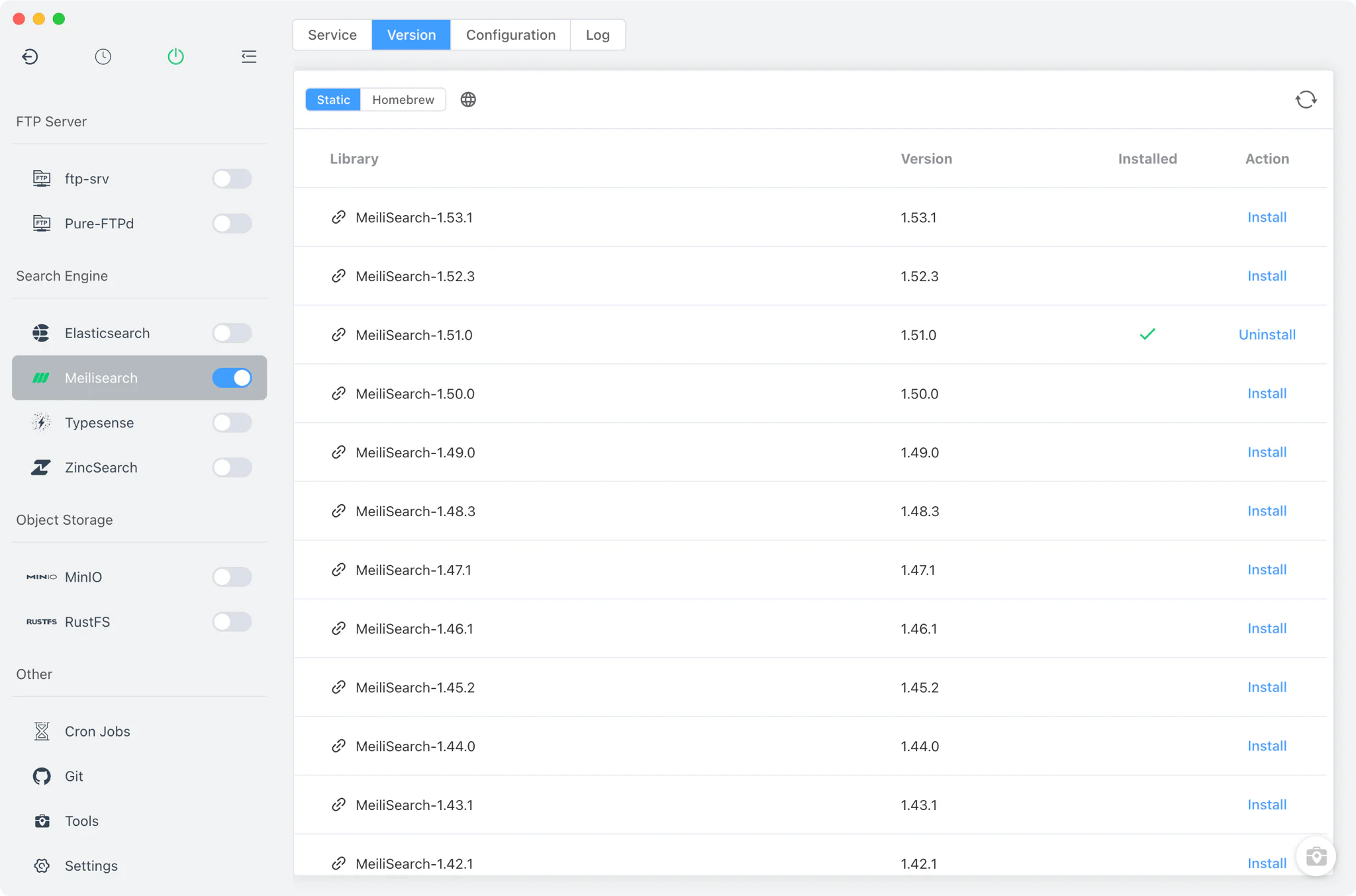
Service and configuration
FlyEnv starts the service as meilisearch --config-file-path <BaseDir>/meilisearch/meilisearch.toml with the version's working directory as its process directory. The shipped template defaults to http_addr = "localhost:7700", db_path = "./data.ms" and env = "development".
The Config File tab edits meilisearch.toml (with meilisearch.default.toml kept alongside as the factory reference) in two ways:
- Visual form: roughly 30 settings mapped to the TOML file —
db_path,env,http_addr,master_key, SSL options, dumps and snapshots,log_level, metrics and more — adjustable without editing the file by hand. - Raw editor: switch to the full source view for anything the form does not cover.
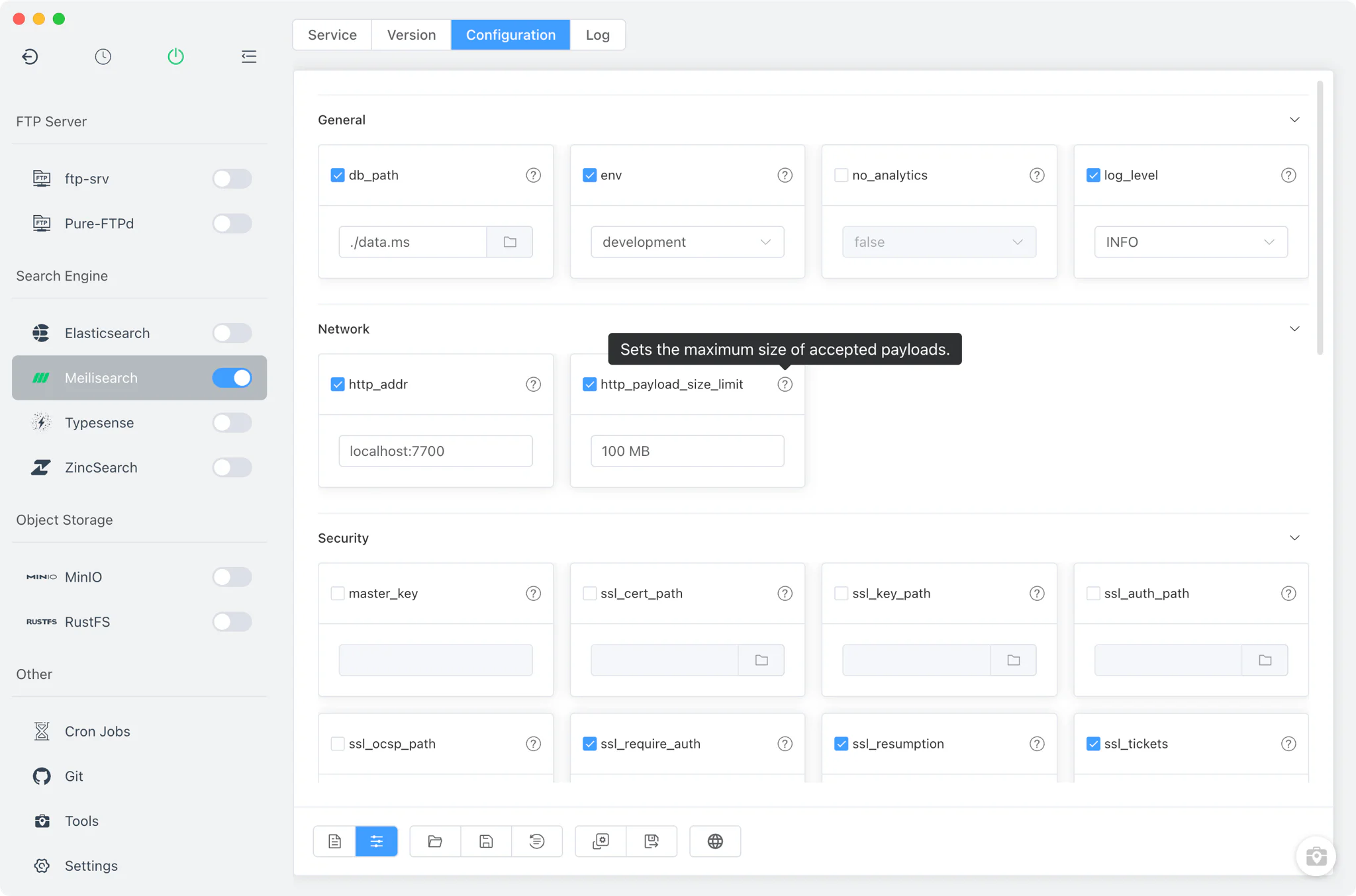
Dashboard (7700)
When the service is running, the Service tab shows a web-UI button that opens the Meilisearch dashboard in your browser at http://127.0.0.1:<port from meilisearch.toml>/ — 7700 by default. The dashboard is Meilisearch's own built-in interface for trying search requests against your local indexes, so you can verify indexing and query behavior without wiring up an application first.

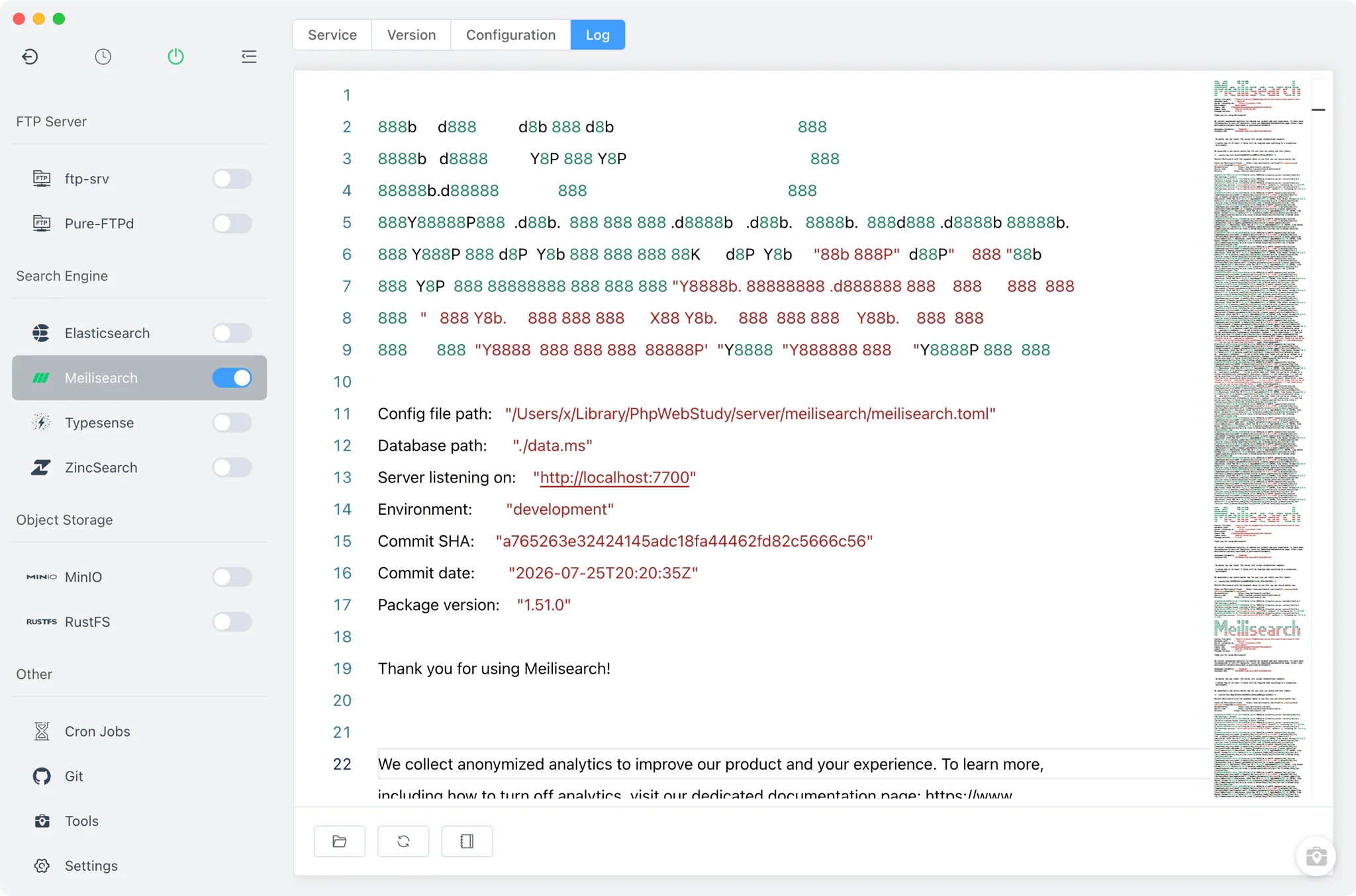
Logs
The Log tab opens the per-version start logs directly inside FlyEnv. The start-error log (meilisearch-<version>-start-error.log) is the first stop when a version fails to launch — for example when the port in meilisearch.toml is already taken — and the start output is captured alongside it.
Related guides, solutions and demos
Continue with a practical guide, solution, demo, or community perspective.
Compatibility Notes
FlyEnv manages the local Meilisearch runtime, its meilisearch.toml and its per-version working directories; it does not guarantee that every Meilisearch version is available on every operating system or install source. Static and Homebrew sources are offered on macOS and Linux, while Windows uses the static download only. Note also that Meilisearch uses one shared meilisearch.toml across all installed versions — unlike modules such as Redis, which keep per-major-version config files — so config changes apply to whichever version you run. Treat the in-app version list and the Download page as the source of truth for what can be installed on your machine, and see the demos for the module in action.