SamWaf in FlyEnv
SamWaf adds a web application firewall to your local development workspace. It sits in front of a website as a reverse proxy, inspects incoming requests and applies the protection rules you configure. Use it alongside your local web server to try website protection and inspect traffic before taking the same ideas into a deployed environment.
The FlyEnv plugin brings SamWaf's version management, service controls, configuration file and runtime logs into one module. Website registration, protection rules and request analysis live in SamWaf's own web administration panel.
Install SamWaf from Settings → Plugin Market, then open SamWaf in the sidebar. The plugin supports macOS, Windows and Linux; available runtime downloads depend on your operating system and architecture.
Install a runtime and start the firewall
Open Version Manager to download a SamWaf release for your computer. FlyEnv lists matching stable release packages from the upstream project, with GitHub as the primary source and Gitee as a fallback.
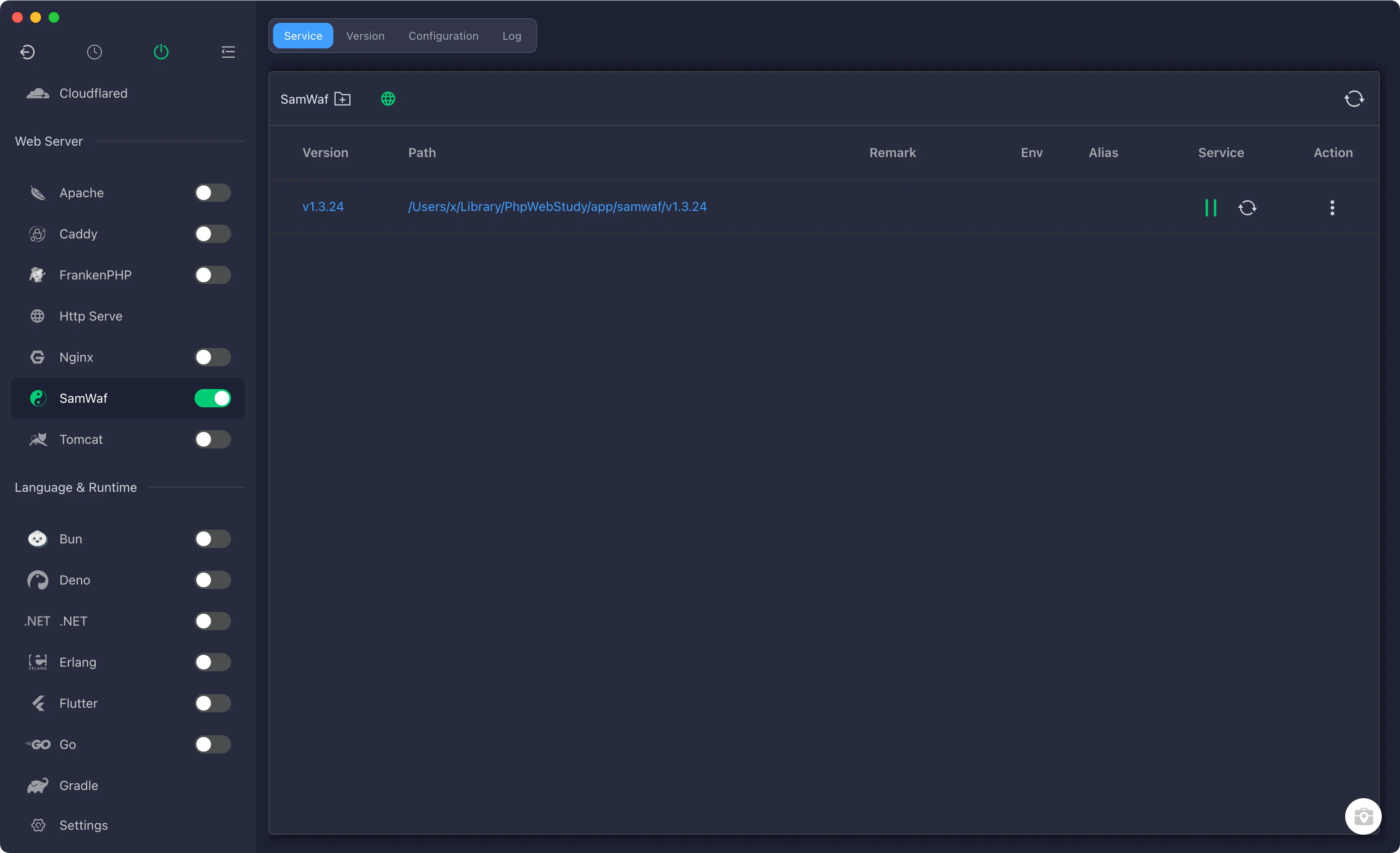
After installation, return to Service to select the installed version and start it. Use the same service view to stop or restart the firewall and check its running state. The plugin also exposes SamWaf through FlyEnv's tray service controls.
Each installed version has its own configuration, data and logs beneath its installation directory. Treat these as part of that installation when planning a version change; installing another binary does not migrate your website settings automatically.
Open the web administration panel
Once SamWaf is running, click the web panel icon in Service. FlyEnv reads the administration port from the selected version's configuration and opens the panel in your browser. The default address is http://127.0.0.1:26666.
On a fresh installation, SamWaf generates a random initial password for the admin account. FlyEnv displays it when you first open the panel. Sign in and change the password immediately. The initial credentials are also stored in data/initial_password.txt inside that version's installation directory.
FlyEnv's initial configuration restricts administration access to local loopback addresses. The administration port is separate from the HTTP or HTTPS ports you choose for protected websites.
Put SamWaf in front of a local site
In SamWaf's web panel, add the website you want to protect and point its upstream to your application's existing address. Incoming requests must reach the SamWaf listener first; creating a site in FlyEnv does not automatically route it through the firewall.
For example, a protected local hostname can send requests to SamWaf, which then forwards allowed traffic to a backend served by Nginx, Apache or Caddy on a different port. Keep the firewall listener and backend listener on separate addresses or ports to avoid conflicts and proxy loops. FlyEnv's Local Sites & HTTPS module manages the backend site's domain and web server settings.
Use SamWaf's panel to manage the website's protection rules and review requests. SamWaf includes SQL injection and XSS detection, IP allow and block lists, custom rules and protection logs. See the SamWaf documentation for its website and rule controls.
Edit configuration and inspect logs
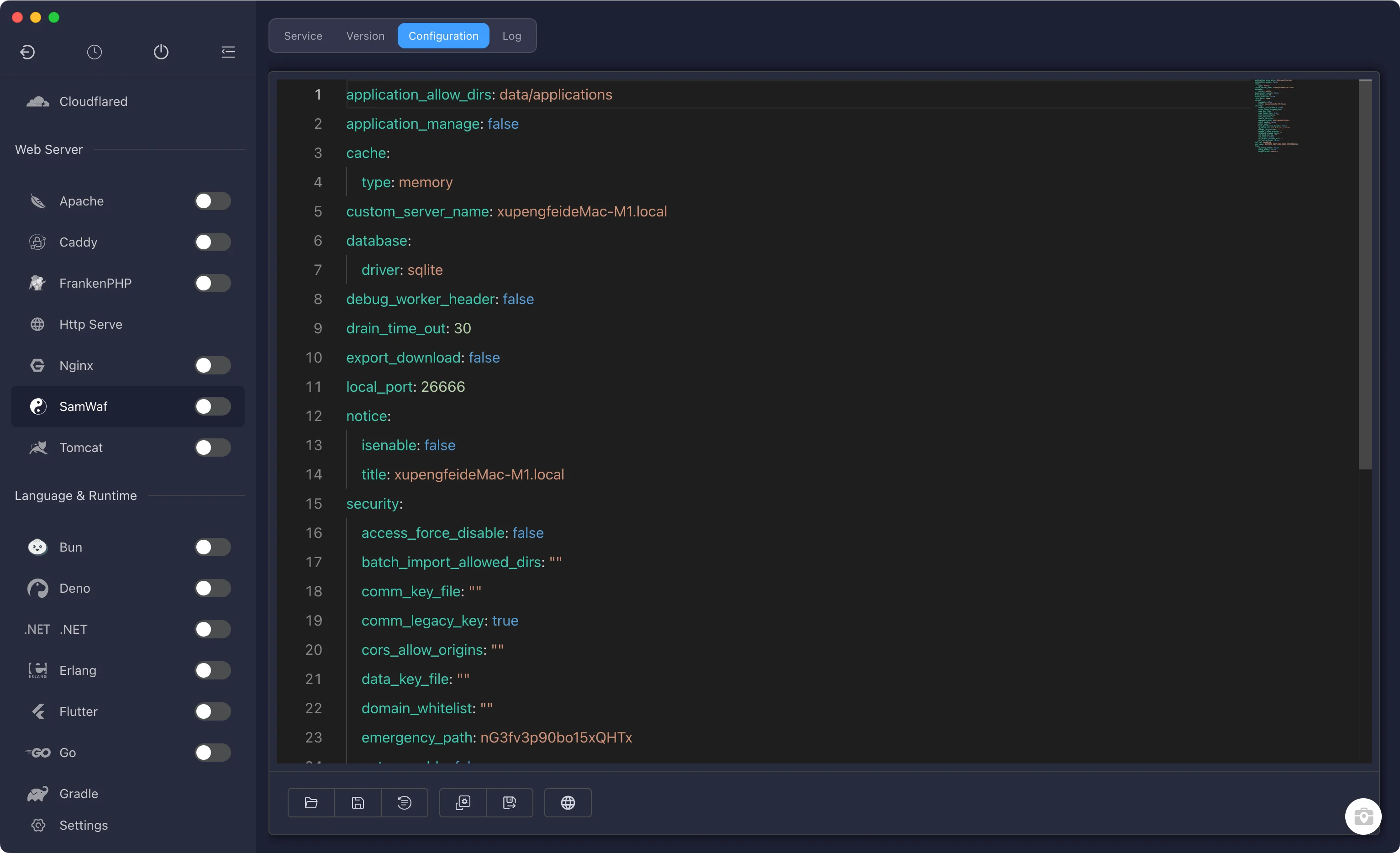
The Configuration File tab opens the selected version's conf/config.yml in FlyEnv's YAML editor. This file includes the administration port (local_port), administration IP allow list, database, cache and logging settings. FlyEnv creates an initial configuration when needed and keeps an existing file intact.
The initial configuration uses SQLite and an in-memory cache, so you can start without a separate database or cache service. Website-specific settings remain in SamWaf's panel.
Open Log to inspect the runtime log. If the main log has not been created, the view falls back to startup output or startup errors. Use these logs when a version fails to start or the panel cannot be reached; use SamWaf's web panel for website request and protection records.
Return to the Plugin Market to update the FlyEnv integration, or browse the features overview for other optional modules.