PHP Extensions Install
macOS & Linux
FlyEnv provides quick installation of php extensions


You can also use the pecl command to install php extensions
Click or copy the path. cd to the path in the terminal

Install php xdebug extension
sh
./bin/pecl install xdebug
Windows
The extension panel provides quick installation on Windows:
- Online library: search the extension catalog (powered by Packagist) and install with one click. FlyEnv downloads PIE, the official PHP extension installer, and uses it to install the extension for your exact PHP version, so version matching is handled automatically. The PIE download requires x64 Windows.
- Bundled extensions: the extension folder contains most common extensions by default. PHP does not enable them automatically — enable or disable them directly in the panel and FlyEnv updates
php.inifor you.
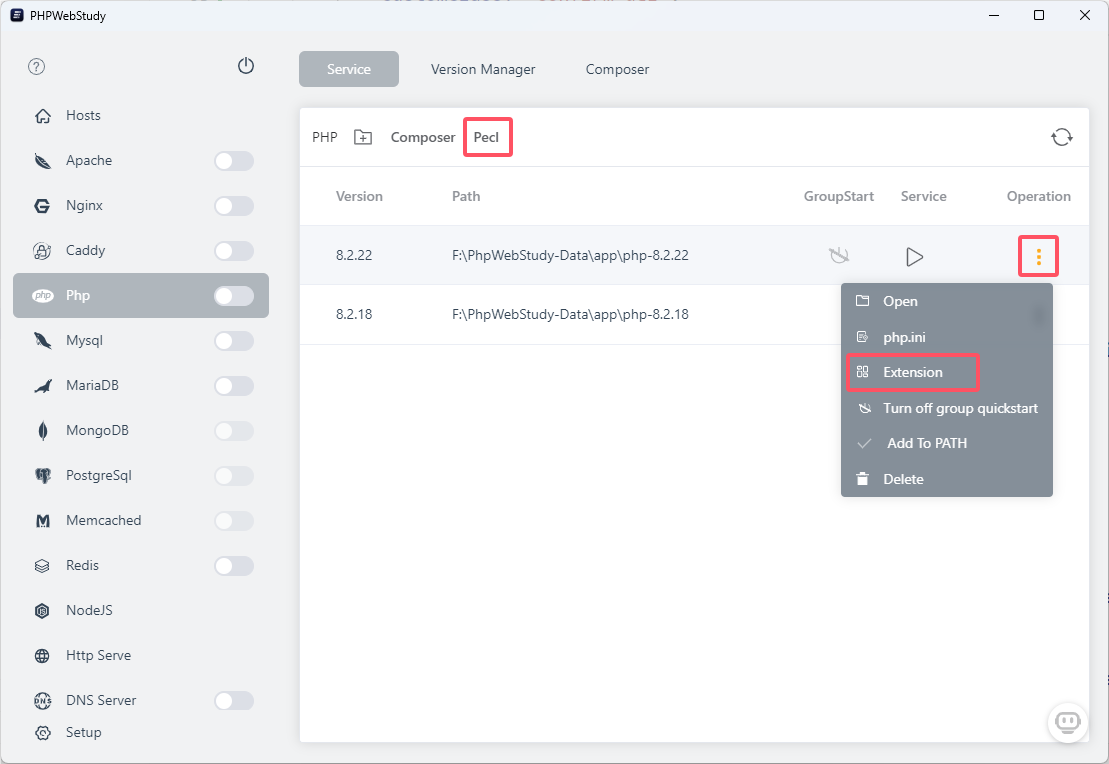
You can also install an extension manually: download the .dll file from https://pecl.php.net/packages.php and put it in the PHP extension folder.