Site files
Add or import an existing site

CMS solution
Build, import, and manage WordPress sites with the PHP version, extensions, database, web server, local domain, and HTTPS each site needs.
WordPress is site-centric: the files, document root, PHP runtime, database, and local URL need to stay aligned. FlyEnv keeps PHP versions and extensions attached to each project.
Add or import an existing site
Choose the version per project
Inspect and install extensions visually
Manage content and settings locally
Serve permalinks and local rewrites
Test cookies, redirects, and webhooks
Enable object cache or theme tooling only when needed
Keep client sites, plugin work, and theme development separate without rebuilding the local stack each time.
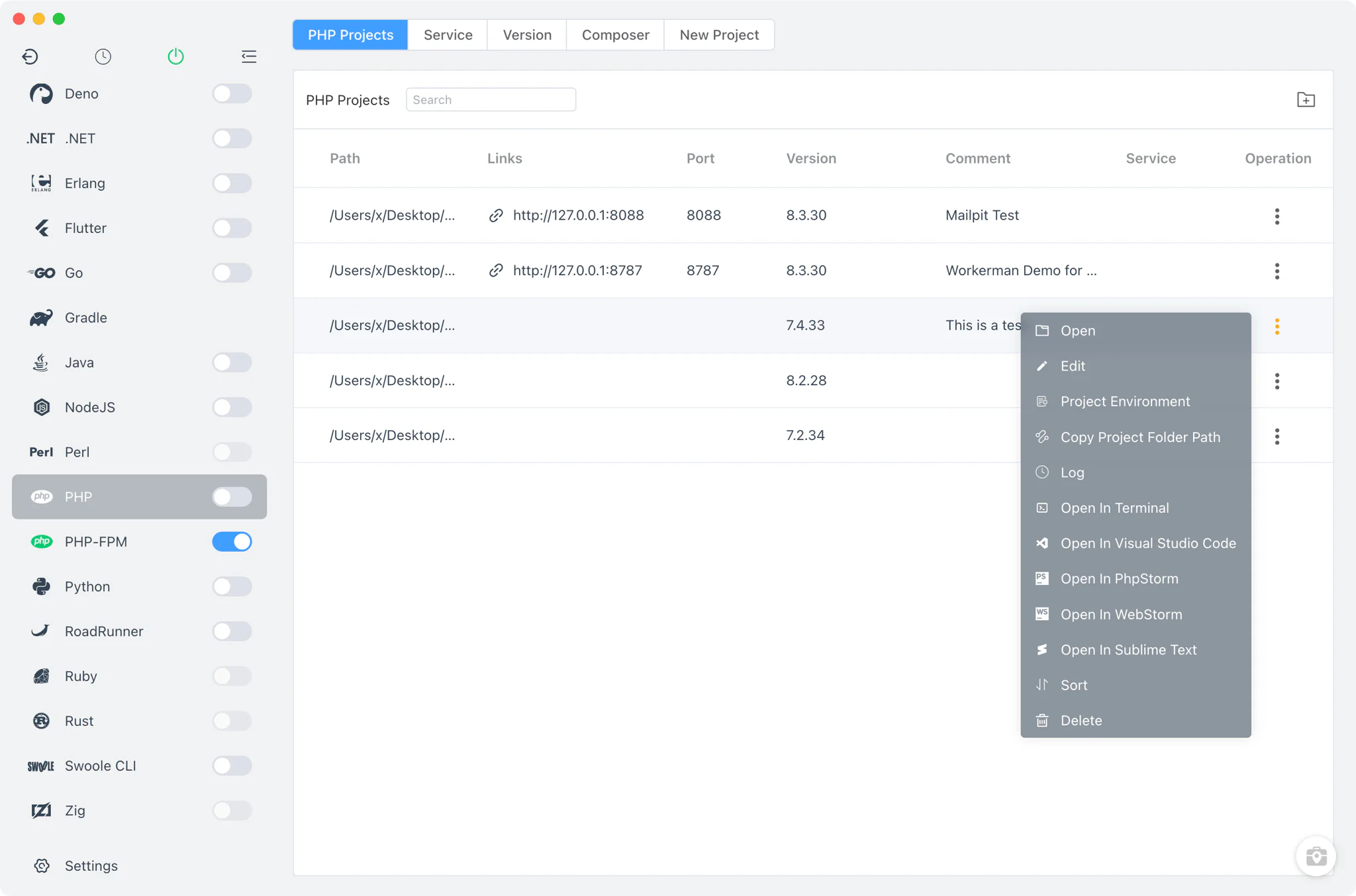
Keep plugin and theme compatibility tied to the project runtime.
Manage MySQL or MariaDB without mixing client data between projects.
Reduce accidental exposure by making the served WordPress directory explicit.
Test redirects, cookies, OAuth callbacks, and secure browser features locally.
Move from project files to a working local site: choose the runtime, connect the database, set the served root, and develop themes or plugins on a real local URL.
Start from a new project or an existing site directory.
Match the runtime to the plugins and themes.
Attach the database that holds site content.
Keep wp-config.php and wp-content/ in the served directory.
Use client-site.test with a trusted certificate.
Develop themes and plugins within wp-content/themes and wp-content/plugins.
Optional supporting services
Optional object cache for sites whose caching setup uses Redis.

Add for theme or block tooling that requires a build step.
A more predictable local workflow for sites that depend on PHP, content files, databases, and browser-facing URLs.
Use a compatible PHP version for legacy plugins, modern block themes, or a client site.
Legacy site → PHP 7.4 · Modern site → PHP 8.2+
Check the PHP extensions a site needs before a plugin or import fails.
PHP → Extensions → verify before debugging
Keep the database engine close to the project instead of sharing one opaque stack.
Use the engine your site expects
Give every WordPress site an explicit directory and local URL.
Test login cookies, redirects, payment callbacks, and embedded content on a trusted domain.
https://client-site.test
Use a Startup Group when a site needs PHP, its database, Redis, or frontend tooling at the same time.
Use FlyEnv for a fresh site, an existing client project, or a theme and plugin workspace you already have.
Different setups solve different problems. Here is what changes when WordPress runs in a manual stack, containers, or FlyEnv.
| Feature | Manual local stack | Container workflow | FlyEnv |
|---|---|---|---|
| PHP version isolation | Manual switching | Defined in container config | Per-project runtime selection |
| PHP extensions | Edit php.ini by hand | Rebuild image or config | Visual extension management |
| Multiple sites | Manual virtual hosts | One stack per project | Managed local sites in one workspace |
| Database lifecycle | Separate server setup | Container service | MySQL or MariaDB modules |
| Local HTTPS | Manual certificates | Proxy-specific setup | Trusted local domains and HTTPS |
Common questions about using FlyEnv for local WordPress sites.
Yes. FlyEnv lets each project or local site use the PHP version it needs, which is useful when older plugins or themes are not ready for a newer runtime.
Yes. FlyEnv provides both database modules. Choose the engine that matches the site or the environment you want to reproduce locally.
Point the site at the directory that contains the WordPress files and wp-config.php. Keep the served root explicit so private project files are not exposed accidentally.
No. Redis is optional and is useful when the site or its caching setup uses object caching. Start it only for the projects that need it.
Yes. Add Node.js when the selected theme, block, or frontend tooling requires a build step. WordPress itself does not need Node.js to serve requests.
Yes. Keep their directories, PHP versions, databases, local domains, and optional services separate while managing them from one workspace.
Run the site runtime, database, local domain, and HTTPS in one workspace.